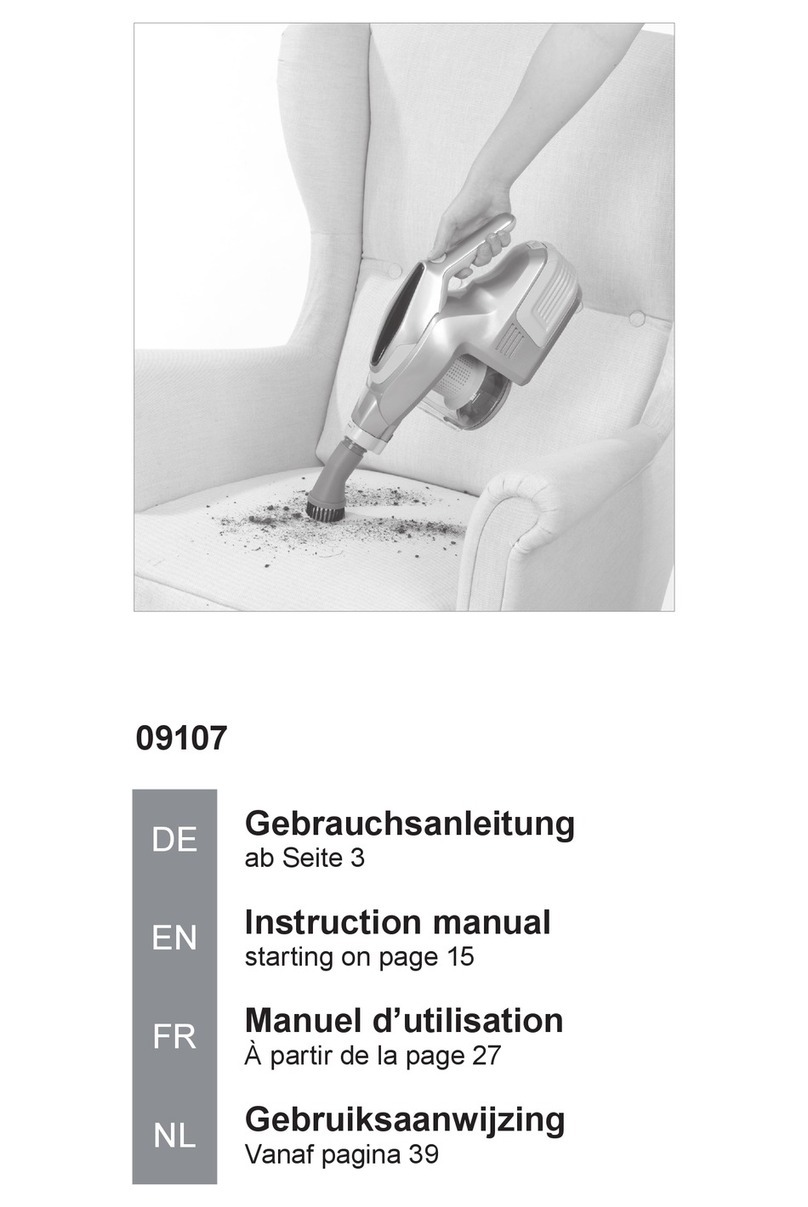
Gtech AirFOX Platinum AF01 User manual

OPERATING MANUAL
Model: AF01
5615_AirFOX_manual_aw.indd 15615_AirFOX_manual_aw.indd 1 09/10/2023 09:4609/10/2023 09:46

2
IMPORTANT SAFEGUARDS:
IMPORTANT: READ ALL INSTRUCTIONS BEFORE USE.
RETAIN INSTRUCTIONS FOR FUTURE REFERENCE.
Do not use in rain or leave outdoors whilst raining.
WARNING: Basic safety precautions should always be observed when
using an electrical appliance, including the following to reduce the risk of fire,
electrical shock, or injury:
Personal Safety:
• Store indoors in a dry place out of the
reach of children.
• Always use responsibly. This appliance
can be used by children aged from 8 years
and above and persons with reduced
physical, sensory or mental capabilities or
lack of experience and knowledge if they
have been given supervision or instruction
concerning use of the appliance in a safe
way and understand the hazards involved.
• Don’t let children play with the appliance;
supervise children using or maintaining
the appliance.
• Use only manufacturer’s recommended
attachments as described in this
manual; misuse or use of any accessory
or attachment other than those
recommended, may present a risk of
personal injury.
• Take extra care when cleaning stairs.
• Keep the appliance and accessories away
from hot surfaces.
• Do not block the appliances openings
or hinder air flow; keep openings free of
any objects including dust, lint, clothing,
fingers (and all parts of the body).
• Particularly keep hair away from the brush
bar and other moving parts.
Electrical safety:
• Only use batteries and chargers supplied
by Gtech.
• Never modify the charger in any way.
• The charger has been designed for a
specific voltage. Always check that the
mains voltage is the same as that stated on
the rating plate.
• A charger that is suitable for one type of
battery pack may create a risk of fire when
used with another battery pack; never
use the charger with another appliance
or attempt to charge this product with
another charger.
• Before use, check the charger cord for
signs of damage or ageing. A damaged or
entangled charger cord increases the risk
of fire and electric shock.
• Do not abuse the charger cord.
• Never carry the charger by the cord.
• Do not pull the cord to disconnect from a
socket; grasp the plug and pull to disconnect.
• Don’t wrap the cord around the charger
when storing.
• Keep the charger cord away from hot
surfaces and sharp edges.
• The supply cord cannot be replaced. If the
cord is damaged the charger should be
discarded and replaced.
• Do not handle the charger or the
appliance with wet hands.
• Do not store or charge the appliance
outdoors.
• The charger must be removed from the
socket before removing the battery,
cleaning or maintaining the appliance.
• Ensure the appliance is off before connecting
or disconnecting the motorised brush bar.
Battery safety:
• This appliance includes Li-Ion batteries; do
not incinerate batteries or expose to
high temperatures, as they may explode.
• Liquid ejected from the battery may cause
irritation or burns.
• In an emergency situation contact
professional help immediately!
• Leaks from the battery cells can occur
5615_AirFOX_manual_aw.indd 25615_AirFOX_manual_aw.indd 2 09/10/2023 09:4609/10/2023 09:46

3
under extreme conditions. Do not touch
any liquid that leaks from the battery. If the
liquid gets on the skin wash immediately
with soap and water. If the liquid gets into
the eyes, flush them immediately with clean
water for a minimum of 10 minutes and seek
medical attention. Wear gloves to handle
the battery and dispose of immediately in
accordance with local regulations.
• Shorting the battery terminals may cause
burns or fire.
• When the battery pack is not in use, keep
it away from paper clips, coins, keys,
nails, screws or other small metal objects
that could make a connection from one
terminal to another.
• Store the battery away from any liquids
and chemicals that may damage the
battery and cause a risk of fire.
• Store the battery in clean, dry conditions,
within a recommended temperature range
of 0 - 25°C
• Do not store the battery in areas of high
temperature above 25°C. Do not store
near a source of heat or where exposed to
direct sunlight.
• When you dispose of the appliance remove
the battery and dispose of the battery safely
in accordance with local regulations.
Service:
• CAUTION – to reduce the risk of injury
from moving parts, remove battery before
servicing.
• Before using the appliance and aer any
impact, check for signs of wear or damage
and repair as necessary.
• Do not use the appliance if any part is
damaged or defective.
• Repairs should be carried out by a
service agent or a suitably qualified
person in accordance with relevant
safety regulations. Repairs by unqualified
persons could be dangerous.
• Never modify the appliance in any way as
this may increase the risk of personal injury.
• Only use replacement parts or accessories
provided or recommended by Gtech.
Intended use:
• This appliance has been designed for
domestic dry vacuum cleaning only.
• Do not pick up liquids or use on wet surfaces.
• Do not pick up anything that is flammable,
burning or smoking.
• Use only as described in this manual.
• Don’t use on concrete, tarmacadam
or other rough surfaces.
• The brush bar may damage certain floor
surfaces. Before vacuuming flooring, rugs or
carpets, check the flooring manufacturer’s
recommended cleaning instructions.
• The product may damage delicate fabrics or
upholstery. Care should be taken on loose-
weave carpets and coverings or where there
are loose threads. It is advised to test on an
inconspicuous area first before use.
• The product has been designed to clean
a wide variety of floor surfaces without the
need to change settings. However some
surfaces such as delicate loose-pile rugs or
carpets, tasselled rug edges or damaged
carpets with exposed threads are not
suitable for cleaning with a rotary brush.
• The product has a constantly rotating
brush bar. Never leave the cleaning head
in one spot for an extended period of time
as this may damage the floor surface.
• Particularly for hard flooring, before
vacuuming check the area being cleaned is
free of any hard debris or objects that could
damage the flooring if caught underneath
the product, and that the underside of the
product is free from foreign objects that
could mark the surface.
WARNING:
• Do not use water, solvents, or polishes to
clean the outside of the appliance; wipe
clean with a dry cloth.
• Never immerse the unit in water and do
not clean in a dish washer.
• Never use the appliance without the
filter fitted.
• Ensure the battery is removed before
changing tools.
• For household use only.
5615_AirFOX_manual_aw.indd 35615_AirFOX_manual_aw.indd 3 09/10/2023 09:4609/10/2023 09:46

4
Nick Grey – Inventor, owner of Gtech
Thank you for choosing Gtech
“Welcome to the Gtech family. I started Gtech to create sensible, easy
to use products that do a great job, and hope you get many years of
trouble-free performance from your new product.”
What’s in the box
Power floor head Hose
Wall mount
(3 pieces)
wall plugs
and screws
Hair removal
Tool
4
4
9
11
12
12
11
9
Battery Upholstery tool
2 7
AirFOX vacuum cleaner Brush tool
1 6
Crevice tool Charger
510
Power brush Extension tube
3 8
Make a note of your product serial number code for future reference._ - _ _ - _ _ _ ~
_ _ _ _ _ ~
_ _ _ _ ~
_ _ ~ _ _ _ _ _ _ _ X-XX-XXX~
XXXXX~
WWYY~
00~0000000
1
5
8
2
37
6
10
5615_AirFOX_manual_aw.indd 45615_AirFOX_manual_aw.indd 4 09/10/2023 09:4609/10/2023 09:46

5
To assemble the AirFOX into floor cleaning mode, attach the Power floor head, extension
tube and battery to the main vacuum.
Assembly
Tool configurations
Pay attention to correctly align
the conectors.
The tools can be fitted in a variety of cominations whether powered, like the floor head and
power brush, or inert like the hose, brush tool, upholstery tool and crevice tool.
5615_AirFOX_manual_aw.indd 55615_AirFOX_manual_aw.indd 5 09/10/2023 09:4609/10/2023 09:46

6
For short bursts of cleaning: press and hold
the power button to switch on.
Release the button to switch off.
Operation
For continuous operation: press and hold the
power button to switch on; press the lock
button from either side.
Press the lock button in the opposite direction
to switch off.
Gently pull the Power Brush from the product
to remove. The battery should be removed
when changing attachments.
Press the latch and pull to dis-assemble the
tube and accessory connections.
Power head removal
1
2
5615_AirFOX_manual_aw.indd 65615_AirFOX_manual_aw.indd 6 09/10/2023 09:4609/10/2023 09:46

7
Power Mode
AUTO
MAX
ECO
%
AUTO
MAX
ECO
%
AUTO
MAX
ECO
%
The mode button changes the power of the
AirFOX. While the vacuum is running touch
the mode button to cycle through the three
settings.
ECO – reduced power, longest run time
Auto – adjusts to optimum power for the dust
load conditions
Max – high power, shortest run time
AUTO
MAX
ECO
%
Push forward to pick up larger pieces of
debris. Pulling the vacuum back towards
you activates the AirLOC and picks up finer
particles.
For above the floor cleaning, you can fit the
crevice tool or dusting brush for reachable
areas or fit the extension tube with an accessory
for high up cleaning.
Operation
5615_AirFOX_manual_aw.indd 75615_AirFOX_manual_aw.indd 7 09/10/2023 09:4609/10/2023 09:46

8
Engage the tube into the floor head when
parking in the upright position.
The handle will only remain upright if the
interlocking notch and gap are engaged.
“Parking” the AirFOX
2
Power brush
Like the power floor head, it can be attached
directly to the AirFOX or to the extension tube.
The small power brush is attached and
removed in the same way as the power floor
head.
1
5615_AirFOX_manual_aw.indd 85615_AirFOX_manual_aw.indd 8 09/10/2023 09:4609/10/2023 09:46

9
To remove the battery press the latch and pull
the battery to remove from product.
Removing the battery Battery state of charge
Battery charging
The display shows how much charge the
battery has.
AUTO
MAX
ECO
%
2
1
The battery can be charged on the unit, off the unit, or on the wall mount. The battery can also
be charged via the wall mount.
5615_AirFOX_manual_aw.indd 95615_AirFOX_manual_aw.indd 9 09/10/2023 09:4609/10/2023 09:46

10
Hold the product over a rubbish bin and
release the latch to empty the dirt. A gentle
tap each time you empty the bin will help
remove excess debris.
Emptying the bin
If on the unit the display will show the capacity
during charging.
AUTO
MAX
ECO
%
When charging the battery has a flashing
green light.
When fully charged the light will be
continuous green.
5615_AirFOX_manual_aw.indd 105615_AirFOX_manual_aw.indd 10 09/10/2023 09:4609/10/2023 09:46
Table of contents
Other Gtech Vacuum Cleaner manuals

Gtech
Gtech ATF049 User manual

Gtech
Gtech Multi Mk.2 User manual

Gtech
Gtech HyLite2 SCV300 User manual

Gtech
Gtech Pro2 ATF308 K9 User manual

Gtech
Gtech HV04 Operator's manual

Gtech
Gtech MULTI ATF036 User manual

Gtech
Gtech ProLite MM001 User manual

Gtech
Gtech AirRam AR20 User manual

Gtech
Gtech AR35 User manual

Gtech
Gtech Lithium Power Sweeper User manual

Gtech
Gtech AirRam K9 User manual

Gtech
Gtech AirRam AR34 User manual

Gtech
Gtech Advanced Power Sweeper User manual

Gtech
Gtech MULTI ATF001 User manual

Gtech
Gtech CY 01 User manual

Gtech
Gtech AirRam AR29 User manual

Gtech
Gtech POWER FLOOR ATF038 User manual

Gtech
Gtech AirRam K9 AR21 User manual

Gtech
Gtech Pro2 User manual

Gtech
Gtech Pro2 User manual