
FineDigital FineDrive 350 User manual

User Manual
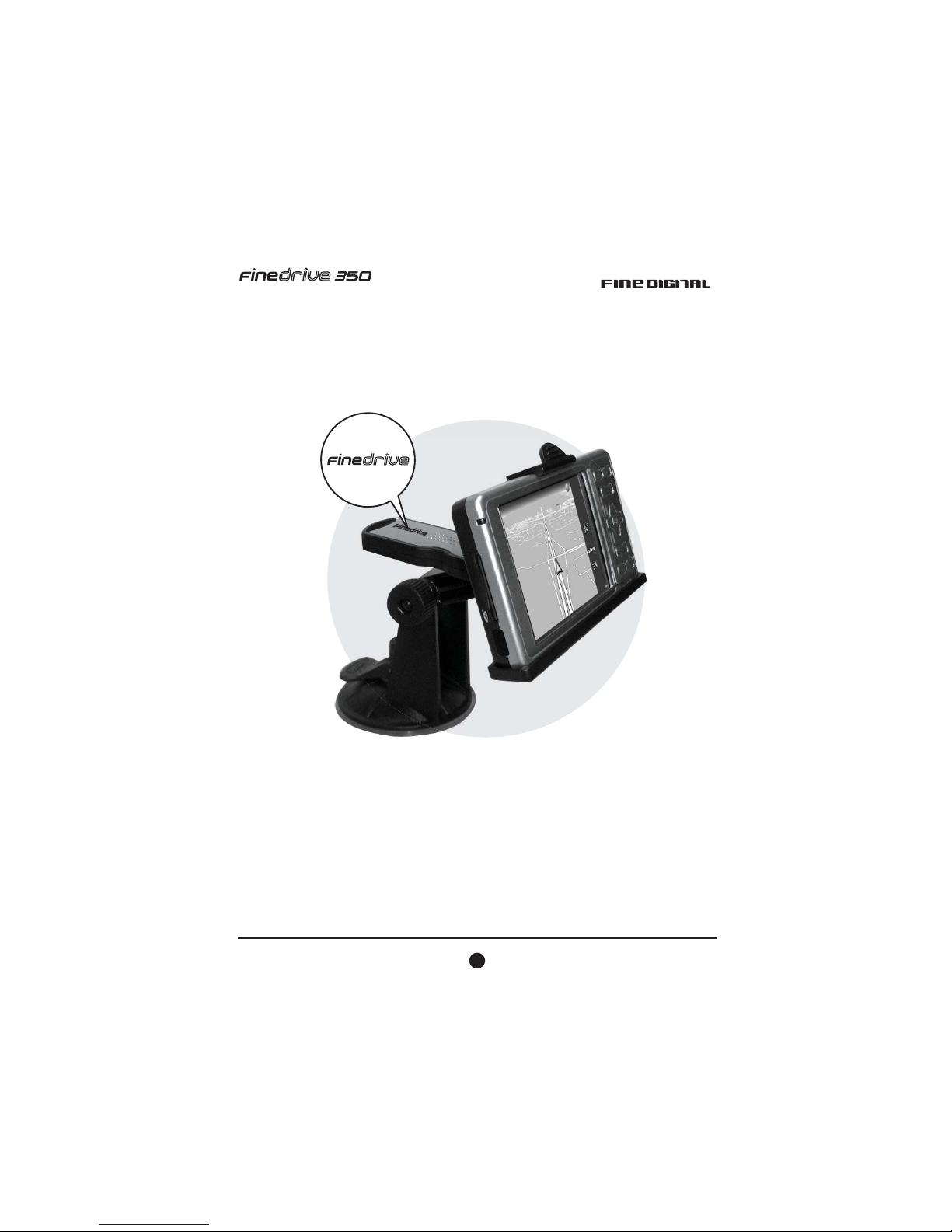
Warning!!
Please adjust the antenna so that the logo is facing the sky before
starting the Navigation system.
Please charge the device for at least 30 minutes with AC power
before use, when it is completely out of power over 3 days (or if you
are starting the device for the first time).
1
User Manual

Using the Stylus-Pen
Pulling out the Stylus-Pen
The stylus-pen is located in the upper right corner of the FineDrive 350. The stylus-pen
is pulled out by first pushing the end of the stylus-pen upward and then sliding it out
completely.
Placing the Stylus-Pen back in position
Aim the tip of the stylus-pen into the PDA stylus-pen holder, lightly push the stylus-pen
in until you hear the "click" sound.
2
User Manual

Start to Use FineDrive 350
(SD card is pre-inserted in FineDrive 350) Using SD Cards
To Insert a Card:
1. Insert the SD card with its contact surface (metal contact surface) facing the back of
the Finedrive 350 and the label facing up.
2. Gently press the card down until a clicking sound is heard.
To Remove a Card:
1. Lightly press in the card until a clicking sound is heard. The card will pop out
slightly from the slot.
2. Pull the card straight up to remove.
SD
SD
3
User Manual

How to Charge at Home
How to Charge in the Car
4
User Manual

How to use the antenna
The special design for FineDrive 350 can support
1. Antenna turns of 180 degrees.
2. The antenna may rotate 90 degrees.
Note: When navigation, position finding may take up to several minutes, depending from
different factors, like actual position of satellites, weather conditions, and others.
5
User Manual
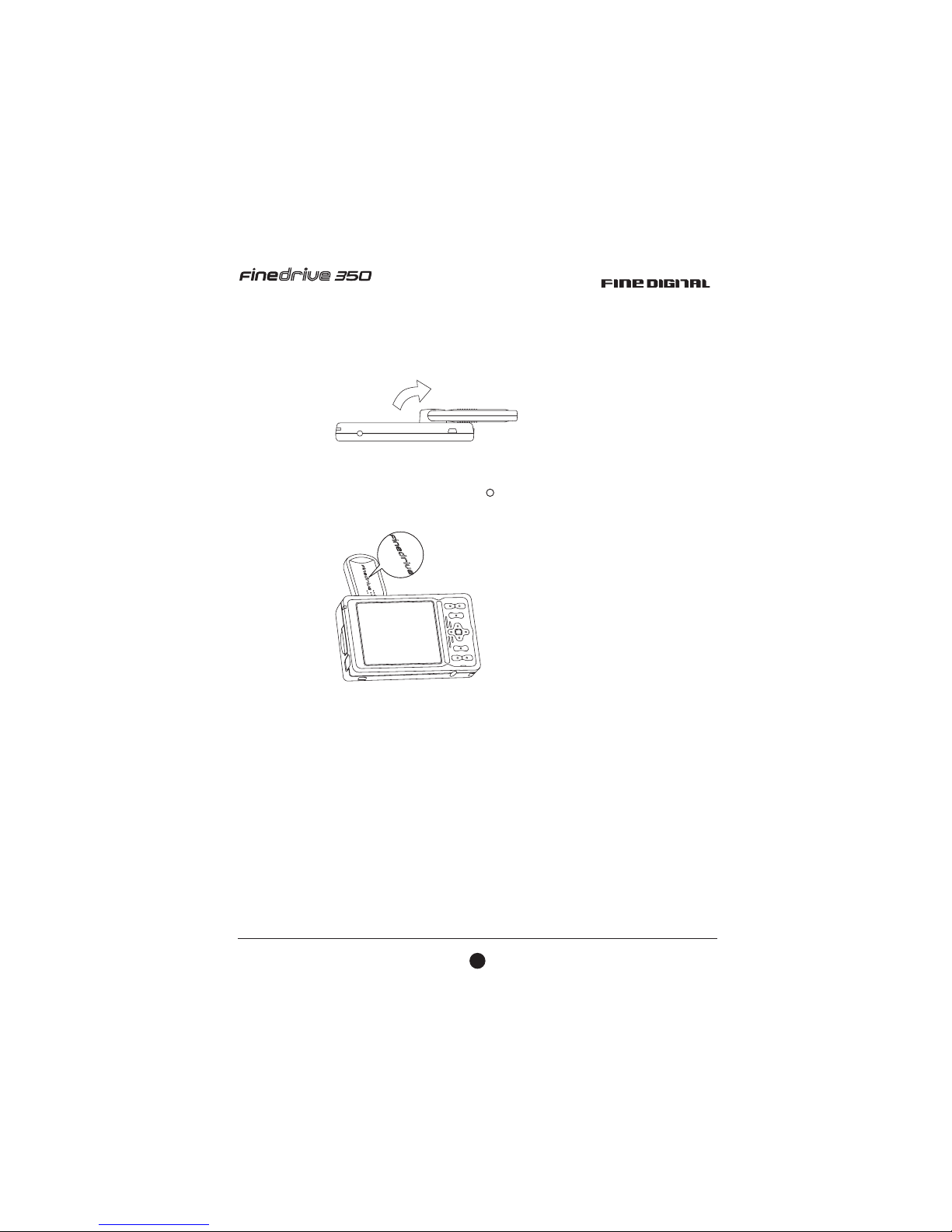
Navigation Mode
1. Open the antenna and turn it to one side.
2. Roll the antenna and adjust the FineDrive logo side to face the sky .
R
(nearly horizontal).
6
User Manual
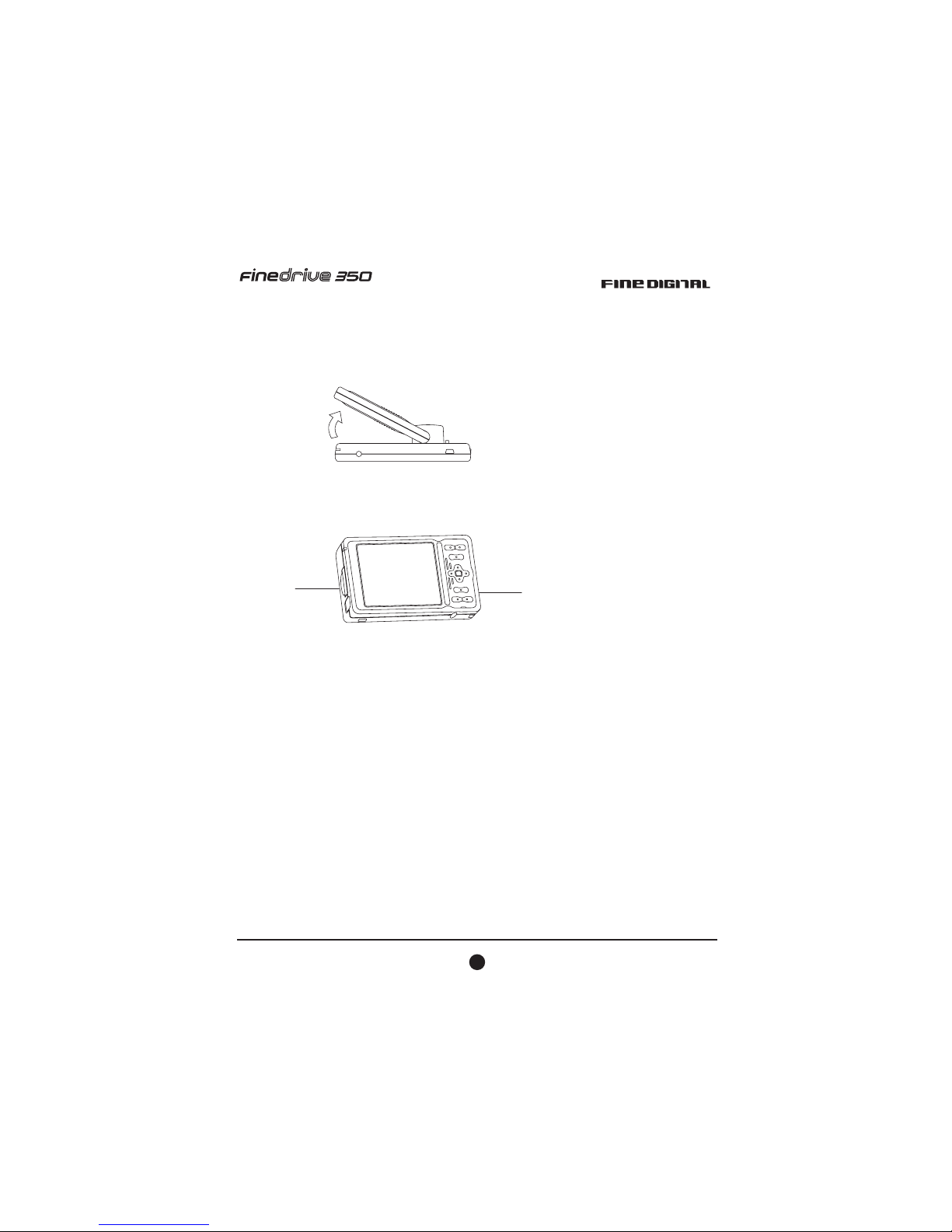
Photo Album Mode
1. Open the antenna to about 45 degrees.
2. Place the FineDrive 350 on the desk by using the antenna as a holding fixture.
7
User Manual

Install Car Holder
1. Setup base on the windshield, than push down the lever.
2. Fix the jacket (device-holder) on the base.
1
2
8
User Manual

3. Turn the antenna 180 degrees around.
4. Put the bottom side of the FineDrive 350 on the car holder and push the upper side to fix
it up.
Touch
9
User Manual
Table of contents
Other FineDigital GPS manuals





