
Filtrete 3M-50 User manual

PG 1
Operation Guide 3M-50
To turn your 3M-50 ON, press the MODE button on the right side.
This cycles the 3M-50 through HEAT, COOL, AUTO and OFF modes.
The 3M-50 programmable communicating
thermostat operates via a high-quality, easy-to-
use touch screen. To program or adjust your 3M-
50, simply touch your nger rmly to the screen.
The screen will automatically light up and you will
hear a “beep.” The screen will respond differently
to different types of touches, so you may want to
experiment by touching it different ways, nger,
ngernail, etc. Do not use a sharp or metallic
device; it will scratch the screen.
ENGLISH
Statement of use: 100% Compatible with all popular
residential HVAC systems; 24VAC single, two stage
conventional heating systems (gas/oil/electric), heat
pumps, single stage or with auxiliary heat (electric
or fossil), zoned forced air and zoned hot water (2
or 3 wire), millivolt systems (with a 12-24 AC or DC
source), one or two stage cooling, and hybrid systems.
Save
Energy
button
Power Grid
status
indicator
top cover
Touch screen
Wire
terminals
Mode
button
Fan
button
MENU
n
PROG
butto
Reset
button
HVAC
selection
switches
bottom
cover
DAY
F
LINK
RADIO
TARGET TEMP
1
COOL
AUTO
PM
n
butto
1005-011-001

PG 2
PG 2
Control Screens HOME Screen
Before you operate the 3M-50 please get familiar with these basic control screens. All the 3M-50
functions are accessed through these screens: HOME, MENU, PROGRAM and MANUAL. The 3M-
50 touch screen technology allows you to select (by touching) an item and change it using the +/-
arrows or the time arrows.
The simple HOME screen is
displayed when the unit is operating.
Touching the HOME icon on
another screen will always return
you to this screen.
To set a Mode:
Press the mode button on the side.
The 3M-50 will step through the
modes HEAT, OFF, COOL, OFF
and AUTO in order. The LCD shows
what mode you are in.
DAY
F
LINK
RADIO
TA RGET TEMP
1
COOL
AUTO
PM
Thermostat
Mode
Time
of Day
Current Room
Temperature
Chirp
Indicator
Radio
Indicator
Lock
Status
Fan
Status
Time
Slot
Target
Temperature
Day

PG 2
PG 2
PG 3
MENU Screen The MENU screen is the gateway to many functions or settings of the
3M-50. It is displayed when you press the MENU button. [See page 10 for details]
Set Day
Daylight Savings Time
Touch this area to set
the day of the week.
Set Time
Touch this area to set
the time of day.
Left arrow goes back,
right arrow goes forward.
Calibration control
Use this to calibrate your
LCD display match to
another thermometer.
Set
o
C -
o
F
Touch this
to set temp
display units.
Lock Program
Touch for 5 sec
to lock or unlock.
Filter Timer
set
Touch and hold
5 sec to change.
Chirp set
Touch this to turn the
audible chirp on or off.
Temperature
Swing set
Differential to set
for 2nd Stage start.
Return
to
HOME
screen.
HVAC SETUP
Touch this in OFF mode to
configure the unit to work with
your HVAC system.
DIFF
SWING
FILTER
F
HVAC
SETUP
CALIBRATE

PG 4
PG 4
PROGRAM Screen The PROGRAM screen sets the 3M-50 control for your
home HVAC system. Press and hold PROG for 10 sec to access it. After that it is displayed when you
press the PROG button. [See page 8 for details]
PROGRAM
MORN
F
COPY DAY
HEAT
AM
Set Program Day
Touch this area to set the day of the week
you want to program.
Set Time Slot
Touch this area to set the
Time Slot you want to program.
Copy
Touch this area to copy
current day’s program
to the next day.
Return HOME
When programming is complete
touch this to run your program and
return to the HOME screen.
Set Program Time
Touch this area to set the
time of day you want each
time period to start.
Left arrow goes back,
right arrow goes forward.
[Touch and hold for fast set.]
Temp Up / Temp Down
Touch these to raise and
lower each Target Temp.
[Touch and hold for fast set.]

PG 4
PG 4
PG 5
MANUAL Screen The Manual Screen control screen is where you can make
temporary changes to your 3M-50’s operation. From the Full HOME screen, touch the main
temperature display to use this screen. [See page 13 for details]
F
HOLD
EMER
HOLIDAY
HEAT
Target
Temperature
Room
Temperature
Return HOME
Temp Up / Temp Down arrows
Touch these to raise and lower
the manual override Target Temp.
HOLIDAY
Touch this to invoke a
single program that repeats day
after day until you turn it off.
Manual Override Indicator
Shows TEMPORARY when
you have modified the Target Temperature
EMER heat for
HEAT PUMP systems.
TEMPORARY
HOLD Touch this area to operate the thermostat as
a manual thermostat. It will keep the temperature
y
ou set until
y
ou chan
g
e it or cancel HOLD.

PG 6
PG 6
Simple HOME Screen Make this simple HOME screen the default
for your 3M-50, switch the mode to OFF and hold the PROG button for 12 seconds. This Simple
HOME screen gives you limited access to the 3M-50’s features, only the target temp can be changed.
[To return to the regular HOME screen switch the mode to OFF and hold the PROG button for 12
seconds.]
F
TA RGET TEMP
COOL
Thermostat
Mode
Current Room
Temperature
Target
Temperature

PG 6
PG 6
PG 7
Initial Settings
Press MENU to access the following commands (from HOME screen).
Set day of the week
Touch the Day of the week area to cycle through the days of the week to select the current day.
Set time of day
Touch the Time of Day arrows to move the time selection forward or backward until
it displays the current time. Touch and hold for faster setting.
Set oF-oC display
Touch the oF and it will toggle to oC.
Set audible chirp
Touch the musical note icon to select the chirp
or no chirp.
Return HOME by touching the home icon.
ForwardBackward

PG 8
PG 8
Auto-Run Program
The 3M-50 comes pre-programmed with an EPA approved program. This program is recommended
by the EPA for energy efciency. We strongly recommend that you Auto-Run this program for one
week and see if it works for you. If it does not t your needs, you can always input a custom program.
To run the EPA program, set the mode switch to HEAT or COOL.
Press the MENU button and use the arrows by the time display to set the time.
Touch the DAY area and advance it to select the present day.
Touch HOME. The unit is now running the program.t
All Days 70
o
F 62
o
F 70
o
6
2
o
F
MORN
6:00am
HEAT
DAY
8:00am
EVEN
6:00pm
NITE
10:00pm
All Days 78
o
F 85
o
F 78
o
F 82
o
F
MORN
6:00am
COOL
DAY
8:00am
EVEN
6:00pm
NITE
10:00pm
EPA
TO CHANGE THE PROGRAM:
Make sure the 3M-50 mode is set to either HEAT or COOL, then press the PROGRAM button. This
puts you at the PROGRAM screen [see page 4]. The programmed start time is displayed in the
upper left. The TIME SLOT icon indicates the active TIME SLOT in the default program [MORN, DAY,
EVEN, NITE]. The programmed Target Temperature is shown on main display.
The HEAT program and the COOL program are separate.
F

PG 8
PG 8
PG 9
PROGRAM cont.
Select the day you want to program.
The day of the week starts at SU - Sunday and can be advanced to the day you want to program.
Touch the day of the week area to cycle through the days of the week to the desired day.
Select the time slot (period) you want to program (MORN, DAY, EVEN, NITE).
Touch the time slot area to cycle through to the desired period.
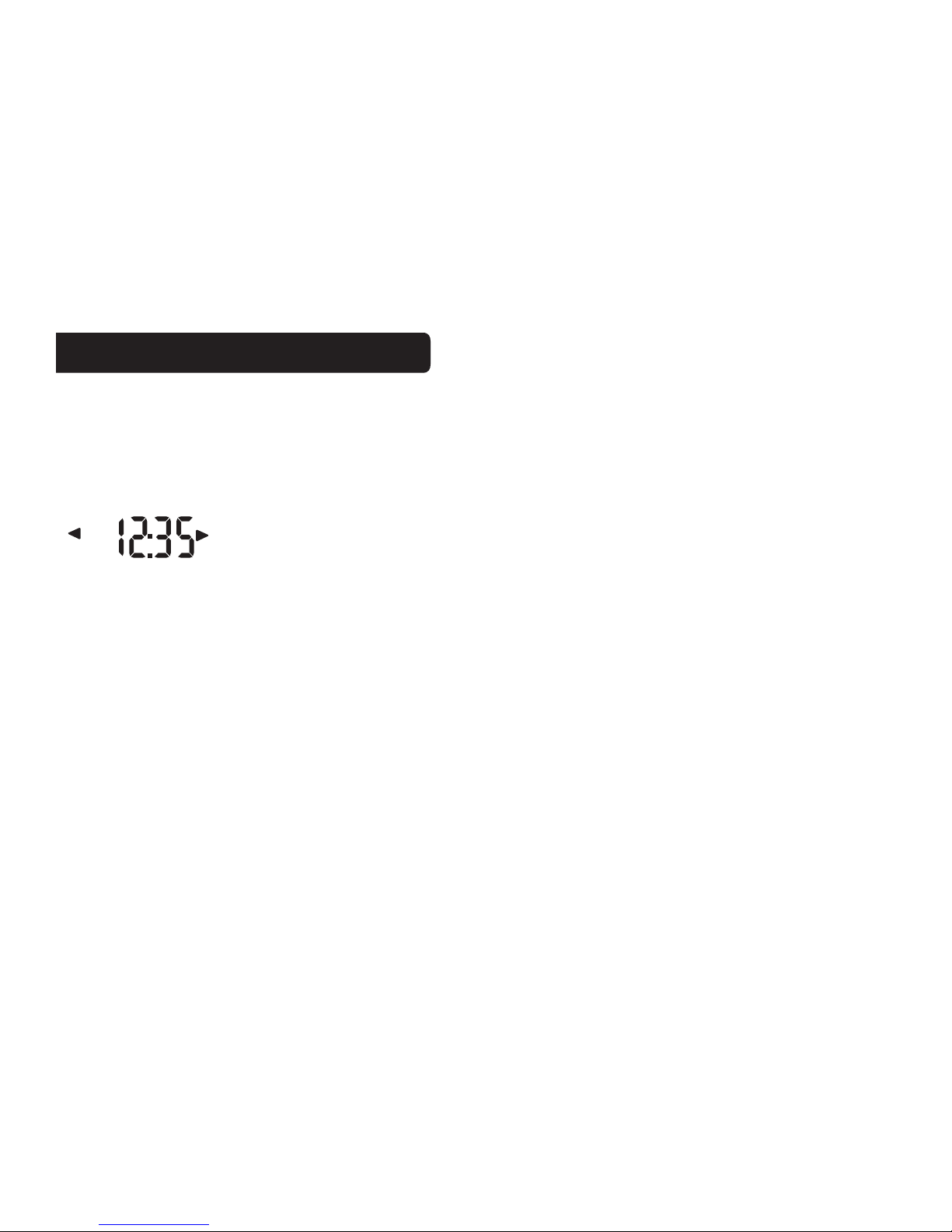
Select the desired start time of that time slot.
Touch the time arrows to select the desired period’s starting time. Hold arrow down for fast time
scrolling.
Select the desired target temperature for that time slot.
Touch the +/- arrows to select the desired period’s temperature.
To COPY one day’s programming to the next day, touch COPY DAY once. The information for the
current day will be copied to the next day which will appear on the screen. Holding down COPY for
over 3 seconds will copy to all 7 days.
Touch to return to the Home screen.
PG 10
PG 10
MENU Screen Functions
Press MENU to bring up MENU screen.
TIME of DAY
Touch the left (backward) or right (forward) arrows next to the time display to set the current time (1
minute per touch). Touch and hold the arrow for fast time set (15 minute jumps).
DST - Daylight Savings Time Correction
This function makes a 1 hour adjustment to the time from Standard Time to Daylight Savings Time.
Touch to turn on or off.
DAY of Week Touch DAY area to select present day.
SWING (HVAC cycling rate) This feature allows you to set the desired variance in temperature
between the 3M-50 setting and the room temperature required before the heating or cooling system
will turn on—from 0.5° to 2.0° F (.25° to 1° C). For example, if SWING is set to 2.0° F and the 3M-
50 is set to 70°F Target Temperature, the heat cycle will start when room temperature drops to 68°F.
Similarly, the cooling system will start when the room temperature increases to 72°F. The HVAC then
runs and will shut off at the Target Temperature.
To set SWING:
Touch SWING.
Touch the left/right arrows to set the SWING from 0.5° to 2.0°F.
The HVAC will run more frequently at .5°F and less at 2°F. Default is 1°F.
Other manuals for 3M-50
1
Table of contents
Other Filtrete Thermostat manuals


Popular Thermostat manuals by other brands


Saswell
Saswell SAS920XWHB-7-S-RF User manual and warranty card

Aircalo
Aircalo TFP1-ET85P2 operating manual

Honeywell
Honeywell CM721 user manual

Carrier
Carrier DEBONAIR 33CS Installation and operating instructions

Lennox
Lennox iHarmony Zone Thermostat Installation and setup guide

Gemtech
Gemtech GT7000 Operation


