
EZ-ON SHS-7020 User manual



1
Product Features
The door can be opened with a card.
The door can be opened with the card contained in the product
package.
SHS-7020 model accept MIFARE® 13.56MHz ISO14443A type card.
SHS-7120 is compatible with most HID Proximity 125KHz cards
(ProxCard®Ⅱ, ISOProx®Ⅱ, DuoProx®Ⅱ, Smart ISOProxⅡ™, Smart
DuoProx®Ⅱ, iCLASS® Prox 26bit up to 37bit).
The door can be opened with the password.
A password can be registered and used to open the door without the
key.
Anti-panic function can easily open the
locked door.
The locked door can be easily opened from inside by just rotating the
handle.
The door does not have to be locked
manually.
The door is automatically locked when it closes, eliminating the need to
lock it manually (excluded when the mode is set for Passage).
Pranks played by children and juveniles can
be prevented.
When an unregistered card or key tag is used, or when an invalid
password is entered 3 or more times consecutively, an alarm sound is
generated and power to the lock is automatically cut off for one minute.

2
Table of Contents
Product Features 1
Safety Cautions 4
Before Using the Product 7
Product Components................................................................... 7
Outdoor Unit Parts ...................................................................... 9
Indoor Unit Parts .......................................................................10
Replacing the Battery ................................................................ 11
Using the Emergency Battery ......................................................12
Using the Emergency Key...........................................................13
Basic Functions 14
Opening the Door from Outside with a Password or a Card ..............14
Opening the Door from Inside......................................................15
Program Function 16
User Group Management ............................................................16
Functional Setup or Release Summary..........................................17
Program Mode ..........................................................................18
Changing the Master Password (Code 10) .....................................19
Registering the User Password (Code 20) .................................... 20
Registering the Temporary Password (Code 30) ............................ 22
Registering the User Card (Code 40) ........................................... 23
User Code Activation/Deactivation/ Deletion (Code 50~55) ........... 25
Entrance Control Setup (Code 60~63)......................................... 26

3
Additional Functions 27
Setting up and Releasing the Passage Mode (Code 70/71) ..............27
Setting up Current Time .............................................................27
Setting up and Releasing the Random Security Function
(Code 90~95)...........................................................................28
Setting up and Releasing the Sound (Code 00~03)........................29
Warning Sound/Alarm Sound ..................................................... 30
PC Connection..........................................................................32
Initialization ..............................................................................32
Troubleshooting 33
User Code Registration Table 35
Product Specification 36
Product Warranty 39

4
Safety Cautions
This section contains important information to ensure the user’s safety and prevent
potential damage to property. Please read this section carefully and use the product
accordingly.
Warning, Caution and Note Explained:
Warning
Information given under this heading is information the user must be aware of to
prevent physical harm.
Caution
Information given under this heading is information the user must be aware of to
prevent service problems or system damage.
Note
Information given under this heading provides additional information relating to the
text in this manual..
Description of Symbols
General warning or caution
Prohibited activity
Recommended activity
5
Cautions during Installation
Cautions during Operation.
Do not use the excessive force or
sharp objects to push the doorlock
buttons, as this can damage the
product.
Make sure that no unauthorized
person has the access to the
password.
To minimize the risk of burglary, it is
recommended that you periodically
change the password.
Do not operate the product with
wet hands, and keep liquids such
as water or drinks away from the
product, or the product may
malfunction or be damaged.
Make sure that the door is
completely closed when going
outside.
The manufacturer does assume the
responsibility for any harm caused by
engagement of the lock on an improperly
closed door.
Do not install the product in the
place where the gap between
the door and the frame is 5mm
or more.
If the gap is too wide, the product may
not function properly.
The user shall not install or repair
the product without authorization.
The manufacturer does not assume the
responsibility for damage to the product
resulting from attempts to the user to
install or repair it without authorization.

6
Cautions during Installationnce
Cautions during Repair or Maintenance
Be sure to correctly match the
poles (+/-) when installing the
batteries. Install the batteries with
the correct poles (+/-).
Improperly installed batteries can cause
rupture or battery fluid leakage.
Replace all batteries immediately
after they run out of power, and
never mix new batteries with used
ones.
This can cause reduction of product life or
a malfunction in the product.
Do not use water, benzene or
alcohol when cleaning the product,
as these fluids can cause product
malfunction.
Use a soft and dry cloth instead.
Please do not hang on the product or pull it.
It can damage the product or cause its malfunction.
Replace the batteries within 1 week
after the battery replacement alarm
sounds.
The product can stop operating if the
batteries are not replaced in time.

7
Before Using the Product
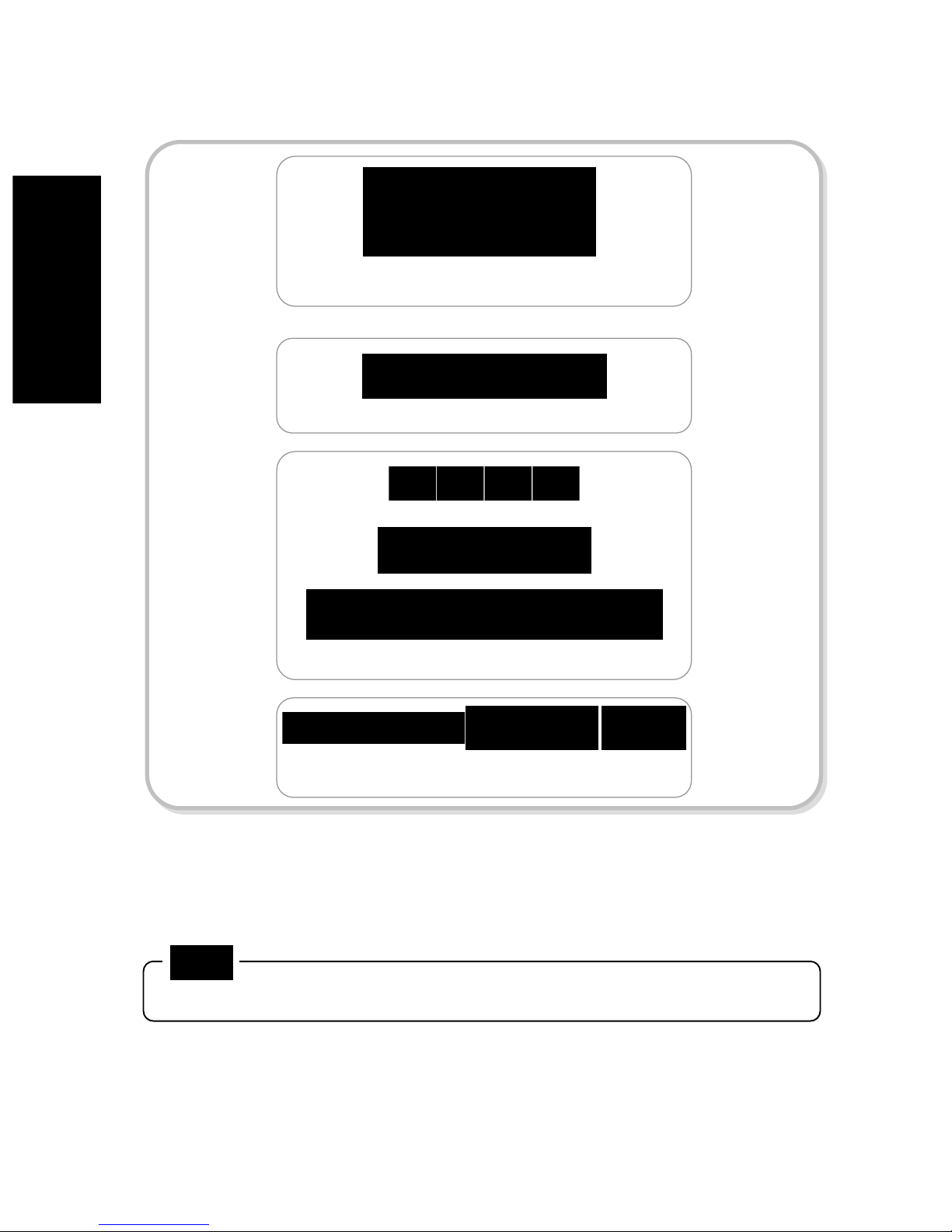
Product Components
Indoor Unit Outdoor Unit
Cylinder Strike Rose Latch Bolt
User/Installation
Manual 'AA' Batteries (LR6)
Cylinder
Retainer
Key Cylinder USB Cable
Access Mgmt.
Program CD
Emergency Key
Card
8
The product components to be used may vary depending on the installation environment.
Strike and Latch Bolts
Indoor Unit Fastening Bolts
Indoor/Outdoor Unit Fastening Bolts
Allen -Wrench
This manual suits for next models
1
Table of contents
Other EZ-ON Door Lock manuals


