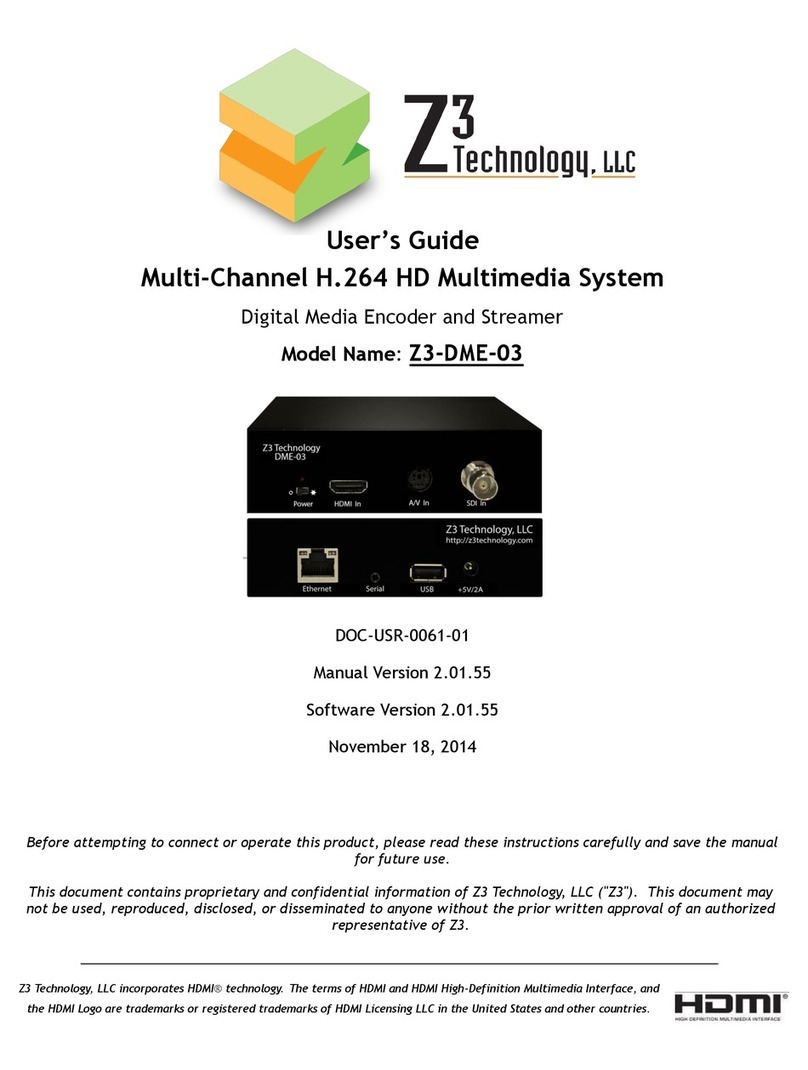
Digital Zone T7HDR User manual


UHD Stream Generator
User’s Manual
Contents
Getting Started
Summary
Important Safety Instructions
Guide to Parts and Controls
How to Use Top Buttons
Remote
Package and Accessories / Cautions
Connecting Cable
PLAYLIST Menu
How to Playback Files
How to Change Resolution
UPDATE
PLAY
UPDATE Menu
How to Update Contents by USB
SETTINGS
SETTINGS Menu
How to Update Firmware Manually
01
02
5
6
7
8
9
11
12
14
15
16
17
18
19

UHD Stream Generator
User’s Manual
Contents
Features
ETC
PLAY
UPDATE
SETTINGS
Troubleshooting
Specifications
Safety Instruction
Loop Play with One File
Loop Play with Multiple Files
Changing PLAYLIST Order and Selecting File(s)
Selecting File(s)
Managing PLAYLIST Number
Deleting File(s) and Checking File Information
Contents Update by USB Automatically
See Update Progress Status
Sub Folder
Deleting File(s) From System
VIDEO
Settings VIDEO
SYSTEM
Time Zone
Setting DATE & TIME
How to Reserve Power ON/OFF Time
Setting Key Lock
03
04
21
22
23
24
25
26
27
28
29
30
39
41
43
31
32
34
34
35
36
37

Summary
01
PLAYLIST Menu
How to Playback Files
How to Change Resolution
UPDATE
PLAY
UPDATE Menu
How to Update Contents by USB
SETTINGS
SETTINGS Menu
How to Update Firmware Manually
5
6
7
8
9
11
12

01. Summary
5
PLAYLIST Menu
PLAY
Image Preview
Current Selected
File Information
Current Video
Output Resolution
Page Information of
Current Selected List
PLAYLIST
Number
Contents List
To select all contents activate / deactivate contents
PLAYLIST is frequently used menu, please read carefully before using the device.
Press [LIST] button.
Playlist 9 Playlist 1Default
Date
Size
Video
Audio
Bitrate
2015-01-24
496MB
AVC/4K29.97p
AC-3/2Ch
80Mbps
Resolution
Page : 1 / 5
2160p30
1
2
3
4
5
6
7
8
9
10
Digital-01.m2ts
Digital-02.m2ts
Digital-03.m2ts
Digital-04.m2ts
Digital-05.m2ts
Digital-06.m2ts
Digital-07.m2ts
Digital-08.m2ts
Digital-09.m2ts
Digital-10.m2ts

01. Summary
6
How to Playback Files
PLAY
1
32
Digital-01.m2ts
Digital-02.m2ts
Digital-03.m2ts
Digital-04.m2ts
Playlist window
Digital-01.m2ts
Digital-02.m2ts
Digital-03.m2ts
Digital-04.m2ts
Select a file
Playback the selected file
1
2
3
Press [LIST] button.
Use [ ]buttons to move to
desired file.
Press [ENTER] after moving the cursor to
the desired le.

01. Summary
7
How to Change Resolution
PLAY
- If no image is displayed when resolution is changed,
press the [DEFAULT] button in the remote. (HDMI output will be changed into 1080p60)
-
Refer to the page 32 in SETTINGS menu.
3 5
2
4
1
2
3
4
5
Press [RESOLUTION] to open Resolution menu while Playing back
files or in PLAYLIST menu.
Select desired sub-resolution with [ ] direction buttons.
Press [ENTER] button to set the output
resolution.
Conrmation pop-up menu will be
opened to get the conrmation.
Resolution change executed by pressing [ENTER] button.
RESOLUTION
2160p60
2160p50
2160p30
2160p25
2160p24
MENU
CURRENT
2160p60
4K
1

01. Summary
8
UPDATE Menu
UPDATE
Press [UPDATE] button.
How to Select MEDIA
Select one of MEDIA (SYSTEM/ODD/USB/NETWORK) using Direction button.
Press Number 1 : Select all files
Press [ENTER] : Proceed uploading all selected files.
How to Select PLAYLIST
You can select PLAYLIST number from the update menu.
Press [CANCEL] : Possible to switch menus between UPDATE and PLAYLIST.
Playlist 9 Playlist 1
Default
System Free Size
Page : 1 / 5Page : 1 / 5
34 GB (88%)
1
2
3
4
5
6
7
8
9
10
Digital-01.m2ts
Digital-02.m2ts
Digital-03.m2ts
Digital-04.m2ts
Digital-05.m2ts
Digital-06.m2ts
Digital-07.m2ts
Digital-08.m2ts
Digital-09.m2ts
Digital-10.m2ts
1
2
3
4
5
6
7
8
9
10
Digital-01.m2ts
Digital-02.m2ts
Digital-03.m2ts
Digital-04.m2ts
Digital-05.m2ts
Digital-06.m2ts
Digital-07.m2ts
Digital-08.m2ts
Digital-09.m2ts
Digital-10.m2ts
UPDATE
SYSTEM ODD USB NETWORK
0 3 4
To select all contentsHelp To sort by the name To sort by the date To move from sided menus

01. Summary
9
How to Update Contents by USB
UPDATE
File(s) stored in USB Storage Device can be updated to UHD Stream Generator.
How to Select PLAYLIST Number
How to Select Media to USB
1
5
2
3
4
Press [UPDATE] button.
(Move to UPDATE Menu)
Press [CANCEL] button.
(Move to PLAYLIST Menu)
Select PLAYLIST NUMBER using [ ]
direction buttons.
Select USB using [ ]
direction buttons.
Press [CANCEL] button.
(Move to UPDATE Menu)
1
Select Playlist
number
2
Select USB
from media
3
Select files
4
Updating
files
5
Check
Updated files
Playlist 9 Playlist 1
Default
1
2
3
4
5
6
7
8
Digital-01.m2ts
Digital-02.m2ts
Digital-03.m2ts
Digital-04.m2ts
Digital-05.m2ts
Digital-06.m2ts
Digital-07.m2ts
Digital-08.m2ts
1
2
3
4
5
6
7
8
Digital-01.m2ts
Digital-02.m2ts
Digital-03.m2ts
Digital-04.m2ts
Digital-05.m2ts
Digital-06.m2ts
Digital-07.m2ts
Digital-08.m2ts
UPDATE
SYSTEM
O
DD
US
B
N
ETW
O
RK
Date
Size
Video
Audio
Bitrate
2015-01-24
496MB
HEVC
2160P60
AAC/2Ch
80Mbps
Playlist 9 Playlist 1
Default
1
2
3
4
Digital-01.m2ts
Digital-02.m2ts
Digital-03.m2ts
Digital-04.m2ts
1
2
3
4
Digital-01.m2ts
Digital-02.m2ts
Digital-03.m2ts
Digital-04.m2ts
SYSTEM ODD
US
B NETWORK
Playlist 2 Playlist 4
Playlist3
1
2
3
4
Digital-01.m2ts
Digital-02.m2ts
Digital-03.m2ts
Digital-04.m2ts
SYSTEM ODD
US
B NETWORK
Playlist 2 Playlist 4
Playlist3
1
2
3
4
Digital-01.m2ts
Digital-02.m2ts
Digital-03.m2ts
Digital-04.m2ts
SYSTEM
O
DD
US
B NETW
O
RK
Playlist 2P laylist 4
Playlist3
Playlist 2 Playlist 4
Playlist3
1
2
3
4
Digital-01.m2ts
Digital-02.m2ts
Digital-03.m2ts
Digital-04.m2ts
SYSTEM
O
DD USB NETW
O
RK
S
Y
S
TEM
O
D
D
USB NETW
O
R
K
1
3 5
2 4

01. Summary
10
How to Update Contents by USB
UPDATE
How to Select Designated Files
Update
Check Update
6
8
9
7
Move the cursor using [ ] direction button.
And then press [CHECK] button to select files.
Press [Number 1] button to select all
files in the selected folder.
Press [ENTER] button to activate update.
(When update process is completed, automatically
changed into PLAYLIST menu.)
Press [LIST] button.
(You can check updated files in PLAYLIST menu.)
※
Select files one by one
※
Select all files
Do not power o UHD Stream Generator during update.
Updated file(s) is/are damaged when power is manually turned o during updating stage.
Delete all file(s) updated to PLAYLIST when manually turned o and repeat update procedure once again.
6
6
7
8
9
Table of contents
Other Digital Zone Media Player manuals