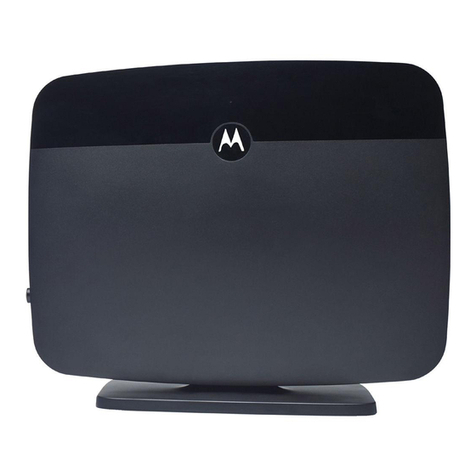
Comset CM550W 5G Router User Guide
8
https://www.comset.com.au
2 Router Configuration
The CM550W Router can be configured via a web interface using a web browser such as
Internet Explorer, Firefox, or Google Chrome.
2.1 Configuration from a local network
To configure the CM550W, please connect an Ethernet cable between the router and your
PC computer. The IP address on your PC can be a static IP address, or you can select
DHCP so that your computer can automatically obtain a Dynamic IP address. The default
IP address of the router is 192.168.1.1. The subnet mask is 255.255.255.0. Please follow
the instructions below:
Step 1 Click “start > control panel”, find “Network Connections” icon and double click it.
Select “Local Area Connection” corresponding to the network card on this page.
Refer to the figure below:
Figure 2-1 Network Connection
Step 2 Select “Obtain an IP address automatically” or set up a fixed IP address in the
range 192.168.1.xxx (xxx can be any number between 2~254)
Step 3 Run Internet Explorer, or any other web browser, and enter 192.168.1.1 in the
address bar and press “enter”.
The default username is admin, and the default password is admin.