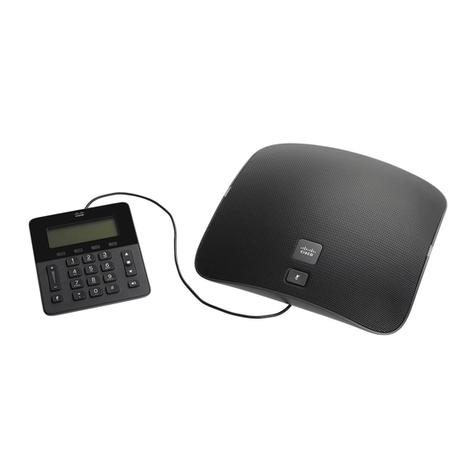
Table 4: Cisco IP Conference Phone 8832 User Guide Revisions for Firmware Release 12.1(1)
New or Updated SectionRevision
Connect to the Network, on page 4Updates to support for Cisco IP Conference
Phone 8832 PoE Injector
•Your Cisco IP Conference Phone 8832 and 8832NR, on
page 1
•Wireless Expansion Microphone, on page 20
•Install the Wireless Expansion Microphones, on page 9
•Pair a Wireless Microphone, on page 9
•Unpair a Wireless Microphone, on page 10
•Install the Wireless Microphone Charging Cradle, on page
10
•Charge a Wireless Microphone, on page 11
Support for Wireless Microphone
•Your Cisco IP Conference Phone 8832 and 8832NR, on
page 1
•Daisy Chain Mode, on page 11
Support for Daisy Chain
Connect to the Network, on page 4Support for Cisco IP Conference Phone
8832 Non-PoE Ethernet Injector
•Connect to the Network, on page 4
•Set Up Wi-Fi Client, on page 6
•Connect to a Preconfigured Wi-Fi Network, on page 7
Support for Wi-Fi
•Connect to the Network, on page 4
•Connect to Expressway, on page 7
Support for Mobile and Remote Access
Through Expressway
Calls That Require a Billing Code or Authorization CodeSupport for CMC and FAC
Phone Setup
Your administrator sets up your phone and connects it to the network. If your phone is not set up and connected,
contact your administrator for instructions.
Connect to the Network
You need to connect the phone to the network.
• Wired network connection—All wired network connections use one of the following:
Your Phone
4
Your Phone
Phone Setup