
Bmobile QW120 User manual

QW120 U
Us
se
er
r
M
Ma
an
nu
ua
al
l
GSM/WCDMADigital mobile phone
Statement: we retain the right to improve this product without
prior notice and to give final interpretation of product
performance. We commit ourselves to improve product quality
and update version continuously. Therefore, it is subject to your
mobile phone if product functions, specification or design/icon
might be different from those stated in this Manual.
Content
1 Safety Precautions ............................................................. 5
2 Phone Introduction............................................................ 7
2.1 Technical reference........................................................... 8

2.2 Components site map........................................................ 9
2.2.1 Appearance ................................................................... 9
2.2.2 Keys and functions......................................................... 9
2.2.3 Icons .......................................................................... 10
3 Get started .......................................................................11
3.1 Switching on/off phone ....................................................11
3.2 Battery Installation ......................................................... 12
3.3 USIM Card Installation................................................... 12
3.4 T-Flash Card Installation ................................................. 13
3.5 USB function................................................................. 13
3.6 Battery Charging ............................................................ 13
3.7 Use earphone ................................................................. 14
3.8 Safety Password ............................................................. 14
3.8.1 PIN code..................................................................... 14
3.8.2 PIN2 code................................................................... 14
3.8.3 PUK code ................................................................... 15
3.8.4 Mobile phone password................................................ 15
4 Quick Use Guide.............................................................. 16
4.1 Call functions................................................................. 16
4.1.1 Make a call.................................................................. 16
4.1.2 Dial-up state................................................................ 17
4.1.3 Call Status................................................................... 17
4.1.4 Dialing a domestic number ........................................... 17
4.1.5 Dialing an extension number......................................... 17
4.1.6 Making an international call.......................................... 18
4.1.7 Answering a call.......................................................... 18
4.1.8 Missed Call................................................................. 18
4.1.9 During the call............................................................. 18
4.1.10 Volume control .......................................................... 19
4.2 Input text....................................................................... 19

4.2.1 Multitap ABC and abc.................................................. 20
4.2.2 Entering Numbers........................................................ 20
4.2.3 Entering Symbols......................................................... 20
5 Functional Menus............................................................ 20
5.1 STK.............................................................................. 20
5.2 Phonebook..................................................................... 20
5.2.1 Add new contact.......................................................... 21
5.2.2 Phonebook search........................................................ 21
5.2.3 Send message.............................................................. 21
5.2.4 Call ............................................................................ 21
5.2.5 Edit ............................................................................ 21
5.2.6 Delete......................................................................... 22
5.2.7 Copy .......................................................................... 22
5.2.8 Move.......................................................................... 22
5.2.9 Send business card....................................................... 22
5.2.10 Add to blacklist.......................................................... 22
5.2.11 Caller groups ............................................................. 22
5.2.12 Phonebook settings..................................................... 22
5.3 Messaging ..................................................................... 23
5.3.1 Write message ............................................................. 24
5.3.2 Conversations.............................................................. 25
5.3.3 Drafts ......................................................................... 25
5.3.4 Archive....................................................................... 26
5.3.5 Delete messages........................................................... 26
5.3.6 Email.......................................................................... 26
5.3.7 Broadcast messages...................................................... 26
5.3.8 Templates.................................................................... 26
5.3.9 Message settings.......................................................... 27
5.4 Camera.......................................................................... 27
5.5 Call center ..................................................................... 28
5.6 Profiles.......................................................................... 29

5.7 Entertainment................................................................. 29
5.8 Extras............................................................................ 29
5.9 FM radio........................................................................ 30
5.10 Services....................................................................... 31
5.11 Settings........................................................................ 31
5.11.1 Phone settings............................................................ 31
5.11.2 Call settings............................................................... 32
5.11.3 Network settings ........................................................ 33
5.11.4 Security settings......................................................... 34
5.11.5 Connectivity.............................................................. 34
5.11.6 Restore factory settings............................................... 35
5.11.7 Sound effects............................................................. 35
5.12 File manger.................................................................. 35
5.13 Music .......................................................................... 35
5.14 Images......................................................................... 36
5.15 Multimedia .................................................................. 37
5.15.1 Photo editor............................................................... 37
5.15.2 Sound recorder........................................................... 37
5.16 Alarm.......................................................................... 37
5.17 Calendar ...................................................................... 37
5.18 Calculator .................................................................... 37
5.19 Tasks........................................................................... 38
5.20 Lock keypad................................................................. 38
5.21 Power off..................................................................... 38
5.22 Facebook ..................................................................... 38
5.23 JAVA........................................................................... 38
6 FAQ and Solutions........................................................... 38
7 Reference ........................................................................ 42
7.1 Access Password ............................................................ 42
7.2 Health and Safety Information ......................................... 42

1Safety Precautions
For your safety, read the guidelines carefully. Breaking the rules
may be dangerous or illegal. Please refer “health and safety”
section for detail security information.
♦Traffic Safety
Please follow local rules and regulations during driving. Do not
use your mobile phone when driving. Use hand-free or stop your
car beside the road if emergency.
Do not put your mobile phone on the car's airbag. This will
harmed you if the airbag swell or burst.
♦Switch off near dangerous stuff
Don’t use the phone at a refueling point. Don’t use near fuels or
chemicals.
♦Switch off in Airport
Wireless devices can cause interference in aircraft. The use of
mobile telephones in an aircraft is illegal. Please switch off your
mobile before taking off the plane and please ensure the alarm
clock should be closed when the mobile is turned off.
♦Switch off in Hospitals
Switch the device off near medical equipment or in hospital
(except for the designated using area). Like other common
devices, the mobile phone will interfere in the operation of other
electrical apparatus, electrical equipments or radio-frequency
equipment (such as cardiac pacemaker, hearing aids and etc.).
♦Interference
All wireless devices may be susceptible to interference, which
could affect performance.
♦Waterproof
Please keep the phone dry because the phone is not waterproofed.
Remove battery if any liquid go into your mobile phone and allow
the device to dry completely before replacing it.

♦Accessories and batteries
Please use the batteries and adapter designated by our company,
or otherwise causing explosion possibly.
♦Connect to other devices
Connect to other devices, you must first read the device's user
manual to ensure proper use.
♦Keep the phone out of stretch of the kids
The phone and its accessories (including fittings) should be kept
out of the stretch of the kids.
♦Specialized service
Please do not bold to dismantle the phone and its accessories.
Only can authorized agencies maintain the phone.

2Phone Introduction
Thank you for purchasing the GSM/WCDMA digital mobile
phones-QW120.Through this manual, you can have overall
knowledge of how to use QW120 mobile phone.
QW120 mobile phone is designed for GSM/WCDMA network.
In addition to the basic phone functions, such as call, SMS,
Phone book, etc. Many other Supplement functions are exist
there too, to facilitate your work and leisure your activities
Part of the supplement functions are listed as the following:
-64 polyphonic ring tones for incoming calls
-incoming call images
-Camera
-calendar
-clock/alarm
-music player
-video player
-USB disk
-T-Flashcard
-Recorder
-Calculator
-power on/off on time
-GPRS/WCDMA net connection function
-WAP/MMS
-hand-free
-File/document management
-WIFI
-MIFI, etc.
Moreover, QW120 mobile phone adopts the personalized
human-machine interface, can satisfy your diversified
needs with the perfect functions. QW120 mobile phone is
made abide by GSM/GPRS/WCDMA/HSPA specifications

and has passed the certification by certification authorities.
Reminding: Our Company preserves the right to change the
contents of this manual without any prior notices.
2.1 Technical reference
Phone
Model QW120
Dimension(L×W×H) 112.0mm*59mm*14.3mm
Weight 105g
Li-ion battery
Model QW120
Standard voltage 3.7V
Max. charge voltage 4.2V
Rated capacity 1400MA
Portable battery charger
Model QW120
Input AC:100-240V
Output DC: 5V
USB cable
Specification
The phone itself, USB
Earpiece
Specification Stereo-phone

2.2 Components site map
2.2.1 Appearance
2.2.2 Keys and functions
Name Function in standby screen
Left soft key Menu
Right soft key Services
Dial key
-Answer incoming calls
-Dial numbers by SIM card in dial
screen
-Go to the call log list
End key
Short press:
-End the call or reject incoming call
-return to standby screen in any mode
Long press:
-Switch on/off phone
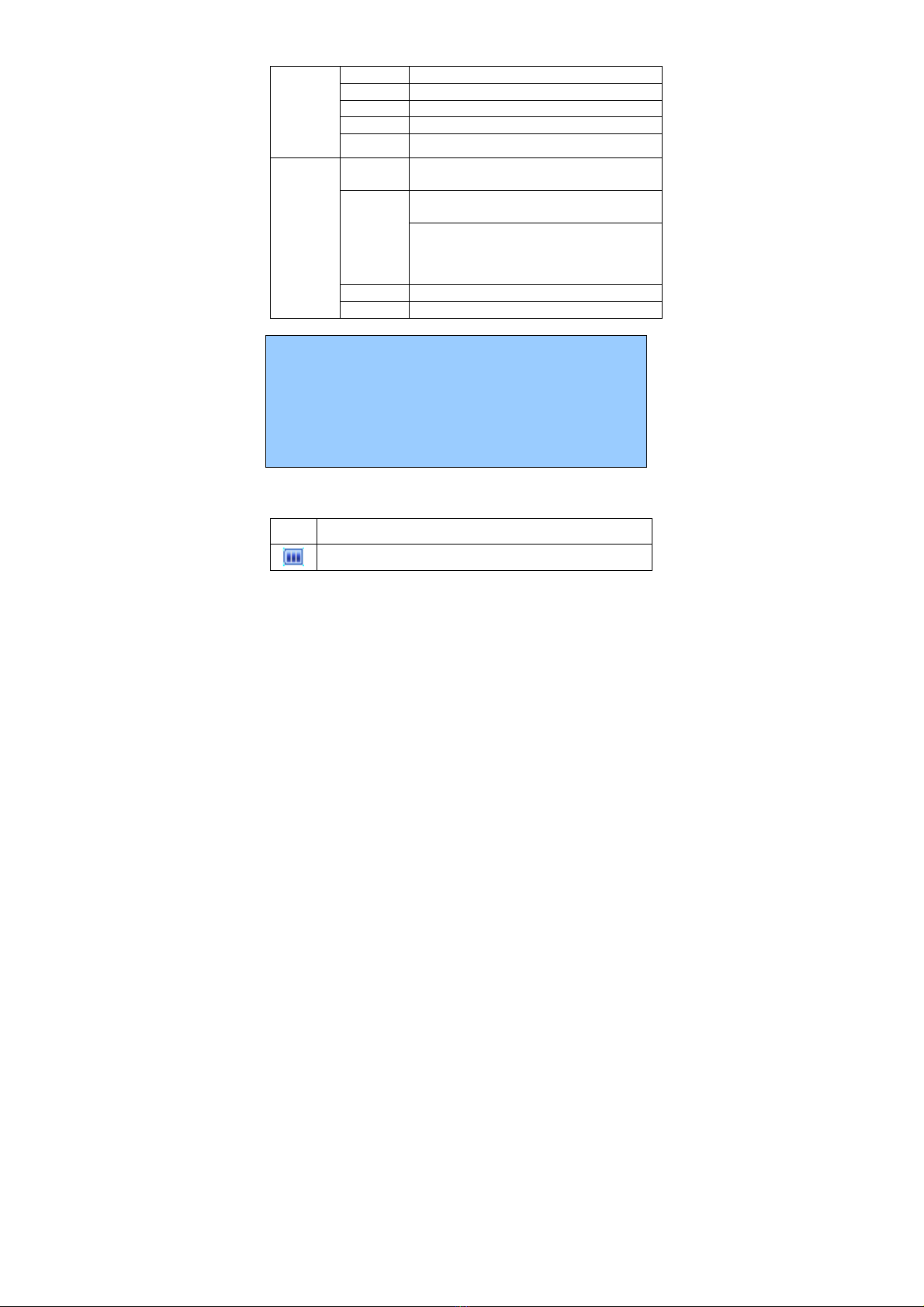
UP key STK
Down key Phonebook
Left key Write message
Right key Extras
Direction
keys
OK key Menu
1 Short press: go to dial screen and input
number 1
Short press: go to dial screen, and input
numbers 0,2~9.
0, 2~9 Long press: dial out number stored in spee
d
dial function if speed dial enabled.
* go to dial screen and input *.
Numeric
keys
# go to dial screen and input #.
Note:
1. Keypad Lock: When keypad is locked, the phone is in
power-saving mode and user cannot operate phone functions
except answering incoming calls or charging;
2. Lock/unlock keypad: press Left soft key + space key
3. In this manual, “short press” a key means press a key then
immediately release it; “long press” a key means press the key
and hold it for no less than 2 seconds.
2.2.3 Icons
(Icons may be changed without prior notification)
Icons Description
Indicate the current battery capacity.
Table of contents
Other Bmobile Cell Phone manuals

Bmobile
Bmobile QB150 User manual

Bmobile
Bmobile C220 User manual

Bmobile
Bmobile QS210-LQ200 User manual

Bmobile
Bmobile QW125 User manual

Bmobile
Bmobile AX Series User manual

Bmobile
Bmobile S245 User manual

Bmobile
Bmobile c240 User manual

Bmobile
Bmobile AX540 User manual

Bmobile
Bmobile AX1091 User manual

Bmobile
Bmobile K106 User manual

Bmobile
Bmobile AX Series User manual

Bmobile
Bmobile AX705 User manual

Bmobile
Bmobile AX Series User manual

Bmobile
Bmobile AX1070 User manual

Bmobile
Bmobile K375 User manual

Bmobile
Bmobile C450 User manual
Bmobile
Bmobile K370 User manual

Bmobile
Bmobile SERIE AX User manual

Bmobile
Bmobile W125K User manual

Bmobile
Bmobile K360 User manual


