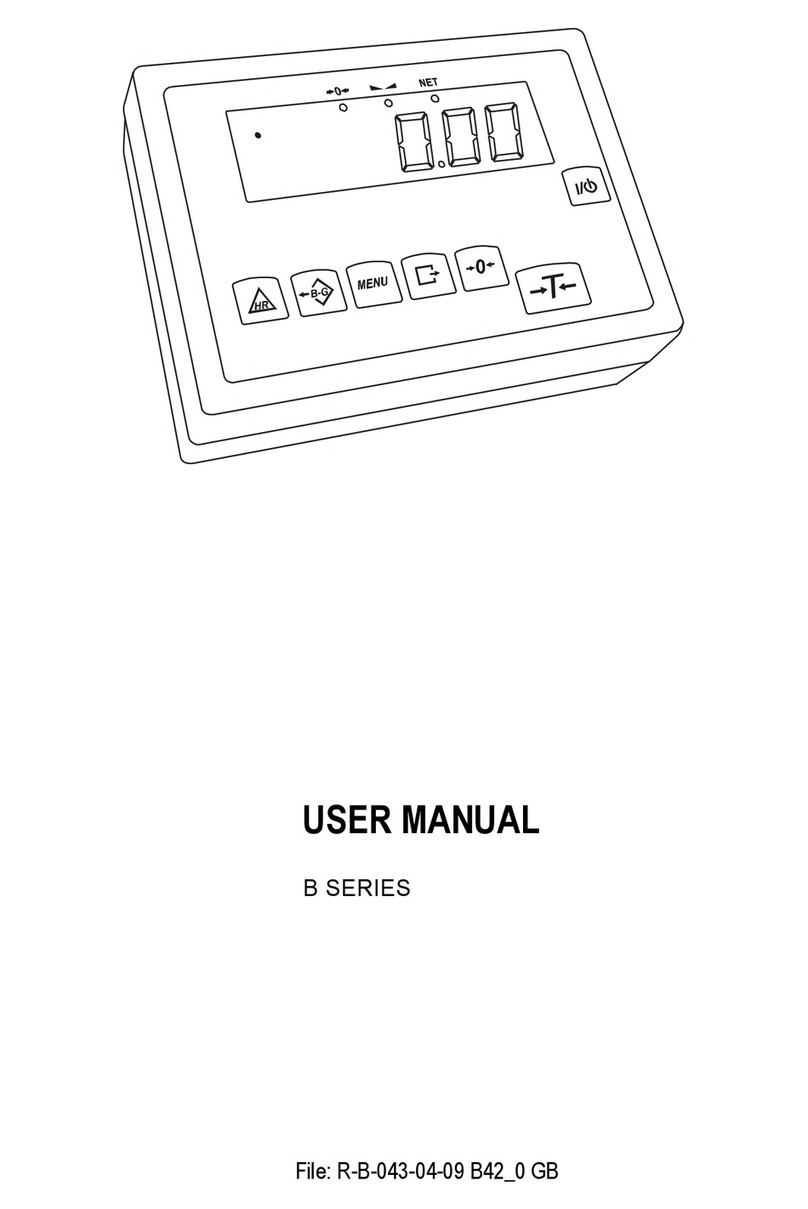
Axis LCD GB V4 User manual

SPECIAL FUNCTIONS
DESCRIPTION
USER MANUAL COMPLEMENT
b series
File: EO-F-005-01-08 b-41_3 LCD GB v.4

2
SPECIAL FUNCTIONS DESCRIPTION
____________________________________________________________________________________________________________________
Contents:
1.
Basic information............................................................................................................3
2.
Keys and indicators........................................................................................................4
3.
Date and time setting (dAtE) ..........................................................................................5
4.
Formulation function ( U
≡
)............................................................................................6
5.
Average calculation ( rE)...............................................................................................7
6.
Percentage weighing (F..-Pro) .......................................................................................8
7.
Animal weighing (LOC) ..................................................................................................9
8.
Maximum value (UP)....................................................................................................10
9.
Anti-disturbance filter (FIL)...........................................................................................11
10.
Checkweighing (thr) ..................................................................................................... 12
11.
Total weight function (totAL).........................................................................................15
12.
Density determination (hYdro)......................................................................................17
13.
Function Menu customisation (F..-ACt) ........................................................................19

SPECIAL FUNCTIONS DESCRIPTION
3
____________________________________________________________________________________________________________________
1. Basic information
Beside basic measuring functions all balances are equipped with the set of special
user functions.
Standard balance features the following functions:
basic set of special functions, including:
- pieces counting
- autozero
- serial port wor ing mode setting
- serial port parameters setting
- constant tare
- calibration options
On customers’ request balances may be equipped with:
additional set of special functions, including:
- percentage weighing
- formulation
- animal weighing
- maximum value
- anti-stro e filter
chec weighing
paper substance determination*
total weight function
liquid and solids density determination
This brochure describe s the functions not explained in user manual (i.e. additional
functions set).
* Functions available with special balance program (with limited use of other functions).

4
SPECIAL FUNCTIONS DESCRIPTION
____________________________________________________________________________________________________________________
2. Keys and indicators
ey - switch-on / switch-off (standby),
ey
HR - increased indication resolution,
ey
B/G - gross weight indication switch,
ey
MENU - special functions menu,
ey
→0← - zero,
ey
- print-out,
ey
switch-on / switch-off (standby),
indicator →0← - zero indicator
indicator
- result stabilisation indicator
indicator
NET - net weight indicator (indication with subtracted tare)
indicator
MODE - special function mode indicator,
bar indicator - total load indicator (graduated 0-100%)
indicator
OFF - standby (switched-off with
ey),
indicator B/G - gross weigh indicator (after pressing B/G ey)
indicator pcs - number of pieces
To enter numeric values use the following keys:
→0← - digit increase,
- decimal point,
→
T
←
- next digit,
MENU - end.
OFF
AUT
MODE
0
50
10 0
SUM
Max Min e d

SPECIAL FUNCTIONS DESCRIPTION
5
____________________________________________________________________________________________________________________
3. Date and time setting (dAtE)
This function enables to set current
date and time of internal balance
cloc and enable/disable date and
time on weighing result printouts.
Options:
- F-..-0 – deactivate date printout,
- F..-1 – activate date printout
( ey),
- F..-2 - change date and time.
The example at the left presents how
to set current date and time with F..-2
option.
Change successive numbers using
→
0
←
ey.
To move to the next position use
→
T
←
ey.
Once current date and time is set
activate it with F..-1 option.
Time format: h gg – mm
(gg - hour, m - minute).
Date format: d mm – dd
(m - month, d - day).
Year format: r - rr
(r - two last digits of a year).
0g
F..-dA
F..- 2
F..- 0
h13 - 18
h13 - 1
8
h13 - 1
9
h13 -
1
9
0g
d04 - 05
r - 06
- -
MENU
T
T
T
0
T

6
SPECIAL FUNCTIONS DESCRIPTION
____________________________________________________________________________________________________________________
4. Formu ation function (SU
≡
≡≡
≡
)
This function allows separate
weighing of several ingredients in
one container with a possibility to
control aggregated sum of all
weighed components.
Function options:
- F..-0 – leave the function to read
aggregated weight,
- F..-1 – start recipe formulation
- F..-2 – return to formulation.
Before weighing each of successive
recipe ingredients (A, B, C, etc.)
ma e sure the balance displays zero
indication or simply tare the balance
with
→
T
←
ey.
To display aggregated sum of series
of measurements, press MENU ey,
choose SU
≡
function and use F..-0
option.
Aggregated weight of the recipe is
displayed when SUM indicator is lit.
Whilst SUM indicator is displayed, it
is possible to return to the previous
formula with F..-2 option.
To finish formulation and to remove
SUM indicator press
→
T
←
ey.
Notes:
If „o” indication is displayed at the
left of the display, SU
≡
function is
active.
0 g
F..-SU
F..- 0
F..- 1
11g
12g
13g
0g
0g
36g
A
A+ B+ C
B
C
MENU
T
T
T
T
o
o
o
o
o
SUM
F..-SU
F..- 0
MENU
T
T

SPECIAL FUNCTIONS DESCRIPTION
7
____________________________________________________________________________________________________________________
5. Average ca cu ation (SrE)
This function enables to calculate average value of series of measurements. During
measurements successive values are registered automatically after result
stabilisation.
Press MENU ey and choose F..-SrE
function with
→
T
←
ey.
The following options appear:
- F..-0 - exit,
- F..-1 – average calculation.
Select F..-1 option. The balance is now
registering each stable result for
average value calculation.
Pay attention that the value is registered
only when the result is stable. Remove
the load only after „ - - ” communicate
is displayed.
The balance registers the results above
Min balance value only.
The number of successive
measurements is limited to 9999.
Press ey several times to display
average calculation information in the
sequence given below:
- number of measurements (n).
- average value (=).
Press ey for the third time to
continue measurements.
If the printer is connected, the
following report is printed:
To leave the function press MENU ey,
choose F..-SrE function and select F..-0
option.
Date: ... Time. ...
MEASUREMENTS No = ...
AVERAGE VALUE = ...
0g
0g
F..-SrE
F..- 1
10g
20g
2
15g
_
_
0g
0g
MENU
T
T
n

8
SPECIAL FUNCTIONS DESCRIPTION
____________________________________________________________________________________________________________________
6. Percentage weighing (F..-Pro)
This function enables to display
weighing result as a percentage of
a reference sample.
A measurement is performed in two
phases:
- first phase – weighing a reference
sample,
- second phase – measuring specific
sample as a percentage of
the reference sample.
Weighing result is displayed in
different format, depending on the
reference sample weight value. For
values of 0÷3,5% of weighing range
the format is “100.0”, for values
3,5÷35% it is “100.00” and 35÷100%
- “100.00”
The function has the following
options:
- F-0 – disables the function,
- F-1– stores current indication as
100% and activates percentage
weighing,
- F-2 – activates percentage weighing
with the previous reference sample
value.
„%” sign is replaced with „
_
_
”
indicator.
Note:
1. Err-3 communicate signalises that
100% alue is smaller then 0.5*Min
or not entered (see F-1).
2. When the function is acti ated
→
T
←
key function does not change.
0 g
170 g
F..-Pro
F..-0
F..-1
100.00%
50.00%
100%
50%
MENU
T
T

SPECIAL FUNCTIONS DESCRIPTION
9
____________________________________________________________________________________________________________________
7. Anima weighing (LOC)
This function allows precise animals weighing.
Press MENU ey. When LOC function
is displayed press
→
T
←
ey.
Function options:
- F..-0 – leave the function,
- F..-1 – automatic weighing after
loading the balance,
- F..-2 – the measurement initiated
manually with ey.
For automatic weighing press
→
T
←
ey when F..-1 is displayed.
Tare the balance when necessary and
place the animal on the pan.
Wait until the weighing result is
averaged (the indication blin s). Final
result is displayed on the display and
send via serial port to computer or
printer.
Remove the animal from the pan – the
result is displayed for 30s and then the
balance starts the new measurement.
Important notes:
1.The load less than Min is not a eraged.
2.In case placing the animal takes more than 5s, it is ad ised to use F..-2 option
(manual weighing with key).
0g
F..-LOC
F..- 0
F..- 1
25g
25g
PrIn
MENU
T
T

10
SPECIAL FUNCTIONS DESCRIPTION
____________________________________________________________________________________________________________________
8. Maximum va ue (UP)
This function enables to display the maximum value from the series of weighing.
Ma e sure the balance displays zero
indication before starting
measurements.
Enter the function menu with MENU
ey and choose F..-UP function. The
displayed indication is the highest
value from the series of
measurements.
Press
→
T
←
ey to zero the
indication.
Note:
Autozero function and the
stabilisation indicator are
deacti ated when UP function is
acti e. The indication is the result of
continuous a eraging of 5
measurements.
0 g
F..-UP
F..- 0
F..- 1
1g
1g
1g
10g
10g
MENU
T
T
Table of contents
Other Axis Scale manuals

Axis
Axis B0.6D User manual

Axis
Axis BLM Series User manual

Axis
Axis 4B/F Series User manual

Axis
Axis AKA/G Series User manual

Axis
Axis AD Series User manual

Axis
Axis B/U Series User manual

Axis
Axis 4BA/T Series User manual

Axis
Axis BTA Series User manual

Axis
Axis BD/TL Series User manual
Axis
Axis B Series User manual

Axis
Axis ATA1200 User manual

Axis
Axis 4BA SERIES User manual

Axis
Axis BA/LG Series User manual

Axis
Axis AGN50 User manual

Axis
Axis 4B/NA Series User manual

Axis
Axis B/P Series User manual

Axis
Axis ATN Series User manual

Axis
Axis BDM Series User manual

Axis
Axis BTA 2100 User manual

Axis
Axis SE-12 Operator's manual