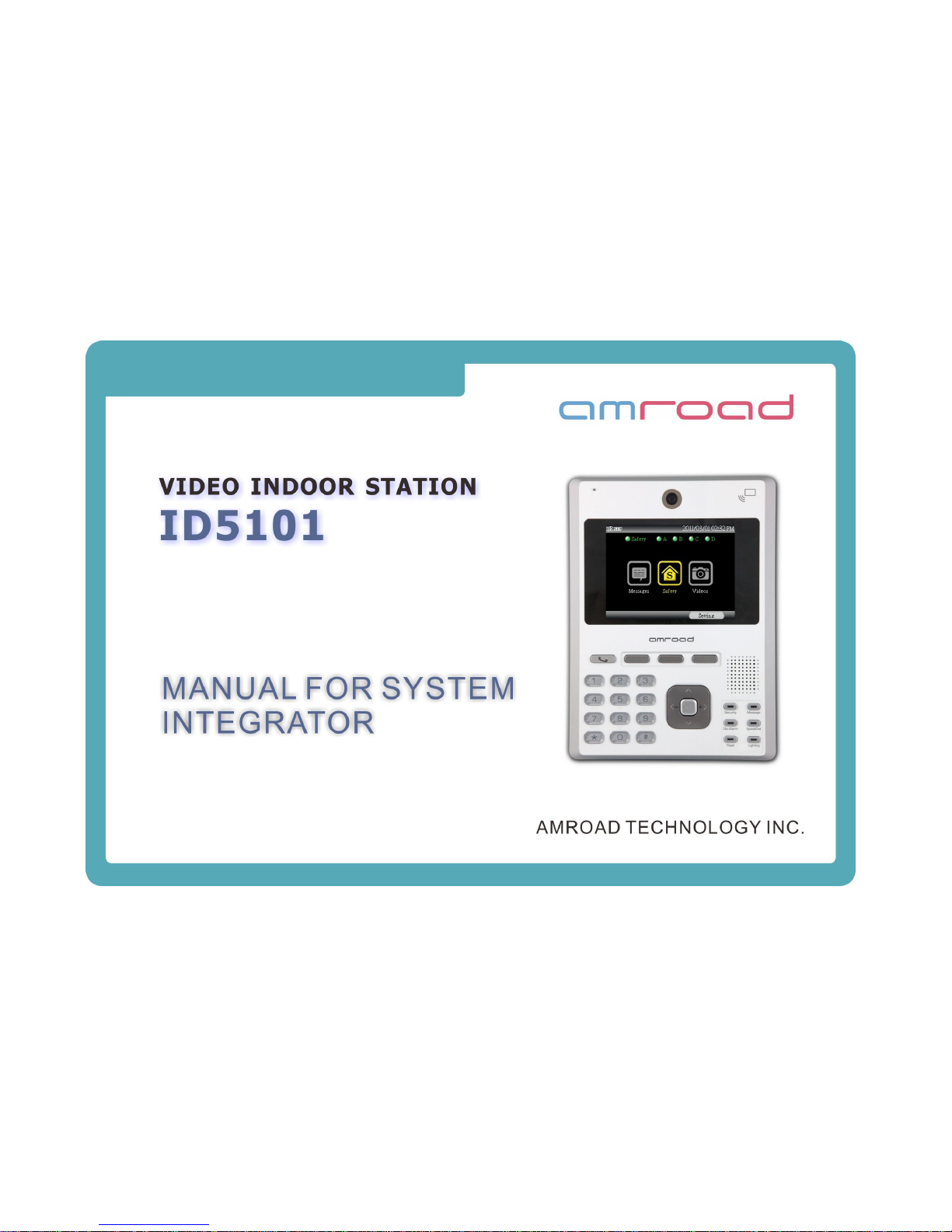
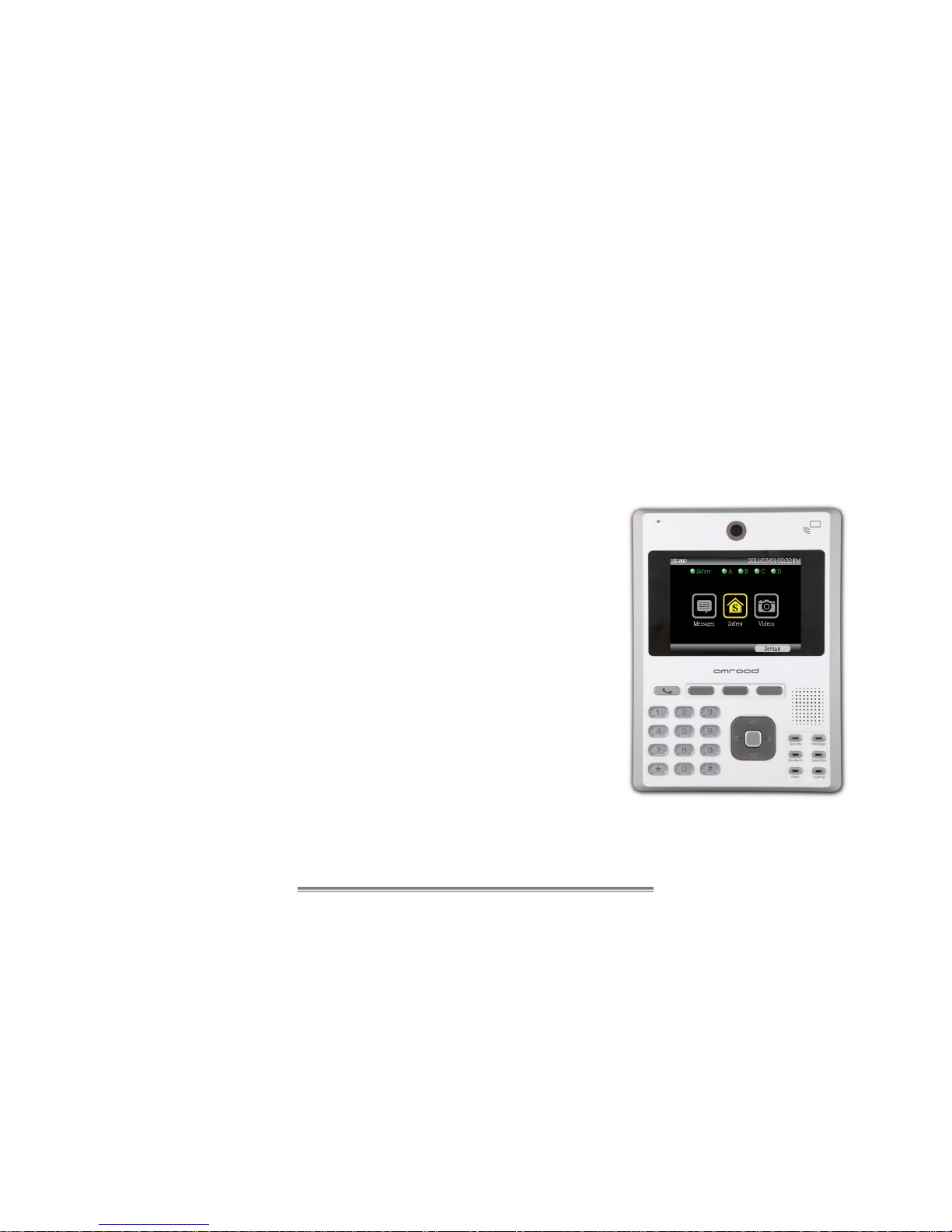
Amroad ID5101-RN User manual


A
MROAD TECHNOLOGY INC.
Video Indoor Station
ID5101 Series
ID5101-FF ID5101-ND ID5101-RN ID5101-NN
Note:
ID5101 FF With RFID module With IO Connector
ID5101 ND Without RFID module With IO Connector
ID5101 RN With RFID module Without IO Connector
ID5101 NN Without RFID module Without IO Connector
MANUAL FOR SYSTEM INTEGRATOR
AMROAD TECHNOLOGY INC.

COPYRIGHT
A
MROAD TECHNOLOGY INC.iii
Copyright
© 2011 AMROAD TECHNOLOGY INC.
All Rights Reserved. No part of this publication may be reproduced, transmitted, transcribed, stored in a retrieval system or translated into any
language in any form or by any means without the express written permission of AMROAD TECHNOLOGY INC. To obtain consent, write to the
attention of AMROAD TECHNOLOGY INC.
Document No. ID5101 SI- 2011-0929
www.amroad.com.tw
DISCLAIMER
AMROAD reserves the right to change product specification without prior notice.
Changes may be made to the information in this publication without obligation to notify. AMROAD shall not be liable for technical or editorial
errors contained herein.
TRADE MARKS
AMROAD logo is copyright of AMROAD TECHNOLOGY INC. All other products, services or trade marks mentioned in this document are the
property of their respective owners, companies or organizations.

CONTENTS
A
MROAD TECHNOLOGY INC.
CONTENTS
COPYRIGHT................................................................................................................................................................................................III
CHAPTER 1 : INTRODUCTION.................................................................................................................................. 1
WELCOME..................................................................................................................................................................................................1
A. FEATURES OF HOME SECURITY ...........................................................................................................................................................2
B. FEATURES OF SIP VIDEO PHONE.........................................................................................................................................................2
USE OF HOME SECURITYAND SIP VIDEO PHONE ........................................................................................................................................3
SINGLE UNITAPPLICATION..........................................................................................................................................................................4
COMMUNITYAPPLICATION...........................................................................................................................................................................5
CHAPTER 2 : INSTALLING........................................................................................................................................ 7
PACKAGE CONTENTS..................................................................................................................................................................... 7
SUGGESTED INSTALLATION POSITIONS ............................................................................................................................................ 8
INSTALLING PROCEDURES.............................................................................................................................................................. 9
CHAPTER 3 : USING THE ID5101........................................................................................................................... 15
KNOWING YOUR VIDEO INDOOR STATION ...................................................................................................................................... 15
DEDICATED FUNCTION KEYS ........................................................................................................................................................ 16
LED INDICATORS......................................................................................................................................................................... 17

CONTENTS
A
MROAD TECHNOLOGY INC.
REAR PANEL............................................................................................................................................................................... 19
DIMENSIONS ............................................................................................................................................................................... 20
GRAPHIC USER INTERFACE .......................................................................................................................................................... 21
MAKING PHONE CALLS .............................................................................................................................................................................22
SET UP THE SPEED-DIAL NUMBER ............................................................................................................................................................22
INCOMING CALL........................................................................................................................................................................................23
ENDING A CALL.........................................................................................................................................................................................23
ANSWER DOOR PHONE RINGING...............................................................................................................................................................23
RFID CARD................................................................................................................................................................................ 24
CHAPTER 4 : ID5101 GRAPHIC USER INTERFACE.............................................................................................. 27
SAFETY &SECURITY AREA........................................................................................................................................................... 27
SAFETY ...................................................................................................................................................................................... 28
SAFETY STATUS .......................................................................................................................................................................................29
SECURITY GROUP ....................................................................................................................................................................................30
CARD MANAGEMENT ................................................................................................................................................................................31
ADDING/EDITING USER INFORMATION OF RFID CARDS..............................................................................................................................32
DELETING RFID CARD..............................................................................................................................................................................34
VIDEOS (SURVEILLANCE) ............................................................................................................................................................. 34
VIDEOS (SURVEILLANCE) ............................................................................................................................................................. 35
LIVE VIDEO ..............................................................................................................................................................................................36
MASSAGES ................................................................................................................................................................................. 37
ALARM RECORD.......................................................................................................................................................................................38

VISITOR RECORD .....................................................................................................................................................................................38

CONTENTS
A
MROAD TECHNOLOGY INC.
CALL RECORD..........................................................................................................................................................................................39
COMMUNITY.............................................................................................................................................................................................39
CHAPTER 5 : SETTING UP THE ID5101................................................................................................................. 41
SYSTEM SETTINGS ...................................................................................................................................................................... 42
VIDEO SETTINGS......................................................................................................................................................................................43
AUDIO SETTINGS......................................................................................................................................................................................45
NETWORK SETTINGS ................................................................................................................................................................................45
SIP SETTING............................................................................................................................................................................................47
STREAMING SETTING................................................................................................................................................................................49
SERVICES SETTING ..................................................................................................................................................................................50
SCREEN SAVER SETTING..........................................................................................................................................................................51
CHAPTER 6 : CONFIGURING VIA WEB UI............................................................................................................. 53
SYSTEM...................................................................................................................................................................................... 54
SYSTEM BASIC SETTINGS.........................................................................................................................................................................54
SYSTEM LOGIN ID ....................................................................................................................................................................................56
SYSTEM REBOOT .....................................................................................................................................................................................56
PHONE SETTINGS........................................................................................................................................................................ 57
VIDEO SETTINGS......................................................................................................................................................................................57
AUDIO SETTING........................................................................................................................................................................................58
SIPSETTINGS............................................................................................................................................................................. 59
SAFETY &SECURITY.................................................................................................................................................................... 61
DEVICE SETTING ......................................................................................................................................................................................61

CONTENTS
A
MROAD TECHNOLOGY INC.
ALARM NOTICE.........................................................................................................................................................................................62
SURVEILLANCE............................................................................................................................................................................ 64
UPGRADE ................................................................................................................................................................................... 65
UPGRADE.................................................................................................................................................................................................65
CONFIG....................................................................................................................................................................................................66
APS ........................................................................................................................................................................................................67
APPENDIX A : IO CIRCUIT & APPLICATIONS ....................................................................................................... 71
PIN COLOR AND GPIO CONNECTORS.......................................................................................................................................................72
LIGHTING CONTROL(PHOTO) ..............................................................................................................................................................73
LIGHTING CONTROL(DIAGRAM)...........................................................................................................................................................74
ALARM (PHOTO).....................................................................................................................................................................................75
ALARM (DIAGRAM)..................................................................................................................................................................................76
MAGNETIC SWITCH (DIAGRAM AND PHOTO)..........................................................................................................................................77
CO SENSOR..........................................................................................................................................................................................78
EMERGENCY BUTTON.........................................................................................................................................................................79
GAS DETECTOR ...................................................................................................................................................................................80
APPENDIX B : REGULATORY INFORMATION...................................................................................................... 81
FCC STATEMENT..................................................................................................................................................................................81
FCC RADIATION EXPOSURE STATEMENT ...................................................................................................................................................81
CE DECLARATION OF CONFORMITY(EUROPE).................................................................................................................. 82

CONTENTS
A
MROAD TECHNOLOGY INC.

VIDEO INDOOR STATION
A
MROAD TECHNOLOGY INC. 1
Chapter 1 : Introduction
Welcome
Thank you for purchasing this Video Indoor Station.
Home Security is emphasized by the lifestyle of modern families. ID5101 features
Home Security for daily life on your community network. ID5101 lets you set
Security areas in your house, and it helps to guard your home safe by sensing
abnormal situations (CO, Gas, and Emergency Button). Once alarm is triggered,
three calls will automatically be sent with Alarm Speech Announcement.
ID5101 allows you to view live video (Surveillance) up to 12 cameras, so you can
see what’s happening in other rooms and outside your house. Messages that
include Alarm Record, Visitor Record (pictures of visitors), Call Record, and
Community Notice can be read through your ID5101.
In addition, ID5101 is a SIP-based Video Indoor Station that supports several high
quality audio and video codecs. It acts like a SIP video phone that allows you to
make (video) phone calls to talk to your friends and neighbors with live images.

MANUAL FOR SYSTEM INTEGRATOR
A
MROAD TECHNOLOGY INC.
2
The Video Indoor Station includes two main features (Home Security and SIP Video Phone):
A. Features of Home Security
zHome Security – Alarm for CO Sensor, Emergency Button, and Gas Detector
zSecurity Area Enable/Disable with RFID Card
(RFID Internal Module, ISO 14443A Compliant/ 13.56 MHz)
zThree Calls will be sent with Alarm Speech Announcement once alarm is triggered.
zConnect up to 12 cameras for live Video (Surveillance)
zMessages – Alarm Record, Visitor Record, Call Record, and Community Notice
B. Features of SIP Video Phone
zSupport SIP2.0 (Session Initiation Protocol) Compliant
zStreaming Video and Voice over IP networks (VoIP)
zSupport Peer-to-Peer Mode
z5-inch TFT LCD Display and Camera provide outstanding video quality
zHand-free Speakerphone
zWeb User Interface for SI online configuration from web browser on computer
Please read this manual carefully before taking any installation action. Please contact your dealers or system integrators if you have
questions.
This manual suits for next models
3
Table of contents
Other Amroad Intercom System manuals

Amroad
Amroad ID5101 User manual

Amroad
Amroad DP3010R User guide

Amroad
Amroad DP101R User manual

Amroad
Amroad DP100 User manual

Amroad
Amroad DB3100R User manual

Amroad
Amroad AMROAD P3 User manual

Amroad
Amroad DP101 User manual

Amroad
Amroad DP3211 User manual

Amroad
Amroad ID5101 User manual

Amroad
Amroad XL COMMUNITY STATION User manual

Amroad
Amroad DP101 User manual

Amroad
Amroad DP3210 User manual

Amroad
Amroad AMROAD P3 User manual

Amroad
Amroad DP3210 User manual

Amroad
Amroad DP101 Quick setup guide

Amroad
Amroad DP3010R User manual

Amroad
Amroad AMROAD P3 User manual

Amroad
Amroad DP3210 User manual

Amroad
Amroad VP115 User manual

Amroad
Amroad DP3211 User manual