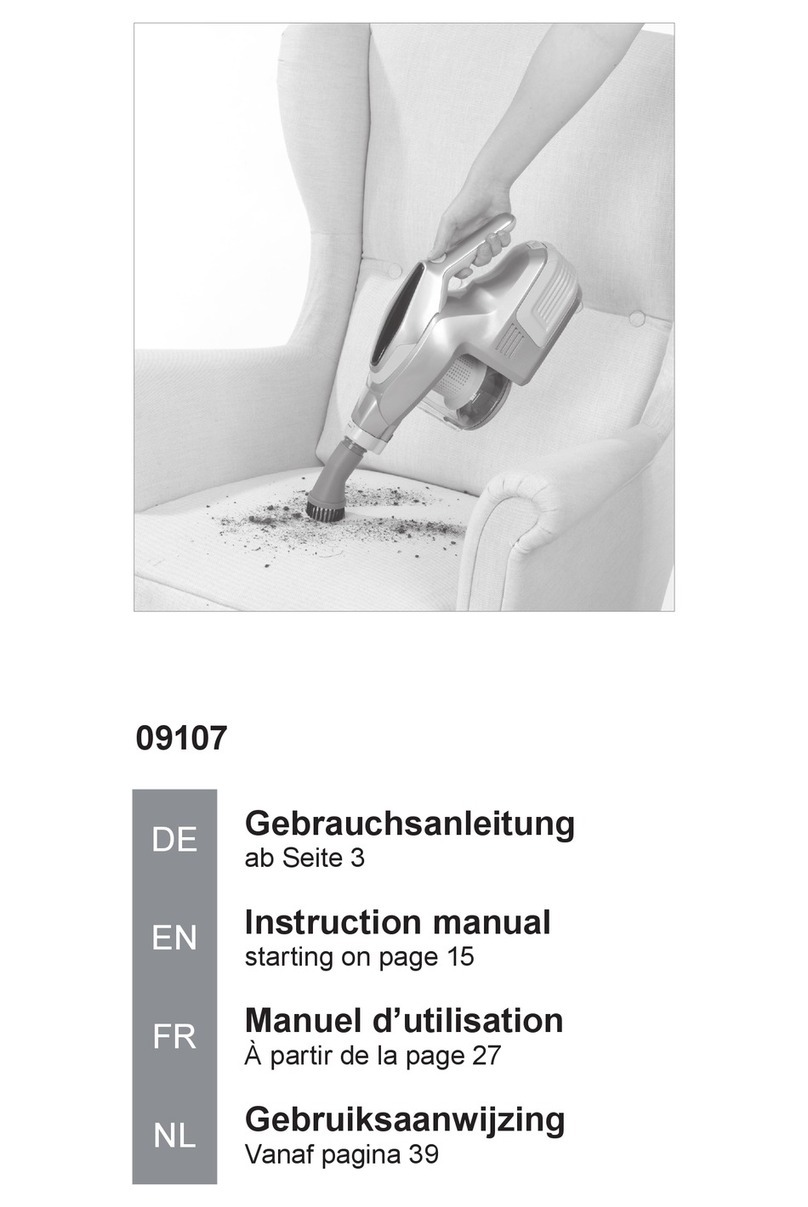
ZIGLINT Z8 User manual

Z8
Cordless vacuum cleaner
User Manual


CONTENTS
English···························1-9
Deutsch······················10-18
Français······················19-27
Español······················37-45
Italiano·······················28-36
日本語·······················46-54

EN-1
Product structure and accessories
1234567
8
9
10
11
12
13
22
14
15
16
17
18
19
20
21
23
24
26
25

1.Vacuum cleaner handle
2. Switch button
3. High and low speed control button
4. High and low display
5. Automatic file display
6. Battery display
7. Dust cup release button
8. Dust cup
9. Dust cup central filter components
10. One-button ash button
11. Dust bucket cover
12. Ground brush release button
13. Outlet
product technical parameters
Product: Hand-held rechargeable vacuum cleaner
Model: Z8
Battery type: lithium battery
Battery capacity: 2000mAh
Product voltage: 22.2V
Rated power: 250W
Charger input: 100-240V, 50/60Hz
Charger output: 26.5V 440mA
Dust capacity: 500ml
Assembly diagram
Connection of conductive tube
(1) Insert the conductive tube into the machine case component in the direction as shown on the picture, till a
click is heard.
(2) Press down the release button and then take out the conductive tube as shown on the picture.
Connection of conduction tube and floor brush
(1) Insert the electric floor brush into the conductive tube in the direction as shown on the picture, till a click is
heard.
(2) Press down the release button and then take out the floor bush.
14. Removable battery pack
15. Suction
16. Conductive tube
17. Ground brush release button
18. Electric floor brush
19. Floor brush LED lighting
20. Long flat suction
21. Round brush
22. Charging hole
23. Charger
24. Muti-function charging stand
25. Expansion screw rod
26. Expansion screw
EN-2

Attention
Assemble and disassemble must in the state of power failure.
How to use
Switch operation
Press the on/off switch, Vacuum cleaner will under automatic transmission, then press the adjustment button,
the machine will change to 2nd gear, press again, the machine will change to 1st gear, then press the on/off
switch, the machine will be closed.
Indicator light display
Battery display:
Note: When the battery capacity is insufficient, the indicator will flash.
The battery status indicator has 4 indicators to indicate the battery capacity.
4 white light: battery capacity > 100%;
3 white light: battery capacity > 75%;
2 white light: battery capacity 25% ~ 75%;
1 white light: battery capacity < 25%;
4 white light flashing: out of battery.
Dust detection display: the suction force of the machine can be controlled according to the amount of dust.
1, 2 display: The machine will display the suction according to the gear you choose.
on/off switch
High and low
Adjustment
buttopn
on/off switch
High and low
Adjustment
buttopn
EN-3

Charging operation
Attention: the Vacuum cleaner cannot be working when the machine is charging.
1. Place the machine or portable vacuum cleaner near the power stand and plug in the charger.
2. Charging mode 1: Connect the charger to the charging hole at the rear of the machine.
3. Charging mode 2: Plug the machine into the charging stand.
4. Charging mode 3: take out the battery pack and charged directly.
5. Charging display: The battery status indicator on the machine will be illuminated dynamically, indicating
that the vacuum cleaner is connected to the charger and being charged. When it is fully charged, 4 lights
will all illuminate.
Automatic file display
Charging mode 1 Charging mode 2
Charging mode 3
Charging stand
High and low display
Battery display
EN-4

one-key ash operation
Pour out the dust according to the picture shown. Push down the “one-key ash button” with your hand to
open the dust bucket bottom cover and pour out the dust.
Attention!
Ensure the the mouthpiece is open and not blocked by objects when using, otherwise the machine will be
damaged.
Cleaning filtration system
1. Remove the dust cup
a. Press the dust cup release button and take the dust cup out of the machine.
b. Move the dust cup toward arrow 1 and lift it up in the direction of arrow 2.
EN-5
2
1

2. Disassemble the Central filter components
a. Take out the dust bucket. First make the arrow and lock side of the component face yourself (hold the
upper and lower ends of the dust bucket assembly with both hands). Rotate the dust bucket in clockwise
direction by the right hand and keep the left hand without moving , vice versa for close
b. Hold on the inlet filter holder and lift it up, remove the center filter components from the machine.
Attention: after cleaning the central filter components, please ensure the part in dry when you assemble for
normal using.
3. Assemble the Central filter components
Reversed the above action, assemble the central filter components and assemble the dust cup on the
machine.
Assembly direction
The arrow (projection) on the air filter frame is aligned with the arrow (notch) on the filter, and the lower part is
fixed and rotated in the clockwise direction; otherwise, it is removed.
Unlock Lock
EN-6

Disassemble Roller brush
Press the roller brush release button on the electric brush as shown , then open the cover at the bottom.
Grasping the roller brush by hand and rotated as shown, then take it out and clean the hair. Reversed the
above action to install the roller brush.
Multi-function charging stand
The accessory can be placed on the multi-function charging stand and the machine also can be hung on it.
Rotate
press down the bottom
to open the lock
length between screw holes
the length between
the screw hole and
floor
EN-7
Table of contents
Languages:
Other ZIGLINT Vacuum Cleaner manuals