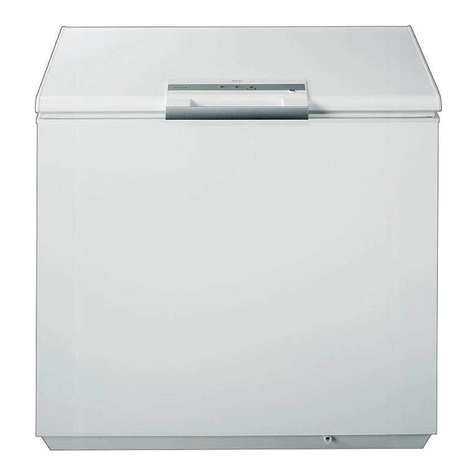
Yamato YK205ULT User manual

ULTRA LOW TEMPERATURE FREEZER
YK205ULT
MODEL
INSTRUCTION MANUAL
- FIRST EDITION –
•Thank you for purchasing YK205ULT Ultra Low Freezer of Yamato
Scientific.
•To use this unit properly, read this "Instruction Manual" thoroughly
before using this unit. Keep this instruction manual around this unit
for referring at any time.
WARNING: Carefully read and thoroughly understand the important
warning items described in this manual before using this unit.
Yamato Scientific America Inc.
Santa Clara, CA

YK205ULT
130L / 5 ft3
IMPORTANT:
Your unit is preprogrammed
Place your unit in the desired location. Plug the unit in and allow it to cool and
become stable for a minimum of 24 hours before logging temperature or stocking
products.
Be careful when setting or changing temperatures
WARNING: Changing some controller parameters can damage your unit and/or
result in a loss of product. Yamato will not be held responsible for losses due to
unauthorized parameter changes.
Changing advanced parameters may damage the unit or void your
warranty. Please contact Yamato before attempting to change advanced
parameters.
Unfamiliar with the operation of a controller?
Call us for assistance with special parameters.
Some units can be changed from Celsius to Fahrenheit. We do not recommend
changing your unit to Fahrenheit. Your controller has operational parameters that
rely on data in Celsius to maintain proper function.

CONTENTS
1. Warnings
2. Installation and Operation
3. Temperature Controller
4. Parameters
Warnings1
Important operating and/or
maintenance instructions. Read
the accompanying text carefully.
Potential electrical hazards. Only
qualied persons should perform
procedures associated with this
symbol.
Hot surface(s) present which may
cause burns to unprotected skin
or to materials which may be
damaged by elevate temperatures.
Extreme temperature hazards,
hot or cold. Use special handling
equipment or wear special,
protective clothing.
• All internal adjustments and maintenance must be performed by
qualied service personnel.
• Do not use this appliance for other than its intended use.
• Do not cover the front grille or block the rear air entry by placing object
up against the cabinet. Ensure adequate ventilation.
• If the main supply cord is damaged, it must be replaced by the
manufacturer, its service agent or similarly qualied and skilled persons
in order to avoid hazard.
• Do not store explosive substances, such as aerosol cans with flammable
propellant.
• Do not use mechanical devices or other means to accelerate the
defrosting process.
• Disconnect the main power supply before attempting any cleaning,
removal of any covers, or maintenance work.
Safety Information
5. Product Description
6. Maintenance
7. Temperature Logging
8. Warranty

Installation and Operation
2
Assembly
• Remove the appliance from the packaging
and peel off any protective film from all
surfaces.
• Ensure that this product is positioned on a
level surface, so as to allow the door(s) to shut
and seal correctly, as well as to allow proper
drainage from the evaporator tray, to prevent
any overflow.
Ventilation
• All models must have clear and unobstructed
ventilation from the entire surface area of the
front grille.
Temperature Controller
3
SET
RST
- Enter a parameter setting
- Switch between menu and parameter
- Adjust menu and parameters
- After 3s, parameter setting downloads
- Adjust menu and parameters
- After 3s, parameter setting uploads
- Exit from parameter settings
- Press for 3s to force stop capillary
heating output
- Clearalarm
- The mandatory cooling mode will be
activated for 10s
Power and Contacts
3

Indicator light status description
Symbol
Set
E2H
E2P
Erd
Status
ON
OFF
ON
OFF
FLASH
ON
OFF
FLASH
ON
OFF
ON
ON
ON
ON
OFF
Meaning
Parameter setting
Status of temperature measuring and controlling
Compressor high temperature limit alarm (compressor is running)
Capillary heating starts
Capillary heating is closed
High temperature alarm of secondary system condenser
High temperature protection of secondary system condenser
Door open alarm
Grid power supply anomaly
Normal power supply
Parameters4
Temperature parameter setting
Compressor high temperature limit alarm (compressor is not running)
Compressor high temp. limit alarm reached, unit shut compressor off to cool
Compressor low temperature limit alarm (compressor is running)
Compressor low temperature limit alarm (compressor is not running)
Compressor low temp. limit alarm reached, unit shut compressor off to thaw
Setting the Temperature
• Press Set key for 3 seconds. it display the code St.
• Press Set key again to display the temperature SETPOINT.
Modify by pressing the UP or DOWN keys.
Changing Parameters - Enter Admin Section
• Press Set key for 3 seconds, it will display the code St.
• Press DOWN arrow to Po. Press Set - 00.
• Press DOWN arrow to password (55). Press Set.
• Choose parameter by scrolling with UP or DOWN arrows.
Select parameter by pressing Set.
• Change parameter settings with the UP and DOWN arrow
• When nished changing parameters press Set.
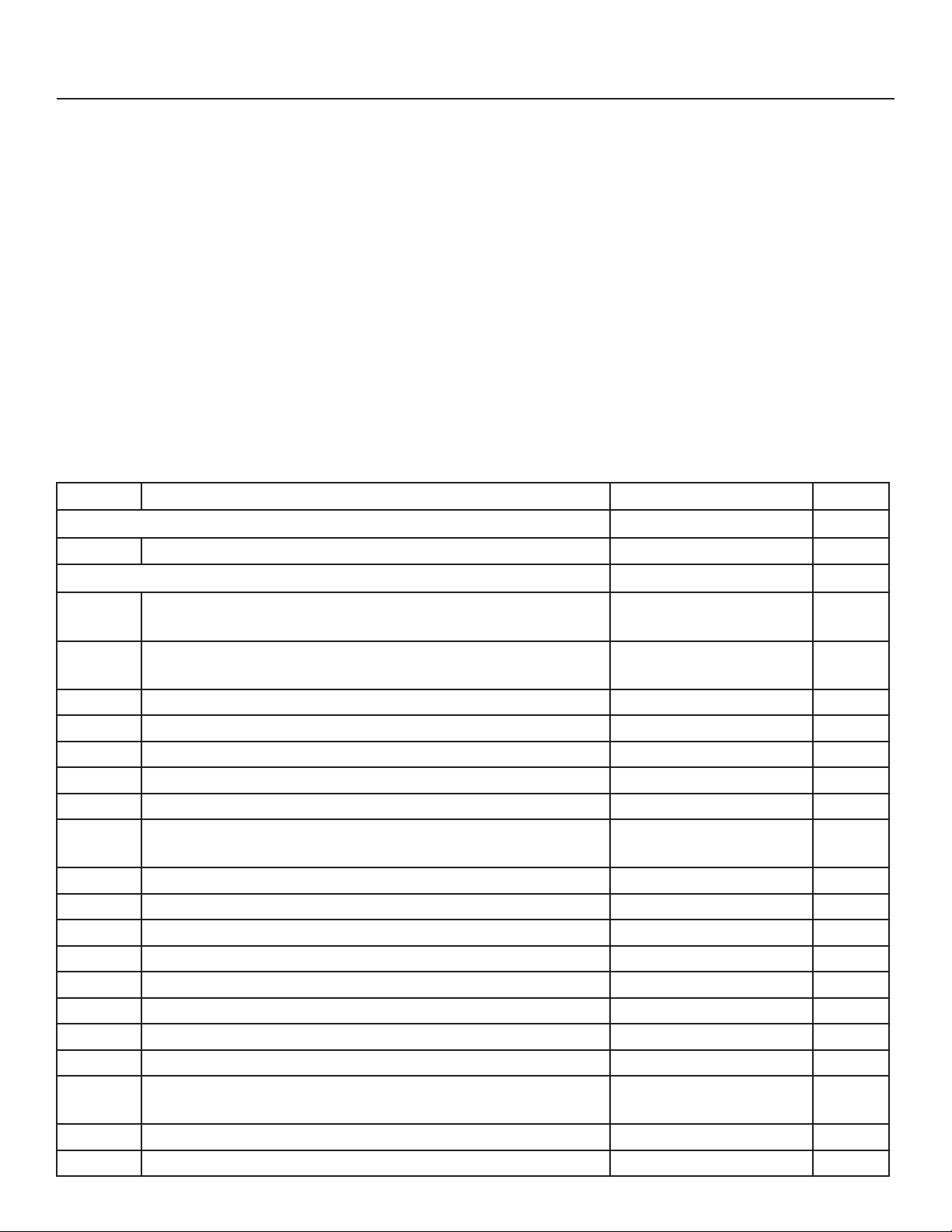
Parameter Description Setting scope Default
User menu
St Set cabinet temperature point LS to US -80
Administrator menu
Po Administrator menu password (The password is 55 and
cannot be changed)
55
C8 Cabinet temp. probe calibration when below 0°
Use this parameter to match temp display with datalogger
-15.0~15.0 0
C9 Condenser probe calibration (High-temp. compressor loop) -15.0~15.0 0
C10 Ambient temp. probe calibration -15.0~15.0 0
C11 High-temp. evaporator probe calibration -15.0~15.0 0
C13 The Minimum set temp. of cabinet -95.0~C14 -86
C14 The Maximum set temp. of cabinet C13~50.0 -40
C15 Maximum temp. of high-temp. evaporator when low-temp.
compressor turned off
C7~10.0 -12
H1 The cycle time of capillary heating wire 1~300 108
H2 The working time of capillary heating wire 1~90 3
H3 Maximum delay time of capillary heating 1~90 60
A3 Alarm output delay after opening cabinet door 0~60 1
A4 Alarm ringback time when the alarm is not cleared 0~60 10
A5 Maximum temp. of over-temp. alarm of ambient (A5>A6) A6~70.0 40
A6 Minimum temp. of over-temp. alarm of ambient (A6<A5) -10.0~A5 5
A7 Delay time of over-temp. alarm of ambient 0~60 10
do1 Door switch controls output 0:Cancel door switch
1:Alarm when the door open
0
do2 Whether a buzzer response is required when the door is open 0:No 1:Yes 1
Cd1 High temperature alarm starting value of condenser 30.0~Cd3 38

Product Description
5

Maintenance
6
Alarm Code

When storing vaccines you may be required to perform a field validation test. A NIST
callibrated external data logger may be used for this purpose. A logger with text, email
or online access is an added layer of protection for your product load in the event of a
temperature excursion. Yamato offers NIST calibrated data loggers to match your unit at a very
affordable rate.
Temperature Logging7

Parameter Setting scope Default
User menu
St Set cabinet temperature point LS to US -80
Administrator menu
Po Administrator menu password (The password is 55 and
cannot be changed)
55
C8 Cabinet temp. probe calibration when below 0°
Use this parameter to match temp display with datalogger
-15.0~15.0 0
C9 Condenser probe calibration (High-temp. compressor loop) -15.0~15.0 0
C10 Ambient temp. probe calibration -15.0~15.0 0
C11 High-temp. evaporator probe calibration -15.0~15.0 0
C13 The Minimum set temp. of cabinet -95.0~C14 -86
C14 The Maximum set temp. of cabinet C13~50.0 -40
C15 Maximum temp. of high-temp. evaporator when low-temp.
compressor turned off
C7~10.0 -12
H1 The cycle time of capillary heating wire 1~300 108
H2 The working time of capillary heating wire 1~90 3
H3 Maximum delay time of capillary heating 1~90 60
A3 Alarm output delay after opening cabinet door 0~60 1
A4 Alarm ringback time when the alarm is not cleared 0~60 10
A5 Maximum temp. of over-temp. alarm of ambient (A5>A6) A6~70.0 40
A6 Minimum temp. of over-temp. alarm of ambient (A6<A5) -10.0~A5 5
A7 Delay time of over-temp. alarm of ambient 0~60 10
do1 Door switch controls output 0:Cancel door switch
1:Alarm when the door open
0
do2 Whether a buzzer response is required when the door is open 0:No 1:Yes 1
Cd1 High temperature alarm starting value of condenser 30.0~Cd3 38
Table of contents
Other Yamato Freezer manuals