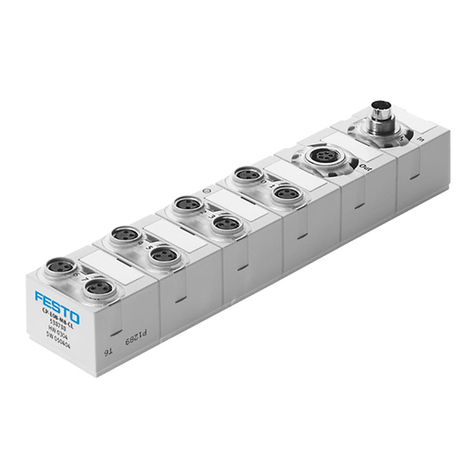
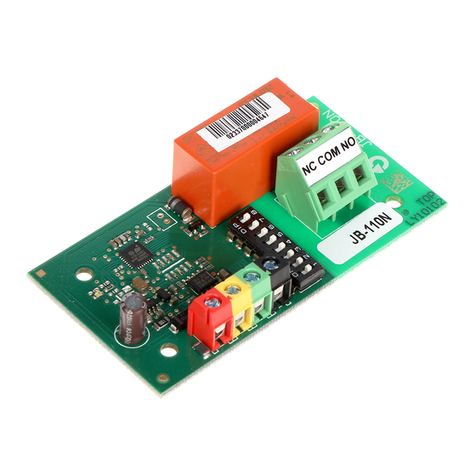
W&T 57732 User manual

Manual
Installation, Startup and Application
Web-IO Digital 4.0
valid for:
#57732 Web-IO Digital, 1x 230V In,1x Relais Out
#57832 Web-IO Digital, 230V Relais 1xNO, 1xCO
#57838 Web-IO Digital, 230V Relais 4xNO, 4xCO
Release 1.33 Juni 2019

2
© 02/2017 by Wiesemann undTheis GmbH
Microsoft, MS-DOS, Windows, Winsock and Visual Basic
are registered trademarks of the Microsoft Corporation.
Subject to error and alteration:
Since it is posssible that we make mistakes, you mustn’t use
any of our statements without verication. Please, inform us
of any error or misunderstanding you come about, so we can
identify and eliminate it as soon as possible.
Carry out your work on or with W&T products only to the
extent that they are described here and after you have
completely read and understood the manual or guide. We
are not liable for unauthorized repairs or tampering. When in
doubt, check rst with us or with your dealer.

3
Subject to error and alteration
Content
Content
1. Legal notices ....................................................6
Warning notice system.............................................................6
Qualied personnel ..................................................................7
Disposal...................................................................................... 7
Symbols on the product...........................................................8
2. Safety notices ..................................................9
General notices..........................................................................9
Intended use ..............................................................................9
Electrical safety.......................................................................... 9
EMC .......................................................................................... 11
Batteries ................................................................................... 11
3. Installation and Wiring.................................14
Installation #57732 .................................................................. 14
Wiring #57732.......................................................................... 14
Installation #57832 ..................................................................18
Wiring #57832.......................................................................... 18
Installation #57838 ..................................................................22
Wiring #57838..........................................................................22
4. Product Introduction.....................................25
Hardware Features #57732.....................................................25
Hardware Features #57832.....................................................26
Hardware Features #57838.....................................................27
Network security .....................................................................28
Application and access possibilities .....................................29
Browser access .............................................................. 29
Email sending ................................................................ 29
Box-to-Box...................................................................... 29
Integration into existing system .................................... 29
MQTT ............................................................................. 29
REST............................................................................... 30
Web-API - HTTP-Requests/AJAX .................................... 30
OPC ................................................................................ 30
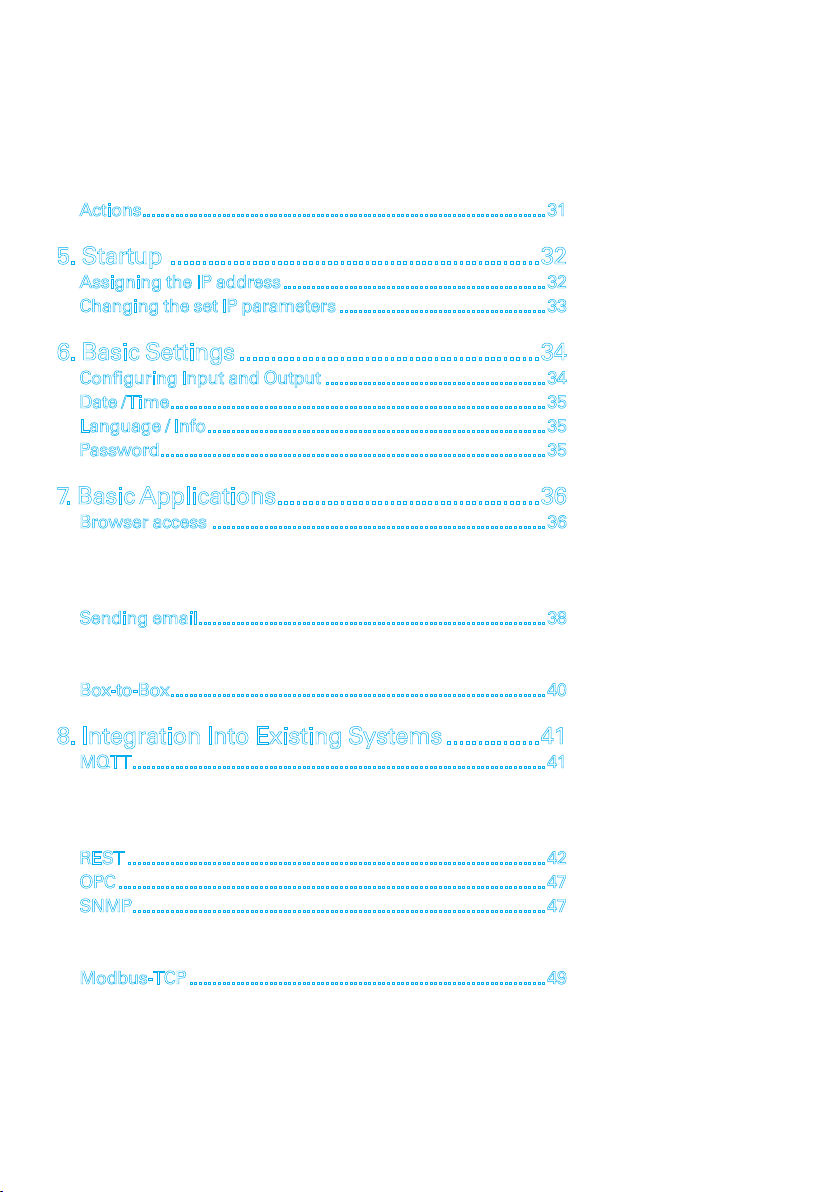
4
Content
SNMP ............................................................................. 30
Modbus-TCP................................................................... 30
In-house applications..................................................... 30
Actions......................................................................................31
5. Startup ...........................................................32
Assigning the IP address........................................................32
Changing the set IP parameters ............................................33
6. Basic Settings ................................................34
Conguring Input and Output ...............................................34
Date /Time................................................................................35
Language / Info........................................................................35
Password..................................................................................35
7. Basic Applications..........................................36
Browser access .......................................................................36
HTTP or HTTPS............................................................... 36
IO access ........................................................................ 37
My Web page.................................................................. 37
Sending email..........................................................................38
Network parameters ...................................................... 38
Mail server access.......................................................... 38
Box-to-Box................................................................................40
8. Integration Into Existing Systems ...............41
MQTT........................................................................................41
Publish IO states ........................................................... 41
Switching outputs using Subscribe .............................. 42
The Web-IO as MQTT gateway ....................................... 42
REST .........................................................................................42
OPC ...........................................................................................47
SNMP........................................................................................47
Opening an SNMP session............................................. 47
Access to input and output ............................................ 48
Modbus-TCP ............................................................................49
Modbus-Memory............................................................ 50
Bit range:........................................................................ 50
5
Subject to error and alteration
Content
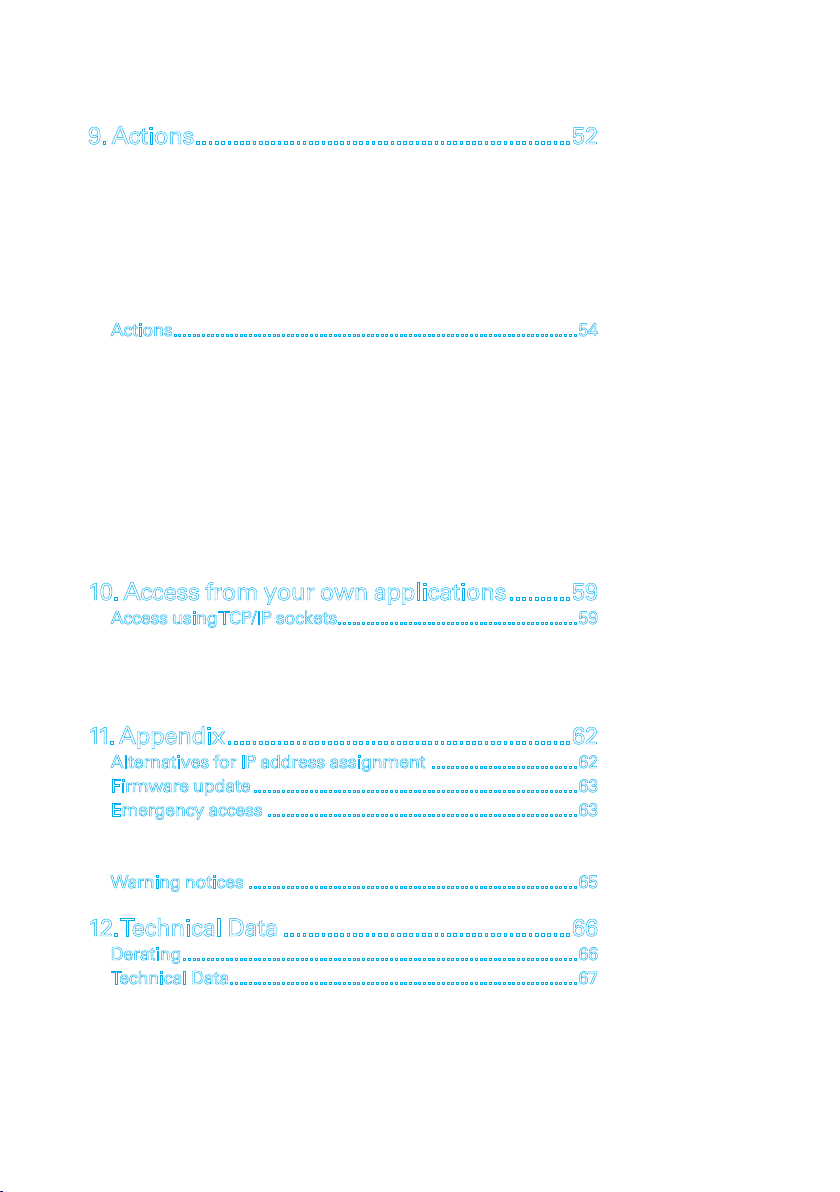
9. Actions............................................................52
Input............................................................................... 52
Output ............................................................................ 52
Counter .......................................................................... 52
I/O-Kombination ............................................................ 52
IntervalTimer ................................................................. 53
Device restart ................................................................. 53
MQTT Subscribe ............................................................ 54
Actions......................................................................................54
Email message............................................................... 55
SNMP trap...................................................................... 55
MQTT publish................................................................. 55
HTTP request.................................................................. 56
TCP messages ................................................................ 56
UDP messages ............................................................... 56
Syslog messages ........................................................... 56
FTP messages ................................................................ 57
Switching outputs.......................................................... 57
10. Access from your own applications..........59
Access using TCP/IP sockets...................................................59
Command strings ASCII ................................................ 59
Binary structures BINARY .............................................. 60
HTTP request.................................................................. 61
11. Appendix.......................................................62
Alternatives for IP address assignment ...............................62
Firmware update .....................................................................63
Emergency access ..................................................................63
Deleting the password ................................................... 63
Resetting to factory defaults.......................................... 64
Warning notices ......................................................................65
12.Technical Data ..............................................66
Derating....................................................................................66
Technical Data..........................................................................67
#57732............................................................................ 67
#57832............................................................................ 69
#57838............................................................................ 71
6
Legal notices
1. Legal notices
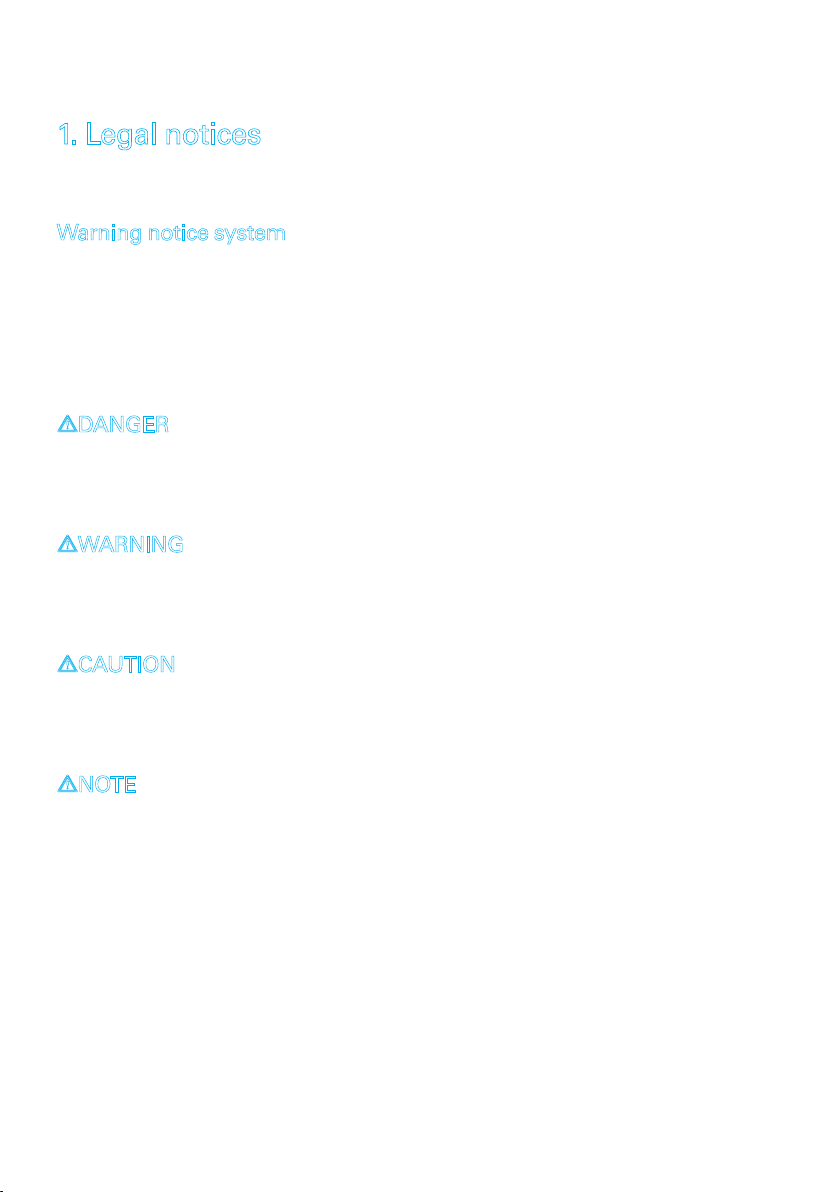
Warning notice system
This manual contains notices that must be observed for your
personal safety as well as to prevent damage to equipment.
The notices are emphasized using a warning sign. Depending
on the hazard level the warning notices are shown in
decreasing severity as follows.
1DANGER
Indicates a hazard which results in death or severe injury if no
appropriate preventive actions are taken.
1WARNING
Indicates a hazard which can result in death or severe injury if
no appropriate preventive actions are taken.
1CAUTION
Indicates a hazard that can result in slight injury if no appro-
priate preventive actions are taken.
1NOTE
Indicates a hazard which can result in equipment damage if no
appropriate preventive actions are taken.
If more than one hazard level pertains, the highest level
of warning is always used. If the warning sign is used in a
warning notice to warn of personal injury, the same warning
notice may have an additional warning of equipment damage
appended.

7
Subject to error and alteration
Legal notices
Qualied personnel
The product described in this manual may be installed and
placed in operation only by personnel who are qualied for the
respective task.
The documentation associated with the respective task must be
followed, especially the safety and warning notices contained
therein.
Qualied personnel are dened as those who are qualied by
their training and experience to recognize risks when handling
the described products and to avoid possible hazards.
Disposal
Electronic equipment may not be disposed of with normal
waste, but rather must be brought to a proper electrical scrap
processing facility. The lithium manganese dioxide battery
installed in the devices must be disposed of separately. See
Batteries section
The complete declarations of conformity for the devices described
in this manual can be found on the respective Internet data sheet
page on the W&T homepage at http://www.wut.de

8
Legal notices
Symbols on the product
Symbol Erklärung
CE Mark
The product conforms to the requirements
of the relevant EU Directives.
WEEE Mark
The product may not be disposed of with
normal waste, but rather in accordance
with local disposal regulations for electri-
cal scrap
PE marking
Terminals with this marking must be
connected to the protective conductor or
protective ground.

9
Subject to error and alteration
Safety notices
2. Safety notices
General notices
This manual is intended for the installer of the Web-IOs
described in the manual and must be read and understood
before starting work. The devices are to be installed and put in
operation only by qualied personnel.
Intended use
1DANGER
The Digital Web-IOs manufactured by Wiesemann & Theis
are network remote switches with integrated web server and
digital in- and outputs. They are used as a remote switching
and monitoring unit, accessible via TCP/IP-Ethernet using
various web and network protocols in accordance with the
present manual.
Non-intended use is any other use or any modication to the
described devices.
Electrical safety
1WARNING
Before beginning any kind of work on the Web-IO you must
completely disconnect it from power. Be sure that the device
cannot be inadvertently turned on again!

10
Safety notices
The Web-IO may be used only in enclosed and dry rooms.
The device should not be subjected to high ambient tempera-
tures or direct sunlight, and it should be kept away from heat
sources. Please observe the limits with respect to maximum
ambient temperature.
Ventilation openings must be clear of any obstacles. A distance
of 10-15 cm between the Web-IO and nearby heat sources must
be maintained.
Input voltage and output currents must not exceed the rated
values in the specication.
When installing be sure that no stray wires stick out through
the ventilation slit of the Web-IO into the housing. Ensure that
no individual wires stand off from leads, that the lead is fully
contained in the clamp and that the screws are tightly fastened.
Fully tighten screws on unused terminals.
The power supply used for the Web-IOs must absolutely ensure
safe isolation of the low-voltage side from the supply mains
according to EN60950-1 and must have “LPS“ designation.
This manual suits for next models
2
Table of contents