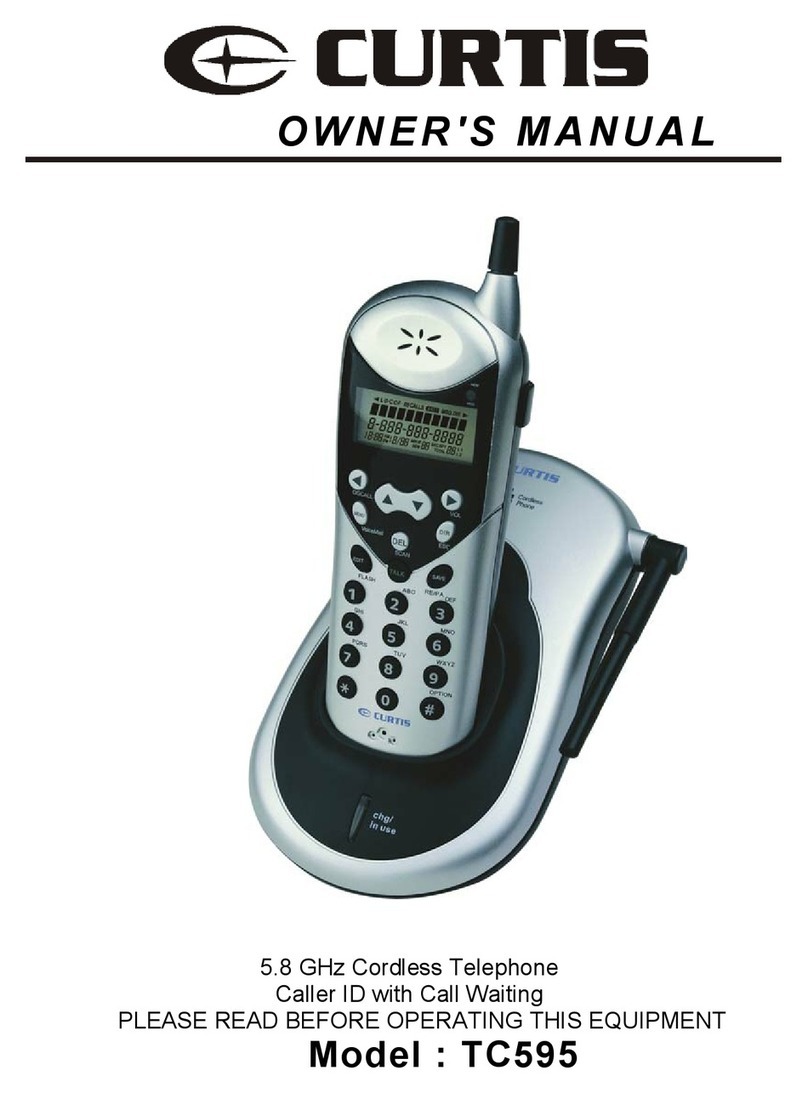
V-tech VT6221 User manual

www.vtech.com
VT6221
Digital Enhanced Cordless Telephone (DECT)
User manual

1
20401551en_ba_a0
Contents
Setting up the telephone……………………………………………………………………3
Package contents …………………………………………………………………………3
Location ……………………………………………………………………………………3
Setting up the base station
Connecting the telephone ......................................................................................5
Removing the cords .................................................................................................6
Putting the handset into operation............................................................................7
Displays, keys, symbols ...........................................................................................10
Key lock on/off.........................................................................................................14
Paging....................................................................................................................14
Telephoning................................................................................................................15
External calls ..........................................................................................................15
Accepting a call .....................................................................................................16
Redial ...................................................................................................................17
Quick access network mailbox ................................................................................17
Dialling from the call list* .......................................................................................18
Setting the handset volume ...................................................................................19
Muting the handset ..............................................................................................19
*Only in networks that enable caller ID (Calling Line Identification Presentation, CLIP).
Contact your network operator to find out whether this service is supported.
.......................................................................................4

Telephone settings....................................................................................................20
Setting the ring tone volume ...............................................................................20
Setting the ring tone melody ...............................................................................20
Speed dialling .....................................................................................................21
Direct call (baby call) ..........................................................................................22
Flash time ...........................................................................................................23
Restoring default settings ......................................................................................23
Changing the PIN .................................................................................................24
Key tone on/off ........................................................................................24
Appendix ...................................................................................................................25
Technical Data........................................................................................................25
2
20401551en_ba_a0
Contents

3
20401551en_ba_a0
Package contents
The package contains the following items:
➭1 Base station
➭1 AC power adapter
➭1 Handset
➭2 Dowels/2 screws
➭2 Rechargeable batteries
Location
To obtain the best possible range, we recommend positioning the telephone in a location
central to your sphere of activity. Avoid positioning the telephone in niches, recesses and
behind steel doors.
The maximum range between the base station and handset is approximately 300 meters.
Depending on the surrounding conditions as well as spatial and structural factors, the
range may be smaller. The indoor range is normally smaller than outdoors. Depending on
the structural surroundings, radio dead spots may occur even within the range due to
digital transmission in the frequency range used. In this case the transmission quality may
be reduced through the increased incidence of short breaks in transmission. Normal
transmission quality will be resumed if you move slightly out of the radio dead spot.
When the range is exceeded, the connection will be broken unless you move back into
range within ten seconds.
To avoid radio signal interference from other electronic equipment, we recommend that
the base station/charging bay and handset are situated at the greatest possible distance
(minimum 1 meter) from other equipment.
Setting up the telephone
➭1 Telephone line cord
VT6221
➭1English user manual and 1 Chinese user manual

4
20401551en_ba_a0
Setting up the base station
➭Do not expose the base stationto direct sunlight.
Protect the base stationagainst moisture. Do not position the telephone in room
exposed to condensation, corrosive steam or excessive dust. Condensation can
occur in cellars, garages, conservatories or sheds.
The ambient temperature must be between 5 °C and 40 °C.
Position the base station in a clean, dry and well-aired location. Choose a
place which is stable, even and not subject to vibrations.
Toavoid mutual interference, do not position the base station in the immediate
vicinity of electronic equipment such as hi-fi systems, office equipment or microwave
ovens. Avoid positioning the telephone near heat sources such as heating elements or
near obstacles such as metal doors, thick walls, niches and cupboards.
The base station does not have a mains switch. For this rreason the socket
to which it is connected must be easy to access.
Setting up the telephone

5
20401551en_ba_a0
Connecting the telephone
Before you can start using your telephone you must plug in the telephone connection
cords and the mains cable.
Safety note
the base station!
➀Telephone connection cord
The telephone connection cord has two different
plugs. Insert the smaller plug in the socket marked
with the telephone symbol, and fit the cord into the
corresponding cable groove.
Insert the larger plug in your telephone connection
socket.
➁ Mains cable
First, insert the mains cable in the socket marked
with the mains plug symbol on the base of the base
station/charging bay, and fit the cable in the corres-
ponding cable groove. Then insert the mains plug
Note Your telephone will not function if the mains plug is not plugged in or during
a power cut.
Socket for
mains cable ➁
Socket for
telephone
connection
cord ➀
Setting up the telephone
Use only the VTech power pack p rovided for
in the 220V socket.

6
20401551en_ba_a0
Removing the cords
connection socket.
Setting up the telephone
First unplug the mains plug from the 220V socket and the plug from the telephone

20401551en_ba_a0
7
Putting the handset into operation
Your handset will be ready for operation (for making or accepting calls) only once the
battery has been charged for the first time.
Inserting the rechargeable batteries
The bottom of the handset contains a battery compartment for housing two type AAA
batteries (microcells).
Removing the battery
compartment cover:
Slide the battery compartment
cover downwards
(approx.3 mm) and lift.
Inserting the two rechargeable batteries (note the polarity!):
Insert the batteries in the battery compartment. Make sure the polarity is correct. Make
sure to insert the batteries so that the flat end of the battery (the negative side) connects
to the spring contact. The handset will not function if the batteries are incorrectly inser-
ted. This may result in damage. Replace the compartment cover by placing it approxima-
tely 3 mm offset and slide it upwards until it clicks into place.
Setting up the telephone

8
20401551en_ba_a0
Charging the batteries
The batteries are not yet charged when you first unpack the telephone. To charge the
batteries, place the handset on the base station. The flashing battery symbol on the
handset signals the charging pr ocedure. The batteries will take around 14 hours to
charge up.
Note•Do not place the handset in the base station if the batteries have not
been fitted.
•Do not use strange base station, the batteries can be damaged.
The following symbols indicate the charging status on the handset display:
DCharging status “empty”
CCharging status “1/2 ”
ACharging status “full”
Once the new batteries have been inserted, the display (1/2, full) on the handset indica-
tes the actual charging status only after a complete charging procedure.
Insert the plug into your telephone connection socket once the battery symbol has stop-
ped flashing.
Your telephone is now ready to use.
Important!
Please note: The first time you insert the batteries, the battery display will indicate
the correct information on the charging status only after a complete charging cycle.
Use only NiMH rechargeable batteries. Never use disposable batteries/primary
cells.
!
Setting up the telephone

9
20401551en_ba_a0
Note You can replace the handset in the base station after every call. Charging
is electronically controlled to ensure optimal charging of batteries in diffe-
rent charge states. Avoid removing the batteries from the handset for no
good reason, since this af fects the optimum charging cycle.
You can telephone for up to 10 hours with fully charged batteries.
If the battery charge status has reached its lower limit, the battery symbol
(
D
) flashes in the display and a warning signal is heard. You have 10 minu-
tes of talk time left.
Setting up the telephone
Table of contents
Other V-tech Cordless Telephone manuals

V-tech
V-tech MS1100-T User manual

V-tech
V-tech IS7121-22 User manual

V-tech
V-tech t 2435 User manual

V-tech
V-tech CS6829 User manual

V-tech
V-tech SN6127 User manual

V-tech
V-tech VT-1910c User manual

V-tech
V-tech CS5158-3 User manual

V-tech
V-tech IS6100 User manual

V-tech
V-tech VS112-2 User manual

V-tech
V-tech vt1733 User manual

V-tech
V-tech CS6529 User manual

V-tech
V-tech MI6821 - Cordless Telephone With Caller Id User manual

V-tech
V-tech VSP600 User manual

V-tech
V-tech CS6314 User manual

V-tech
V-tech gz 2438 User manual

V-tech
V-tech ia5870 User manual

V-tech
V-tech CS6124 User manual

V-tech
V-tech VSP601 User manual

V-tech
V-tech i 5866 User manual

V-tech
V-tech I 5858 User manual