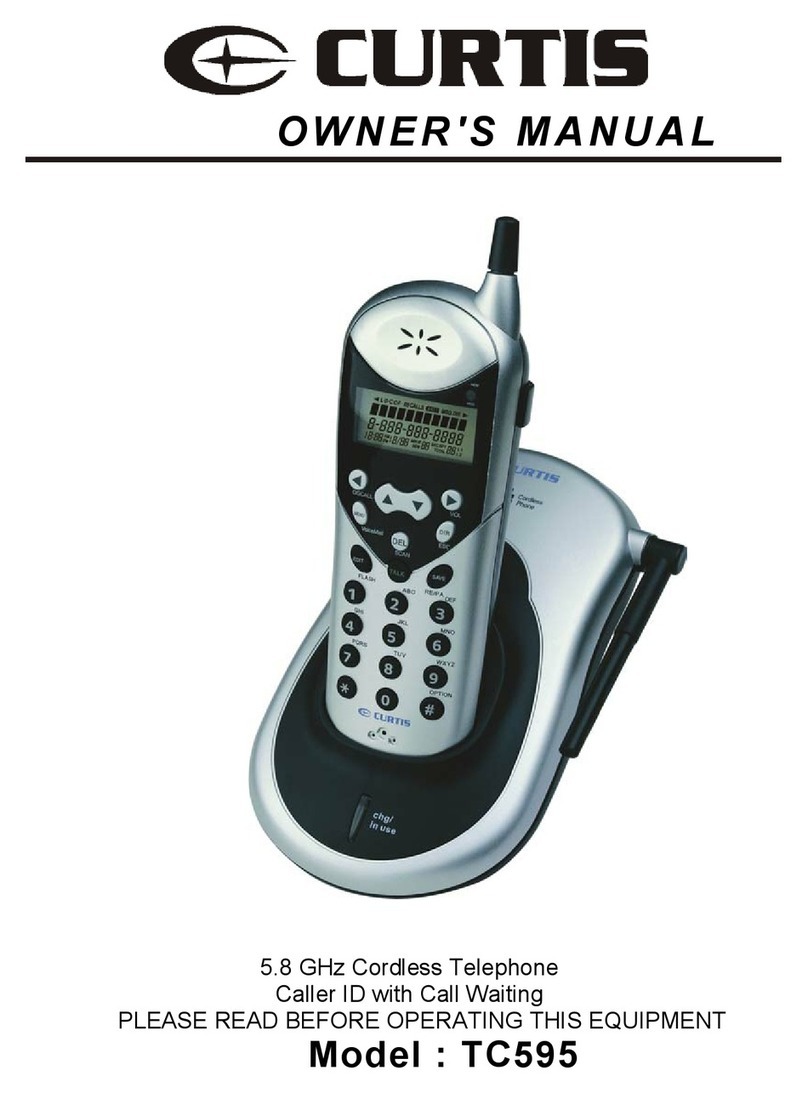
V-tech t2416 User manual

1
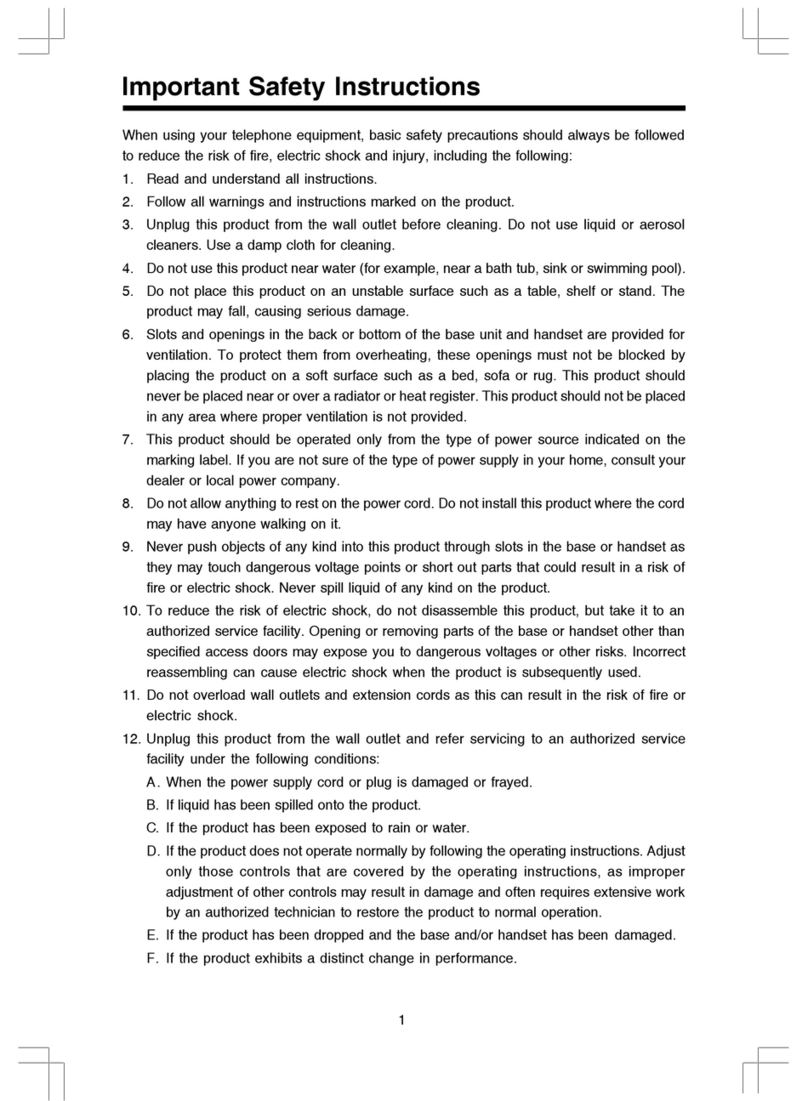
When using your telephone equipment, basic safety precautions should
always be followed to reduce the risk of fire, electric shock and injury
to persons, including the following:
1. Read and understand all instructions.
2. Follow all warnings and instructions marked on the product.
3. Unplug this product from the wall outlet before cleaning. Do not use
liquid cleaners or aerosol cleaners. Use a damp cloth for cleaning.
4. Do not use this product near water (for example, near a bath tub,
kitchen sink, or swimming pool).
5. Do not place this product on an unstable cart, stand, or table. The
product may fall, causing serious damage to the product.
6. Slotsandopeningsinthecabinetandthebackorbottomareprovided
for ventilation. To protect it from overheating, these openings must
not be blocked by placing the product on the bed, sofa, rug, or other
similar surface. This product should never be placed near or over
a radiator or heat register. This product should not be placed in a
built-in installation where proper ventilation is not provided.
7. This product should be operated only from the type of power source
indicated on the marking label. If you are not sure of the type of
power supply to your home, consult your dealer or local power
company.
8. Do not allow anything to rest on the power cord. Do not locate this
product where the cord will be abused by persons walking on it.
9. Never push objects of any kind into this product through cabinet slots
as they may touch dangerous voltage points or short out parts that
could result in a risk of fire or electric shock. Never spill liquid of any
kind on the product.
10. Toreducetheriskofelectricshock,donotdisassemblethisproduct,
but take it to an authorized service facility. Opening or removing
cabinet parts other than specified access doors may expose you
to dangerous voltages or other risks. Incorrect reassemb-ling can
cause electric shock when the appliance is subsequently used.
11. Do not overload wall outlets and extension cords as this can result
in the risk of fire or electric shock.
IMPORTANT SAFETY INSTRUCTIONS

2
12. Unplug this product from the wall outlet and refer servicing to an
authorized service facility under the following conditions:
A. When the power supply cord or plug is damaged or frayed.
B. If liquid has been spilled into the product.
C. If the product has been exposed to rain or water.
D. Iftheproductdoesnotoperatenormallybyfollowingtheoperating
instructions. Adjust only those controls that are covered by the
operating instructions, because improper adjustment of other
controls may result in damage and will often require extensive
workbyanauthorizedtechniciantorestoretheproducttonormal
operation.
E. If the product has been dropped and the cabinet has been
damaged.
F. If the product exhibits a distinct change in performance.
13. Avoidusingatelephone(otherthanacordlesstype)duringanelectrical
storm. There may be a remote risk of electric shock from lighting.
14. Do not use the telephone to report a gas leak in the vicinity of the
leak.
If you have questions about this product,
or if you're having difficulty with setup or
operation, do not return your phone to the
store. Call our Customer Support Center
at:
1-800-595-9511
In Canada, call
1-800-267-7377
IMPORTANT SAFETY INSTRUCTIONS

3
Enhanced 2.4GHz Technology -
Dual Band
transmission combines the best of 2.4GHz
and 900MHz technologies, providing enhanced performance over standard cordless
telephones.
About Caller Identification (Caller ID)
This product has a Caller ID with Call Waiting feature that works with service from your
local phone service provider.
Caller ID with Call Waiting lets you see who’s calling before you answer the phone, even
when you’re on another call.
You may need to change your phone service to use this feature. Contact your phone
service provider if:
• You have both Caller ID and Call Waiting, but as separate services (you may need
combined service)
• You have only Caller ID service, or only Call Waiting service
• You don’t subscribe to any Caller ID or Call Waiting services.
You can use this product with regular Caller ID service, and you can use this product’s
other features without subscribing to either Caller ID or combined Caller ID with Call
Waiting service.
There are fees for Caller ID services, and they may not be available in all areas.
This product can provide information only if both you and the caller are in areas offering
Caller ID service, and if both telephone companies use compatible equipment.
Parts Check List:
1. Base Unit 2. Handset
3. AC Power Adapter 4. Telephone Line Cord
5. Battery Pack 6. Belt Clip
7. Owner’s Manual
To purchase replacement battery packs, call VTech Communications, Inc. at 1-800-
595-9511. In Canada, call VTech Telecommunications Canada Ltd. at 1-800-267-7377.
BEFORE YOU BEGIN

4
GETTINGSTARTED
To attach To remove
Before You Install
1ChoosealocationfortheBasenearanelectricaloutletandatelephonejack.Thisphone
requiresamodulartelephonejackandastandardelectricaloutlet(110vAC)notcontrolled
by a wall switch. Plug the AC power adaptor into the electrical outlet and the DC
connectortothe jack on the bottomoftheBase Unit.
2InstalltheHandsetbatterypack.Use only Battery Pack providedorrecommendedby
VTech.
a)Remove battery
compartment cover
by pressing on the
indentation and
sliding downward.
b)Align the two holes in the plug with the
socket pins, then snap the plug into
place.
c)Place the battery pack in the
compartment with the wires in one of
the lower corners, as shown in the
illustration.
d)Replace cover by sliding it
up into place.
3Attach the Belt Clip to the cordless Handset (optional).
NOTE: InstalltheBaseUnitawayfromelectronicequipment,suchaspersonalcomputers,
televisionsets ormicrowave ovens.Avoid excessive heat, cold, dust or moisture
.
INSTALLATION

5
GETTINGSTARTED
Table/Desk Installation
CONNECT THE
POWER CORD
CONNECT THE
TELEPHONE LINE
CORD
Standard electrical outlet
Modular telephone jack
4 Charge the Handset Battery
PlacetheHandsetin the Base. Charge the battery atleastfor12 hours the first time.
5 Check for Dial Tone
After the batteries are charged, connect the modular telephone cord between a live
phonejackand the jack located onthebottomof the Base Unit. Pick uptheHandset
andpressPHONE. Youshouldhear a DialTone.
6 Set the Dial Mode
Ifyouhavetouch tone service, the phone is readytouseas soon as the batteries are
charged.
Ifyouhavedial pulse (rotary) service, you’ll need tochangethedial mode.
• PressPROG/CHAN ontheHandsettoenterprogrammingmode.
• Press or untilthescreendisplaysDIALMODE:andthecurrentlyselectedmode.
• PressSELECT.Thecurrentsettingblinks.
• Press toselect TONE or PULSE.
• Press SELECT,tosavethedisplayedmode.
7 Set Time and Date
Ifyousubscribe toCallerIDservice, thedateandtimewillbesetautomaticallywiththe
firstincomingcall.
Ifyoudo not have Caller IDservice,youcan set the date andtimemanually.
• PressPROG/CHANuntilDATE/TIME isdisplayed.Press SELECT.
• Themonthisflashing.Press or untilthescreendisplaysthecorrectmonth.
PressSELECT.
• The day is flashing. Press or until the screen displays the correct day.
PressSELECT.
• The hour is flashing. Press or until the screen displays the correct hour.
PressSELECT.
• Theminuteisflashing. Press or untilthescreendisplays the correctminute.
PressSELECT.
•AM or PM is flashing. Press or to choose between AM or PM.
PressSELECT.
NOTE:You can choose to set the time manually, or you can allow it to be automatically
with incoming Caller ID information.
INSTALLATION

6
GETTINGSTARTED
Wall Installation on a standard modular Wall Plate
A bracket is available for wall mounting your Base Unit. To receive a bracket, call
1-800-595-9511. InCanada,call1-800-267-7377.
1Run the power and telephone line cords through the slots in the bracket,
connectingthemtothejackslocated on the underside of the Base.
2Connect the T-shaped bracket to the slots on the underside of the Base, as
showninthe illustration.
3MounttheBaseUnit onto thewallplate.
4Follow Steps 4through7in Table/Desk Installation.
a) Alignholesonbracketwith
mountingstudson wallplate.
b) Slidebracketdownonstuds
untilitlocksintoplace.
INSTALLATION

7
BASICOPERATION
TELEPHONE OPERATION
Answer a Call
Press any key
except OFF.
HOLD
Press to put a call
on hold; press
again to release
hold, OR picking
up an extension
phone will release
hold and return
the Handset to the
idle (on hook)
mode.
Make a Call
Press PHONE
then dial the
number, OR Dial
the number (use
to backspace
and correct digits),
then press
PHONE to call.
Flash/Call Waiting
Access special
telephone company
subscriber services.
Handset Volume
While on a call,
adjust the volume
of what you hear.
Exit
programming
End a Call
Press OFF or
place Handset
in Base.
Cancel a page
Redial/Pause
Press PHONE, then press
REDIAL/PAUSE to call last
number dialed (up to 32 digits).
-OR-
Press REDIAL/PAUSE, then
press PHONE to call last
number dialed.
Press REDIAL/PAUSE twice
to delete the last number
dialed record with Handset idle.
Program/Channel
Switch to a clearer
channel while on a call.
Enter programming mode
with Handset idle (on
hook).

8
BASICOPERATION
TELEPHONE OPERATION

9
BASICOPERATION
Handset Ringer Style/Battery Save
Youcanselect from four differentHandsetringer styles, or turntheringer off and
extendthebatterylife.
1Makesure the Handset is off.
2PressPROG/CHANtoenterprogrammingmode.
3Press or until the screen displays RINGER: and the current setting.
4Press SELECT. Thecurrent settingblinks,andyouwill hear a sampleofthering.
5Press or to select RINGER:1, 2, 3, 4, or OFF.
6Press SELECTtochoosethedisplayedringersetting.
Temporary Tone Dialing
Ifyouhavedialpulse(rotary)service,youcan changefromdialpulsetotouchtonedialing
during acall by pressing *TONE .This isusefulifyouneedtosend touchtonesignalsfor
accesstotelephonebanking or long-distance services.
1Dialthenumber.
2 Press *TONE.Buttonspressedafterthissendtouchtone signals.
3 Afteryouhangup, the phone automatically returns to dialpulse(rotary)service.
Headset Jack
You can use this telephone hands-free when you install any VTech 2.5mm headset,
purchased separately.
Plug the headset into the jack located on the right side of the Handset (under the small
rubberflap).Do not force the connection,butmakesure the plug fits securely.
TELEPHONE OPERATION

10
BASICOPERATION
Operating Range
This cordless telephone operates within the maximum power allowed by the Federal
CommunicationsCommission(FCC). Evenso,thisHandset andBasecancommunicate
overonlyacertaindistance—whichcanvary withthelocationsoftheBaseandHandset,
theweather,andthe construction of your home or office.
If you receive a call while you are out of range, the Handset might not ring — or if it
does ring,the callmightnot connectwhen youpress PHONE.MoveclosertotheBase,
thenpressPHONEtoanswerthecall.
If you move out of range during a phone conversation, you might hear noise or
interference.Toimprovereception,movecloser to the Base.
If you move out of range without pressing OFF, your phone will be left“offthehook.”
To hangup properly,walk back intorange, periodicallypressing OFF .
Display Screen Messages
TELEPHONE OPERATION
The Handset is in use
The Base is paging the Handset.
The Battery Pack needs to be recharged
This manual suits for next models
2
Table of contents
Other V-tech Cordless Telephone manuals

V-tech
V-tech Cordless Telephone User manual

V-tech
V-tech 20-2432 User manual

V-tech
V-tech CS6114 User manual

V-tech
V-tech SN6127 User manual

V-tech
V-tech CS6314 User manual

V-tech
V-tech T2351 User manual

V-tech
V-tech gz 2334 User manual

V-tech
V-tech VT5881 User manual

V-tech
V-tech IA5864 User guide

V-tech
V-tech DS6670-6C User manual

V-tech
V-tech VT 1962 User manual

V-tech
V-tech gz2437 User manual

V-tech
V-tech t2419 User manual

V-tech
V-tech DS6673-2 User manual

V-tech
V-tech 918 ADX User manual

V-tech
V-tech XS1050 User manual

V-tech
V-tech MI6889 Setup guide

V-tech
V-tech CS6719-4 User manual

V-tech
V-tech VC7151-102A User manual

V-tech
V-tech DECT CS6429-2 User manual