UTStarcom F3000 User manual

i
_______________________________________
Copyright Statement: “©2005 UTStarcom, Inc. All rights reserved. No
part of this publication may be reproduced in any form or by any means
without the prior written permission of UTStarcom, Inc.”
Warranty Language: “The contents of this manual, whether in whole or in
part, do not constitute any express or implied warranty with respect to any
products of UTStarcom, Inc., or its affiliates.”
Doc. Code: 8810026700.051221

Table of Contents
SAFETY PRECAUTIONS.................................................... 1
1. GETTING STARTED ....................................................... 8
1.1 PACKAGE CONTENTS.....................................................................8
1.2 PHONE SPECIFICATIONS ................................................................9
1.3 HANDSET DESCRIPTION...............................................................10
1.4 DISPLAY INDICATORS ...................................................................12
1.5 CHARGE THE BATTERY ................................................................13
1.6 REPLACE THE BATTERY ...............................................................14
1.7 CONVENTIONS USED IN THIS MANUAL ..........................................15
1.8 ACCESS MENU/LIST OPTIONS ......................................................16
2. BASIC OPERATIONS ................................................... 17
2.1 SWITCH THE PHONE ON/OFF .......................................................17
2.2 MAKE A CALL ..............................................................................17
2.3 USE SPEED DIAL .........................................................................18
2.4 ANSWER A CALL ..........................................................................18
2.5 REJECT A CALL ...........................................................................19
2.6 IN CALL OPERATIONS ..................................................................19
2.6.1 Hold a Call .....................................................................................19
2.6.2 Call Waiting....................................................................................20
2.6.3 Make a New Call............................................................................20
2.6.4 Conference Call .............................................................................21
2.6.5 Transfer a Call ...............................................................................22
2.6.6 Mute the Microphone Volume ........................................................22
2.6.7 Access the Phonebook ..................................................................23
2.6.8 Adjust the Listening Volume ...........................................................23
2.7 STORE A PHONE NUMBER............................................................24
2.8 CALL LOG SHORTCUT..................................................................24
2.9 CUSTOM FUNCTIONS SHORTCUT .................................................25
2.10 PROFILES SHORTCUT ................................................................25
2.11 VIBRATION SHORTCUT ...............................................................25
ii

iii
3. PHONEBOOK (NAMES) ............................................... 26
3.1 SEARCH......................................................................................26
3.2 ADD ENTRY.................................................................................28
3.3 DELETE ......................................................................................30
3.3.1 One by One ...................................................................................30
3.3.2 All...................................................................................................30
3.4 GROUP INFO ...............................................................................31
3.4.1 Ring Tone.......................................................................................31
3.4.2 Browse...........................................................................................31
3.5 SPEED DIAL ................................................................................32
3.6 MEMORY.....................................................................................33
4. MENU ............................................................................ 34
4.1 MESSAGES .................................................................................34
4.1.1 Text Message.................................................................................34
4.1.2 Email..............................................................................................41
4.2 CALL LOG ...................................................................................51
4.2.1 Missed Log ....................................................................................51
4.2.2 Received Log.................................................................................54
4.2.3 Dialed log.......................................................................................57
4.2.4 Duration .........................................................................................60
4.3 PROFILES ...................................................................................61
4.3.1 Standard ........................................................................................61
4.3.2 Meeting..........................................................................................65
4.3.3 Outdoor..........................................................................................65
4.3.4 User Define....................................................................................65
4.4 SETTINGS ...................................................................................66
4.4.1 Date/Time ......................................................................................66
4.4.2 Display...........................................................................................67
4.4.3 Set Handset...................................................................................68
4.4.4 Set Security ...................................................................................70
4.5 TOOLS ........................................................................................73
4.5.1 Alarm .............................................................................................73
4.5.2 Calendar ........................................................................................75
4.5.3 Calculator ......................................................................................77
4.5.4 Time Zone......................................................................................78


iv
4.6 GAMES .......................................................................................79
4.6.1 Sand Volleyball ..............................................................................79
4.6.2 Gobang..........................................................................................80
4.7 WIFI...........................................................................................81
4.7.1 Net Search.....................................................................................81
4.7.2 WiFi Config ....................................................................................82
4.7.3 Network Parameter........................................................................84
4.7.4 Signal Protocol...............................................................................87
4.8 NETWORK ...................................................................................92
4.8.1 Call Waiting....................................................................................92
4.8.2 Call Transfer ..................................................................................92
4.8.3 Three Way Call ..............................................................................93
4.8.4 Register Interval Time ....................................................................93
4.8.5 Caller-ID Block...............................................................................93
4.8.6 Repeat Dial on Busy ......................................................................94
4.8.7 Reject Anonymous Incoming Call ..................................................94
4.8.8 No Disturb......................................................................................94
4.8.9 Personal Information......................................................................94
4.9 MISC ..........................................................................................95
4.9.1 Vendor Information.........................................................................95
4.9.2 PC Config ......................................................................................95
4.9.3 Remote TFTP Update....................................................................95
4.9.4 Remote TFTP Server.....................................................................96
4.9.5 Local TFTP Update........................................................................96
4.9.6 Local Log .......................................................................................96
4.9.7 Web Authentication........................................................................97
5. INPUT METHOD............................................................ 98
5.1 SWITCH INPUT METHOD...............................................................98
5.2 ENGLISH .....................................................................................98
5.3 LETTER.......................................................................................99
5.4 PINYIN AND STROKE..................................................................100
5.5 DIGIT ........................................................................................100
5.6 SYMBOLS..................................................................................101
6. TROUBLESHOOTING..................................................102

Safety Precautions
SAFETY PRECAUTIONS
CE Declaration of Conformity
For the following equipment: WiFi handset F3000
Is herewith confirmed to comply with the requirements set out in the
Council Directive on the Approximation of the Laws of the Member States
relating to Electromagnetic Compatibility (89/336/EEC), Low-voltage
Directive (73/23/EEC) and the Amendment Directive (93/68/EEC), the
procedures given in European Council Directive 99/5/EC and
89/3360EEC.
The equipment was passed. The test was performed according to the
following European standards:
EN 300 328 V.1.6.1 (2004-11)
EN 301 489-17 V.1.2.1 (2002-08)
EN 60950: 2000
1

Safety Precautions
FCC RF Exposure Compliance
This phone has been tested and complies with the Federal
Communications Commission (FCC) RF exposure limits for the General
Population/Uncontrolled exposure environment. In addition, it complies
with the following Standards and Guidelines:
FCC 96-326, Guidelines for Evaluating the Environmental Effects of
Radio-Frequency Radiation
FCC OET Bulletin 65 Edition 01-01 (2001) Supplement C, Evaluating
Compliance with FCC Guidelines for Human Exposure to Radio
Frequency Electromagnetic Fields
ANSI/IEEE C95.1-1992, IEEE Standard for Safety Levels with
Respect to Human Exposure to Radio Frequency Electromagnetic
Fields, 3 kHz to 300 GHz
ANSI/IEEE C95.3-1992, IEEE Recommended Practice for the
Measurement of Potentially Hazardous Electromagnetic Fields - RF
and Microwave
Note: For body-worn operation, this phone has been tested and
meets FCC RF exposure guidelines when used with an accessory
that contains no metal and when the back of the phone faces your
body.
Use of other accessories may not ensure compliance with FCC RF
exposure guidelines.
The antenna used for this transmitter must not be co-located or
must not operate in conjunction with any other antenna.
2

Safety Precautions
Handling the Phone, Battery and Charger
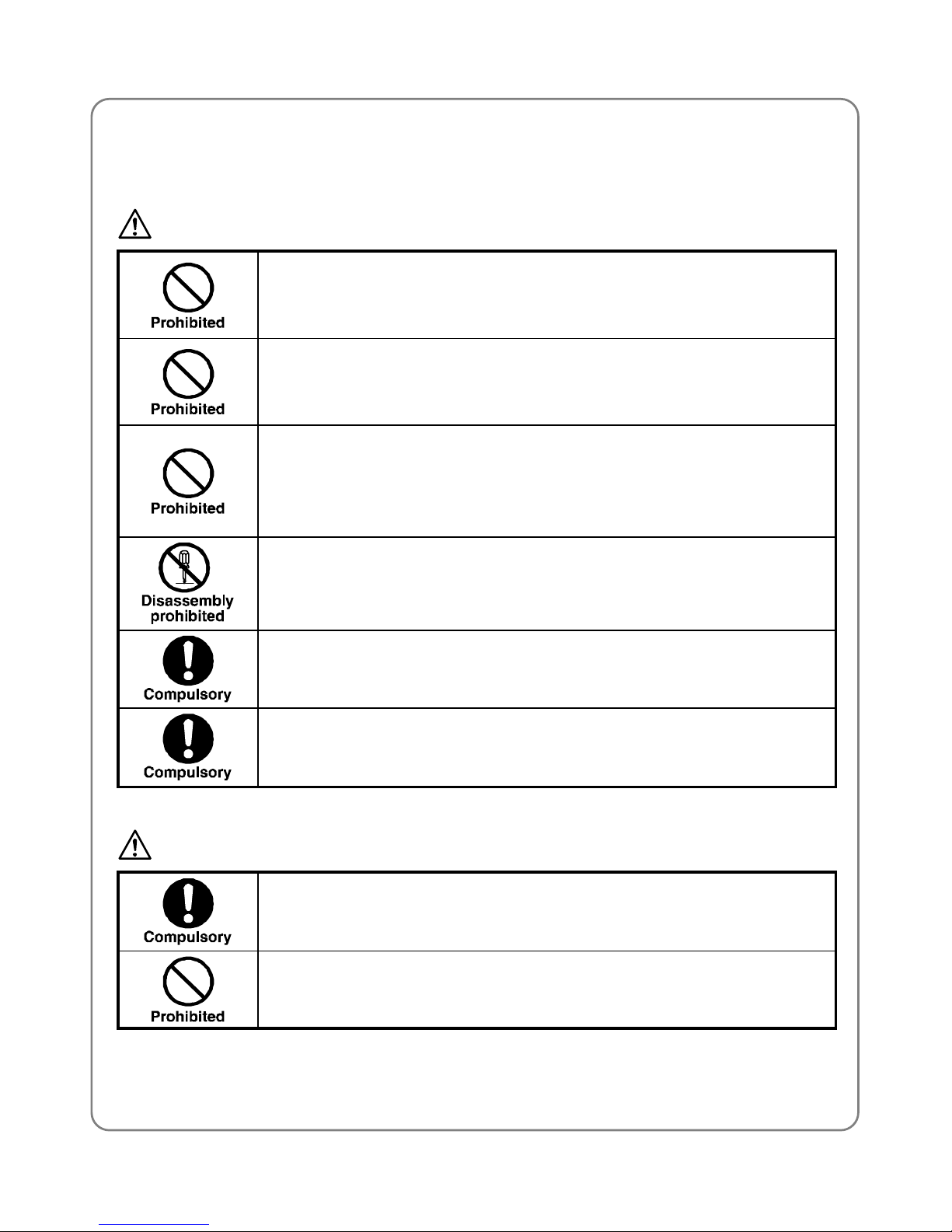
DANGER
Only use the battery and charger specified for the
phone. Failure to do so can result in damage to the
phone, electric shock or fire.
CAUTION
Do not store or operate the phone or charger in hot,
damp, or dusty areas, which can damage electrical and
mechanical components. Avoid prolonged exposure to
temperatures below 5°C or in excess of 35°C.
DANGER
Do not drop, shake or throw the phone or charger.
Rough handling can damage internal circuit boards and
the battery pack.
Do not use the phone in the vicinity of volatile gases.
Leave the area before using the phone. Failure to leave
the area can result in the risk of fire or an explosion.
Do not disassemble or modify the phone, charger, or
battery. Incorrect modifications, reassembly, or
tampering may result in malfunction or personal injury.
3

Safety Precautions
Handling the Phone
This device complies with Part 15 of the FCC Rules. Operation is subject
to the following two conditions:
This device may not cause harmful interference
This device must accept any interference received, including
interference that may cause undesired operation
This device has been designed to operate with the antennas listed below,
and having a maximum gain of 3.44 dB. Antennas not included in this list
or having a gain greater than 3.44 dB are strictly prohibited for use with
this device. The required antenna impedance is 50 ohms.
To reduce potential radio interference to other users, the antenna type
and its gain should be so chosen that the equivalent isotropically radiated
power (e.i.r.p.) is not more than that permitted for successful
communication.
DANGER
This phone has been tested and found to comply with
the limits for a Class B digital device, pursuant to Part
15 of the FCC Rules. These limits are designed to
provide reasonable protection against harmful
interference in a residential installation. This phone
generates, uses and can radiate radio frequency energy
and, if not installed and used in accordance with the
instructions, may cause harmful interference to radio
communications. However, there is no guarantee that
interference will not occur in a particular installation. If
this phone does cause harmful interference to radio or
television reception, which can be determined by
turning the phone off and on, the user is encouraged to
try to correct the interference by one or more of the
following measures:
- Reorient or relocate the receiving antenna
4

Safety Precautions
- Increase the separation between the phone and
receiver
- Connect the phone into an outlet on a circuit
different from that to which the receiver is connected
- Consult the dealer or an experienced radio/TV
technician for help
Observe local regulations for specialized areas
(hospital, aircraft, etc) when using the phone.
Do not use the phone while operating a vehicle.
CAUTION
Changes or modifications not expressly approved by
UTStarcom, Inc. could void the user’s authority to
operate the phone.
Keep all storage media (magnetic cards, floppy disks,
credit cards, etc.) away from the phone. Close
encounters or contact can erase or damage the storage
media.
Keep all sharp metal objects (pins, nails, hairpins etc.)
away from the phone handset. The handset earpiece
contains a strong magnet that can attract and hold
metal objects. Remove any objects from the handset
earpiece before using, to avoid personal injury.
In case of emergency, key in the emergency number
(911 for example in US), then press the Talk key and let
the operator know your specific location. Don’t hang up
until you are told to do so.
5

Safety Precautions
Handling the Battery
DANGER
Do not dispose of the battery pack in a fire. It may
explode. Check with local waste management codes for
disposal instructions.
Do not force the battery pack into the phone. Improper
installation can cause malfunctions or damage the
battery pack. This may result in fire or personal injury.
Use caution in handling batteries in order not to short
the battery on conductive materials such as rings,
bracelets, and keys. The battery and/or conductor may
overheat and cause burns.
If the battery becomes too hot while recharging, it
should be removed immediately from the charger.
When clothes or skin are exposed to battery leakage,
rinse with clean water at once to prevent skin irritation.
Do not use a cracked, leaking or odor-emitting battery
pack near an open flame or high temperatures.
CAUTION
If a fully discharged battery is stored for a long period of
time, it may not be possible to recharge the battery.
Observe local waste management codes for proper
battery disposal instructions.
6
Other manuals for F3000
1
Table of contents
Other UTStarcom Cordless Telephone manuals