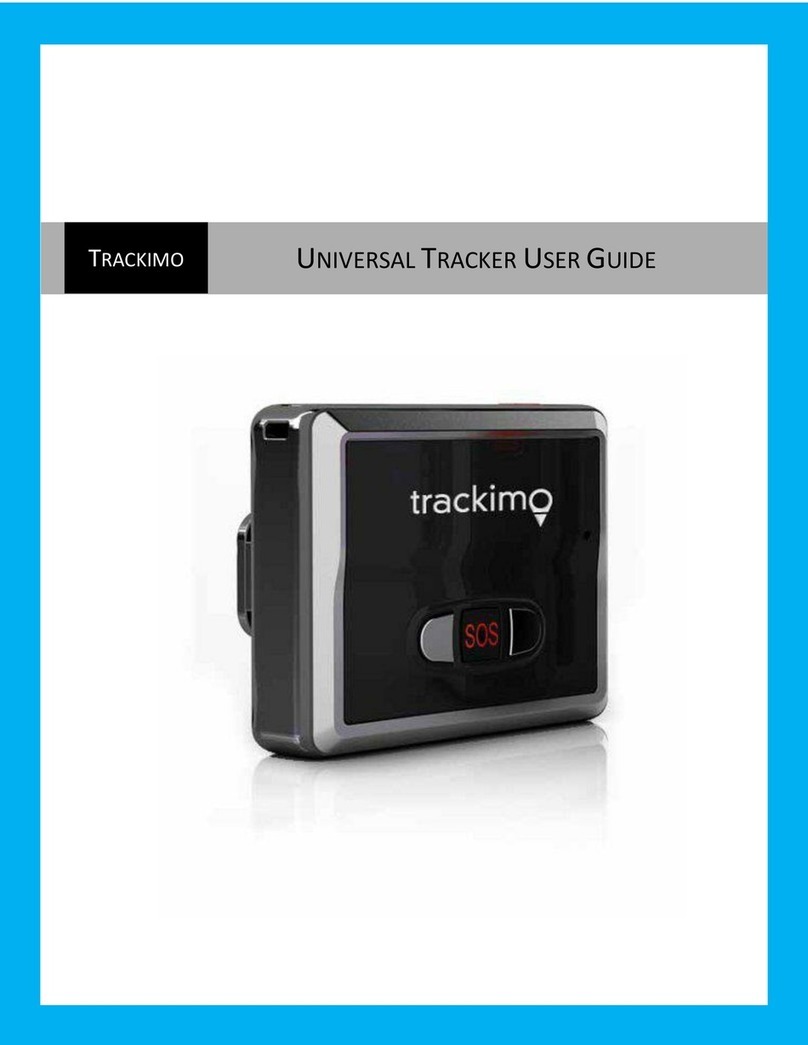
TRACKIMO TRKM010 User manual

GPS-TRACKER / RASTREADOR GPS / TRACEUR GPS / LOCALIZZATORE GPS
EN - Operating instructions
Product Name: GPS Tracker
Model Name: TRKM010
Manufacture: Trackimo INC.

Pack contents / product parts
.............................................................
25
General information
..............................................................................
26
Key to symbols
............................................................................................
26
Proper use
..........................................................................................
28
Safety
..................................................................................................
28
Initial set-up
............................................................................................
32
Checking the pack contents
.....................................................................
32
Installing and charging the battery
..........................................................
32
Turning the tracker on
...............................................................................
33
Activating the tracker
.................................................................................
33
Installing the app
........................................................................................
33
Functions
............................................................................................
34
Checking the connection
..........................................................................
34
Button functions
.........................................................................................
34
Geofencing
..................................................................................................
34
Speed alert
..................................................................................................
35
Movement alert
...........................................................................................
35
Low battery alert
.........................................................................................
36
Light sensor
.................................................................................................
36
GPS signaland reception
.........................................................................
36
Light and sound meanings
.......................................................................
38
Cleaning
......................................................................................
39
Storage
...............................................................................................
39
Technical data
....................................................................................
40
Declaration of Conformity
...............................................................
41
Disposal
.......................................................................................
41
Disposing of the packaging
......................................................................
41
Disposing of the tracker
............................................................................
41

Pack contents
/
product parts
1
On/off SOS Reset button
2
G_ sensor
3
Magnetic charging port
4
Red light
5
Bluelight
6
Green light

General information
These operating
instructions are for the
TrackimoTravelCAT M1
GPS Tracker,which will
simply
be referred to as ‘tracker’ in the
following. They contain important
information regarding set-up and
operation. Before using the tracker,
pleaseread the operating instructions
carefully. This particularly applies to
the safetynotes. Failure to adhere to
these operating instructions may
result in severe injury or damage to
the tracker.
The operating instructions are
based on the standards and rules in
force in the European Union. When
abroad, you must also observe
country-specific guidelines and laws.
Keep the operating instructions for
future use. If you pass the tracker on
to third parties, please be absolutely
sure to include these operating
instructions.
Key to symbols
Declaration of Conformity
(see “Declaration of
Conformity” chapter):
Products marked with this
symbol conform with all
applicable Community
provisions in effect in the
European Economic Area.
Products marked with
this symbol conform with
Protection Class II.

The FCC logo indicates
electronic devices that
conform with FCC
provisions from the
American authority, the
FederalCommunications
Commission. The
symbol also guarantees
compatibility with
standards, suchas
those set out by the
International Organization
for Standardization
(abbreviated as ISO).
Signal words
The following signal words are used
in these operating instructions:
WARNING!
This signal word indicates a hazard
with a moderate degree of risk that
may lead to death or severe injury if
it is not avoided.
NOTICE!
Thissignalword warns against
potential damage to property.

Proper use
The tracker is suitable for locating
an item or living being.
Only use the tracker as described
in these operating instructions.Any
other use is deemed improper and
may result in damage to property or
even personal injury. The tracker is
not a children’stoy.
The manufacturer and vendor do
not accept any liability for damage
caused by improper or incorrect
use.
Safety
WARNING!
Electric shock hazard!
Incorrect electrical installation or
using a mains voltage that is too high
can result in an electric shock.
−
Only connect the tracker and
the charging cable if the mains
voltage of the power socket
matches that stated on the label.
−
Only connect the mains
adaptor to an easily accessible
power socket so that the
charging cable can be quickly
disconnected from the mains
supply if it malfunctions.
−
Do not use the tracker if there
are visible signs of damage
or if the charging cable is
defective.

−
If the charging cable is
damaged, it must be replaced
by the manufacturer, the
manufacturer’s service
department or a similarly
qualified person in order to
avoid risk.
−
Only charge the battery with
the charging cablesupplied.
−
Do not open the tracker casing.
Instead, ensure any repairs
are carried out by specialists.
Contact a specialist workshop.
Warranty and guarantee claims
cannot be made if repairs have
been carried out independently,
or if the tracker has been
incorrectly connected or
operated.
−
Only parts that correspond
with the original device’sdata
can be used in repairs. This
tracker contains electronic
and mechanical parts that are
essential for protecting against
potential hazards.
−
Do not submerge the charging
cable or the tracker in water or
other liquids.
−
Keep the tracker and all
accessories away from open
flames and hot surfaces.
−
Do not kink the charging cable
and do not place it over sharp
edges.
−
Only use the charging
cable indoors. Never use
the charging cable in places
where there is a high level of
humidity, or in the rain.
−
Ensure that children do notput
objects into the tracker.

WARNING!
Explosion and fire hazard!
Improperuse of the batteryincreases
the risk of explosion and fire.
−
Protect the tracker from
mechanical damage.
−
Do not expose the battery to
excessive heat such as direct
sunlight,fire,etc.The ambient air
temperature should not exceed
60 °C or fall below -20 °C.
−
Only use original accessories
for charging.
−
Always store the tracker
in a dry space at the right
temperature.
−
Do not try to remove the
battery from the tracker using
spikes or sharpobjects.
−
Do not drop the tracker and
do not dismantle or modify the
tracker.
−
Do not transport or store the
tracker with metalobjects.
−
Do not dismantle or modify the
tracker.
−
Do not use the tracker where
there are strong electrostatic
fields.
WARNING!
Danger! Acid-burn risk!
Damaged batteries that leak can
cause burns if they come into contact
with the skin.
−
Never open the battery.
−
Always wear protective gloves
if a battery isleaking.

WARNING!
Dangers to children and
persons with reduced
physical, sensory ormental
abilities (for example
partially disabled people,
older persons with
limitations to physical or
mental abilities) or those
with less experience and
knowledge (for example
older children).
−
The tracker is not a children’s
toy. If you give your child the
tracker to take with them, you
must comprehensivelyexplain
the dangers to them and
explain how to operate the
tracker.
−
Do not allow children to play
with packaging film. Children
may get caught in it when
playing and suffocate.
−
Do not allow children to play
with small parts. They could
swallow these andchoke.

Initial set-up
Checking the pack contents
NOTE
Risk of damage!
If you carelessly open the packaging
with a sharp knife or another sharp
object, the tracker can quickly
become damaged.
−Be very careful when opening
the packaging.
1.
Takeeach individual part out of
the packaging.
2.
Checkwhethereverythinghas
been delivered.
3.
Check whether individual parts
show any signs of damage. If this
is the case,do not use the tracker.
Contact the manufacturer.
Installing and charging the
battery
When you unpack the tracker for
the first time, the battery is empty.
Charge it as follows:
1.
Connect the charging plug of the
charging cable to the tracker with
the magnetic chargingport.
2.
Connect the other end of the
charging cable to the USB power
adaptor and then to the power
socket.Alternatively,you can also
connect the charging cable to a
computer.
3.
Charge the tracker for 12 hours.
The red light will blink whilst
charging. When the tracker is fully
charged, the light will turn solid red.
4.
Disconnect the tracker from the
charging cable.
Table of contents
Other TRACKIMO GPS manuals

TRACKIMO
TRACKIMO TRKM110 User manual

TRACKIMO
TRACKIMO Trackimo User manual

TRACKIMO
TRACKIMO Guardian 2G User manual

TRACKIMO
TRACKIMO TRKM002/010 User manual

TRACKIMO
TRACKIMO TRKM010B User manual
TRACKIMO
TRACKIMO UNIVERSAL TRACKER User manual

TRACKIMO
TRACKIMO TRKM019-3G User manual

TRACKIMO
TRACKIMO TRKM015-LC User manual

TRACKIMO
TRACKIMO MINI User manual

TRACKIMO
TRACKIMO TRKM019 User manual