Switching between modes
The available modes are:
● Phone call
● Bluetooth communication
● Music
The music will stop when pressing the phone key for Bluetooth communication and will start
playing again when it is finished.
Incoming calls will interrupt both the music and the Bluetooth communication.
Note: After a phone call, it takes about 5 seconds before Bluetooth communication can be
resumed or music is played.
Bluetooth communication system
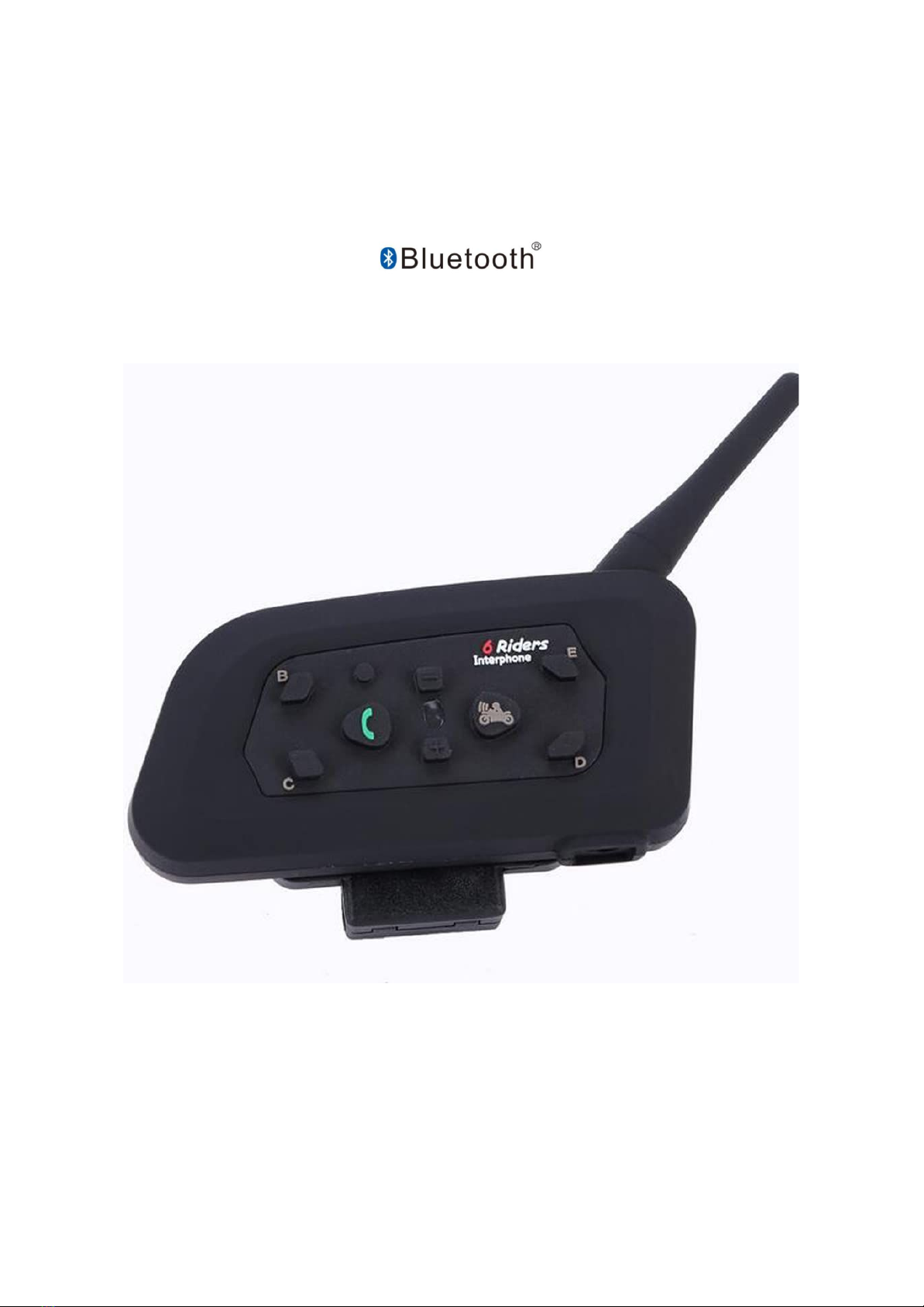
The IK6 communication system can be connected to up to six additional IK6 units and thus
develops its full communication potential.
Connection and calls between two IK6 units
Step 1: Start with both IK6 units switched off. (Press the off button to switch off).
Press and hold the power button on both devices simultaneously until the
LED
flashes red and blue continuously.
Step 2: Press the power button on the first unit. The LED flashes blue when it is ready
to connect to the other. Wait 5-10 seconds. Afterwards the LED on the other
unit should also flash blue.
Step 3: Press the power button on the first unit again to set the communication
channel between the two units. Adjust the volume (+/-) as required.
Step 4: When you are finished, turn the units off by pressing the power off button.
Connection and calls between three and more IK6 units
Step 1: First establish the connection between units 1 and 2
(see above for connection and calls between two IK6 units).
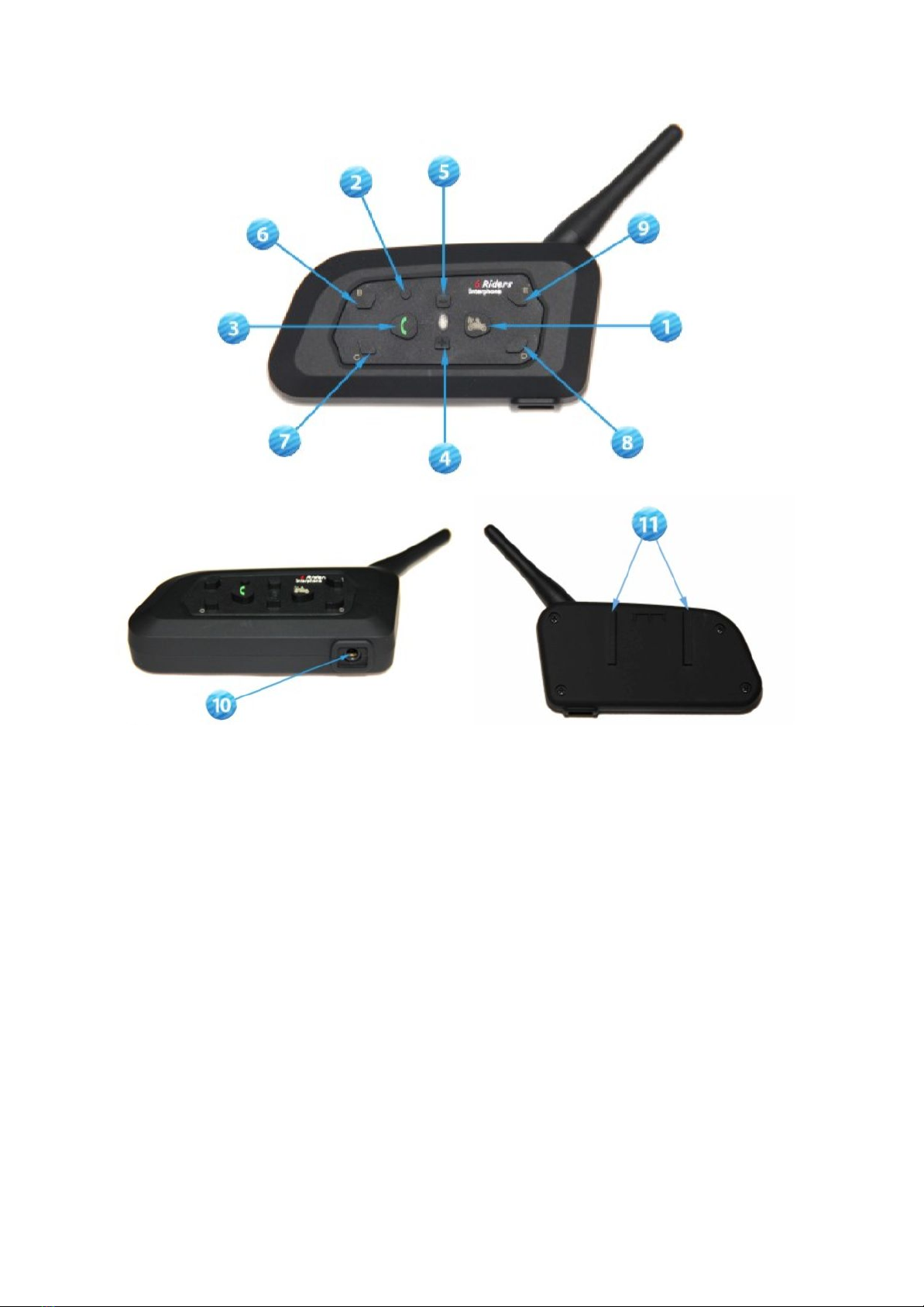
Step 2: Press and hold the B button on units 1 and 3 simultaneously until the LED
flashes red and blue continuously.
Step 3: Press the B button of unit 1, the LED will flash blue when it is ready to
connect to the other. Wait 5-10 seconds. After that the LED on unit 3 should
also be blinking blue.
Step 4: Press the B button again on unit 1 to set the communication channel between
the two units. Adjust the volume (+/-) as required.
7