III
TABLE OF CONTENTS
1. Introducing the Teknema Internet TV Set-Top Box................................................................................. 1
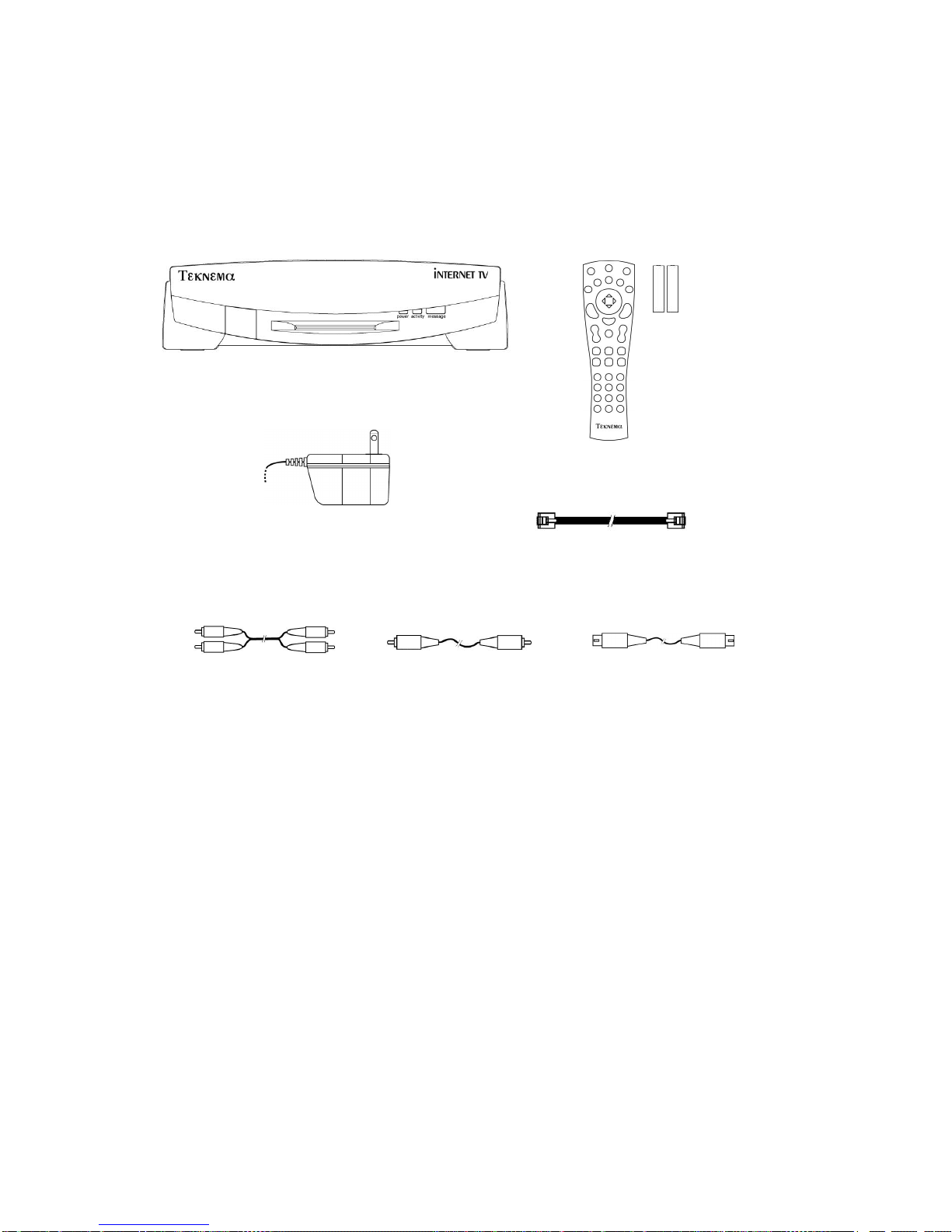
2. Package Contents................................................................................................................................ 2
3. Connecting your Internet TV Set-Top Box.............................................................................................. 3
Phone Line Connection...................................................................................................................... 3
Audio/Video Connection..................................................................................................................... 3
S- Video Connection....................................................................................................................... 4
Composite Video Connection.......................................................................................................... 4
SCART Connection (for European countries only)........................................................................... 5
Television without an S-Video or Composite Video Jack.................................................................. 5
Power Adapter Connection................................................................................................................. 6
Printer Connection (optional).............................................................................................................. 6
Summary........................................................................................................................................... 7
4. Getting started...................................................................................................................................... 8
The Infrared Remote Control.............................................................................................................. 8
Powering Up the System...................................................................................................................10
The Set-Up Procedure......................................................................................................................10
The On-screen Keyboard..................................................................................................................10
The Main Menu.................................................................................................................................11
5. The Web Browser................................................................................................................................12
Remote Control specific functions......................................................................................................12
Scrolling........................................................................................................................................12
History..........................................................................................................................................13
Fast Go To....................................................................................................................................13
The Options Menu............................................................................................................................13
Go To...............................................................................................................................................13
Search..............................................................................................................................................14
Favorite pages..................................................................................................................................14
Saving a Favorite page address.....................................................................................................14
Retrieving, Deleting, or Renaming Favorite Pages..........................................................................15
Fast Go To....................................................................................................................................15
Forms...............................................................................................................................................15
Frames.............................................................................................................................................16
6. Electronic Mail.....................................................................................................................................17
Reading Email messages..................................................................................................................18
Sending Email messages..................................................................................................................18
Customizing Email folders.................................................................................................................19
7.Reference............................................................................................................................................20
Set-Up..............................................................................................................................................20
Internet.........................................................................................................................................20
Email............................................................................................................................................21
User..............................................................................................................................................22
Dialer............................................................................................................................................22
Printer...........................................................................................................................................23
The Optional Infrared Keyboard.........................................................................................................23
Using the keyboard with the Web Browser.....................................................................................23
Using the keyboard with Electronic Mail.........................................................................................24
Function keys................................................................................................................................24
8.Consumer Information..........................................................................................................................27
Limited Warranty...............................................................................................................................27
Software License Agreement.............................................................................................................27
Consumer Information and FCC Requirements..................................................................................28
Service Requirements.......................................................................................................................29
FCC Warning Statement...................................................................................................................30
9.Index. ..................................................................................................................................................31