Summit SCRR230 User manual

COMMERCIAL REACH-IN
REFRIGERATORS AND FREEZERS
Refrigerator Models: SCRR2 0 and SCRR490
Freezer Models: SCFF2 5 and SCFF495
USER'S MANUAL
Please read this manual thoroughly prior to equipment set-up,
operation and maintenance
Write Serial No. (on back of unit) here:
_______________________________
__
FELIX STORCH, INC.
Summit Appliance Division
770 Garrison Avenue
Bronx, New York 10474
www.summitappliance.com

TABLE OF CONTENTS
Appliance Safety 2
Important Safeguards 3 - 4
Technical Information 5
Installation 6
Cabinet Location Guidelines
Electrical Connection
Operation 7 - 8
Tem erature Controller ........................................................................7
Refrigerator Light..................................................................................7
Defrosting .............................................................................................7
LEDs .....................................................................................................8
Cleaning and Maintenance 8 - 9
Cleaning the Exterior of the Unit ..........................................................8
Cleaning the Interior of the Unit ...........................................................8
Cleaning the Condenser Coil ...............................................................8
Cleaning the Fan Blades and Motor ....................................................9
Safety Warnings 9
Un lugging the Cord
Attention
Warning!
Troubleshooting 10
Limited Warranty 11
2

APPLIANCE SAFETY
Your safety and the safety of others are very important.
We have provided many important safety messages in this manual and on your appliance.
Always read and obey all safety messages.
This is the Safety Alert Symbol. The symbol alerts you to potential hazards
that can kill or injure you and others. Safety messages will follow the Safety
Alert Symbol and either the word " ANGER" or "WARNING".
ANGER means that failure to heed this
safety statement may result in severe
personal injury or death.
WARNING means that failure to heed
this safety statement may result in
extensive product damage, serious
personal injury, or death.
All safety messages will alert you about the potential hazard, tell you how to reduce the chance of
injury, and let you know what can happen if the instructions are not followed.
3

IMPORTANT SAFEGUARDS
Before the appliance is used, it must be properly positioned and installed
as
described in this manual, so read the manual carefully. To reduce the risk
of fire, electrical shock or injury when using the appliance, follow basic
precautions, including the following:
•Plug into a grounded 3-prong outlet, do not remove grounding prong, do not use an adapter,
and do not use an extension cord.
•Replace all panels before operating.
•It is recommended that a separate circuit serving only your appliance be provided. Use
receptacles that cannot be turned off by a switch or pull chain.
•Never clean appliance parts with flammable fluids. These fumes can create a fire hazard or
explosion. And do not store or use gasoline or other flammable vapors and liquids in the
vicinity of this or any other appliance. The fumes can create a fire hazard or explosion.
•Before proceeding with cleaning and maintenance operations, make sure the power line of
the unit is disconnected.
•o not connect or disconnect the electric plug when your hands are wet.
•Unplug the appliance or disconnect power before cleaning or servicing. Failure to do so can
result in electrical shock or death.
•o not attempt to repair or replace any part of your appliance unless it is specifically
recommended in this manual. All other servicing should be referred to a qualified technician.
FOLLOW WARNING CALLOUTS BELOW ONLY WHEN APPLICABLE TO YOUR MO EL
•Use two or more people to move and install the appliance. Failure to do so can result in back
or other injury.
•To ensure proper ventilation for your appliance, the front of the unit must be completely
unobstructed. Choose a well-ventilated area with temperatures above 60°F (16°C) and below
90°F (32°C). This unit must be installed in an area protected from the elements, such as
wind, rain, water spray or drips.
•The appliance should not be located next to ovens, grills or other sources of high heat.
•The appliance must be installed with all electrical, water and drain connections in accordance
4

with state and local codes. A standard electrical supply (115 V AC only, 60 Hz), properly
grounded in accordance with the National Electrical Code and local codes and ordinances, is
required.
•o not kink or pinch the power supply cord of the appliance.
•The size of the fuse (or circuit breaker) should be 15 amperes.
•It is important that the appliance be leveled in order to work properly. You may need to make
several adjustments to level it.
•All installations must be in accordance with local plumbing code requirements.
•Make certain that the pipes are not pinched, kinked or damaged during installation.
•Check for leaks after connection.
•Never allow children to operate, play with or crawl inside the appliance.
•o not use solvent-based cleaning agents or abrasives on the interior. These cleaners may
damage or discolor the interior.
•Use this appliance only for its intended purpose as described in this User's Manual.
•Keep fingers out of the “pinch point” areas. Clearances between the doors and between the
doors and cabinet are necessarily small. Be careful closing doors when children are in the
area.
Risk of child entrapment!
Child entrapment and suffocation are not problems of the past. Junked or abandoned
appliances are still dangerous, even if they will “just sit in the garage a few days”.
Before discarding your old refrigerator:
•Take off the doors.
•Leave the shelves in lace so that children may not easily climb inside.
- SAVE THESE INSTRUCTIONS -
5

TECHNICAL INFORMATION
Model SCRR2 0 SCRR490 SCFF2 5 SCFF495
Description 1-door
refrigerator
2-door
refrigerator
1-door freezer 2-door freezer
Temperature
Range
32 to 50°F
(0 to 10°C)
32 to 50°F
(0 to 10°C)
-8 to 0°F
(-22 to -18°C)
-8 to 0°F
(-22 to -18°C)
Unit Dimensions 29"W x 32.2"
x 82.5"H
54"W x 32.2" x
82.5"H
29"W x 32.2"
x 82.5"H
54"W x 32.2"
x 82.5"H
Capacity 23 ft346.6 ft323 ft346.6 ft3
Unit Weight 282 lbs 447 lbs 282 lbs 447 lbs
Door/Housing/
Liner Material
304 stainless
steel
304 stainless
steel
304 stainless
steel
304 stainless
steel
Self-Closing
Door(s)
Yes Yes Yes Yes
No. of shelves 3 6 3 6
Shelf Material Plastic-coated
steel
Plastic-coated
steel
Plastic-coated
steel
Plastic-coated
steel
Shelf Loading 176 lbs/shelf 176 lbs/shelf 176 lbs/shelf 176 lbs/shelf
Interior Lighting Yes Yes Yes Yes
Temperature
Display
Yes Yes Yes Yes
Type of
Controller
igital igital igital igital
Electrical Rating 115V AC, 60Hz 115V AC, 60Hz 115V AC, 60Hz 115V AC, 60Hz
Connection
Rating
3.76A / 720W 3.36A / 643W 6.45A / 1234W 10.25A / 1962W
Compressor
Power
590W 495W 590W 854W
Defrost Automatic Automatic Automatic Automatic
Refrigerant R134a R134a R404a R404a
Casters Yes Yes Yes Yes
ETL Compliance Yes Yes Yes Yes
6

INSTALLATION
IMPORTANT! PLEASE READ BEFORE INSTALLATION
•If the unit has recently been transported, let it stand upright for a minimum of
24 hours before plugging it in.
•Be sure there is proper ventilation around the unit in the area where it will
operate.
•Make sure all accessories are installed (i.e. shelves, shelf clips, casters)
before plugging the unit in.
•Be sure the unit has dropped down to desired temperature before loading it
with product.
•Please read through the manual in its entirety.
Cabinet Location Guidelines:
•Install the unit on a strong and level surface.
–Unit may make unpleasant noises if surface is uneven.
–Unit may malfunction if surface is uneven.
•Install the unit in a well-ventilated indoor area.
–Unit performs more efficiently in a well-ventilated area.
–For best performance, maintain a clearance of 4" at the back of the unit.
–Outdoor use may cause decreased efficiency and damage to the unit.
•Avoid installation in a high humidity and/or dusty area.
–Humidity could cause unit to rust and experience decreased efficiency.
–ust collected on the condenser coil will cause the unit to malfunction.
Clean the condenser at least once a month with a brush or clean cloth.
•Select a location away from heat and moisture-generating equipment.
–High ambient temperatures will cause the compressor to overwork, leading
to higher energy bills and gradual breakdown of the unit.
Electrical Connection:
•Be sure the required compressor voltage is being supplied at all times. Low or
high voltage can detrimentally affect the refrigeration unit.
•All units should be plugged into a grounded and properly-sized electrical
outlet with appropriate overcurrent protection. Refer to the electrical
requirements on the nameplate.
•Be sure the unit has its own dedicated outlet.
7

•o not use an extension cord.
OPERATION
•When loading the unit, be careful not to block the air duct located at the back
and the fan on the ceiling of the unit. Blocking the air flow may reduce the
performance of the unit.
For the best performance, maintain at least 4 inches of clearance between
the contents and the air duct.
•Set the shelves that come with the unit to fit your needs.
•o not leave the unit door open for long periods of time. For the most efficient
operation, close the door immediately after use.
Temperature Controller:
The digital temperature controller is located on the front of the unit, above the
door. It displays the temperature inside the unit and allows you to set the desired
temperature; it also controls the defrost function.
To set the desired temperature:
1. Press the SET button. The set temperature will be displayed.
2. Press the ▲ or ▼ button to modify and store the displayed value.
3. Press SET to exit the adjustment. If no button is pressed within 10 seconds,
the cabinet temperature will be displayed.
Refrigerator Light:
Press the button to turn the light in the refrigerator on and off.
Defrosting:
efrosting is automatic, but the process can be induced manually by pressing the
button for refrigerator models (press the button for freezers) and holding it for 6
seconds. Repeat this process to stop defrosting.
8
For refrigerators SCRR230 For freezers SCFF235
and SCRR490 and SCFF495

9

LEDs:
The Refrigerant LE is lit during refrigeration (compressor is operating), and will
be off when the cabinet temperature matches the set temperature.
The efrost LE will be lit during defrosting, and will be off when defrosting
stops.
CLEANING AND MAINTENANCE
WARNING!
Disconnect ower cord before cleaning any arts of the unit.
Cleaning the Exterior of the Unit:
Clean the outside of the unit with an approved stainless steel cleaning product.
o not use steel wool or a steel brush on stainless steel.
Cleaning the Interior of the Unit:
•When cleaning the cabinet interior, use a solution of warm water and mild
soap.
•o not use steel wool, caustic soap, abrasive cleaners, or bleach that may
damage the stainless steel surface.
•Wash door gaskets on a regular basis, preferably weekly. Simply remove door
gasket from the frame of the door, soak in warm water and soap for thirty (30)
minutes, dry with a soft cloth, and replace.
•Check door gaskets for proper seal after they are replaced.
•Periodically remove the shelves and vertical supports from the unit and clean
them with mild soap and warm water. To remove the supports, first remove
the shelves and shelf brackets. Then, simply lift each support up and out.
Cleaning the Condenser Coil:
•For efficient operation, it is important that the condenser surface be kept free
of dust, dirt, and lint.
10
This manual suits for next models
3
Table of contents
Other Summit Refrigerator manuals

Summit
Summit FF27BSS User manual

Summit
Summit FF882 User manual
Summit
Summit FFAR9L User manual

Summit
Summit FFBF279SSX User manual

Summit
Summit MB44L User manual

Summit
Summit FF-874 Series User manual

Summit
Summit FF31L7 User manual

Summit
Summit BDR190NASSTB Guide

Summit
Summit FF22BDRSS User manual
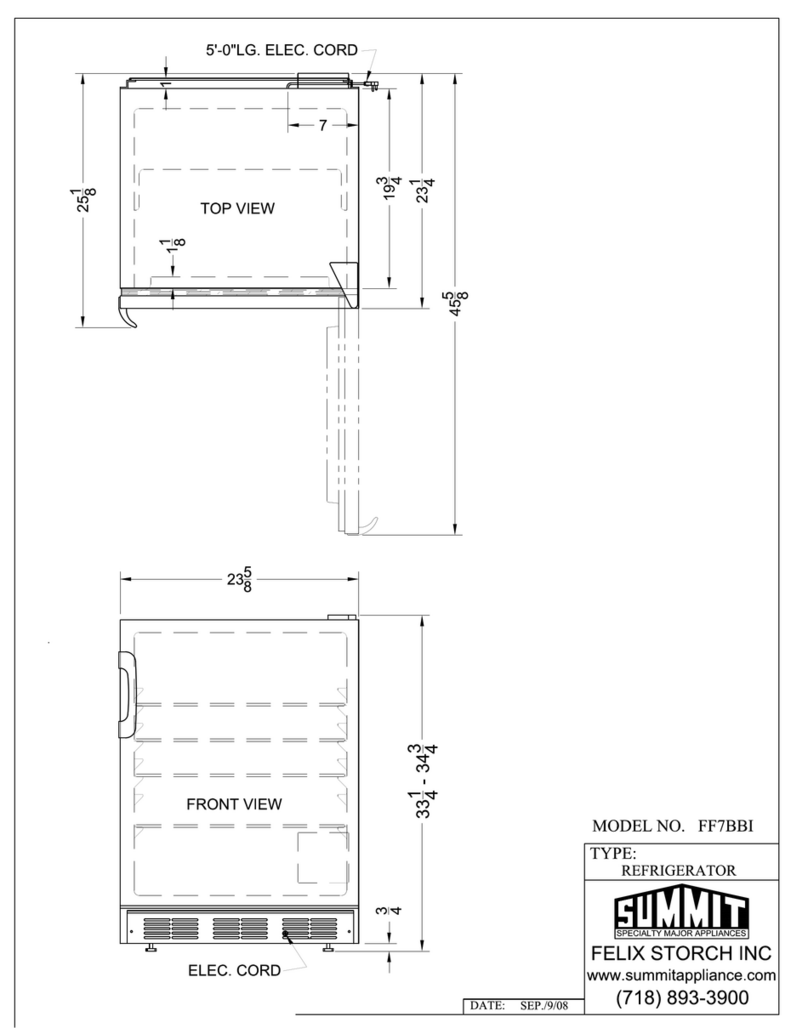
Summit
Summit FF7BBI Guide

Summit
Summit FF41ES User manual

Summit
Summit CT66BI series User manual

Summit
Summit CP-35 User manual
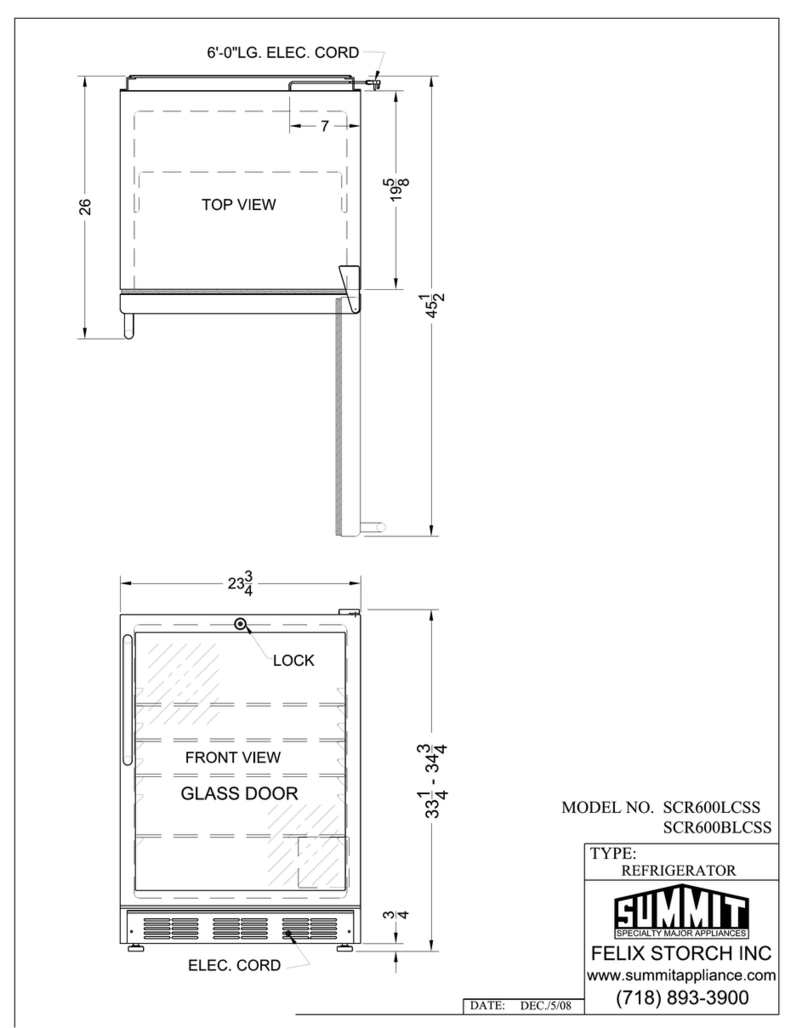
Summit
Summit SCR600BL-CSS Guide

Summit
Summit S19L User manual

Summit
Summit FFBF171SS User manual

Summit
Summit FF-1074 Series User manual

Summit
Summit FFAR25L7SS User manual

Summit
Summit FF-1274 Series User manual

Summit
Summit FF28L User manual