3
Table of Contents
Setting up your VIVE demo station ................................................................................................................................................................. 4
Crate contents ............................................................................................................................................................................................. 4
Uncrating your VIVE demo station............................................................................................................................................................... 4
Mounting your VIVE demo station TV ......................................................................................................................................................... 5
Selecting a space for your VIVE demo station ............................................................................................................................................. 5
Setting up your VIVE demo area .................................................................................................................................................................. 5
Setting up your VIVE demo PC......................................................................................................................................................................... 7
PC setup ....................................................................................................................................................................................................... 7
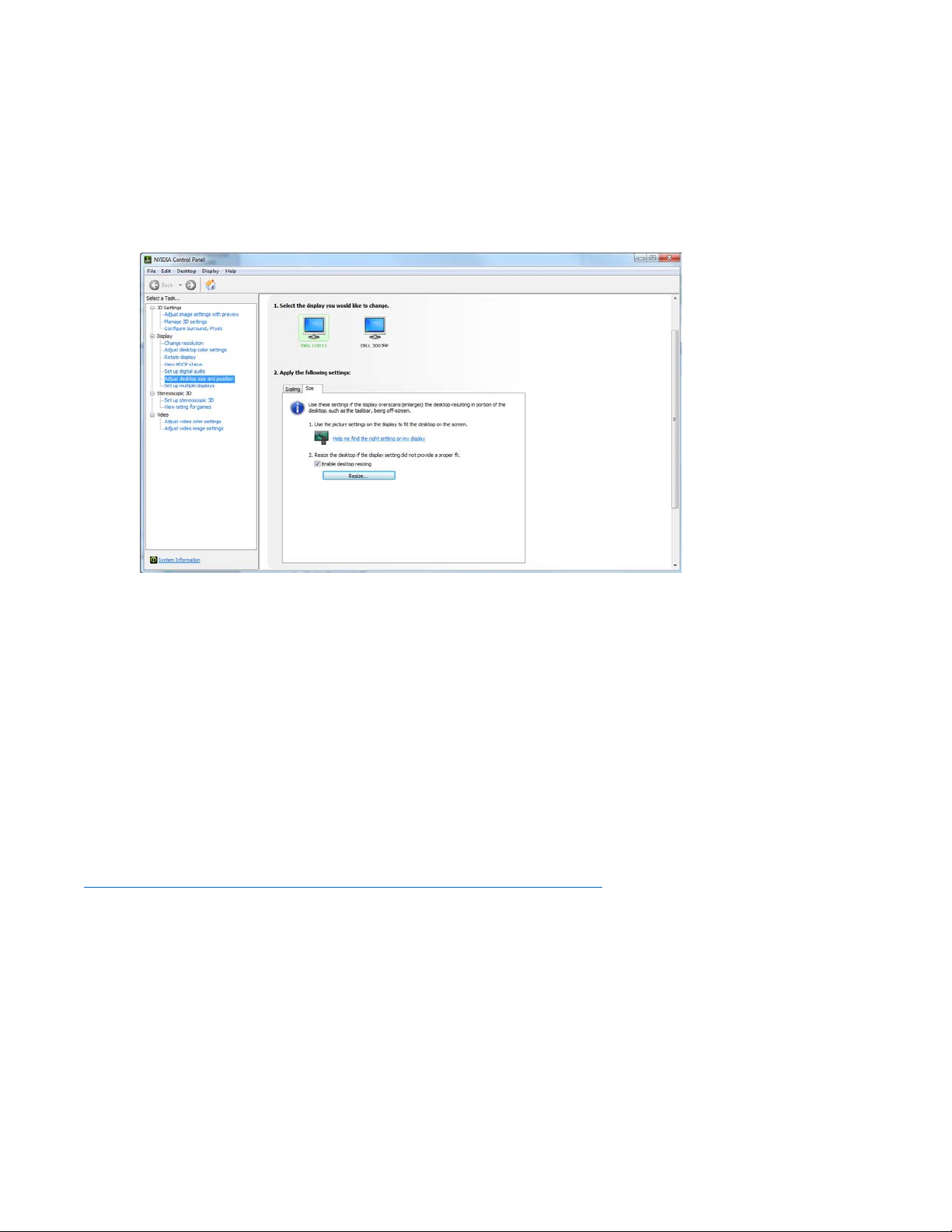
TV Resolution Scaling................................................................................................................................................................................... 7
NVIDIA..................................................................................................................................................................................................... 8
AMD ........................................................................................................................................................................................................ 8
Removal of previous demo software ........................................................................................................................................................... 8
Demo software installation via physical media ........................................................................................................................................... 9
Demo software installation via Steam download ...................................................................................................................................... 12
Setting up your VIVE ...................................................................................................................................................................................... 14
Set up base stations .............................................................................................................................................................................. 14
Power and adjust your base stations .................................................................................................................................................... 15
Install your Link box .............................................................................................................................................................................. 15
Install your headset............................................................................................................................................................................... 16
Remove the headphone jack extension cable....................................................................................................................................... 16
Get your headset situated..................................................................................................................................................................... 16
Launch SteamVR ................................................................................................................................................................................... 18
Turn your controllers on ....................................................................................................................................................................... 18
Perform Room Setup............................................................................................................................................................................. 19
Pair the extra two controllers ............................................................................................................................................................... 19
Set SteamVR audio settings .................................................................................................................................................................. 19
Set SteamVR camera settings ............................................................................................................................................................... 20
Enjoy VR!............................................................................................................................................................................................... 21
PC settings ................................................................................................................................................................................................. 22
Desktop settings.................................................................................................................................................................................... 22
Idle settings........................................................................................................................................................................................... 22
Desktop and taskbar shortcuts ............................................................................................................................................................. 22
Content EULAs and additional setup on content first run ............................................................................................................................ 23
The SteamVR Retail Demo application.......................................................................................................................................................... 24
VIVE demo station maintenance ................................................................................................................................................................... 27
VIVE demo station troubleshooting .............................................................................................................................................................. 28
VIVE demo station technical support ............................................................................................................................................................ 29