
Splicecom PCS 582G Installation and operating manual

Installation & Reference Manual
What’s new in document ref v32/0912/8
Version 3.2
September 2012

Installation and Reference Manual
What’s new in document ref v32/0912/8
Document No. 001a
Version No. V3.2/0912/8
© Copyright SpliceCom Ltd
SpliceCom Ltd
The Hall Business Centre, Berry Lane
Chorleywood, Herts WD3 5EX
Tel: 01923 287700
Website: www.splicecom.com

Installation and Reference Manual – What’s New
What’s New
Installation and Reference Manual v3.2/0912/8 1
Contents
This document details the changes to the Installation & Reference manual V3.2/0912/8. Each section has
been listed in the same order that they appear in the manual.
Two Manuals ....................................................................................................................................................... 2
Technical Reference manual .............................................................................................................................. 2
PCS 582G ......................................................................................................................................................... 2
PCS 572G ......................................................................................................................................................... 3
PCS 562 ............................................................................................................................................................ 3
PCS 552 ............................................................................................................................................................ 4
Power over Ethernet considerations .............................................................................................................. 4
PCS 582G Technical Details ............................................................................................................................ 5
PCS 572G Technical Details ............................................................................................................................ 6
PCS 562 Technical Details ............................................................................................................................... 6
PCS 552 Technical Details ............................................................................................................................... 7
Installation and Maintenance Manual ............................................................................................................... 9
View the current licence status ...................................................................................................................... 9
Users ................................................................................................................................................................ 9
Time Plans ..................................................................................................................................................... 10
Creating a SIP trunk....................................................................................................................................... 11
DDI Plans ....................................................................................................................................................... 14
Using the TAPI Driver .................................................................................................................................... 15
Working with Dial Plans ................................................................................................................................ 16
Working with Voicemail ................................................................................................................................ 16
Field Descriptions .......................................................................................................................................... 17

Installation and Reference Manual – What’s New
What’s New
2 Installation and Reference Manual v3.2/0912/8
Two Manuals
The Installation and Reference manual has now become two manuals:
maximiser Installation and Maintenance manual
maximiser Technical Reference manual
This documents the changes that now appear in both manuals. In future there will be a “What’s New”
file for each individual document.
Technical Reference manual
PCS 582G
This IP phone provides:
Standard telephony functionality
Graphical colour touch screen LCD interface
Context Sensitive Screen
Ability to display real time video and graphical
information during call
Power - 802.3af Power over Ethernet
2 Port 10/100/1000 Mbps FDX LAN switch – supporting
automatic MDI-MDIX crossover, Diffserv Quality of
Service, 802.1q VLAN and 802.3af Power over Ethernet
2 x USB port – USB 2.0 interface for WiFi and external
keyboard
Headset connection
Wide-angle tilting keypad/display panel
Message waiting/do not disturb “S” LED
Dual Mode – SIP (configured via the Call Server) & H.323
Fully integrated with the LDAP system database for viewing and annotating customer records and
notes
Operator Console Mode available with an Operator Console Licence.
Integral web browser
Can be wall mounted
Can be partnered with PCS 60 or PCS 50

Installation and Reference Manual – What’s New
What’s New
Installation and Reference Manual v3.2/0912/8 3
PCS 572G
This IP phone provides:
Standard 12 button telephony functionality
Full colour, backlit, graphics display (240 x 320) with auto-
dimming, context sensitive
Wide-angle tilting keypad/display panel
18 intuitive, multi-functional context sensitive keys
10 fixed function keys
Power - 802.3af Power over Ethernet
2 Port 10/100/1000 Mbps FDX LAN switch – supporting
automatic MDI-MDIX crossover, Diffserv Quality of Service,
802.1q VLAN and 802.3af Power over Ethernet
USB port – USB 2.0 interface for WiFi and external
keyboard
Headset connector
Message waiting/do not disturb “S” LED
Hands free, full-duplex, speaker phone operation
Dual Mode – SIP (configured via the Call Server) & H.323
Fully integrated with the LDAP system database for access to the directories of Users, Departments
and Contacts.
Operator Console Mode available with an Operator Console Licence.
Can be wall mounted
Can be partnered with PCS 60 or PCS 50
PCS 562
This IP phone provides:
Standard 12 button telephony functionality
Full colour, backlit, graphics display (240 x 320) with auto-
dimming, context sensitive
Wide-angle tilting keypad/display panel
9 intuitive, multi-functional context sensitive keys
10 fixed function keys
Power - 802.3af Power over Ethernet
2 Port 10/100 Mbps FDX LAN switch – supporting automatic
MDI-MDIX crossover, Diffserv Quality of Service, 802.1q
VLAN and 802.3af Power over Ethernet
Hands free, full-duplex, speaker phone operation
Headset connector
Message waiting/do not disturb “S” LED
Dual Mode – SIP (configured via the Call Server) & H.323
Fully integrated with the LDAP system database for access to the directories of Users, Departments
and Contacts.
Operator Console Mode available with an Operator Console Licence.
Can be wall mounted
Can be partnered with PCS 60 or PCS 50

Installation and Reference Manual – What’s New
What’s New
4 Installation and Reference Manual v3.2/0912/8
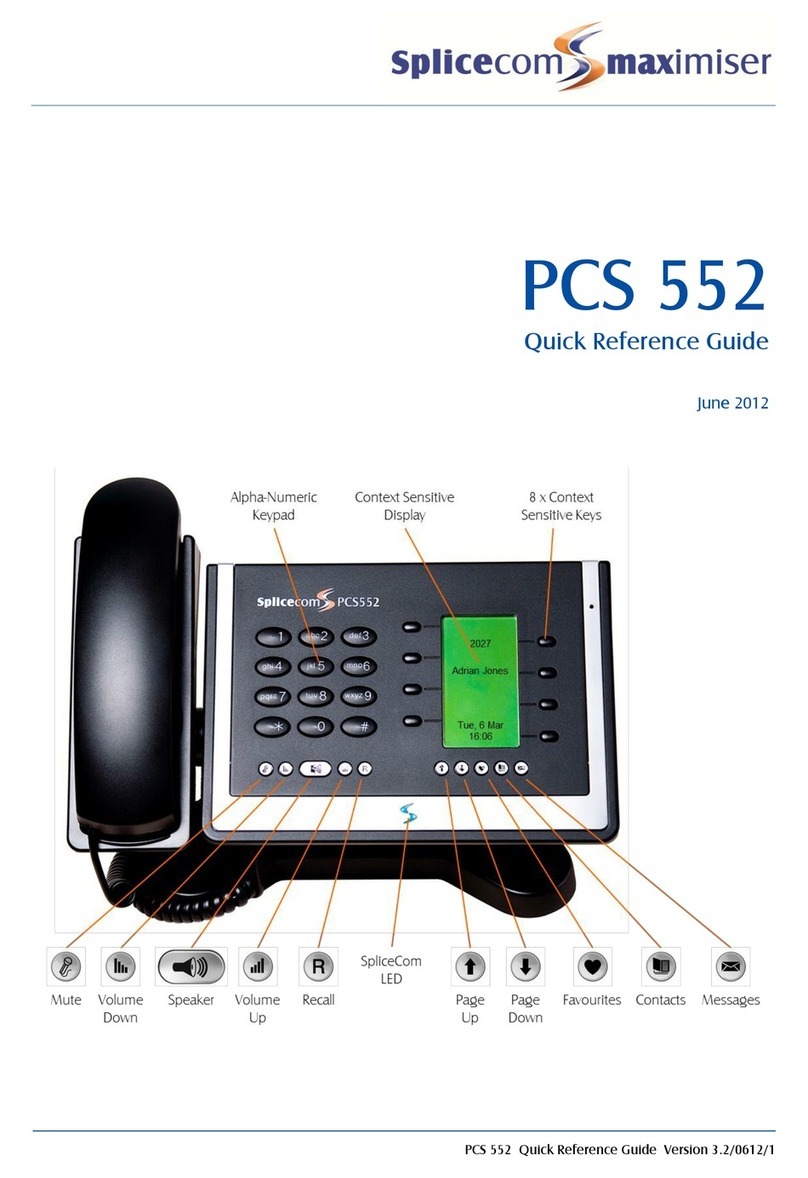
PCS 552
This IP Phone provides:
Standard 12 button telephony functionality
Monochrome, backlit, graphics display (64 x 128) with auto-
dimming, context sensitive
8 intuitive, multi-functional context sensitive keys
10 fixed function keys
Power - 802.3af Power over Ethernet
Headset connection.
Fully integrated with system database for viewing and
speed dialling users, departments, contacts and favourites
2 Port 10/100 Mbps FDX LAN switch – supporting automatic
MDI-MDIX crossover, Diffserv Quality of Service, 802.1q
VLAN and 802.3af Power over Ethernet
Hands free, full-duplex, speaker phone operation
Wide-angle tilting keypad/display panel
Message waiting/do not disturb “S” LED
Fully integrated with the LDAP system database for access to the directories of Users, Departments
and Contacts.
Can be wall mounted
Can be partnered with PCS 60 or PCS 50
Power over Ethernet considerations
Power to the PCS 580G, PCS 572G, PCS 570G, PCS 562, PCS 560, PCS 552, IP 530, PCS 410/400 and PCS 100
is provided by Power over Ethernet (PoE). This can be supplied by a third party PoE switch or by the
following methods:
PCS 580/572/570/562/560/552 – via one of the PoE LAN ports on a Call Server or Phone Module, or via
a Single Terminal Ethernet Power Supply (STEPS)
IP 530 - via one of the PoE LAN ports on a Call Server or Phone Module
PCS 410/100 - via one of the PoE LAN ports on a Call server or Phone Module, or via a Single Terminal
Ethernet Power Supply (STEPS)
PCS 400 - via one of the PoE LAN ports on a Call server or Phone Module, or via a Single Terminal
Ethernet Power Supply (STEPS). The PCS 400 can also obtain power via a PCS PSU when it is not
practical to use PoE. Please note that if a PCS 400 is connected to a PoE LAN port on a 5100 or 5108
Call Server the PCMCIA card cannot be used.
Please note that if a STEPS is used with a PCS 580G, PCS 572G or PCS 570G the LAN port (port 1) will not
run at 1G.
PoE LAN ports are provided as follows:
5100 Call Server, 5108 Call Server and 5300 Phone Module – provide 4 x PoE LAN ports supporting the
following combinations:
1 x PCS 580G or
1 x 410/400 or
up to 2 x PCS 572G/570G or

Installation and Reference Manual – What’s New
What’s New
Installation and Reference Manual v3.2/0912/8 5
up to 4 x PCS 100/PCS 562/PCS 560/PCS 552/IP 530 or
up to 1 x PCS 572G/570G and 2 x PCS 100/PCS 562/PCS 560/PCS 552/IP 530
PCS 582G Technical Details
Approval
The product is CE compliant according to the European Directives for Safety and EMC.
Safety Caution
The product should not be disassembled. There are no user serviceable parts.
General
Dimensions (mm): 277(w) x 136(d) x 208(h)
Weight (Kg): 1.6
Environmental: 0 to 40°C
85% Relative Humidity, non condensing
LCD
Technology: TFT
Resolution: 800x480
Colours: 262144
Port definitions
LAN port: 10/100/1000BaseT Full Duplex, Auto MDI/MDI-X LAN port and 802.3af compliant power sink
PC port: 10/100/1000BaseT Full Duplex, Auto MDI/MDI-X LAN port.
Handset port: For connection of supplied handset.
Headset port: General 4 pin headset connection. Inner pins connect to earpiece and outer pins connect
to microphone.
USB Host Interface (2 off): USB 2.0 supporting Hi-Speed (480Mb/s), Full-Speed (12Mb/s) and Low-Speed
(1.5Mb/s). Support of devices also depends on driver availability.
Power Supply Considerations
The product is powered from the LAN port.
The PCS582G is a class 3 802.3af compliant powered device, i.e. draws less than 15.4W from the 802.3af
power source.
Care should be exercised when adding USB devices as exceeding the available power will cause the
PCS582G to shut down. Sufficient power is generally available to drive a USB keyboard and mouse. If
greater power is required then an externally powered USB hub may be used.

Installation and Reference Manual – What’s New
What’s New
6 Installation and Reference Manual v3.2/0912/8
PCS 572G Technical Details
Approval
The product is CE compliant according to the European Directives for Safety and EMC.
Safety Caution
The product should not be disassembled. There are no user serviceable parts.
General
Dimensions (mm): 277(w) x 136(d) x 208(h)
Weight (Kg): 1.5
Environmental: 0 to 40°C
85% Relative Humidity, non condensing
LCD
Technology: TFT
Resolution: 240x320
Colours: 262144
Port definitions
LAN port: 10/100/1000BaseT Full Duplex, Auto MDI/MDI-X LAN port and 802.3af compliant power sink
PC port: 10/100/1000BaseT Full Duplex, Auto MDI/MDI-X LAN port.
Handset port: For connection of supplied handset.
Headset port: General 4 pin headset connection. Inner pins connect to earpiece and outer pins connect
to microphone.
USB Host Interface: USB 2.0 supporting Hi-Speed (480Mb/s), Full-Speed (12Mb/s) and Low-Speed
(1.5Mb/s). Support of devices also depends on driver availability.
Power Supply Considerations
The product is powered from the LAN port.
The PCS572G is a class 2 802.3af compliant powered device, i.e. draws less than 7W from the 802.3af
power source.
PCS 562 Technical Details
Approval
The product is CE compliant according to the European Directives for Safety and EMC.
Safety Caution
The product should not be disassembled. There are no user serviceable parts.

Installation and Reference Manual – What’s New
What’s New
Installation and Reference Manual v3.2/0912/8 7
General
Dimensions (mm): 277(w) x 136(d) x 208(h)
Weight (Kg): 1.5
Environmental: 0 to 40°C
85% Relative Humidity, non condensing
LCD
Technology: TFT
Resolution: 240x320
Colours: 262144
Port definitions
LAN port: 10/100BaseT Full Duplex, Auto MDI/MDI-X LAN port and 802.3af compliant power sink
PC port: 10/100BaseT Full Duplex, Auto MDI/MDI-X LAN port.
Handset port: For connection of supplied handset.
Headset port: General 4 pin headset connection. Inner pins connect to earpiece and outer pins connect
to microphone.
Power Supply Considerations
The product is powered from the LAN port.
The PCS560 is a class 1 802.3af compliant powered device, i.e. draws less than 4W from the 802.3af power
source.
PCS 552 Technical Details
Approval
The product is CE compliant according to the European Directives for Safety and EMC.
Safety Caution
The product should not be disassembled. There are no user serviceable parts.
General
Dimensions (mm): 277(w) x 136(d) x 208(h)
Weight (Kg): 1.5
Environmental: 0 to 40°C
85% Relative Humidity, non condensing
LCD
Resolution
64 x 128
Monochrome shades
2

Installation and Reference Manual – What’s New
What’s New
8 Installation and Reference Manual v3.2/0912/8
Port definitions
LAN port: 10/100BaseT Full Duplex, Auto MDI/MDI-X LAN port and 802.3af compliant power sink
PC port: 10/100BaseT Full Duplex, Auto MDI/MDI-X LAN port.
Handset port: For connection of supplied handset.
Headset port: General 4 pin headset connection. Inner pins connect to earpiece and outer pins connect
to microphone.
Power Supply Considerations
The product is powered from the LAN port.
The PCS552 is a class 1 802.3af compliant powered device, i.e. draws less than 4W from the 802.3af power
source.
This manual suits for next models
3
Table of contents
Other Splicecom IP Phone manuals

Splicecom
Splicecom PCS 563 User manual

Splicecom
Splicecom PCS 570 User manual
Splicecom
Splicecom PCS 552 User manual
Splicecom
Splicecom PCS 570/G User manual

Splicecom
Splicecom PCS 582GX User manual

Splicecom
Splicecom Yealink CP920 User manual

Splicecom
Splicecom IP 530 User manual

Splicecom
Splicecom PCS 100 User manual

Splicecom
Splicecom Yealink T57W User manual

Splicecom
Splicecom PCS 580G User manual


