5. Setting the end positions
You need to define the upper and lower end positions, when reaching these, the
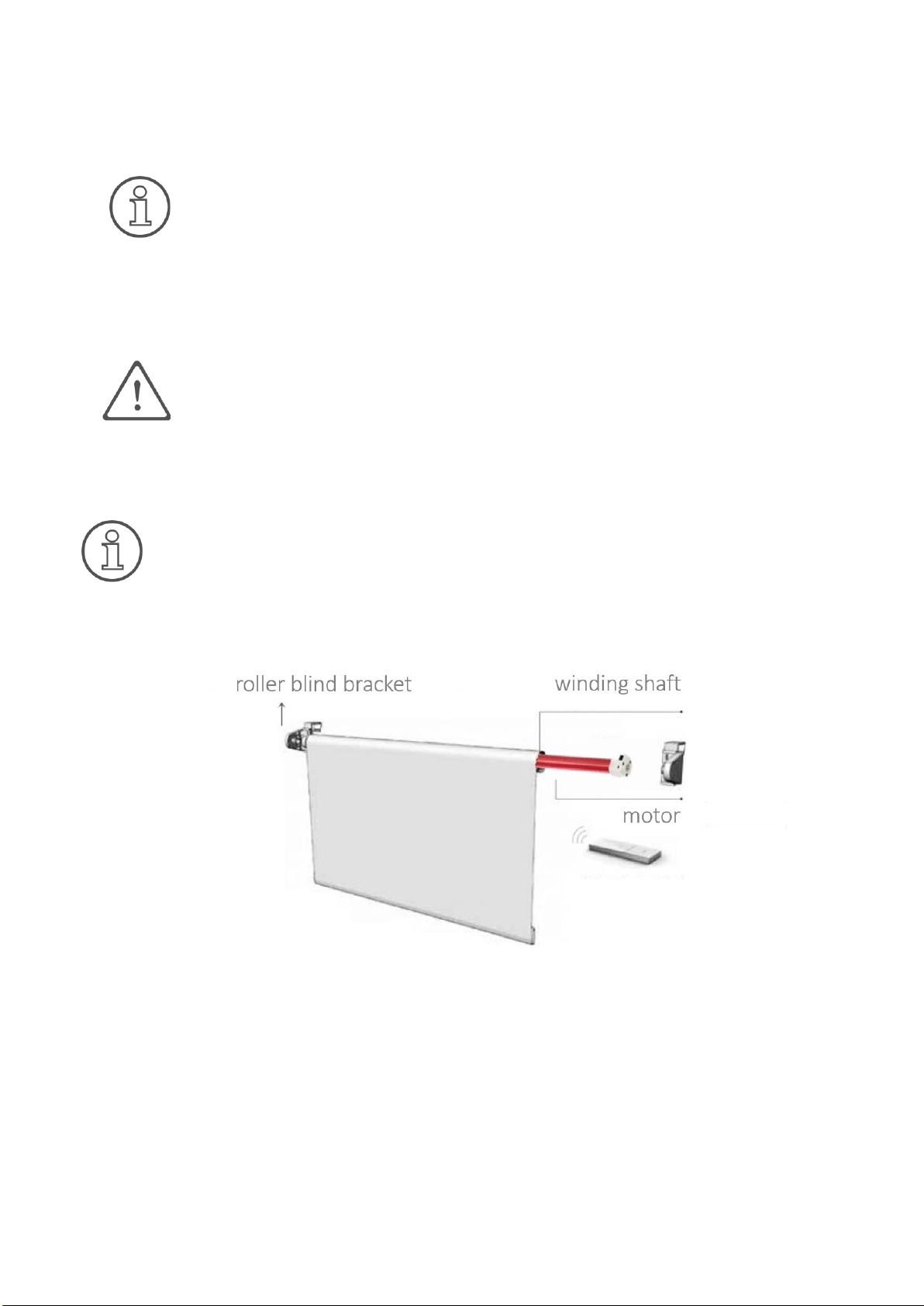
drive switches off automatically. To do this, the drive system must be fully inserted.
You can choose whether to set the lower or upper end position first.
The time between each button combination should not exceed 6 seconds.
Otherwise, the setting status is aborted.
With some roller blind fabrics, enormous temperature fluctuations cause the fabric
length to change. Depending on the fabric and overall length, in extreme cases, there
can be a shortening in cold weathers and a lengthening at high temperatures, which
can even be in the centimetre range. Especially for cassette systems, it is necessary
not to parameterize the upper end position up to the stop but to leave at least 1 cm
clearance!
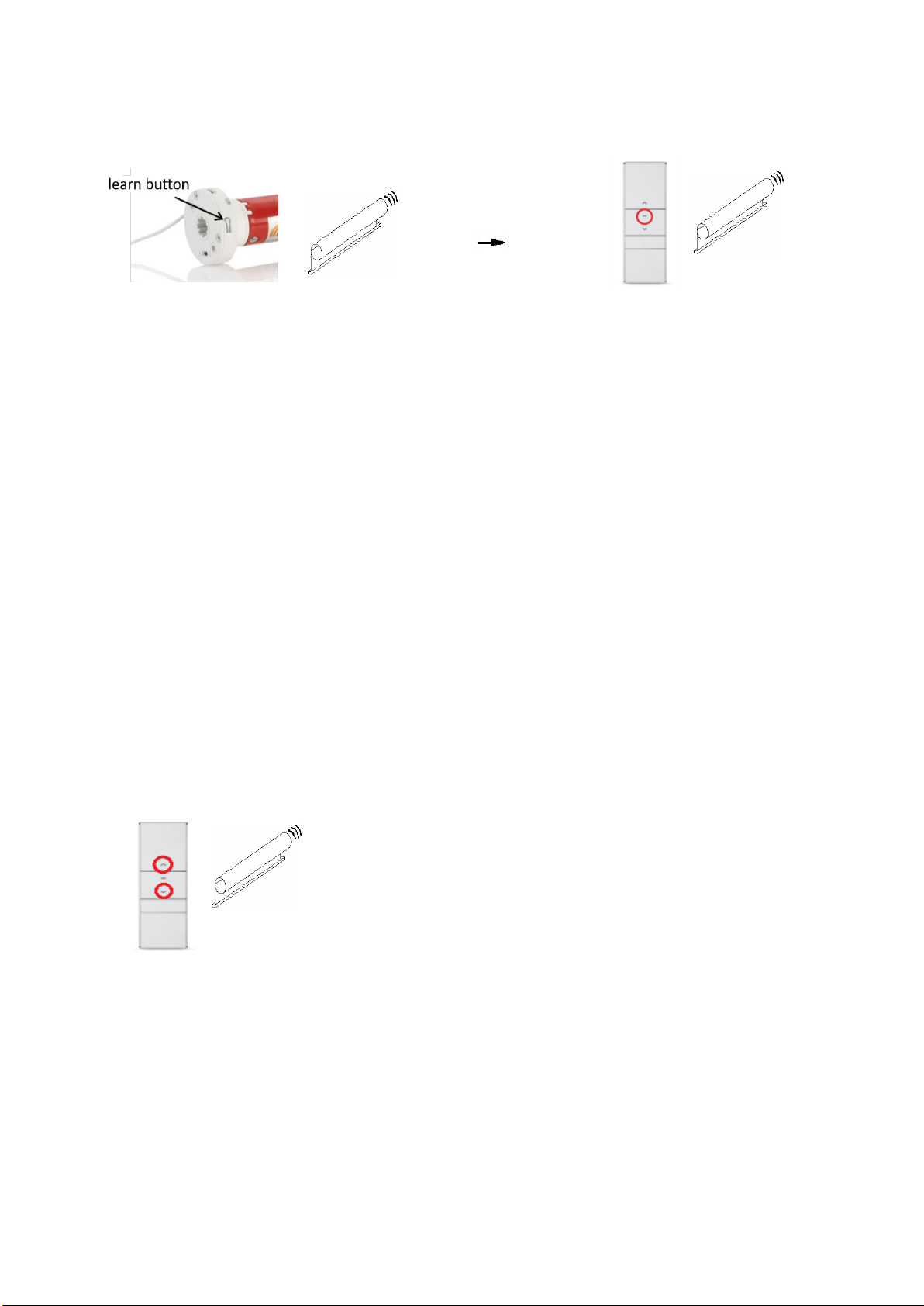
Setting the end position: In the following, the settings of the end positions are described,
starting with the upper end point. You can also start with the lower end point here.
Thus, the upper end position is set. The setting of the lower end position is analogous by
replacing the up button with the down button. If both end positions are set, the drive will
automatically stop at the respective end positions during operations.
Please note that saving the setting is only effective if both end positions are set.
Changing the end position (option): The following shows how to change the upper end position.
Thus, the upper end position is changed. You can also change the lower end position in the
same way by replacing the up button with the down button.