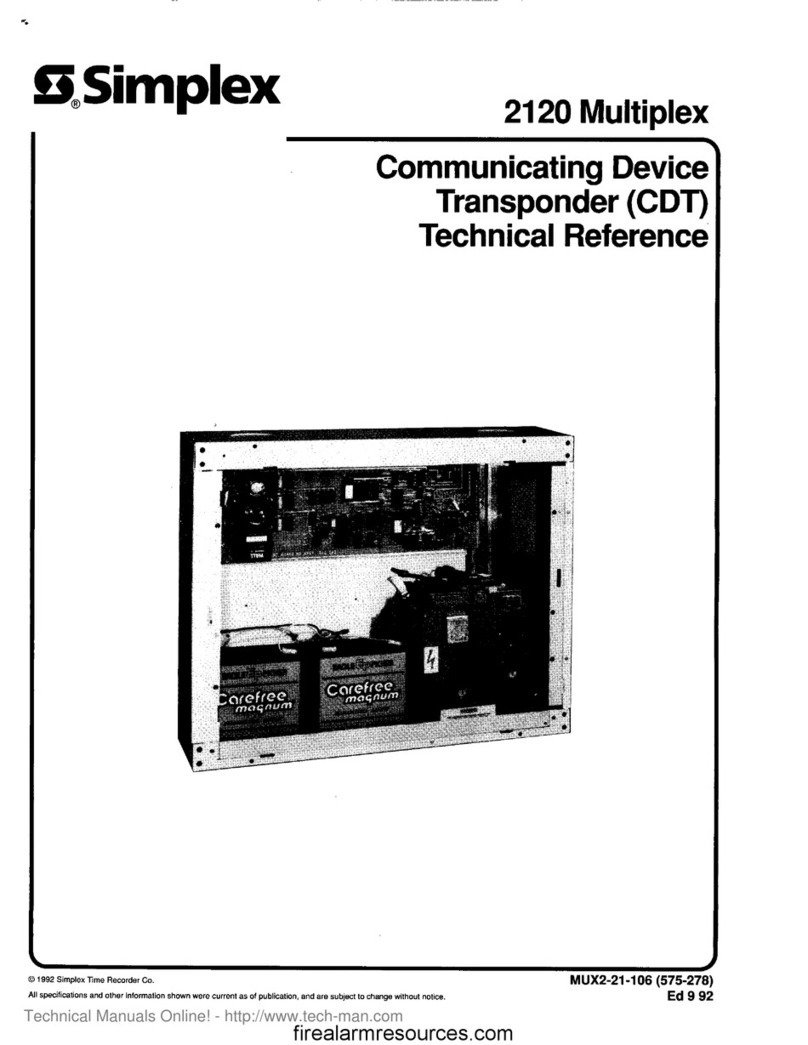
Simplex 2120 User manual

2120 Multiplex
Expanded Transponder
--
Troubleshooting Guide
@ 1996 Simplex Time Recorder Co., Gardner. Mass. 01441-0001 U.S.A.
MUX2-61-002
Ed 10 86
firealarmresources.com

CAUTION
ELECTRICAL HAZARD
Oiinnecf elecbical power when making any internal
adjustments or repairs. Installation and servicing
should be performed by qualiied Simplex Representa-
tives
CAUTION
POWERING REQUIREMENT
When removing power from thii system, disconnect
batteries FIRST and AC power last. When connecting
power to this system, connect AC power FIRST and
batteries last.
I I
firealarmresources.com

INTRODUCTION
HOW TO USE THIS PUBLiCATlON
This publication contains troubleshooting procedures for 2120 expanded transponders (ETs).
Note: Refer to 2120 Expanded Transponder General Information for background information on 2120 ETs.
When troubleshooting an ET, you should have the following documents on hand:
l
A copy of the specific ET’s cabinet drawing, supplied with the system. This drawing will show you the
equipment configuration of a specific ET.
l
A copy of the specific 2120 Expanded Transponder Functions Sheet (M-1320).
l
2120 Multiplex Troubleshooting Guide.
l
2120 Multiplex Jumper Placement and Switch Settings.
This guide uses flowcharts to help you efficiently isolate ET troubles. Each flowchart is given a figure number;
designations such as “Figure 1A” or “Figure 3C” indicate that there is a group of figures associated with a
particular troubleshooting procedure. Any given flowchart contains all the information necessary to perform any
tests or checks called out on that flowchart. Follow.the flowcharts exactly, and when you reach a figure reference
- PROCEED DIRECTLY TO THE REFERENCED FIGURE.
WHEN TO USE THIS PUBLICATION
Your troubleshooting procedures should always begin in the 2120 Multiplex Troubleshooting Guide to avoid
being misled by “obvious” trouble symptoms. You will refer to the ET troubleshooting guide under the following
conditions:
l
You have reached the Transponder Flowchart in the 2120 Multiplex Troubleshooting Guide and you have
monitor or control point troubles on an ET.
l
You have begun troubleshooting a communications problem (i.e., CHANNEL HAS FAILED) in the
Transponder Flowchart and you have isolated the problem to an ET.
l
You have an ET power supply problem (POWER/BATTERY FAIL or GROUND FAULT trouble message).
l
One of the following troubles refer to an ET:
- XPNDR COM FAILED PRI
- XPNDR COM FAILED SEC
l
One or more ET monitor points are locked in alarm.
l
The trouble message OPEN LINE LOC SWITCH is reported.
You should always begin the ET troubleshooting procedures with Figure 1.
firealarmresources.com

ADDITIONAL INFORMATION
Only certain I/O boards can be used with any one daughter card. For that reason, you shoulld know which l/O
boards are used with each ET daughter card. Table A lists compatible ET daughter and I/O cards.
TABLE A
Compatible ETDaughter and I/OCards
DAUGHTER CARD
digitalmonitor board, 562448 COMPATIBLE I/O BOA.RDS
digital monitor I/Oboard,562-390
voltage monitor I/Oboard,562-398
firealarm digital monitor board, 562-506
firealarm digital monitor board
(ClassA), 562-465
digitalcontrol boardwith supervision, 562-445
fire alarmdigital monitor l/O board,562505
fire alarmdigital monitor l/Oboard
(Class A)562-466
standard (12OV)relay I/Oboard,562-447
audio relayI/Oboard (ClassA),562-450
simultaneous audio relay I/Oboard,562-508
digitalcontrol boardwithout standard (12OV)relay I/Oboard,562-447
supervision, 562-459 240V relayI/Oboard,562-392
2
firealarmresources.com

Symbol Definitions
.
u
\
0
0
FLOWCHARTS
This symbol is used to request a certain act, test or
performance. Perform the action before continuing.
This symbol will contain a simple question - usually
based on the action that preceded it. Two points will
be labeled - one point “yes”, the other “no”. Exit at
the point which provides the correct answer to the
question.
This symbol indicates that the steps are continued on
another flowchart. The flowchart figure number will be
written inside the symbol. Flowchart figure numbers
appear at the bottom of each flowchart. A similar
symbol with a reference to the previous flowchart
figure number will appear on the figure indicated.
The reference symbol is used when additional
information is available, and it is always connected to
an action symbol. Refer to the referenced material
priorto performing the action.
This symbol indicates that the steps are continued on
another part of the same page. The numberwithin the
circle will match the number in a circle at the point
where the flow continues.
This symbol indicates that a very serious malfunction
exists and additional assistance is required. The
information within the symbol will recommend a
source of aid.
firealarmresources.com

CAUSED YOUCAUSED YOU
TO REFERENCE THISTO REFERENCE THIS
TROUBLESHOOTINGTROUBLESHOOTING
ET MONITOR OR CONTROL POINT TROUBLES
FIG.
U
2A
ZHANNEL HAS FAILED TROUBLE HAS BEEN
SOLATED TO AN ET
POWER/BATTERY FAIL TROUBLE
I + ,
FIG.
U
4A
GROUND FAULT TROUBLE
h
t
I
I
I-
/
1
I
,
<PNDR COM FAILED PRI FOR AN ET
FIG.
U
5A
r I
FIG.
6A
v
KPNDR COM FAILED SEC FOR AN ET
t FIG.
U
6A
ONE OR MORE ET MONlTOR POINTS LOCKED IN ALARM
GO TO THE BASIC
FLOWCHART IN THE
2120 MULTIPLEX
TROUBLESHOOTlMG
GUIDE
2-l
OPEN LINE LOC SWITCH TROUBLE
Starting Point
FIGURE 1
4
firealarmresources.com

FROM
FIG.
*
t
GO TO THE ET
REPORTING THE
CONTROL
POINT
MONITOR
ET Monitor and Control Point Troubles
FIGURE 2A
5
firealarmresources.com

CHECK ALL JUMPER PLACEMENTS
AND SWITCH SETTINGS ON THE
MORE THAN ONE POINTS ON THE ASSOCIATED DAUGHTER CARD
(AND I/O BOARD, IF APPROPRIATE)
CORRECT IF NEEDED
t
,I
CHECK EXTERNAL MONITOR CHECK HARNESS BETWEEN
POINT WIRING FOR SHORTS I/O BOARD AND
OR OPENS. REPAIR AS ASSOCIATED DAUGHTER
APPROPRIATE CARD
a-
I NO
* TROUEILE
<>
CLEA.R
?
YES
I
‘ES
c
’ 1
-I
c
REPLACE
HARNESS
0
1
NO
?
1
REPLACE
I10 BOARD
ET Monitor and Control Point Troubles
FIGURE 26
6
firealarmresources.com

CHECK ALL JUMPER PLACEMENTS
YES AND SWITCH SElTlNGS ON THE
MORE THAN ONE POINTS ON THE _ . ASSOCIATED DAUGHTER CARD.
CORRECT IF NEEDED.
I
CHECK EXTERNAL CONTROL
POINT WIRING FOR SHORTS
OR OPENS. REPAIR AS
APPROPRIATE.
REPLACE DAUGHTER
CARD
REPLACE
HARNESS
REPLACE
110 BOARD
ET Monitor and Control Point Troubles
FIGURE 2C
7
firealarmresources.com

YOU HAVE ISOLATED A
CHANNEL HAS FAILED I
TROUBLE TO AN ET. GO
TO THAT ET
f
CHECK ALL JUMPER PLACEMENTS
AND SWITCH SETTINGS ON THE
ASSOCIATED DAUGHTER CARD.
,CORRECT IF NEEDED.
NO
SET YOUR VOM TO THE GODCV
SCALE AND CONNECT IT ACROSS THE
ET POWER CONVERTER BOARD
TERMINALS SHOWN IN THE
ILLUSTRATION BELOW
INDICATE ABOUTINDICATE ABOUT
,tz+, ,o
I
‘OWER CONVERTER ‘TBl-16
TBl-13
IOARD, TBl SHOWN (+24) W)
Channel Failure Isolated to an ET
FIGURE 3A
firealarmresources.com
Other manuals for 2120
8
Table of contents
Other Simplex Marine Radio manuals