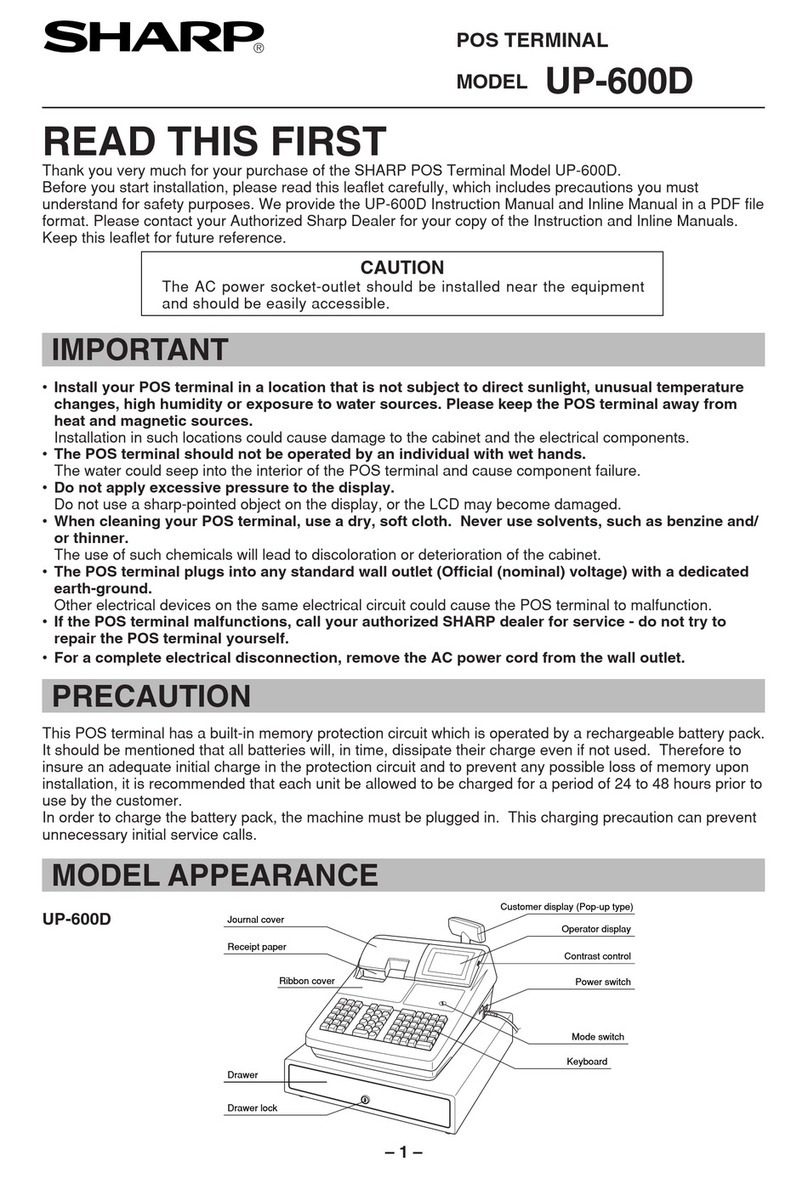
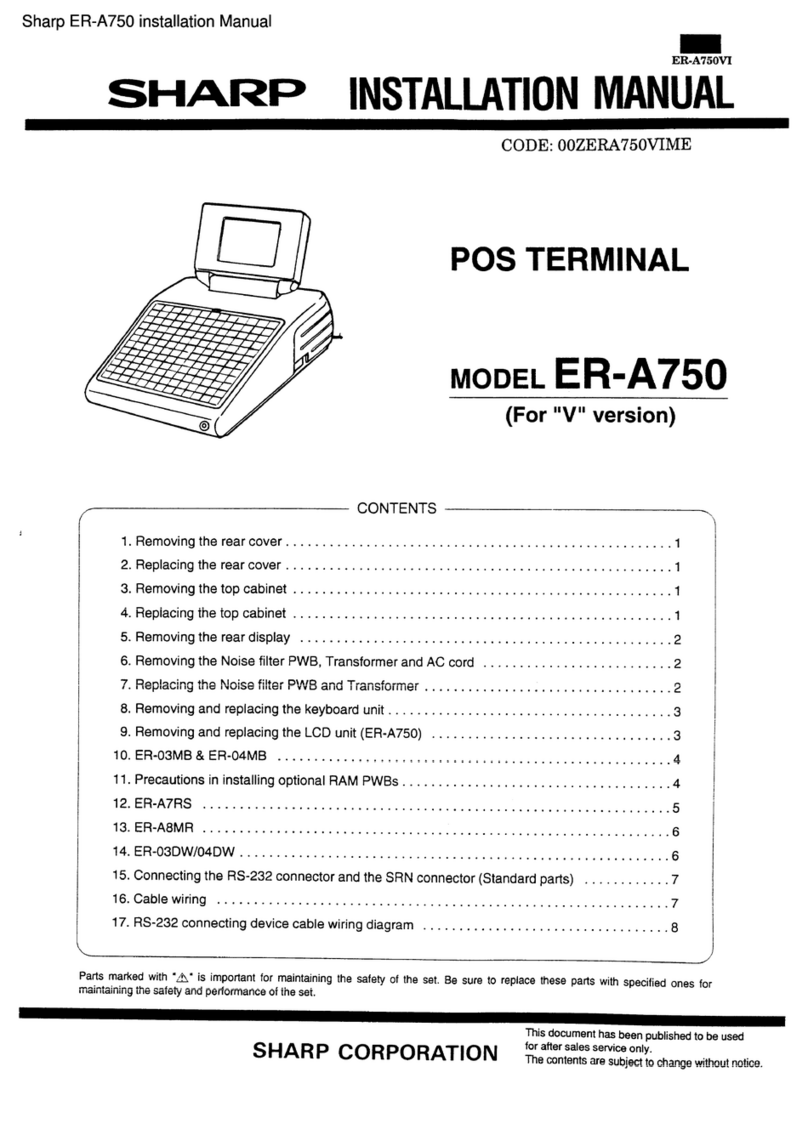
Sharp UP-X300 User manual

POS TERMINAL
INSTRUCTION MANUAL (Store Operations)
UP-X300
MODEL
Second Edition

FCC Regulations state that any unauthorized changes or modifications to
this equipment not expressly approved by the manufacturer could void
the user’s authority to operate this equipment.
Note: This equipment has been tested and found to comply with the
limits for a Class A digital device, pursuant to Part 15 of the FCC Rules.
These limits are designed to provide reasonable protection against harm-
ful interference when the equipment is operated in a commercial environ-
ment.
This equipment generates, uses, and can radiate radio frequency energy
and, if not installed and used in accordance with the instruction manual,
may cause harmful interference to radio communications. Operation of
this equipment in a residential area is likely to cause harmful interference,
in which case the user will be required to correct the interference at
their own expense.
WARNING
CAUTION
The AC power socket-outlet should be installed near the equipment
and should be easily accessible.
Please record below the model number and serial number for easy
reference in case of loss or theft. These numbers are located on the
right side of the unit. Space is provided for further pertinent data.
Model Number
Serial Number
Date of Purchase
Place of Purchase
FOR YOUR RECORDS

1
INTRODUCTION
Thank you very much for your purchase of the SHARP POS Terminal Model UP-X300. Please read this
Manual carefully before operating your machine in order to gain full understanding of functions and features.
Please keep this manual for future reference. It will help you if you encounter operational problems.
IMPORTANT
• Install this terminal in a location that is not subject to direct radiation, unusual temperature
changes, and high humidity or exposure to water or other liquids.
Installation in such locations could cause damage to the cabinet and the electronic components.
• Do not drop this terminal nor subject it to any strong shock.
This may cause damage to the terminal.
• Do not apply excessive pressure to the display. Do not use a sharp-pointed object on the display.
This may cause damage to the LCD display.
• When cleaning this terminal, use a dry, soft cloth. Never use solvents, such as benzine or thinner.
The use of such chemicals will lead to discoloration or deterioration of the cabinet.
• The terminal plugs into any standard wall outlet (120V ± 10% AC) with a dedicated earth-ground.
Other electrical devices on the same electrical circuit could cause the terminal to malfunction.
• If the terminal malfunctions, call your local authorized dealer for service. Do not try to repair the
terminal yourself.
• For a complete electrical disconnection, remove the AC plug from the wall outlet.
This product utilizes tin-lead solder and fluorescent lamp containing a small amount of mercury.
Disposal of these materials may be regulated due to environmental considerations.
For disposal or recycling information, please contact your local authorities or the Electronics
Industries Alliance: www.eiae.org

2
CONTENTS
INTRODUCTION··········································································································································· 1
IMPORTANT ················································································································································· 1
1. Assembly Names and Functions ········································································································· 6
External View ········································································································································· 6
Front view ······································································································································ 6
Rear view ······································································································································ 6
Displays ·················································································································································· 7
Operator display (touch panel) ······································································································ 7
Customer display ························································································································ 13
Screen save mode ······················································································································ 13
Backlight brightness control ········································································································ 13
2. Before Operating the POS Terminal ·································································································· 14
Display Angle ······································································································································· 14
Connecting the Printer and Installing the Paper Rolls ·········································································· 14
3. Prior to Making Entries ······················································································································· 15
Preparations for Entries························································································································ 15
Error Messages ···································································································································· 15
4. Entries ·················································································································································· 16
Function Key Description ····················································································································· 16
Screen transitions ······················································································································· 16
Function key list (using default key labels) ·················································································· 17
Item key list (using default key labels) ························································································21
PLU Menu key list (using default key labels) ·············································································· 21
How to Use the Touch Panel ··············································································································· 22
Cursor control by touching option(s) or item(s) in the window ···················································· 22
Server/Clerk entries (Sign-on/Sign-off) ································································································ 23
Starting Cash Memory Entry ················································································································ 24
Item Entries ·········································································································································· 25
Registration screen ····················································································································· 25
Single item entries ······················································································································· 25
Repeat entries ····························································································································· 28
Repeat round entries ··················································································································· 28
Multiplication entries ···················································································································· 29
Split-pricing type entries ·············································································································· 30
Scale entries ······························································································································· 32
Single item cash sale (SICS)/single item finalize (SIF) entries ··················································· 33
PLU categories ···························································································································· 33
Non-turnover sales ······················································································································ 34
Link PLU/UPC entries ················································································································· 34
Set PLU entries ··························································································································· 34
Combo meal entries ···················································································································· 35
Promotion function ······················································································································ 36
Modifier PLU entries ···················································································································· 38
With/without entries ····················································································································· 38
Condiment entries ······················································································································· 39
Price shift by menu ······················································································································ 43

3
Price inquiry (view) function ········································································································ 43
UPC learning function ················································································································· 44
Price change function ·················································································································· 45
Department shift ·························································································································· 46
Recipe guidance ························································································································· 46
Countdown item ·························································································································· 47
Subtotal Display ··································································································································· 50
Merchandise subtotal ·················································································································· 50
Taxable n subtotal (n: 1 - 10) ······································································································ 50
Including-tax subtotal (full subtotal) ····························································································· 50
Difference subtotal (differ subtotal) ····························································································· 50
Finalizing Transactions························································································································· 51
Tax calculations···································································································································· 52
Automatic tax calculation ············································································································ 52
Manual tax calculation ················································································································· 52
Manual tax entry ·························································································································· 52
Tax deletion ································································································································· 52
Tax status shift ···························································································································· 53
Guest Check········································································································································· 54
Table status and control ·············································································································· 54
Automatic table search ················································································································ 59
Waiting list ··································································································································· 60
Zoom view of the table layout screen ·························································································· 62
Floor planning ····························································································································· 63
Alert for the table ························································································································· 65
Opening the table ························································································································ 66
Change of the room ···················································································································· 70
Change of the table ····················································································································· 70
Change of the check number ······································································································72
Closing the table ························································································································· 73
Deposit entries ···························································································································· 73
Guest check recall ······················································································································· 74
Transferring the table (guest check) ··························································································· 75
Bill totalizing/bill transfer ·············································································································· 76
Bill separation ······························································································································ 78
Transaction migration ·················································································································· 87
Auxiliary Entries···································································································································· 88
Percent calculations (% premium or % discount) ········································································ 88
Discount entries (-) ······················································································································ 88
Group discount entries ················································································································ 89
Refund entries ····························································································································· 90
Return entries ······························································································································ 90
Printing of free text ······················································································································ 90
Transaction recall ························································································································ 91
Payment Handling ································································································································ 92
Tip-in entries ······························································································································· 92
Tip editing ···································································································································· 92
Tip paid entries ···························································································································· 93
Tip transfer ·································································································································· 93
Currency conversion ··················································································································· 94
Received-on-account entries ······································································································ 95
Paid-out entries ··························································································································· 96
No-sale ········································································································································ 97
Name and address entries ·········································································································· 97

4
Gratuity ········································································································································ 97
Service charge ···························································································································· 97
Cashing a check ·························································································································· 98
Transferring cash ························································································································ 98
VIP sales ····································································································································· 98
WASTE mode······································································································································· 99
Employee Function····························································································································· 100
Employee log-on ······················································································································· 100
Log off ······································································································································· 100
Sales entry for employees ········································································································· 101
Supervisor Server/Clerk ····················································································································· 102
Overlapped Server/Clerk Entry ·········································································································· 103
Customer management ······················································································································ 104
Authority Level/ Special Password/ Reason Code ············································································· 105
Authority level ···························································································································· 105
Special password ······················································································································ 105
Reason code ····························································································································· 106
TRAINING Mode ································································································································ 107
MACRO Key Entries··························································································································· 108
5. Corrections ········································································································································ 109
Correction of Entries··························································································································· 109
Subtotal Void ······································································································································ 111
Correction after Finalizing a Transaction (Void mode) ······································································· 112
Override Entries ································································································································· 112
6. Printing Function ······························································································································ 113
Receipt ON/OFF································································································································· 113
Copy Receipt Printing························································································································· 113
Validation Printing Function················································································································ 113
Bill Printing ········································································································································· 114
Guest Check Copy ····························································································································· 114
Bill Recording / Bill Void ····················································································································· 114
Type of Receipt ·································································································································· 115
Addition receipt type ·················································································································· 115
Single/double receipt type ········································································································· 115
Addition + single receipt type ···································································································· 116
Double addition receipt type ······································································································ 116
Double (addition + single) receipt type ······················································································ 116
Sorted Receipt Function ····················································································································· 117
Kitchen Printer Hold/ Kitchen Printer Go ···························································································· 119
Kitchen printer hold for items ···································································································· 119
Kitchen printer hold for the transaction ····················································································· 119
Kitchen printer go ······················································································································ 119
Electronic Journal ······························································································································· 120
7. Universal Product Code (UPC) or European Article Number (EAN) ············································ 121
UPC or EAN code ····················································································································· 121
Customer code ·························································································································· 122
Bar-code of the bill ···················································································································· 122
Bar-code of the key ··················································································································· 122

5
8. Reading (X) and Resetting (Z) of Sales Totals ··············································································· 123
Report list ·································································································································· 123
How to take the reading (X) and resetting (Z) report ································································· 125
Compulsory Cash/Check Declaration ······················································································· 129
9. Downloading Data ····························································································································· 131
Initializing by power on ·············································································································· 131
Automatic downloading ············································································································· 131
Manual downloading ················································································································· 131
10. Operator Maintenance ····················································································································· 132
Before Calling for Service··················································································································· 132
11. Options ·············································································································································· 133
List of Options ···································································································································· 133
12. Specifications ··································································································································· 134
13. Network ············································································································································· 135
Overview ············································································································································ 135
Network functions ······························································································································· 136
Rerouting print data ···························································································································· 137
System back-up·································································································································· 138
Basic specifications ···························································································································· 142

6
Assembly Names and Functions
This chapter describes the assembly names and functions of this POS terminal.
External View
Front view
Rear view
1
Operator display
(touch panel)
Power indicator:
When the power switch is
turned on, the power
indicator will light up.
Power switch:
Ensure that the power switch is
placed in the OFF position prior
to connecting the AC plug to
the power outlet.
AC power cord
Side cover

7
Displays
This POS terminal is equipped with a color LCD operator display.
The operator display is a touch panel.
Operations can be performed by touching the screen (that shows keys or items in the window) of the
operator display.
■Operator display (touch panel)
••
••
•Initial screen/Sign on screen
At first (sign-on state) this screen is displayed on the terminal. The system requires that the operator enter
the Server/Clerk code to use the terminal. After the operator enters his or her Server/Clerk code, touch the
[CLK#] (Sign On) key to access the next screen (Registration screen/Table layout screen).
Screen example:
Information/Status window
Wall paper Ten-key window
Scrolled message window

8
Scrolled message window:
A message text can be programmed for each terminal.
In the scrolled message window, the programmed text is scrolled from the right to left.
Ten-key window:
The Ten-key is used to enter various numerical data (e.g. clerk/server code, amounts, quantities).
When numeric entries are necessary (e.g. secret code is forced), the ten-key pad pops up automatically.
Information/Status Window:
Receipt OFF
Stock Warning
Exceed the HALO amount for tip
Sentinel message
Waste mode
Void mode
Receipt shift
Tax shift
/
Department shift Information
Screen Name [Category Name]
Time zone
/
Room
(Location) information
Date & Time
/
Clerk (Server) Name
Time Zone / Dining Room REG [Drinks]
Dept shift 1
1 2 5 10
6/18/2004 5:36:02 PM
Clerk 0001
NOTE
The base color of the information/status window;
System status Base color
Normally (POS Server/Backup Server): Black
“POS Server down” and “Backup Server normally”: Orange
“Backup Server down”: Rose (only at the POS Server)
“Backup Server down” and “Communication down for all clients” Red (only at the POS Server)
“POS Server down” and “Backup Server down”: Red (only at the client)
Other manuals for UP-X300
1
Table of contents
Other Sharp Touch Terminal manuals

Sharp
Sharp ER-A770 User manual

Sharp
Sharp UP-3500 User manual

Sharp
Sharp UP-820F User manual

Sharp
Sharp UP-X300 User manual

Sharp
Sharp ER-A770 User manual

Sharp
Sharp UP-3300 User manual

Sharp
Sharp UP-3515 User manual

Sharp
Sharp RZ-X650 User manual

Sharp
Sharp UP-3500 User manual

Sharp
Sharp UP-X300CF256 User manual

Sharp
Sharp RZ-E601 User manual

Sharp
Sharp UP-600 User manual

Sharp
Sharp UP-820F User manual

Sharp
Sharp UP-5700 User manual

Sharp
Sharp UP-600 Owner's manual

Sharp
Sharp UP-3500 User manual

Sharp
Sharp UP-3300 Owner's manual
Sharp
Sharp ER-A770 User manual

Sharp
Sharp UP-3300 User manual

Sharp
Sharp UP-5300 User manual