Sharp MD-MT877 User manual

PORTABLE MINIDISC
RECORDER
Thank you for purchasing this SHARP product.
For the best performance, read this manual carefully.
It will guide you in operating your SHARP product.
MODEL
MD-MT877
OPERATION MANUAL

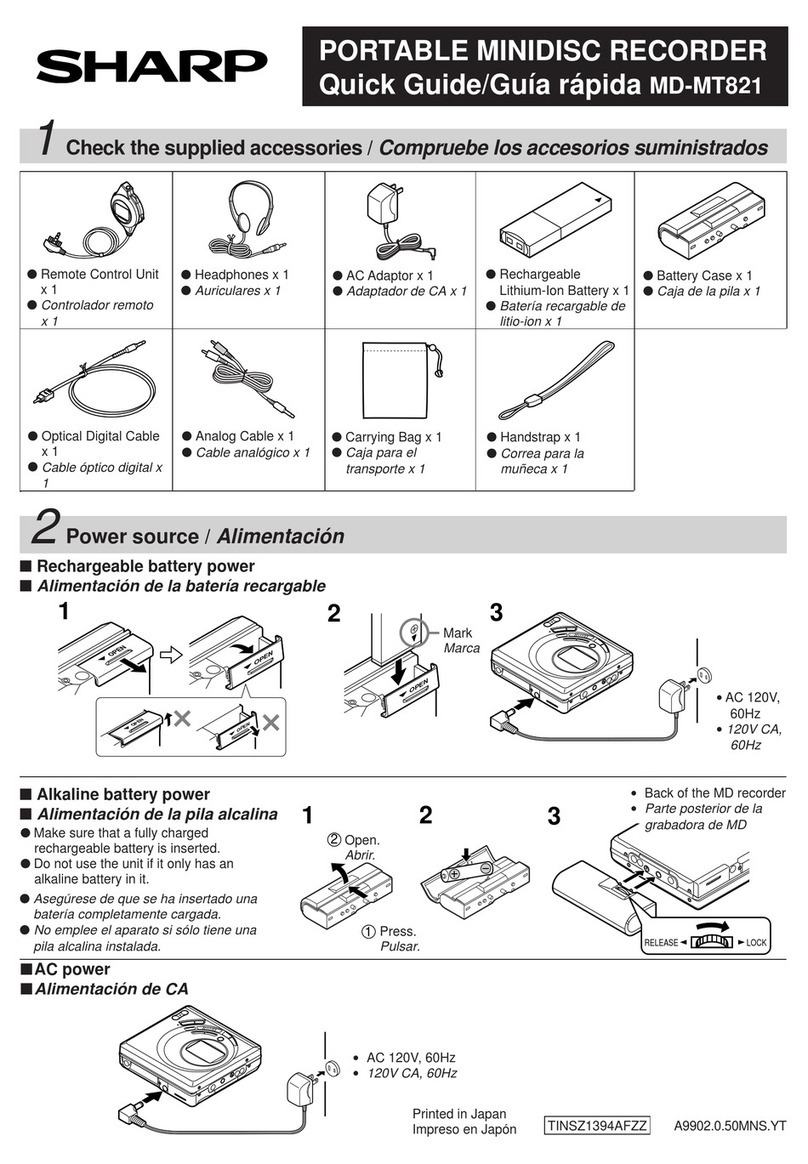
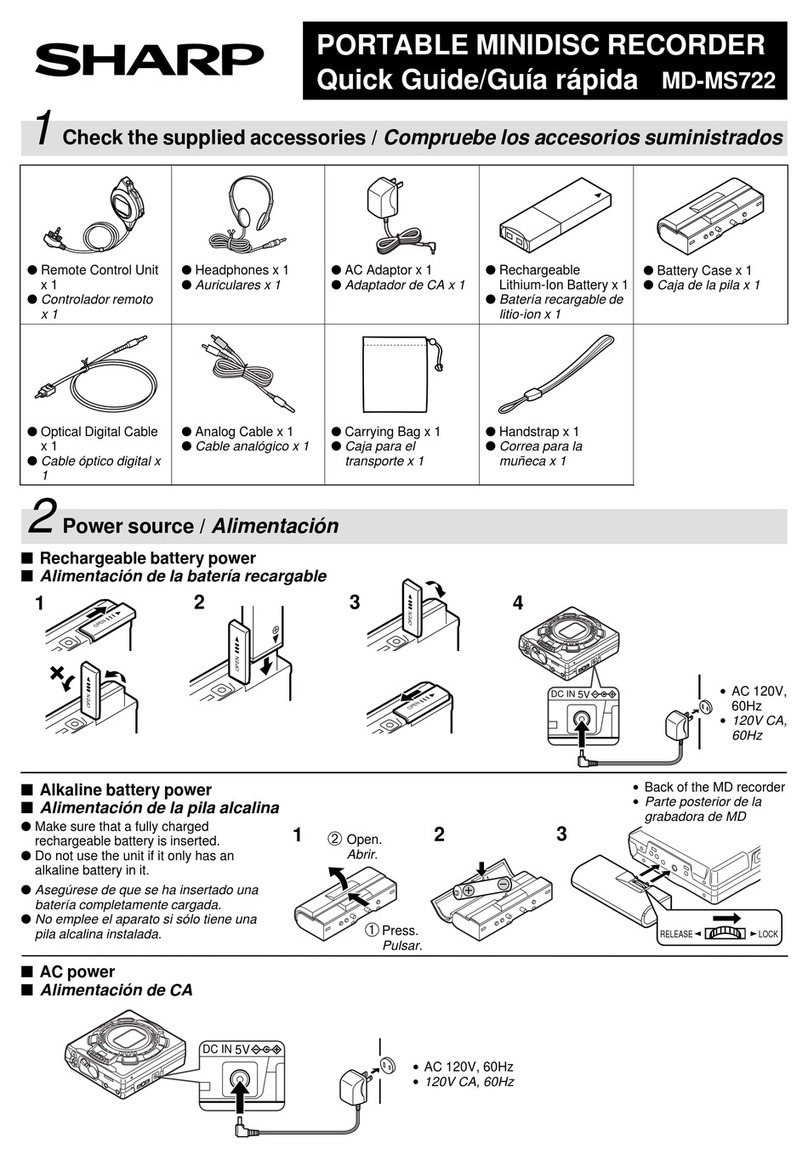
Accessories
Notes:
●Partsandequipmentmentionedinthisoperationmanual
other than those detailed above are not included.
●The AC adaptor may be different from the one in the
drawing.
Rechargeable Nickel
-Metal Hydride Battery
Remote Control x 1 Earphones x 1 AC Adaptor
x 1
(AD-N55BT) x 1 Battery Charger x 1
(RRMCW0011AWSA) (RPHOH0176AFSA)
(RADPA3048AWZZ)
(UBATM0006AWSA) (RUNTZ0032AWM1)
Connection Cable Connection Cable
Battery Carrying (for analog (for digital Carrying Bag x 1 Battery Case x 1
Case x 1 recording) x 1 recording) x 1
(UBAGC0006AWSA)
(GCASZ0002AWSA)
(UBAGC0005AWZZ) (QCNWG0029AWZZ)
(QCNWG0422AFZZ)
2
Optional accessories
●Rechargeable Nickel-Metal Hydride Battery
(AD-N55BT)
●Car adaptor (AD-CA55X)
●Cassette adaptor (AD-CT14)
●Plug adaptor (AD-M66PA)
Foroptionalaccessories, contact your local dealer,call
the SharpAccessories and Supply Center at 1-800-
642-2122, or visit SHARP’s web site (http://
www.sharp-usa.com).

Contents
Important Introduction
Special Notes................................................ 4-5
Precautions.......................................................6
Names of Controls and Indicators .............. 7-9
Battery Charger .........................................10-11
Power Source
Using with the Rechargeable Battery..... 12-13
Using with the AC Adaptor ............................14
Using with the Alkaline Battery.....................15
Preparation
Hold Function .................................................16
Inserting a MiniDisc .......................................17
Connections.............................................. 18-19
Basic Operation
Recording.................................................. 20-23
Playback.................................................... 24-26
3
Useful Features
Advanced Playback.................................. 27-29
Advanced Recording ............................... 30-35
Recording from a Microphone ................ 36-38
Checking Displays ................................... 39-40
Changing Default Settings ...................... 41-42
Advanced Features
Titling a MiniDisc...................................... 43-47
Editing a Recorded MiniDisc................... 48-50
Listening to a MiniDisc Through a Stereo
System or a Car Stereo ................................51
References
Other Features and Caution ..........................52
MiniDisc System Limitations.........................53
Error Messages ........................................ 54-55
Troubleshooting ....................................... 56-57
Maintenance....................................................57
Specifications ........................................... 58-59
CONSUMER LIMITED WARRANTY ...... Back cover

4
Important Introduction
– Special Notes –
Special Notes
●It is the intent of Sharp that this product be used in full
compliancewith the copyright laws of theUnited States
and that prior permission be obtained from copyright
owners whenever necessary.
Caution - use of controls or adjustments or per-
formance of procedures other than those speci-
fied herein may result in hazardous radiation ex-
posure.
●“BATTERY DISPOSAL”
CONTAINS NICKEL-METAL HYDRIDE BATTERY.
MUST BE DISPOSED OF PROPERLY. CONTACT
LOCAL AGENCIES FOR INFORMATION ON RECY-
CLING AND DISPOSAL PLANS IN YOURAREA.
●US and foreign patents licensed from Dolby Laborato-
ries.
●The letters in brackets contained in the model number
indicate the color of the product only. Operation and
specifications are unaffected.
FOR YOUR RECORDS
For your assistance in reporting this unit in case of
loss or theft, please record below the model number
and serial number which are located on the bottom of
the unit.
Please retain this information.
Model number
Serial number
Date of purchase
Place of purchase

DEUTSCH
FRANÇAIS
ESPAÑOL
SVENSKA
ITALIANO
NEDERLANDS
ENGLISH
5
Special NotesSpecial Notes : continued
Important Introduction
–Special Notes –
Note:
This equipment has been tested and found to comply with
the limits for a Class B digital device, pursuant to Part 15
of the FCC Rules.
These limits are designed to provide reasonable protec-
tion against harmful interference in a residential installa-
tion.
Thisequipment generates, uses, and can radiate radio fre-
quencyenergyand, if not installed and used in accordance
with the instructions, may cause harmful interference to
radio communications.
However, there is no guarantee that interference will not
occur in a particular installation.
If this equipment does cause harmful interference to radio
or television reception, which can be determined by turn-
ing the equipment off and on, the user is encouraged to try
to correct the interference by one or more of the following
measures:
●Reorient or relocate the receiving antenna.
●Increase the separation between the equipment and
receiver.
●Connect the equipment into an outlet on a circuit differ-
ent from that to which the receiver is connected.
●Consult the dealer or an experienced radio/TV techni-
cian for help.
WARNING
FCC Regulations state that any unauthorized changes or
modifications to this equipment not expressly approved by
themanufacturer could void the user’s authority to operate
this equipment.

6
Important Introduction
–Precautions –
Precautions
Important
●Do not wear your earphones when you are crossing
streets or near traffic.
●Do not use your earphones whiledriv-
ingamotor vehicle, it may create a traf-
fic hazard and may be illegal.
Rememberto obeyallof thesafety rules
in your area.
●Do not play the unit at a high volume. Hearing experts
advise against extended listening at high volume levels.
●If you experience ringing in your ears, reduce the vol-
ume or discontinue use.
●This portable MD should only be used within the range
of 32°F - 104°F (0°C - 40°C).
To avoid accidental electric shock or other possible
problems, observe the precautions listed below.
●Do not disassemble or modify the unit.
●Do not drop or subject the unit to shock.
●Do not use the unit near open flames.
●Do not spill liquid on the unit.
●Do not use an external power supply, other than the 5V
DC supplied with this unit, as it may damage it.
●
SHARPis not responsiblefordamage due toimproperuse.
Refer all servicing to a SHARP authorized service center.
Storing the unit
Avoid using or leaving the unit in the following places.
●Places exposed to direct sunlight
for many hours (especially in cars
with the doors and windows
closed) or near heaters.
(The cabinet may deform, change
color or the unit may malfunction.)
●Places exposed to water.
●Places exposed to excessive dust.
●Places where temperatures are excessively high or low.
●Places (bathrooms) where the hu-
midity is extremely high.
●Places with strong magnetic
fields such as TVs or loudspeak-
ers.
●Places exposed to vibration.
●Places where sand can easily en-
ter the inside of the unit (beaches
etc.).
●If the unit is used near radio tuners
or TVs, noise and/or picture inter-
ference may result. If you experi-
encetheseproblems,movetheunit
away from such devices.
●It is not recommendable to put the
MiniDisc into a rear pocket, as this may
damage the product when sitting.

DEUTSCH
FRANÇAIS
ESPAÑOL
SVENSKA
ITALIANO
NEDERLANDS
ENGLISH
7
Important Introduction
–Names of Controls and Indicators –
Names of Controls and Indicators
Main unit
1314 15
12
2
134
567
89
10
11
1. Record/Track Mark Button (20, 34)
2. Mode Button (20, 29, 32, 41)
3. Volume/Cursor/Fast Forward/Fast Reverse/
Recording Level/Name Select Button
(20, 26, 27, 30, 41-45)
4. Stop/Power Off/Hold Button (16, 22, 25, 41)
5. Open Lever (17)
6. Display/Character Select Button (39, 40, 43)
7. Edit/Auto Mark/Time Mark Button (34, 38, 43-50)
8. Play/Pause Button (20, 24)
9. Enter/Fast Play/Synchro Button (29, 43-50)
10. Bass/Delete Button (26, 44)
11. Rechargeable Battery Cover (12)
12. Handstrap Holder
13. Optical/Line Input Jack (18, 19)
14. Microphone Input Jack (36)
15.
Remote Control/Earphones/Line Output Jack (24)

8
Important Introduction
–Names of Controls and Indicators –
01. Level Meter
02. Record Indicator
03. Synchro Recording Indicator
04. Operation Indicator
05. Long-play/Recording Mode Indicator
6. Character/Time Information Indicator
7. Repeat Indicator
8. Battery Indicator
9. Random Indicator
10. Track Number Indicator
11. TOC Indicator
12. Disc Name Indicator
Names of Controls and Indicators (continued)
1
2
3
4
5
6
7
8
9
10
11
12
Main unit display panel
3-color LED
Various modes are indicated with three colors of lights.
Charging Light
ingstartingwithyellow-greenlight.
Refresh Extinguishingstartingwith orange light
after all the lights are lit.
Playback Flashingthe color of the activated play-
back mode.
Recording Flashing the color of the activated re-
cording mode.
Fast Forward
Flashingstarting with yellow-green light.
Fast Reverse Flashing starting with orange light.
Volume (+) Lightingstarting with yellow-green light.
Volume (–)Extinguishinginstantly starting with or-
ange light after all the lights are lit.
TOC Reading: flashing at random.
Blue
Yellow-
green Orange

DEUTSCH
FRANÇAIS
ESPAÑOL
SVENSKA
ITALIANO
NEDERLANDS
ENGLISH
9
01. Record Indicator
02. Track Number Indicator
03. Operation Indicator
04. Character/Time Information Indicator
05. Battery Indicator
06. Random Indicator
07. Synchro Recording Indicator
08. Total Track Number Indicator
09. Long-play/Recording Mode Indicator
10. Repeat Indicator
Names of Controls and Indicators : continued
Important Introduction
–Names of Controls and Indicators –
Remote control display panel
1
8
679
2345
Remote control unit
1. Earphones Jack (24)
2. Fast Forward/Fast Reverse Button
3. Display Button
4. Play Mode Button (29)
5. Sound/Track Mark Button (26, 34)
6. Stop/Power Off Button (22, 25)
7. Play/Pause Button
8. Volume Button
9. Hold Switch (16)
123 456
78910

10
Important Introduction
–Battery Charger –
Battery Charger
There are two different ways to use the battery charger one is to use it as a normal battery charger, the
other is to use it with an AC adaptor by attaching the portable MD to the battery charger.
1. Remote Control Holder (11)
(You can hang the remote control on it.)
2. Lock Detector
3. Hook For Fixing The Main Unit
4. Charge/Operation Switch (11)
5. Stand
6. AC Adaptor Connecting Jack (18, 19)
Names Setting
CHARGE
OPERATION
1
2
3
4
●
Before setting the portable MD to the battery charger, make
sure the battery charger is in the charge mode (CHARGE). If
you insert the portable MD byforce while in the operation mode
(OPERATION), the hook for fixing the portable MD may break.
●Operating while in the charge mode, “CHARGEmode”will appear
and no operation is possible.
Face the top
toward you.
Caution:
Charge
mode
1
4
5
6
3
2
CHARGE
OPERATION
Other manuals for MD-MT877
1
Table of contents
Other Sharp CD Player manuals

Sharp
Sharp MD-MT18H User manual

Sharp
Sharp IM-DR420H User manual

Sharp
Sharp CD-K7000V User manual

Sharp
Sharp WQ-CD220L User manual

Sharp
Sharp MD-MT877H User manual

Sharp
Sharp MD-MT270H User manual

Sharp
Sharp MD-S301MK User manual

Sharp
Sharp MD-MT866H User manual

Sharp
Sharp MD-MT15H User manual

Sharp
Sharp CD-BK260V User manual

Sharp
Sharp MD-MT770 User manual

Sharp
Sharp MD-SR75H User manual

Sharp
Sharp QT-CD177H User manual

Sharp
Sharp MD-MT90C User manual

Sharp
Sharp MD-MS722H User manual

Sharp
Sharp MD-MT16H User manual

Sharp
Sharp MD-MT190H User manual

Sharp
Sharp MD-MT877 User manual

Sharp
Sharp MD-MS701H System manual

Sharp
Sharp MD-MS702MK User manual