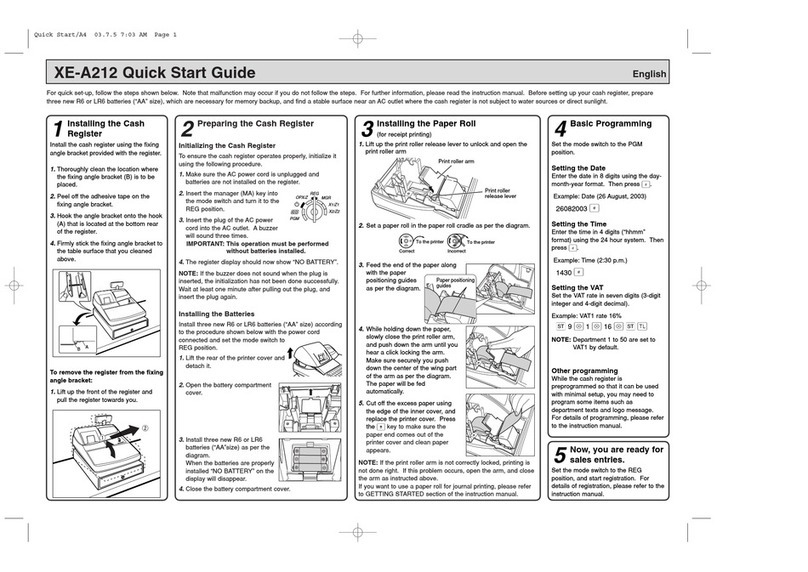
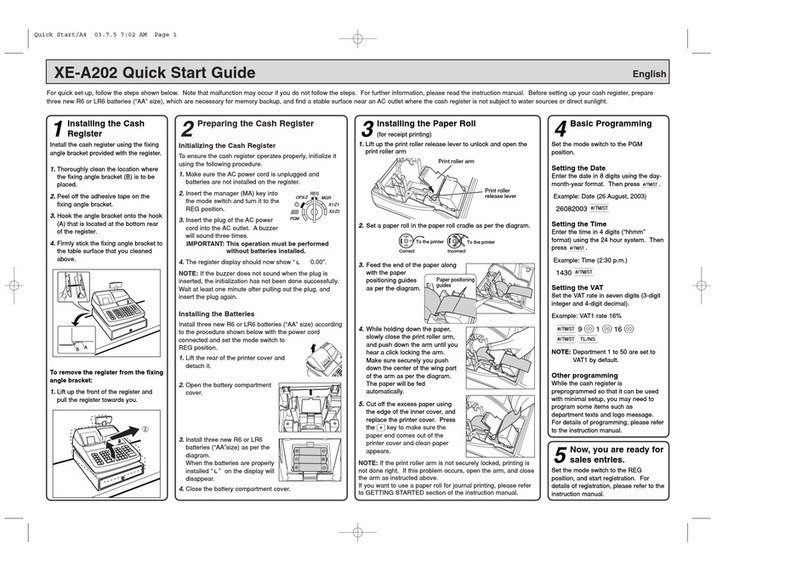
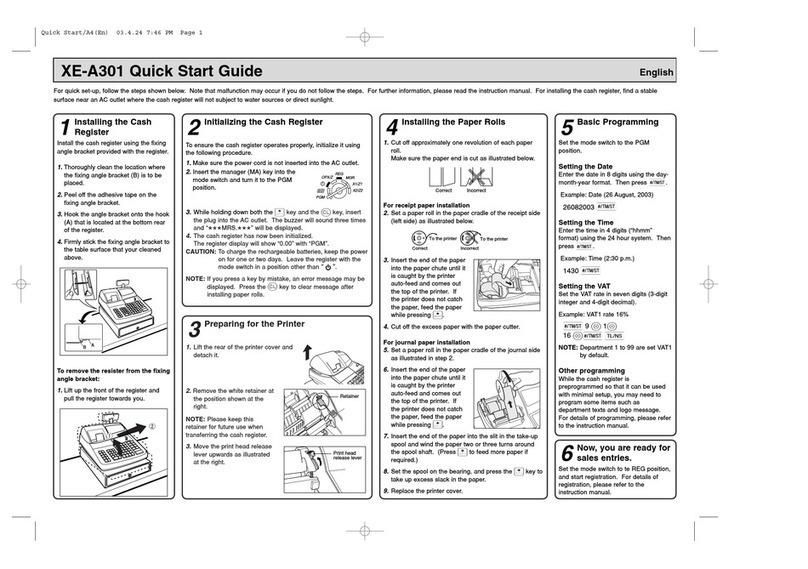
Sharp XE-A23S User manual

ELECTRONIC CASH REGISTER
INSTRUCTION MANUAL
SHARP ELECTRONICS CORPORATION
Sharp Plaza, Mahwah, New Jersey 07495-1163
1-800-BE-SHARP
For additional information and product registration,
please visit www.sharpusa.com
Printed in Korea
T(TINSE2624BHZZ)
XE-A207/XE-A23S
MODEL
XE-A207
XE-A23S

FCC Regulations state that any unauthorized changes or modifications to
this equipment not expressly approved by the manufacturer could void
the user’s authority to operate this equipment.
Note: This equipment has been tested and found to comply with the
limits for a Class A digital device, pursuant to Part 15 of the FCC Rules.
These limits are designed to provide reasonable protection against
harmful interference when the equipment is operated in a commercial
environment.
This equipment generates, uses, and can radiate radio frequency energy
and, if not installed and used in accordance with the instruction manual,
may cause harmful interference to radio communications. Operation of
this equipment in a residential area is likely to cause harmful interference
in which case the user will be required to correct the interference at his
own expense.
WARNING
CAUTION
The AC power socket-outlet should be installed near the equipment
and should be easily accessible.
WARNING
Shielded interface cables must be used with this equipment to maintain
compliance with EMC regulations.
Please record below the model number and serial number for easy
reference in case of loss or theft. These numbers are located on the
right side of the unit. Space is provided for further pertinent data.
Model Number
Serial Number
Date of Purchase
Place of Purchase
FOR YOUR RECORDS

1
INTRODUCTION
Thank you very much for your purchase of the SHARP Electronic Cash Register, Model XE-A207/XE-A23S.
Please read this manual carefully before operating your register in order to gain full understanding of
functions and features.
Please keep this manual for future reference. It will help you if you encounter any operational problems.
IMPORTANT
• Be very careful when removing and replacing the printer cover, as the cutter mounted on it is very sharp.
• Install the cash register in a location not subject to direct sunlight, unusual temperature changes, high
humidity or splashing water.
Installation in such locations could cause damage to the cabinet and the electronic components.
• Never install the register in saline areas (e.g.: close to the sea).
Installing the register in such locations could cause component failure with the corrosion.
• Never operate the register with wet hands.
The water could seep into the interior of the register and cause component failure.
• When cleaning your register, use a dry, soft cloth. Never use solvents, such as benzine and/or thinner.
The use of such chemicals will lead to discoloration or deterioration of the cabinet.
• The register plugs into any standard wall outlet (120V AC).
Other electrical devices on the same electrical circuit could cause the register to malfunction.
• For protection against data loss, please install two alkaline batteries LR6 (“AA” size) after initializing the
register. When handling the batteries, please observe the following:
Incorrectly using batteries can cause them to burst or leak, possibly damaging the interior of the register.
• RISK OF EXPLOSION IF BATTERY IS REPLACED BY AN INCORRECT TYPE.
DISPOSE OF USED BATTERIES ACCORDING TO THE INSTRUCTIONS.
• Be sure that the positive (+) and negative (–) poles of each battery are facing in the proper direction
for installation.
• Never mix batteries of different types.
• Never mix old batteries and new ones.
• Never leave dead batteries in the battery compartment.
• Remove the batteries if you do not plan to use the register for long periods.
• Should a battery leak, clean out the battery compartment immediately, taking care to avoid letting the
battery uid come into direct contact with your skin.
• For battery disposal, follow the corresponding law in your country.
• For complete electrical disconnection, disconnect the main plug.
SD logo is a trademark of SD-3C, LLC.
Customer Service Hotline
1-800-BE-SHARP

2
CONTENTS
INTRODUCTION ..............................................................................................................................................1
IMPORTANT ....................................................................................................................................................1
CONTENTS ......................................................................................................................................................2
1 PartsandTheirFunctions ......................................................................................................................6
External View .............................................................................................................................................6
Front view .........................................................................................................................................6
Rear view ..........................................................................................................................................6
Printer .......................................................................................................................................................7
Keyboard ...................................................................................................................................................8
Keyboard layout (for XE-A207) .........................................................................................................8
Function key list ................................................................................................................................8
Keyboard layout (for XE-A23S) ........................................................................................................9
Function key list ................................................................................................................................9
Displays ...................................................................................................................................................10
Operator display .............................................................................................................................10
Customer display ........................................................................................................................... 11
Screen save mode .......................................................................................................................... 11
2 SelectinganOperatingMode ...............................................................................................................12
Operating Modes .....................................................................................................................................12
Mode Selection ........................................................................................................................................13
3 PriortoMakingEntries .........................................................................................................................14
Preparations for Entries ...........................................................................................................................14
Receipt paper roll ...........................................................................................................................14
Receipt ON/OFF function ...............................................................................................................14
Clerk assignment ............................................................................................................................14
Error Warning ..........................................................................................................................................14
Selecting the Function from the Menu .....................................................................................................15
HELP/FAQ Function ................................................................................................................................16
The HELP menu and printing guidance messages ........................................................................16
The FAQ menu and guidance messages .......................................................................................17
4 Entries.....................................................................................................................................................18
Item Entries..............................................................................................................................................18
Single item entries ..........................................................................................................................18
Repeat entries ................................................................................................................................20
Multiplication entries .......................................................................................................................21
Split-pricing entries .........................................................................................................................22
Single item cash sale (SICS) ..........................................................................................................23
Display of Subtotals .................................................................................................................................23
Taxable subtotal ..............................................................................................................................23
Including-tax subtotal (complete subtotal) ......................................................................................23
Finalization of Transaction .......................................................................................................................24
Cash or check tendering .................................................................................................................24
Cash or check sale that does not need any tender entry ...............................................................25
Charge (credit) sale ........................................................................................................................25
Mixed-tender sale (cash or check tendering + charge tendering) ..................................................25
Tax Calculation ........................................................................................................................................26
Automatic tax ..................................................................................................................................26
Manual tax ......................................................................................................................................26
Tax delete .......................................................................................................................................27
Tax status shift ................................................................................................................................27
Auxiliary Entries .......................................................................................................................................28

3
Percent calculations (premium or discount) ..................................................................................28
Discount entries .............................................................................................................................29
Refund entries ................................................................................................................................29
Printing of non-add code numbers .................................................................................................30
Payment Treatment .................................................................................................................................30
Currency conversion .......................................................................................................................30
Received-on-account entries ..........................................................................................................31
Paid-out entries ..............................................................................................................................32
No-sale (exchange) ........................................................................................................................32
Electronic Journal View ...........................................................................................................................33
TRAINING Mode......................................................................................................................................33
5 Correction...............................................................................................................................................34
Correction of the Last Entry (Direct Void) ................................................................................................34
Correction of the Next-to-Last or Earlier Entries (Indirect Void)...............................................................35
Subtotal Void............................................................................................................................................36
Correction after Finalizing a Transaction .................................................................................................36
6 SpecialPrintingFunction .....................................................................................................................37
Copy Receipt Printing ..............................................................................................................................37
7 ManagerMode........................................................................................................................................38
Entering the Manager Mode ....................................................................................................................38
Override Entries .......................................................................................................................................38
8 Reading(X)andResetting(Z)ofSalesTotals ....................................................................................39
How to take a X1/Z1 or X2/Z2 report ..............................................................................................39
View report......................................................................................................................................39
Daily Sales Totals ....................................................................................................................................41
General report ................................................................................................................................41
PLU report by designated range .....................................................................................................42
PLU report by associated department ............................................................................................42
Clerk reports ...................................................................................................................................42
Hourly report ...................................................................................................................................42
Periodic Report Sample ...........................................................................................................................43
General information ........................................................................................................................43
9 PriortoProgramming ............................................................................................................................44
Programming Keyboard Layout ...............................................................................................................44
For XE-A207 ...................................................................................................................................44
For XE-A23S ..................................................................................................................................44
How to Program Alphanumeric Characters .............................................................................................46
Mobile phone method .....................................................................................................................46
Entering character codes ................................................................................................................47
10Programming .........................................................................................................................................48
Basic Instructions.....................................................................................................................................48
Programming screen ......................................................................................................................48
Programming example ...................................................................................................................49
DEPT/PLU Programming.........................................................................................................................51
Department .....................................................................................................................................52
PLU .................................................................................................................................................53
PLU range ......................................................................................................................................53
Functional Programming..........................................................................................................................54
Discount (-) .................................................................................................................................55
Percent (0 , %2) ..........................................................................................................................56
Manual tax ......................................................................................................................................56
RA ...................................................................................................................................................57
PO ..................................................................................................................................................57

4
Cash in drawer ...............................................................................................................................57
Media Key Programming .........................................................................................................................58
Cash key (Cash) .............................................................................................................................58
Check key (Check) .........................................................................................................................59
Charge key (Charge) ......................................................................................................................59
Currency conversion (CONV1, CONV2) ........................................................................................60
Function Text Programming .....................................................................................................................61
Personnel Programming ..........................................................................................................................62
Clerk ...............................................................................................................................................62
Manager .........................................................................................................................................63
Mode Pass Code ............................................................................................................................63
Training Clerk .................................................................................................................................63
Terminal Programming.............................................................................................................................64
Date/Time Setting ....................................................................................................................................64
Date/time ........................................................................................................................................64
Optional Feature Selection ......................................................................................................................65
Basic System ..................................................................................................................................66
Function Prohibit .............................................................................................................................67
Function Authority ...........................................................................................................................68
Function Selection ..........................................................................................................................69
Print Selection ................................................................................................................................70
Report Programming ...............................................................................................................................72
Zero skip .........................................................................................................................................73
Print select ......................................................................................................................................74
Z Counter ........................................................................................................................................75
Z1 General report ...........................................................................................................................75
Electronic Journal ...........................................................................................................................75
Message Programming............................................................................................................................76
Receipt logo ....................................................................................................................................76
Device Conguration Programming .........................................................................................................77
Keyboard ........................................................................................................................................77
Display ............................................................................................................................................78
Printer .............................................................................................................................................78
EFT .................................................................................................................................................78
Tax Programming.....................................................................................................................................79
Tax system ......................................................................................................................................80
Tax 1 through 4 ...............................................................................................................................81
Doughnut exempt ...........................................................................................................................83
Automatic Sequencing Key Programming ...............................................................................................84
Key Sequence ................................................................................................................................84
Reading of Stored Programs ...................................................................................................................85
Program reading sequence ............................................................................................................85
Sample printouts .............................................................................................................................86
EFT Test Function ....................................................................................................................................92
SD CARD Mode.......................................................................................................................................93
Inserting and removing an SD memory card ..................................................................................93
SD card formatting ..........................................................................................................................93
Folder creating ................................................................................................................................93
Folder name selecting ....................................................................................................................94
Data saving ....................................................................................................................................94
Data loading ...................................................................................................................................95
11ElectronicJournal .................................................................................................................................96

Electronic journal ............................................................................................................................96

5
12OperatorMaintenance ...........................................................................................................................97
In Case of Power Failure .........................................................................................................................97
In Case of Printer Error ............................................................................................................................97
Cautions in Handling the Printer and Recording Paper ...........................................................................97
Cautions in handling the printer ......................................................................................................97
Cautions in handling the recording paper (thermal paper) .............................................................97
Installing Batteries ...................................................................................................................................98
Replacing the Paper Roll .........................................................................................................................99
Recording paper specications ......................................................................................................99
Installing the Paper Roll ..................................................................................................................99
Replacing the receipt paper roll ....................................................................................................100
Removing a Paper Jam ................................................................................................................100
Cleaning the Printer (Printer Head/Sensor/Roller).................................................................................101
Removing the Drawer ............................................................................................................................102
Opening the Drawer by Hand ................................................................................................................102
Drawer Lock Key ...................................................................................................................................102
Before Calling for Service ......................................................................................................................103
13Specications ......................................................................................................................................104

6
1PartsandTheirFunctions
ExternalView
■Frontview
Printer cover
Operator display
Keyboard
Drawer
Drawer lock
SD card slot
(Refer to the “SD CARD Mode” section.)
Check slot
■Rearview
Customer display
RS232 connector

7
Printer
The printer is a thermal printer, and therefore it does not require any type of ink ribbon or cartridge. The
average life of the printer is approximately 6 million lines.
When removing the printer cover, lift up its rear.
When installing the printer cover, hook it on the pawls on the cabinet and shut it.
CAUTION:Thepapercutterismountedontheprintercover.Becarefulnottocutyourself.
Printer cover
Printer head
Sensor
Roller
Print roller arm
NOTE Do not attempt to remove the paper with the print roller arm in the hold position. This may result
in damage to the printer and printer head.

8
Keyboard
■Keyboardlayout(forXE-A207)
■Functionkeylist
{Receipt paper feed key PLU/sub-department key
RReceipt print key Department code entry key
Function menu key Department shift key
aAuto key
CLK#
Clerk code entry key
wTax1 shift key Department 1-32 key
0Percent 1 key FI Cursor (up/down arrow) key
-Discount key mMode key
tVoid key Escape/Cancel key
HHelp key zCharge key
fRefund key Electronic journal view key
@Multiplication key xCheck key
PDecimal point key ;Non-add code/Time display/Subtotal key
lClear key ACash/Amount tender/No sale key
0 9
:Numeric key
This manual suits for next models
1
Table of contents
Other Sharp Cash Register manuals

Sharp
Sharp ER-A320 User manual

Sharp
Sharp XE-A147 Quick manual

Sharp
Sharp ER-2722A User manual

Sharp
Sharp XE-A152 User manual

Sharp
Sharp ER-3241 User manual

Sharp
Sharp ER-A460 User manual

Sharp
Sharp ER-A411 Operating and maintenance manual

Sharp
Sharp ER-1910 User manual

Sharp
Sharp XE-A107 User manual

Sharp
Sharp XE-A106 User manual

Sharp
Sharp XE-A201 User manual

Sharp
Sharp ER-2590 User manual

Sharp
Sharp ER-A220 User manual

Sharp
Sharp ER-A150 User manual

Sharp
Sharp ER-A160 User manual

Sharp
Sharp XE-A101 User manual

Sharp
Sharp XE-A212 User manual

Sharp
Sharp XE-A106 User manual

Sharp
Sharp ER-A450T User manual

Sharp
Sharp XE-A137 User manual