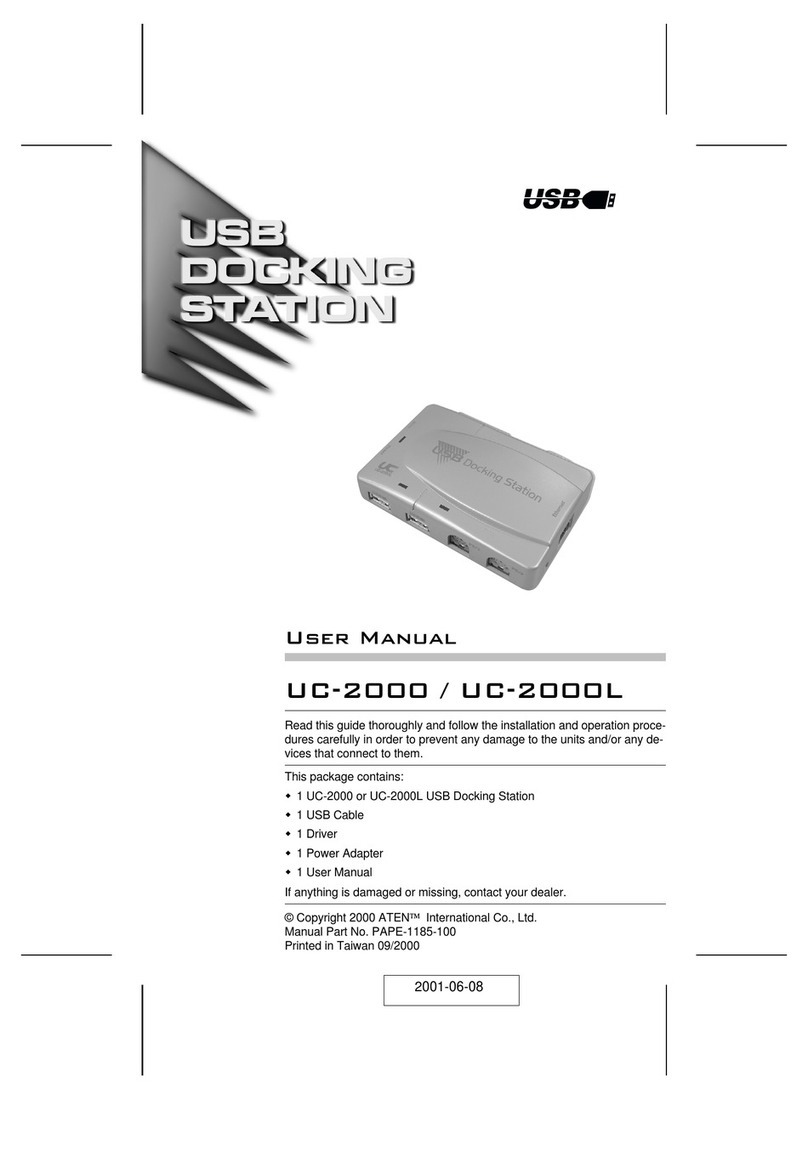
ProXtend USB4 Dual 8K User manual

User Manual
USB4 Dual 8K
DOCKING STATION
proxtend.com
USB C: 10Gbps,
GEN2 Standard
USB 3.2: 10Gbps,
GEN2 Standard
Aux: 3.5 aux
input/output
TF/SD: 3.0
USB 2.0: 480Mbps
RJ45: 1000M
PD
Charging 100 W
Upstream Port
USB4 (40Gbps)
HDMI 2.1: 8K@30Hz
DP 1.4: 8K@30Hz
B
A
C
E
G
H
D
F
K
I
JL
DP 1.4 DP 1.4

Introduction
Accented with a modern design and powered by the
latest technology, the ProXtend USB4 Dual 8K Docking
Station is the ideal workstation addition for both
business and personal use.
The Docking Station supports up to two high
resolution 8K@30Hz monitors* and features the latest
USB4 connections offering a data transfer speed of up
to 40Gbps and up to 100W Power Delivery is accessible
via the Docking Station’s USB-C PD port, however a
power adapter is not included.
The ProXtend USB4 Dual 8K Docking Station is
compatible with USB-C port equipped Windows,
ChromeOS and MacOS notebooks.
Before use, please read the full ProXtend USB4 Dual 8K
Docking Station User Manual carefully.
It is recommended that you store the User Manual for
future reference. Alternatively, a digital version of this
User Manual is available on https://www.proxtend.com/
* Please note that the 1st generation of Apple M1 MacBooks
only supports 1 external display.
02

Included in the box
1 x USB4 8K Dual Docking Station
1 x 0.8m USB4 Type C to C cable
1 x User Manual
USB C: 10Gbps,
GEN2 Standard
USB 3.2: 10Gbps,
GEN2 Standard
Aux: 3.5 aux
input/output
TF/SD: 3.0
USB 2.0: 480Mbps
RJ45: 1000M
PD
Charging 100 W
Upstream Port
USB4 (40Gbps)
HDMI 2.1: 8K@30Hz
DP 1.4: 8K@30Hz
B
A
C
E
G
H
D
F
K
I
JL
DP 1.4 DP 1.4
0.8m USB4
Type C to C cablel
User Manual
User Manual
USB4 Dual 8K
DOCKING STATION
proxtend.com
USB C: 10Gbps,
GEN2 Standard
USB 3.2: 10Gbps,
GEN2 Standard
Aux: 3.5 aux
input/output
TF/SD: 3.0
USB 2.0: 480Mbps
RJ45: 1000M
PD
Charging 100 W
Upstream Port
USB4 (40Gbps)
HDMI 2.1: 8K@30Hz
DP 1.4: 8K@30Hz
B
A
C
E
G
H
D
F
K
I
JL
DP1.4 DP1.4
03
USB4 8K Dual
Docking Station
USB C: 10Gbps,
GEN2 Standard
USB 3.2: 10Gbps,
GEN2 Standard
Aux: 3.5 aux
input/output
TF/SD: 3.0
USB 2.0: 480Mbps
RJ45: 1000M
PD
Charging 100 W
Upstream Port
USB4 (40Gbps)
HDMI 2.1: 8K@30Hz
DP 1.4: 8K@30Hz
B
A
C
E
G
H
D
F
K
I
JL
DP 1.4 DP 1.4

Product Specifications
Connection technology Wired
Host interface USB 4.0 Type C
No. of HDMI ports 1
HDMI port type 2.1
No. of DisplayPorts 1
DisplayPort type 1.4
No. of USB-A ports 6
USB-A port type 3x 3.2 Gen 2; 3x 2.0
No. of USB-C ports 1
USB-C port type 3.2 Gen 2
Headset outputs 1
Headset output type 3.5mm audio jack
Microphone supported Ye s
Power delivery USB 4.0 Type C (100W)
No. card reader ports 2
Card reader type SD, TF
No. of RJ-45 ports 1
Max. display resolution 8K @ 30Hz
No. displays supported 2*
Product color Dark silver
On / Off switch No
LED Indicator Yes, Power
Rubber feet Ye s
Housing material Aluminum Alloy
Key lock No
Operating temperature -10o~ 40oC
Storage temperature -20o~ 60oC
Windows OS supported Ye s
MacOS Supported Ye s
ChromeOS Supported Ye s
Certification CE, FC, RoHS
Country of origin China
* Please note that the 1st generation of Apple M1 MacBooks
only supports 1 external display.
04

Product Overview
A. LED Power Indicator
B. SD & TF Card Ports
C. USB-A 3.2 Gen 2 Ports
D. USB-C Gen 2 Port
E. Audio 3.5mm Minijack
F. Rubber feet
USB C: 10Gbps,
GEN2 Standard
USB 3.2: 10Gbps,
GEN2 Standard
Aux: 3.5 aux
input/output
TF/SD: 3.0
USB 2.0: 480Mbps
RJ45: 1000M
PD
Charging 100 W
Upstream Port
USB4 (40Gbps)
HDMI 2.1: 8K@30Hz
DP 1.4: 8K@30Hz
B
A
C
E
G
H
D
F
K
I
JL
DP 1.4 DP 1.4
USB C: 10Gbps,
GEN2 Standard
USB 3.2: 10Gbps,
GEN2 Standard
Aux: 3.5 aux
input/output
TF/SD: 3.0
USB 2.0: 480Mbps
RJ45: 1000M
PD
Charging 100 W
Upstream Port
USB4 (40Gbps)
HDMI 2.1: 8K@30Hz
DP 1.4: 8K@30Hz
B
A
C
E
G
H
D
F
K
I
JL
DP 1.4
DP 1.4
G. USB4 Type C PD
Charging Port (100W)
H. USB4 Type C
Upstream Port
I. HDMI 2.1 Port
J. DisplayPort 1.4
K. USB-A 2.0 Port
L. RJ-45 Gigabit
Ethernet Port
05

Using the Docking Station
The ProXtend USB4 Dual 8K Docking Station is
Plug-and-Play ready. Before use, ensure that the
Docking Station is positioned on a flat, level,
and dry surface.
• Connect the Docking Station to a power outlet to
the USB4 Type C PD Charging port using a USB-C
power adapter (up to 100W).
• Ensure the LED light on the front of the Docking
Station is lit up to indicate the Docking Station
is receiving power.
• Connect your display(s) via the HDMI and/or
DisplayPort.
• Connect a keyboard, mouse, headset, etc.
• Connect and turn on your notebook device.
• If not in use for an extended period of time,
disconnect the Docking Station from
the power outlet.
06

Troubleshooting
The docking station isn’t working?
Ensure that the Docking Station is properly connected
to a power outlet via a USB-C power adapter. Confirm
the LED indicator is lit up to show that the Docking
Station is receiving power.
If possible,
• test if the power outlet is providing power.
• test the connection with a different power adapter.
The Docking Station is powered
but it is not connecting my devices?
Confirm that all devices are properly connected to the
Docking Station.
My notebook is not charging?
Power delivery is only available via the USB4 Type C
Power Delivery port up to a maximum of 100W. In order
to receive power, laptops must support Power Delivery
via USB-C.
Please ensure that your device’s manufacturer
wattage recommendations are compatible with the
Docking Station.
If issues persist, please contact your reseller, or reach out to ProXtend
via proxtend.com
07

Safety, Security and Maintenance
• Unplug the Docking Station from the power outlet
if not in use for an extended period.
• Do not heat the Docking Station, or dispose of it in
fire, water or other liquids.
• Keep away from high temperatures.
• Do not expose the Docking Station to direct sunlight.
Keep away from high humidity and dusty places.
Do not disassemble or reassemble the Docking
Station.
• Use device properly in order to avoid electric shock.
Please dispose of scrap products in accordance
with your local regulations.
See more on www.proxtend.com
Imported into the EU by Convena Distribution A/S
Industriholmen 51, 2650 Hvidovre, Denmark
40
Gbps
MADE IN CHINA
Table of contents
Other ProXtend Docking Station manuals