www.PrecisionRatedOptics.com | 888-545-1254
1. VIP-55 Video Inspection Probe
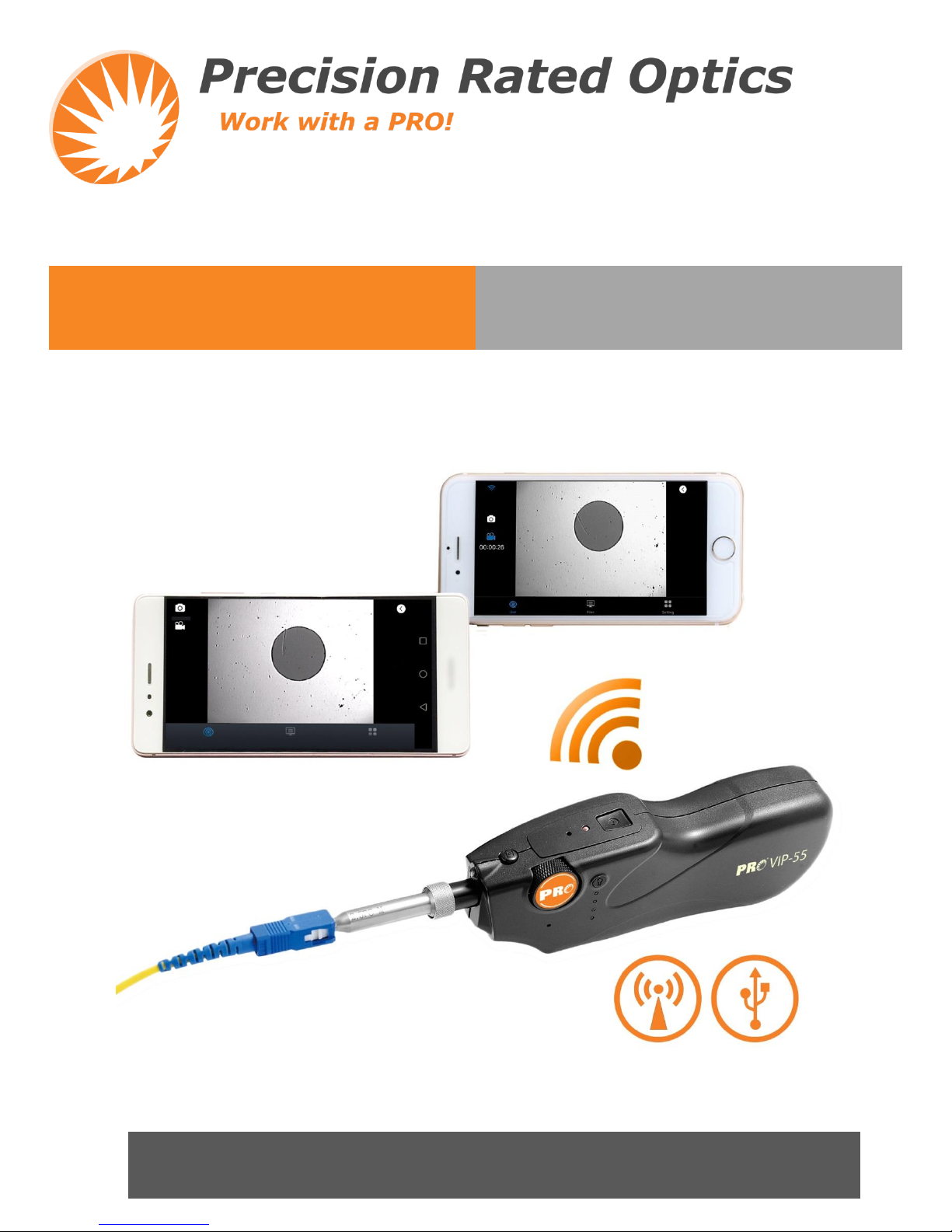
Keeping the previous advantages of quick check, the new VIP-55 fiber inspection probe is designed to be smarter
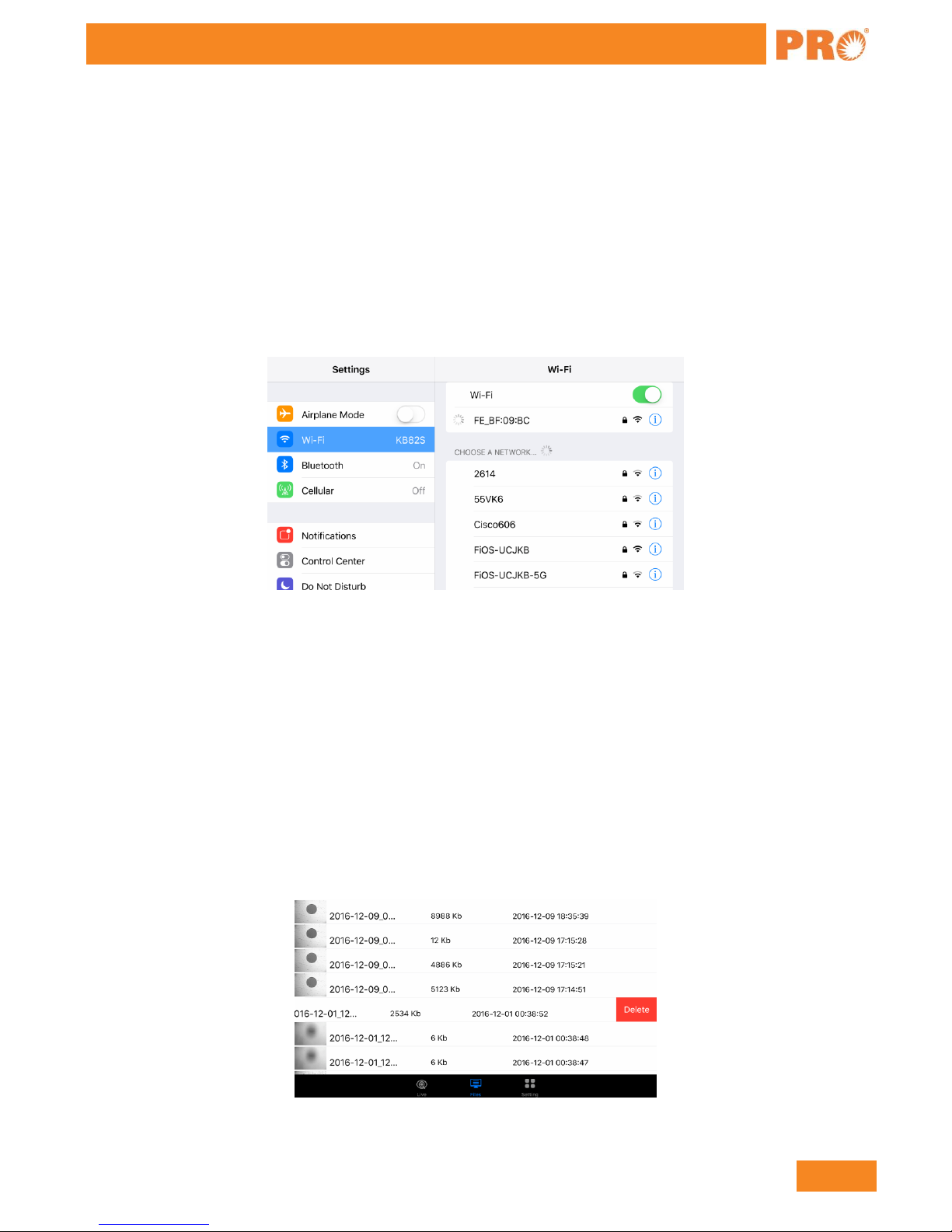
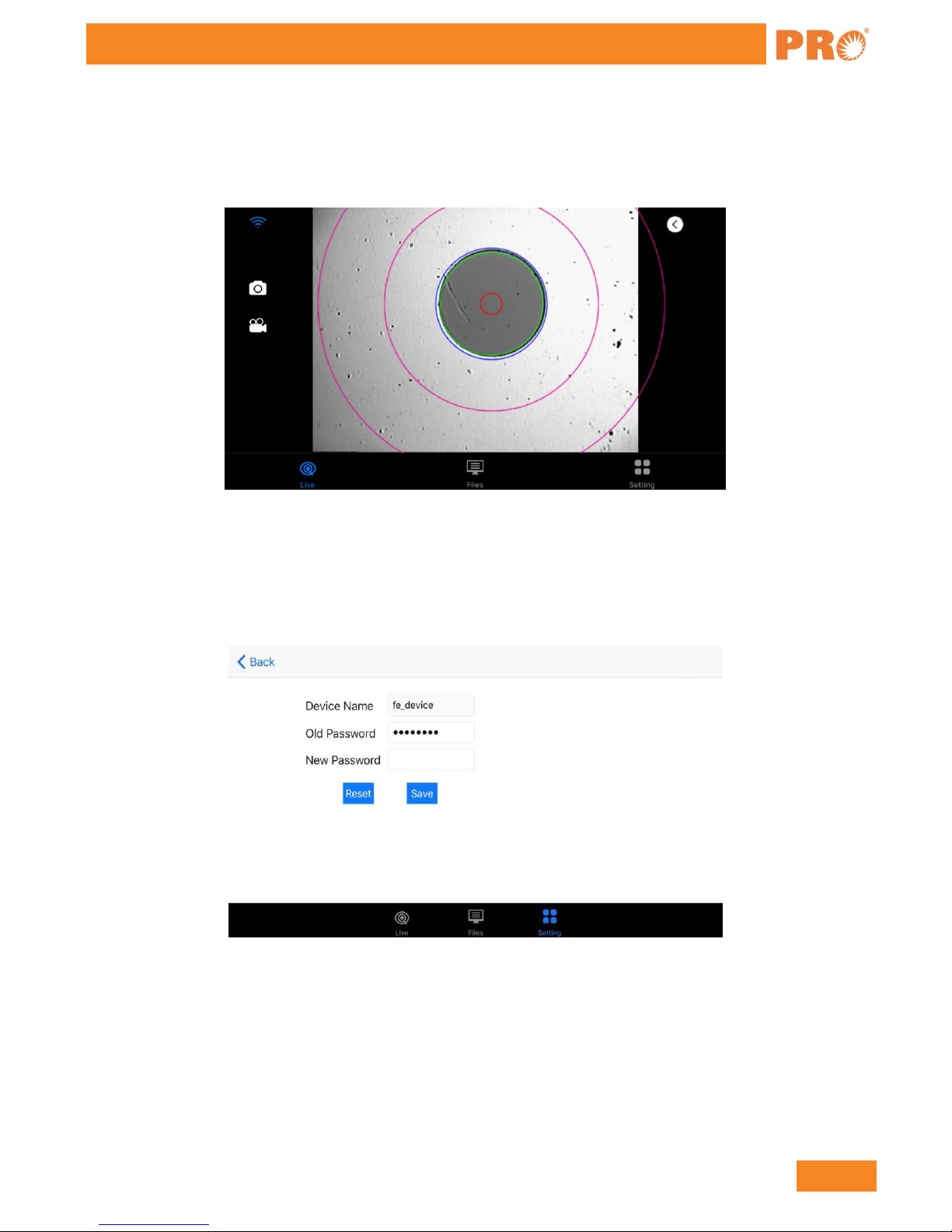
and more power saving. It has both WIFI and USB connections to help get end face images quickly sent and
shown on a smart phone either in Android or Apple system. The user can check the end face anytime anywhere
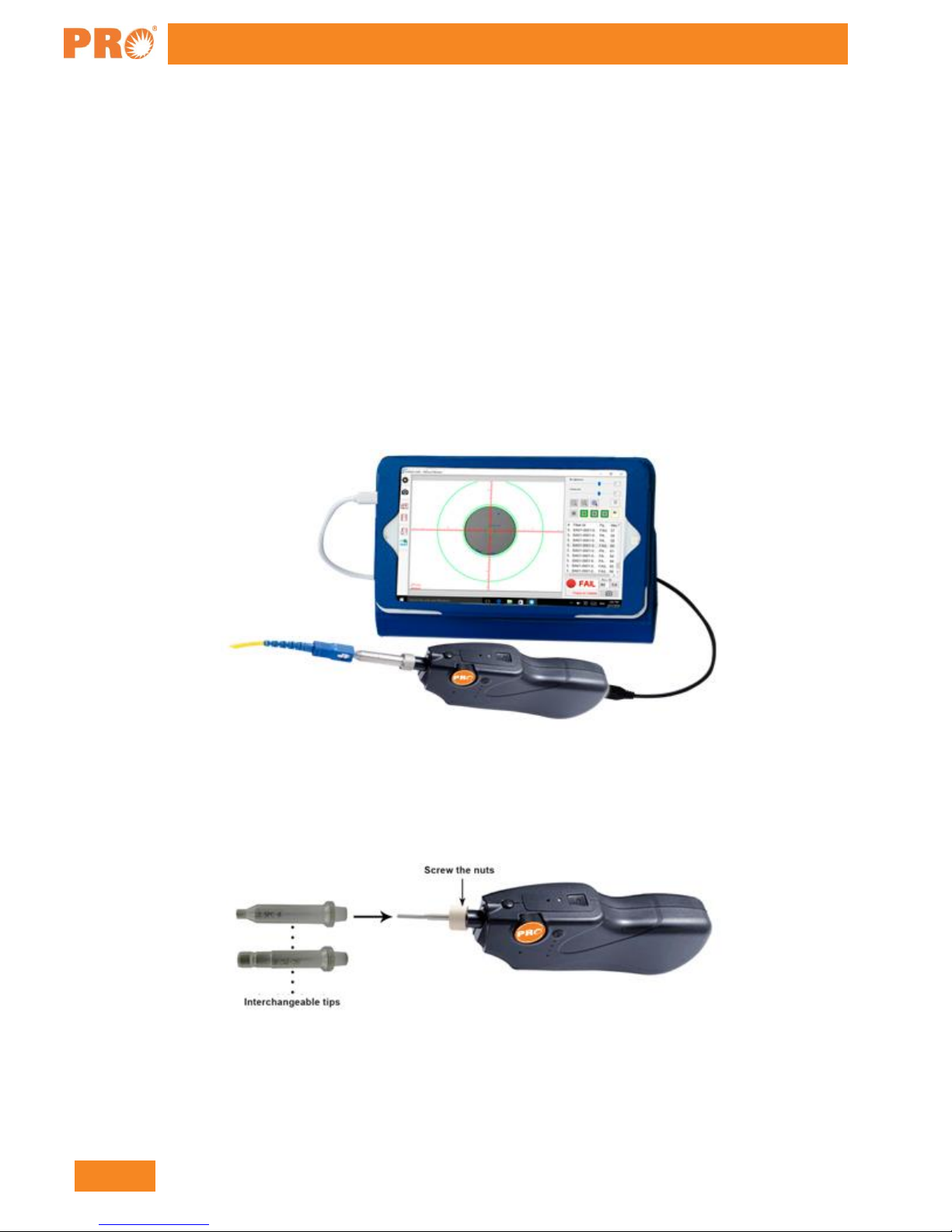
with ease. The VIP-55 can be used in almost all normal inspection situations, e.g. connectors in panels or
individual patch cords.
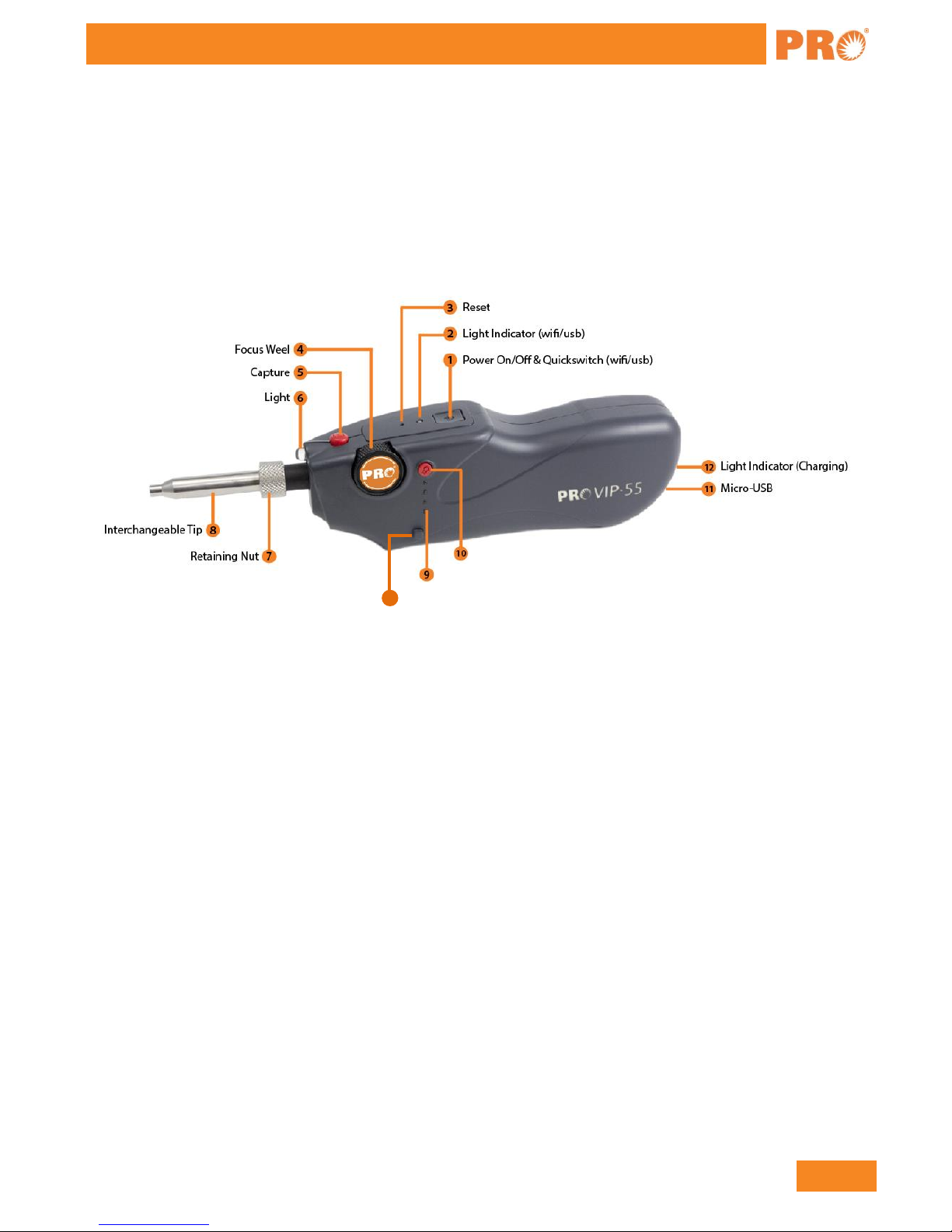
1) Power On/Off & Quickswitch (WIFI/USB) Button: hold the key button for 3 seconds to turn the device
on or off. Double click to switch the mode between WIFI and USB.
2) Light Indicator (WIFI/USB): blue light represents the WIFI mode, green light represents the USB mode.
3) Reset: hold and press the key for 5s or above to restart the device.
4) Focus Wheel: flip the wheel back or forth to adjust the focus.
5) Capture: press the key to take a snapshot of the connector.
6) Illuminator: emergency use in insufficient lighting environment
7) Retaining nut: lock the adaptor to secure the location.
8) Interchangeable tip: various tips are available for inspecting various connectors.
9) Batteries Indicator: light will be on for 5s once illuminator is pressed to show the battery status. When
the battery level is too low, the light will flash
10) Illuminator power: turn on or off the illuminator.
11) Micro-USB Port: to connect to PC or mobile via USB cable; for charging when the power is too low.
12) Light indicator (Charging): red light represents charging status, green light represents the fully-charged
status.
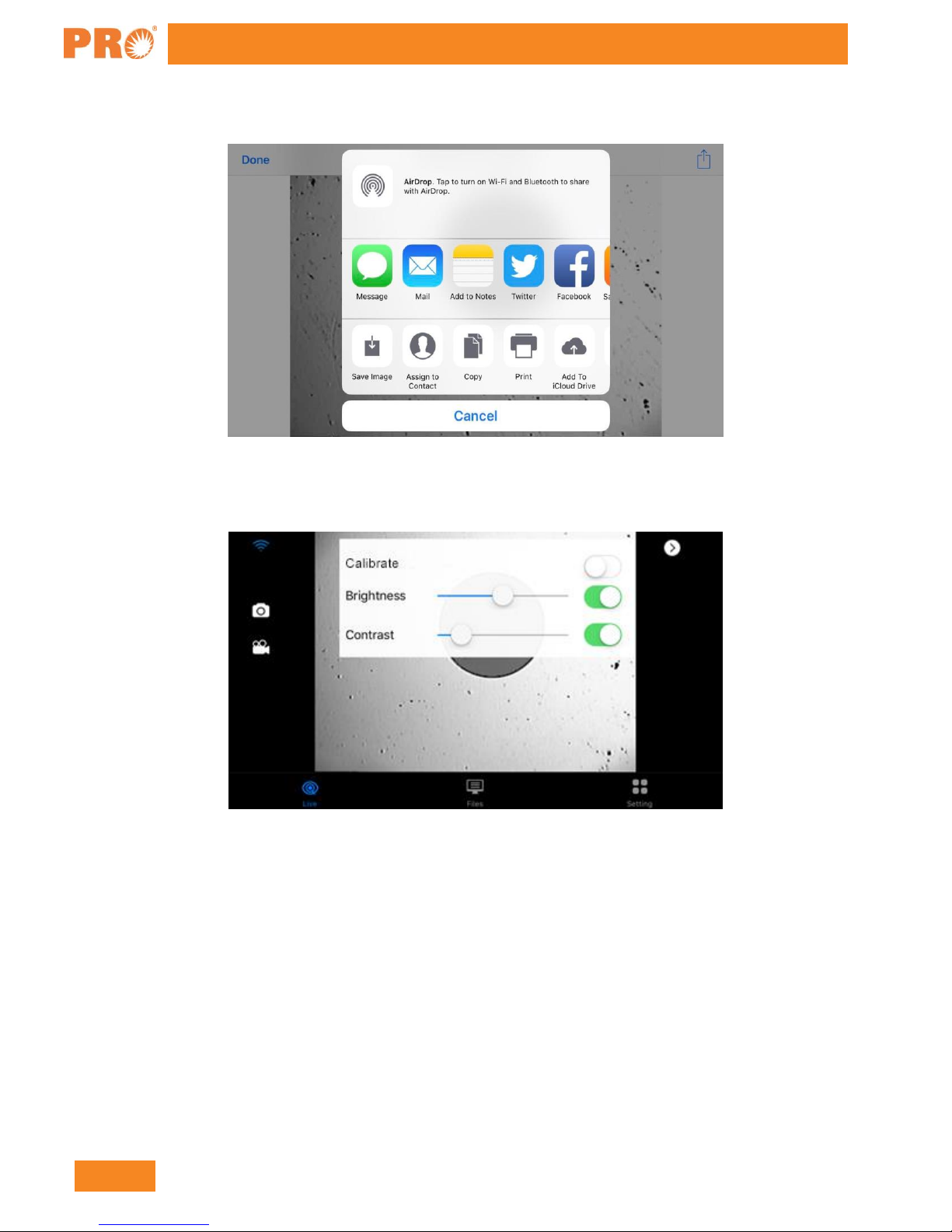
13) Brightness Switch