
PQI PQI Air Card A201 User manual
User’s Manual
A201
Wi-Fi microSD Adapter
Version:1.0

2
Index
Product Introduction..................................................................................................3
Package Contents ..........................................................................................................4
Quick Start Guide ..........................................................................................................4
Product Features ...........................................................................................................5
Supported Formats........................................................................................................5
System Requirements ...................................................................................................6
Knowing PQI Air Card II II II...........................................................................................6
Install the dedicated app for PQI Air Card II II II: AirCard+ ..........................................7
Connects to PQI Air Card II II II......................................................................................9
Begin to use “AirCard+”App ..................................................................................11
Image:..................................................................................................11
Music:........................................................................................................13
Video:.....................................................................................................14
Settings: ....................................................................................................15
Reset ............................................................................................................................17
NCC/DGT...................................................................................錯誤! 尚未定義書籤。
FCC Compliance and Advisory Statement ..................................................................19

3
Product Introduction
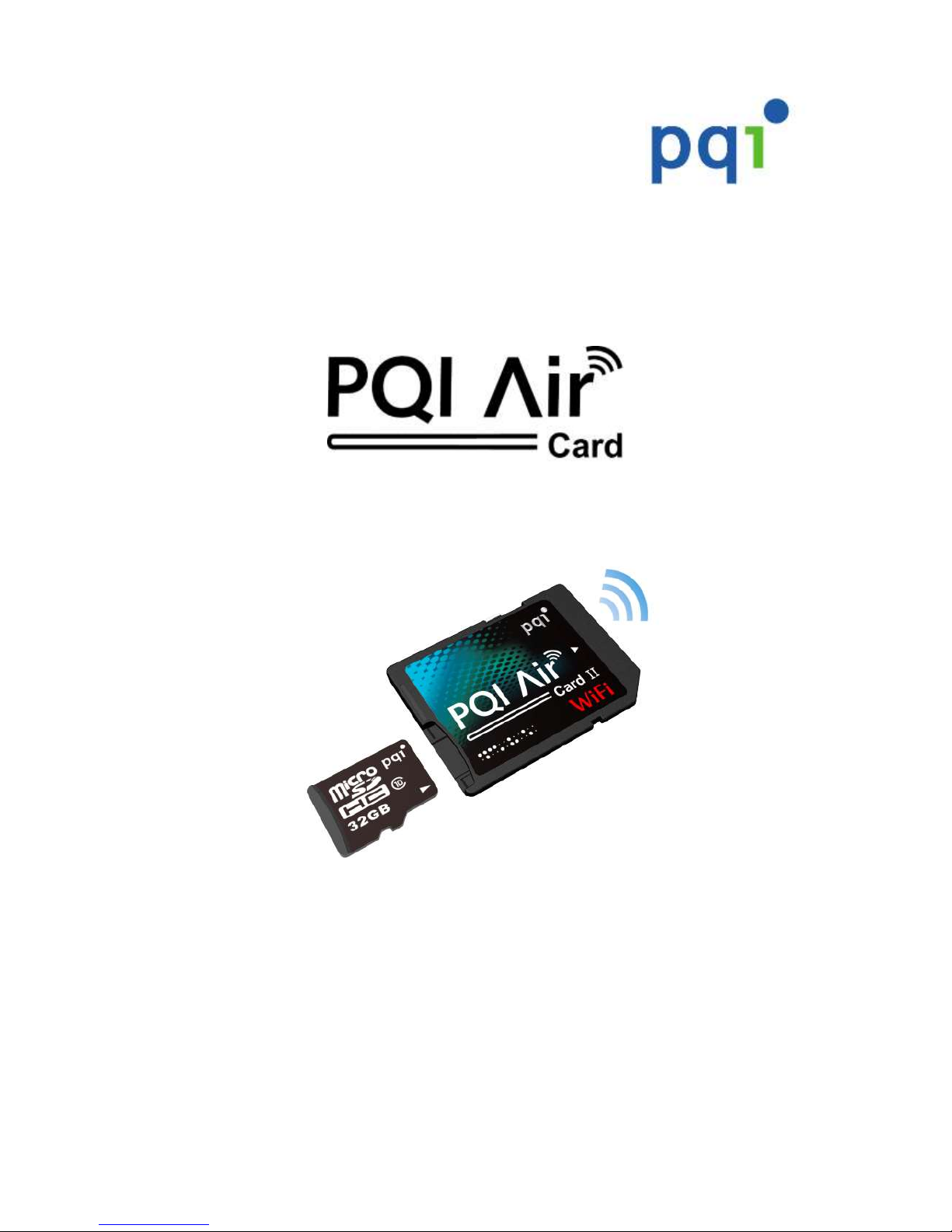
Congratulations! You have purchased the PQI Air Card II II II, a Wi-Fi
microSD adapter. Simply insert your microSD card in the PQI Air Card II II II,
and turn your PQI Air Card II II II into a Wi-Fi SD card. All you need to do is
inserting the card in the camera, turning on the power, and starting to enjoy
the convenience of wireless transmitting. Through the PQI Air Card II II II,
you can access your digital content from your iPhone, iPad, iPod Touch, or
any Android smart phone or tablet. Browse through the photos and videos
in the camera, and share them with your friends or family instantly, and
wirelessly.
PQI Air Card II II II supports up to 3 connections simultaneously.
Reminder:
The Wi-Fi transmission speed will vary with the Wi-Fi environment, camera,
distance to the device, or the number of connections at the same time.
Suggestion:
Please change the camera settings to extend the idle time. (For example:
change the auto turn off or monitor off to longer time, or disable the auto off
function.

4
Package Contents
PQI Air Card II II PQI microSD memory card (Optional)
Quick Start Guide

5
Product Features
Plug and play, easy to use
Browsing photos
Music playback
Video playback
Supports WPA2 (Wi-Fi Protected Access II) encryption
Supports both iOS and Android devices
Dedicated iOS app (AirCard+) available on App Store
Dedicated Android app (AirCard+) available on Google Play
Dedicated Kindle app (AirCard+) available on Kindle Store
Sharing photos/videos/music wirelessly
Flexible memory capacity, supports SDHC Card(4GB to 32GB)
Supports up to 3 connections simultaneously
Supported Formats
The supported formats vary with the devices
Supported formats on iOS:
image: .jpg, .png
audio: .mp3, .wav, .aif
video: .mp4, .mov
Supported formats on Android:
image: .jpg, .png, bmp, .gif
audio: .mp3, .mp4, .3gp, .wav, .ogg, .imy, .aif
video: .mp4, .3gp
6
System Requirements
Requirements to install AirCard+:
iOS Device:
Compatible with iPhone (3GS, 4, 4S), iPod touch, and iPad. Requires iOS 4.0 or later.
Android Device:
Compatible with Android device. Requires Android 2.1 or later.
Knowing PQI Air Card II II
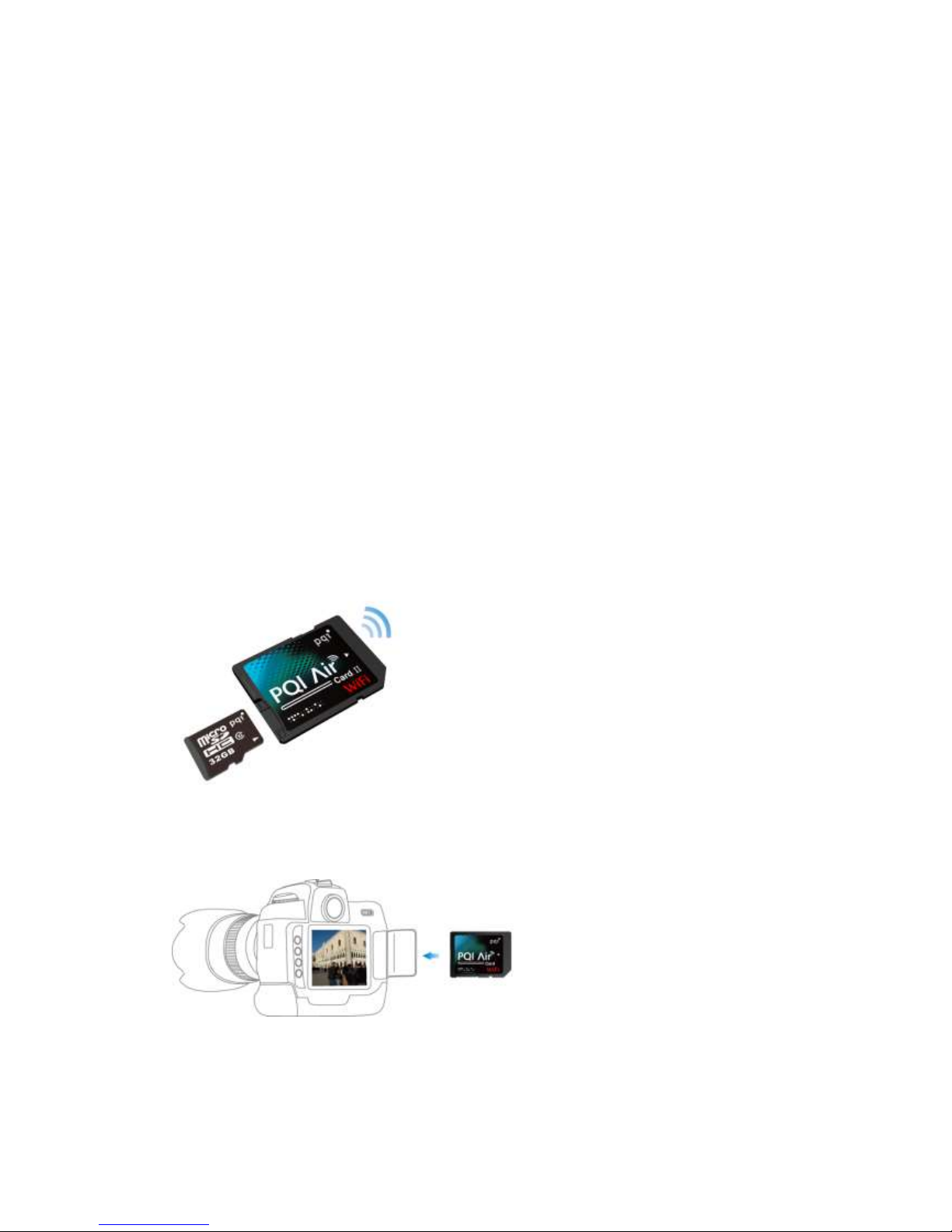
Before using the PQI Air Card II II, insert a microSD memory card (SDHC: 4GB to
32GB) into your PQI Air Card II II.
Insert the PQI Air Card II II into your digital camera.

7
Install the dedicated app for PQI Air Card II II: AirCard+
“AirCard+” is a multimedia mobile application designed for PQI Air Card II II. It is
available on both iOS and Android devices. Using the app, you can access the
contents stored in your digital camera. “AirCard+” categorizes the photos, music,
and video files into different pages. With this feature, you can easily find the
particular file you need.
Install “AirCard+”app on iOS device
1. Launch the App Store on iOS device, and search for “AirCard+” or “PQI”.
2. Click on “AirCard+” from the search result to enter the detail page. Click on
“Free” button on the detail page, and click on “Install App” to begin the
installation. (Password for your Apple ID might be needed)
3. Once the installation is completed, the “AirCard+” shall be displayed on your
device.
Install “AirCard+”app on Android device
1. Launch the Google Play on Android device, and search for “AirCard+” or “PQI”.
2. Click on “AirCard+” from the search result to enter the detail page. Click on

8
“Free” button on the detail page, and click on “Download” to begin the
installation. (Password for your Google account might be needed)
3. Once the installation is completed, the “AirCard+” shall be displayed on your
device.

9
Connects to PQI Air Card II II
Please follow the steps below for iOS/Android devices:
1. Insert the PQI Air Card II II (with microSD card) in your digital camera.
2. Turn on the power from the camera, and wait for about 25 seconds for the Wi-Fi to initiate.
3. On the “Settings” page from your iOS/Android device, click on the “Wi-Fi Setting”, and click on
“PQI Air Card II II” from the Wi-Fi list to establish the connection.
4. Once the connection is completed, launch the “AirCard+” from your handheld device, and start to
enjoy the convenient features of your PQI Air Card II II.
Please follow the steps below when using a web browser:
1. Insert the PQI Air Card II II (with microSD card) in your digital camera.
2. Turn on the power from the camera, and wait for about 25 seconds for the Wi-Fi to initiate.
3. Look for “PQI Air Card II II” from your Wi-Fi device, and establish the connection.
4. Once the connection is completed, launch a web browser from your device, and enter
“192.168.1.1” on the address bar.
5. Once the page is loaded, you may browse or download the photos and videos that stored in your
PQI Air Card II II.

10
Table of contents
Popular Computer Hardware manuals by other brands

EMC2
EMC2 VNX Series Hardware Information Guide

Panasonic
Panasonic DV0PM20105 Operation manual

Mitsubishi Electric
Mitsubishi Electric Q81BD-J61BT11 user manual

Gigabyte
Gigabyte B660M DS3H AX DDR4 user manual

Raidon
Raidon iT2300 Quick installation guide

National Instruments
National Instruments PXI-8186 user manual





