
PMT Talos SFD-1000 User manual
User Guide
Model SFD-1000
Talos™ Lightning Detector User Manual
Page 1 of 3
July 2020
Important: Not every lightning strike will be detected. This is NOT a life-saving device.
USING THE LIGHTNING DETECTOR
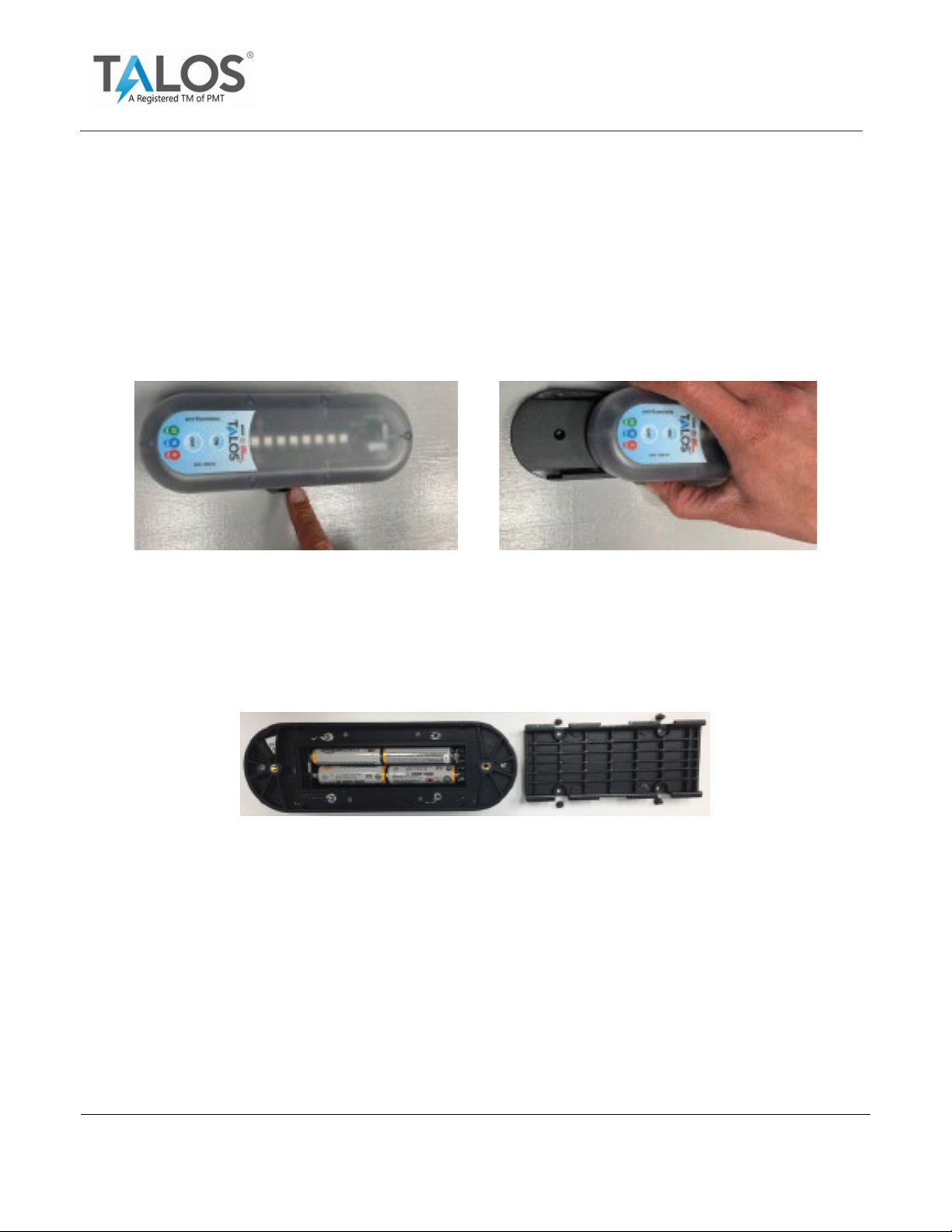
Remove the Mounting Base
Remove/Insert the detector from the mounting base by placing on a flat service and pressing
on the side tabs, then slide the unit out.
Install Batteries
1. Install 4 AA Batteries (Recommend new AA Lithium batteries for longer battery life).
2. Remove the 4 battery door screws and open battery compartment. Note: Care must be
taken not to damage the water-protected seal.
Power On/Off
1. Turn on the detector by pressing the ON button.
2. A single green LED will walk across the display indicating the detector is listening for
lightning/storm activity.
3. To turn the detector off, press and hold the off button for 5 seconds and release. A
single red LED will walk across the display and the unit will then turn off. If you do not
see the red, hold for an additional 5 seconds and release.
User Guide
Model SFD-1000
Talos™ Lightning Detector User Manual
Page 2 of 3
July 2020
Low Battery Warning
The Low Battery LED will flash red to indicate the batteries need to be replaced.
Mounting the Lightning Detector
Mount the detector a minimum of 3 feet from cell phones, wearables, or any other devices
emitting electrical noise to avoid false positive signals.
The mounting base can be mounted on any nonmetallic flat service. For best results, place
the detector in the open as much as possible.
Warning: If device is exposed to direct sunlight for a long period of time, it could overheat forcing it to
automatically shut off and cool down. Place the lightning detector in an area less prone to direct sun
to reduce likelihood of an overheating shutdown.
Lightning Detection
•When lightning is detected, the detector emits a beep and all 8 display LEDs will flash
once a second to indicate how far away the storm is from your location. The distance
of the approaching or departing storm determines the color of the LED flash.
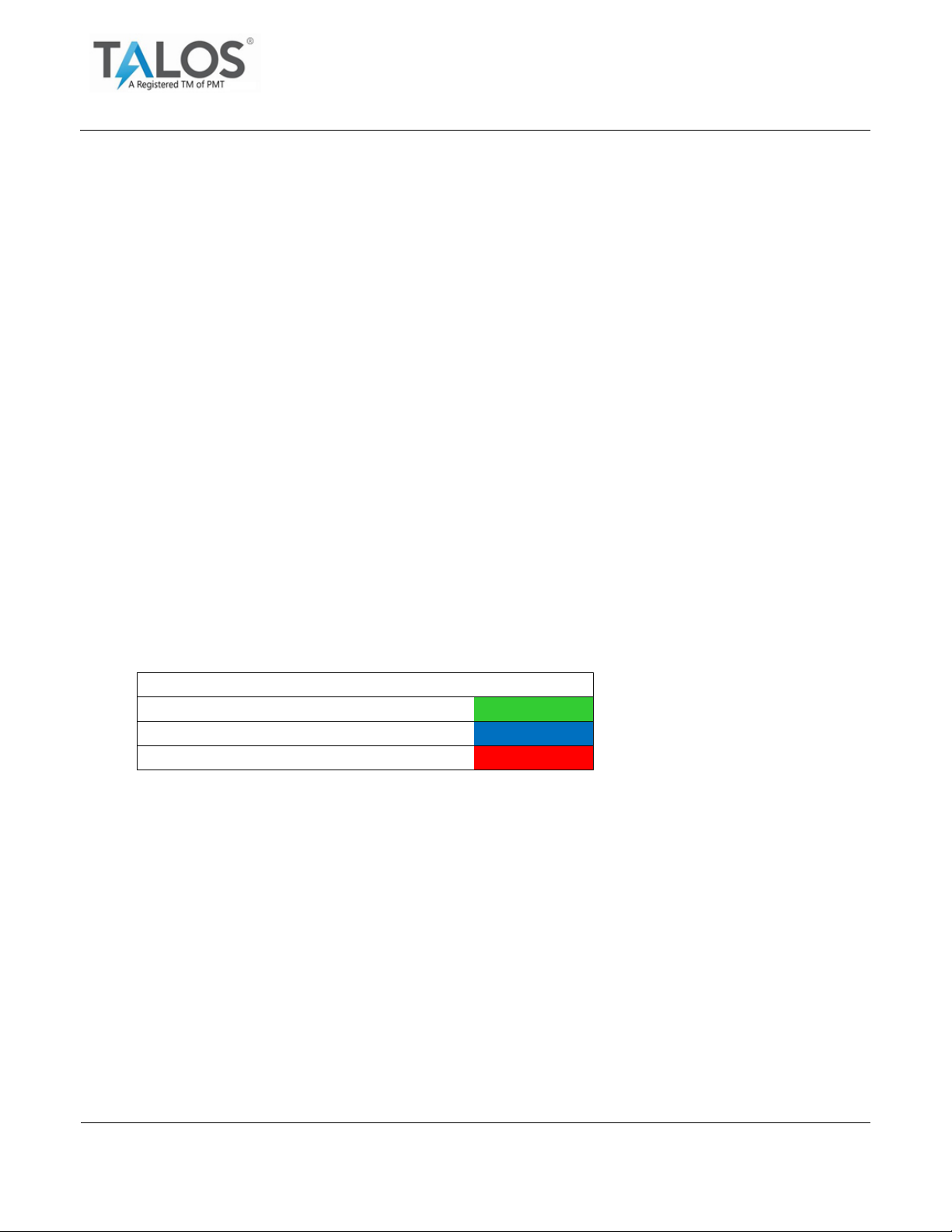
Distance
Alert Color
25 miles to 17 miles away
GREEN
16 miles to 7 miles away
BLUE
6 miles away to overhead
RED
•The LEDs will flash for 15 minutes and reset the timer after each strike.
•The detector will beep each time a lightning strike is detected (not all strikes will be
detected).
Auto-Sleep Mode (SFD-1000G Only)
When the unit is first turned on, it is in “Normal Mode” and actively listening for lightning/storm
activity. To activate auto-sleep mode, press the ON button a second time. The mode will flash
orange every 10 seconds. The detector will sleep until motion is detected, then it will turn
back on. If no lightning is detected for 30 minutes, the unit goes back to sleep.

User Guide
Model SFD-1000
Talos™ Lightning Detector User Manual
Page 3 of 3
July 2020
Silencing the Beeper
To silence the beeper, press the off button for 1 second. The detector will beep one time to
let you know the beeper will turn off. The LEDs will continue to provide visual alerts. The
beeper will remain off until the lightning activity ceases.
The beeper will automatically turn back on the next time a separate lightning event occurs.
Interference
The detector is listening for low level signals from lightning and must be located a minimum of
3 feet away from cell phones, wearables or other devices emitting electrical noise.
If the detector is unable to detect lightning due to electrical noise interference, the detector
LEDs will display a sequence of all colors. Relocate the lightning detector if this occurs.
Warranty
1-year limited warranty for technical defects or faults caused by improper workmanship or
materials.
For more information, go to www.shoptalos.com/pages/sfd-1000-user-guide
Need help or have questions?
Call: 888-703-0906
Email: TalosSupport@pmt-fl.com
PLEASE DO NOT RETURN UNIT TO THE PURCHASE LOCATION
FCC Information
NOTE: This equipment has been tested and found to comply with the limits for a Class B digital device, pursuant to
part 15 of the FCC Rules. These limits are designed to provide reasonable protection against harmful interference in a
residential installation. This equipment generates, uses and can radiate radio frequency energy and, if not installed
and used in accordance with the instructions, may cause harmful interference to radio communications. However,
there is no guarantee that interference will not occur in a particular installation. If this equipment does cause harmful
interference to radio or television reception, which can be determined by turning the equipment off and on, the user is
encouraged to try to correct the interference by one or more of the following measures:
Reorient or relocate the receiving antenna.
Increase the separation between the equipment and receiver.
Connect the equipment into an outlet on a circuit different from that to which the receiver is connected.
Consult the dealer or an experienced radio/TV technician for help.
Table of contents


