PePWave Mesh Connector Series
10
Copyright © 2008 PePWave
PePWave Mesh Connector Series User Manual
4 3 Settings Details
4 3 1 LAN Interface
Illustration 4: LAN Inter ace
LAN Interface: To configure t e LAN interface’s IP address and subnet mask.
4 3 2 Wireless Settings
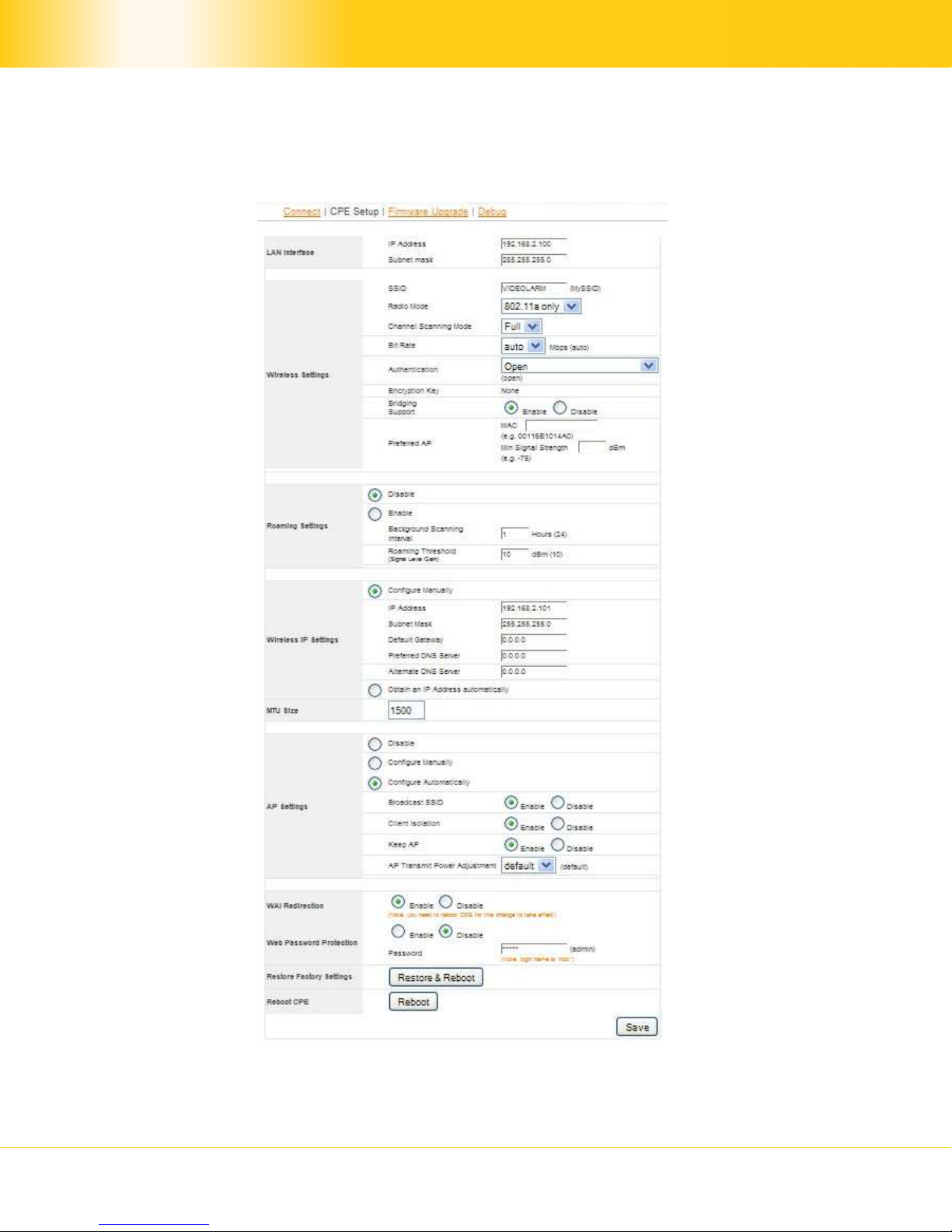
Illustration 5: Wireless Settings
SSID: To configure t e SSID / ESSID / Network Name of t e wireless network to associate
to.
Radio Mode: T e available radio mode for Mes Connector 225-DX is 802.11a only.
Bit Rate: To fix t e 802.11 transmit bit rate. Available options depend on t e Radio Mode
c osen. If “auto” is c osen, t e device will c oose t e best bit rate dynamically and
automatically.
Authentication: Available options are “Open”, “Static WEP Key”, “802.1x wit dynamic
WEP key”, “WPA/WPA2-Enterprise” and “WPA/WPA2-Personal”. T e selection s ould be
according to t e setting of t e access point you are associating to. Data transferred are
encrypted under all modes except in “Open” mode. W en “Static WEP Key” or “WPA/WPA2-
Personal” is c osen, you s ould enter an encryption key in t e Encryption Key field. You do
not need to use “802.1x” and “WPA/WPA2-Enterprise” unless instructed to do so by your
ISP.
Bridging Support:
T is option enables t e transparent bridging functionality wit PePWave PolePoint to ac ieve
true layer two transparency.