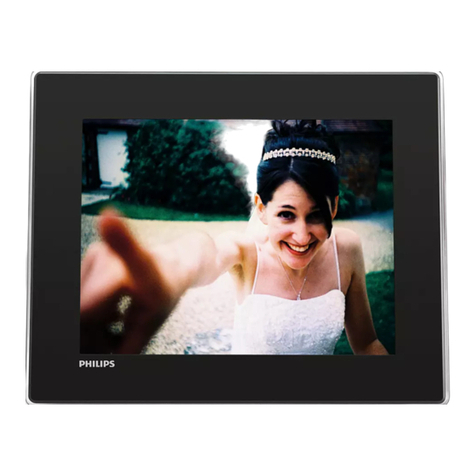
Parrot 7 User manual

Parrot PHOTO VIEWER 7’’
English - User Guide

4
Parrot PHOTO VIEWER 7’’
CONTENTS
IMPORTANT SAFETY INSTRUCTIONS ..................................................
INTRODUCTION...................................................................................
KIT CONTENTS.....................................................................................
QUICK START GUIDE ..........................................................................
MENU STRUCTURE ..............................................................................
SCROllING ThROUGh ThE MENUS ..................................
MAIN MENU ....................................................................
SETTINGS .........................................................................
USING FOR ThE FIRST TIME ................................................................
PAIRING YOUR PhONE OR COMPUTER .....................................
SENDING PhOTOS ...........................................................
SETTINGS ..........................................................................................
PICTURE DISPlAY ORDER ..................................................
ChOOSING AND CREATING A SlIDEShOw ......................
FRAME ORIENTATION ......................................................
MANAGING ThE FRAME’S SCREEN .................................
UPDATING ThE SOFTwARE ...............................................................
hOTlINE ..........................................................................................
SPECIFICATIONS ...............................................................................
NOTES .............................................................................................
GENERAl INFORMATION ..................................................................
p 5
p 6
p 7
p 7
p 8
p 8
p 9
p 10
p 12
p 12
p 13
p 14
p 14
p 15
p 16
p 16
p 17
p 17
p 18
p 18
p 147

5
English
Parrot PHOTO VIEWER 7’’
IMPORTANT SAFETY INSTRUCTIONS
on the apparatus.
3. Read these instructions
4. Keep these instructions

6
Parrot PHOTO VIEWER 7’’
INTRODUCTION
The Bluetooth®
Bluetooth
Bluetooth.

7
English
Parrot PHOTO VIEWER 7’’
KIT CONTENTS
The kit contains:
• An LCD frame
• A transformer
• A metal rod to be screwed into the frame (the rod helps to support the frame)
• A wall bracket
• A clip system (for fixing the power lead along the side of the frame)
• A user guide
• A Parrot product guide
QUICK START GUIDE
»

8
Parrot PHOTO VIEWER 7’’
MENU STRUCTURE
Scrolling Through the Menus
•
•
The icon

9
English
Parrot PHOTO VIEWER 7’’
Main Menu
Bluetooth settings.

10
Parrot PHOTO VIEWER 7’’
Settings
Bluetooth
Bluetooth
Bluetooth
Bluetooth

11
English
Parrot PHOTO VIEWER 7’’

12
Parrot PHOTO VIEWER 7’’
USING FOR THE FIRST TIME
Bluetooth connection.
Pairing Your Phone or Computer with the Parrot PHOTO VIEWER 7’’
Bluetooth
Bluetooth
Bluetooth
Bluetooth
Bluetooth
Other manuals for 7
1
This manual suits for next models
1
Table of contents
Languages:
Other Parrot Digital Photo Frame manuals

Parrot
Parrot DF7220 User manual

Parrot
Parrot Specchio Owner's manual

Parrot
Parrot PHOTO VIEWER 7" User manual

Parrot
Parrot PUTMAN User manual

Parrot
Parrot PHOTO VIEWER 7" User manual

Parrot
Parrot DIA User manual

Parrot
Parrot PHOTO VIEWER 7 inch User manual

Parrot
Parrot PHOTO VIEWER 7" User manual

Parrot
Parrot DF7700 User manual

Parrot
Parrot 7 User manual