Orbic Buds User manual
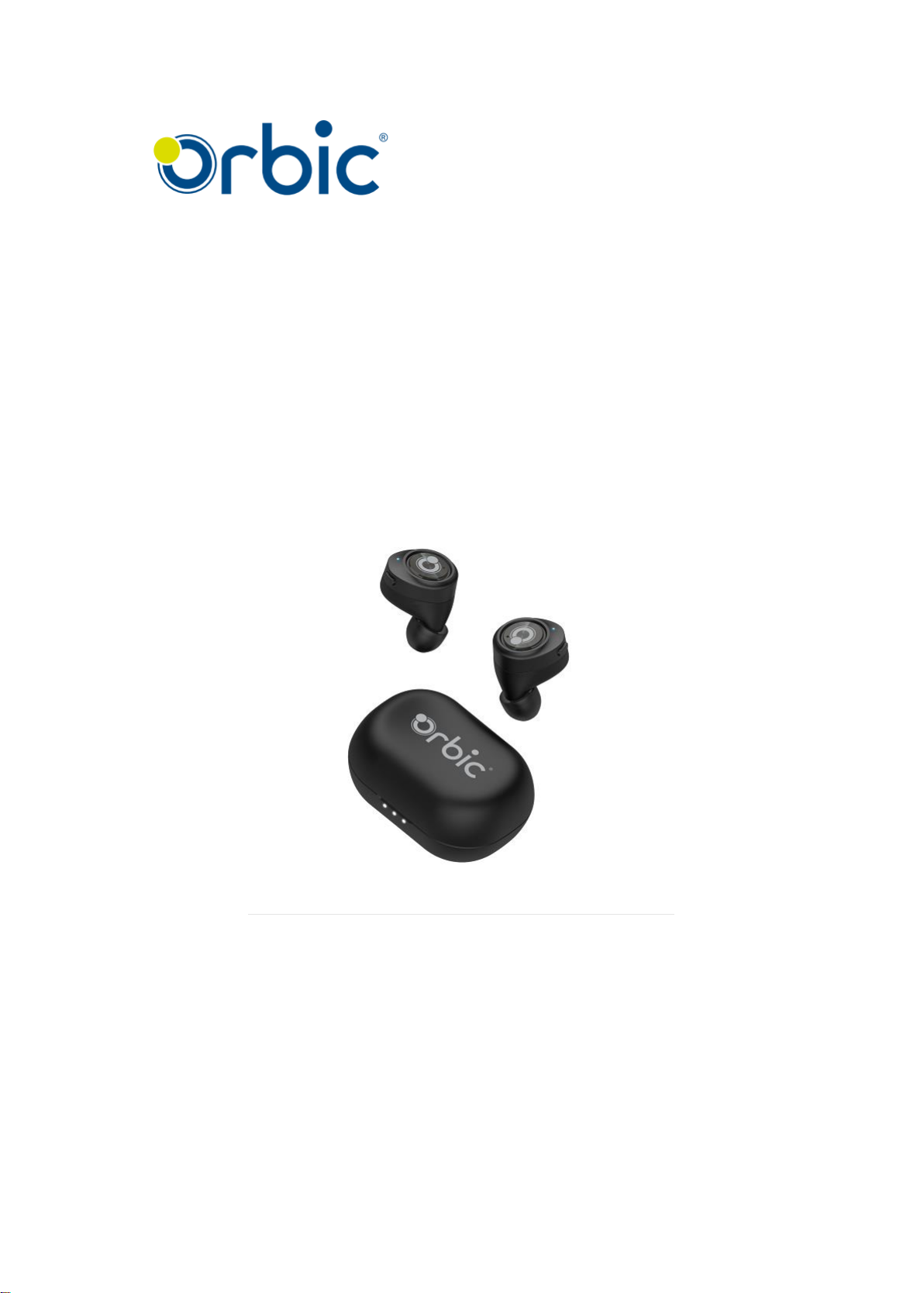
Buds
True Wireless Ear Headphones
User Manual

Contents
1. Product Overview------------------------------------------------------------------- 1
2. Basic operating functions--------------------------------------------------------- 2
3. Bluetooth Pairing and Connection --------------------------------------------- 4
4. Earbud LED Indicator ------------------------------------------------------------- 5
5. Remaining Power in the Charging Case LED Indicator------------------- 6
6. Charging LED Indicator------------------------------------------------------------ 7
7. Charging------------------------------------------------------------------------------- 8
8. Product Specification--------------------------------------------------------------- 9
9. Cautions and Q & A --------------------------------------------------------------10

1
1. Product Overview
Device Layout: Orbic buds
Package Contents:
A) Orbic Buds (True Wireless Ear Headphones) 1 set
B) User manual 1pcs
A)
B)
User Manual

2
2.Basic operating functions
Button
Function
Operation instruction
Multi-
function
button
Power On
The headset can be turned on by opening the cover in the
charging box (it will be automatically connected to the last
connected device if there is pairing record).
Power Off
1. Put the earphone into the charging case to turn it off.
2.10 minutes no connection or battery voltage lower than
3.0V.
3. When disconnected, click the multi-function key 3 times
to clear the pairing shutdown.
Left / Right
pairing
The earbuds can be paired automatically by putting it into
the charging case and opening the cover. The Left / Right
pairing record is cleared by this.
Low power alarm
When the battery level is low, “Battery Low” alarm sounds
every three minutes.
Automatic
shutdown
If the pair is disconnected more than 10 minutes, or the
battery voltage is lower than 3.0V, earbuds are
automatically shut down
Switching main
and secondary
Put the main earbud into the charging box and turn it off
while talking or listening to music, the secondary earbud will
connect with the mobile phone and turn to the host. In
TWS(True Wireless Stereo) mode, either of an earbud will
be put into the charging box, the other earbud can keep
working.
Bluetooth pairing
When the left and right earbuds are paired successfully (or
disconnected from the Bluetooth device), the main earbud
automatically enters the Bluetooth pairing mode (blue LED
blinks).
Previous Song
Double click the "multi-function button" on the left earbud to
playback the previous song.
Play / Pause
Press the “multi-function button” to play/pause the music
(for both of left and right earbuds).
Next Song
Double click the "multi-function button" on the right earbud
to switch to the next song.
Volume Up
Hold down the multifunction button on the right earbud more
than one second to increase the volume. When the volume
reaches maximum level, buds generate beep.

3
Volume Down
Hold down the "multi-function button" on the left earbuds
more than one second to reduce the volume.
Answer a call
Press the "multi-function button" to answer the incoming call
(either of earbud).
Hang up a call
Press the "multi-function button" to hang up the ongoing call
(for both of earbuds).
Reject a call
Long press the “multi-function button” for 1 second to reject
the incoming call (for both of earbuds).
Wake up voice
assistant
In standby or music mode, tap the "multi-function button" on
the right earbud to activate the voice assistant of the mobile
phone (right ear operation) (*This requires mobile phone
support).
Clearing pairing
records
When the phone is unconnected to standby, press the
"multi-function button" 3 times, indicate the red and blue
lights flash 3 times at the same time, the earbuds can clear
pairing records (including mobile phone pairing records and
TWS pairing records).
Notes:
When clearing paring records, need to click the “multi-
function key” of two earbuds 3 times to turn off TWS.
When two earbuds are put into the charging box at the
same time, the TWS brothers will be paired automatically
after activation; if a single earbud is put into the charging
box and activated, the blue light will flash slowly waiting for
the TWS brothers to pair up.

4
3.Bluetooth Pairing and Connection
For the first connection, pick out the earbuds from the charging case, and
the earbuds automatically enters the Bluetooth pairing (main earbud blue
LED blinks; No LED for secondary earbud lights). In case there were
connection record before, by turning on the earbuds, the pairing is restarted
to connect back.
r
1) pairing
After powering on, main earbud’s
blue LED blinks and starts paring
2) connection
Turn on the Bluetooth device & Bluetooth, search
and click“Orbic Buds”for pairing and connection
1m

5
4. Earbud LED Indicator
Mode
LED Indicator
Power on
Blue LED flashes 1 second
Power off
Red LED flashes 1 time
Left / Right pairing
Blue LED blinks
Bluetooth pairing
Blue LED blinks
Connected standby
No LED indicator
Clearing pairing records
Red and blue LED blink 3 times simultaneously
Talking status
No LED indicator
Music playing status
No LED indicator
Charging
Red LED steadily turns on
Fully charged
Red LED turns off
Low power level
Red LED blinks every 4 seconds

6
5.Charging Case LED Indicator
Mode
LED Indicator of Charging Case
Remaining power: 0-5%
The first indicator blinks at 1Hz for 4sec,
then turns off
Remaining power: 5%-33%
The first indicator lights for 4sec,
then turns off
Remaining power: 33%-66%
The first and second indicator lights for
4sec and turns off
Remaining power: 66%-100%
The first, second and third indicator lights
are on for 4sec, then turns off

7
6. Charging LED Indicator
Mode
LED Indicator
Charged 0%-33%
The first indicator blinks at 1Hz
Charged 33% - 66%
The first indicator is always on, the second
indicator blinks at 1Hz
Charged 66% - 99%
The first and the second indicators are
always on, the third indicator blinks at 1Hz
Fully charged
Three indicators are steadily on

8
7.Charging
When the Orbic Buds’ battery remains low, red light blinks. Charge the
earbuds immediately. It takes 2 hours around to be fully charged. When
the red light turns off, the battery is fully charged.
A. Earbuds charging
Plug the earbuds into charger box, close the cover to charge the earbuds.
B. Charging case charging
Connect the USB connector of the micro-USB charging cable to the
charging box to charge the charging box.
*Notice:
When Orbic Buds are not in use, please charge them at least once per 2
months.
Table of contents