Optoma EH415e-M User manual

DLP Projector
User manual

English
1
Table of contents
Table of contents
Table of contents.................................................................................... 1
Usage Notice.......................................................................................... 3
Safety Information .........................................................................................3
Precautions....................................................................................................4
Eye Safety Warnings.....................................................................................6
Introduction............................................................................................. 7
Package Overview.........................................................................................7
Product Overview ..........................................................................................8
Main Unit................................................................................................................ 8
Connection Ports ................................................................................................... 9
Remote Control.................................................................................................... 10
Installation ............................................................................................ 11
Connecting the Projector.............................................................................11
Connect to Notebook ........................................................................................... 11
Connect to Video Sources ................................................................................... 12
Powering On/O the Projector.....................................................................13
Powering On the Projector................................................................................... 13
Powering O the Projector................................................................................... 14
Warning Indicator................................................................................................. 14
Adjusting the Projected Image.....................................................................15
Adjusting the Projector’s Height........................................................................... 15
Adjusting the vertical image position.................................................................... 15
Adjusting Projection Image Size (WXGA)............................................................ 16
Adjusting Projection Image Size (1080p)............................................................. 17
Adjusting Projection Image Size (1080p short throw) .......................................... 18
User Controls ....................................................................................... 19
Remote Control ...........................................................................................19
On-screen Display Menus ...........................................................................21
How to operate..................................................................................................... 21
Menu Tree ...................................................................................................22
Image ................................................................................................................... 24
Image | Advanced ................................................................................................ 26
Image | Advanced | Color Matching..................................................................... 28
Image | Advanced | Signal ................................................................................... 29
Display ................................................................................................................. 30
Display | 3D.......................................................................................................... 32
Setup.................................................................................................................... 33
Setup | Language................................................................................................. 35
Setup | Security.................................................................................................... 36
Setup | Audio Settings ......................................................................................... 39
Setup | Advanced................................................................................................. 40
Setup | Network ................................................................................................... 41

2
Table of contents
Setup | LAN Settings............................................................................................ 42
Setup | Control Settings ....................................................................................... 43
Options................................................................................................................. 44
Options | Input Source ......................................................................................... 47
Options | Remote Settings ................................................................................... 48
Options | Advanced.............................................................................................. 49
Options | Lamp Setting ........................................................................................ 51
LAN_RJ45 ...................................................................................................53
Appendices........................................................................................... 63
Troubleshooting...........................................................................................63
Image ................................................................................................................... 63
Other .................................................................................................................... 64
Projector LED Status Indicator............................................................................. 65
Remote Control.................................................................................................... 66
Replacing the Lamp.....................................................................................67
Compatibility Modes ....................................................................................70
Video Compatibility .............................................................................................. 70
Video Timing Detail Describe............................................................................... 70
Computer Compatibility - VESA standards .......................................................... 71
Input Signal for HDMI/DVI-D ............................................................................... 72
True 3D Video Compatibility table ....................................................................... 73
RS232 Commands and Protocol Function List............................................74
RS232 Pin Assignments (projector side) ............................................................. 74
RS232 Protocol Function List .............................................................................. 75
Telnet Commands .......................................................................................79
AMX Device Discovery commands .............................................................79
PJLink™ supported commands...................................................................80
Trademarks .................................................................................................82
Ceiling Mount Installation ............................................................................84
Optoma Global Oces ................................................................................85
Regulation & Safety Notices........................................................................87
Ver.:1

English
3
Usage Notice
Safety Information
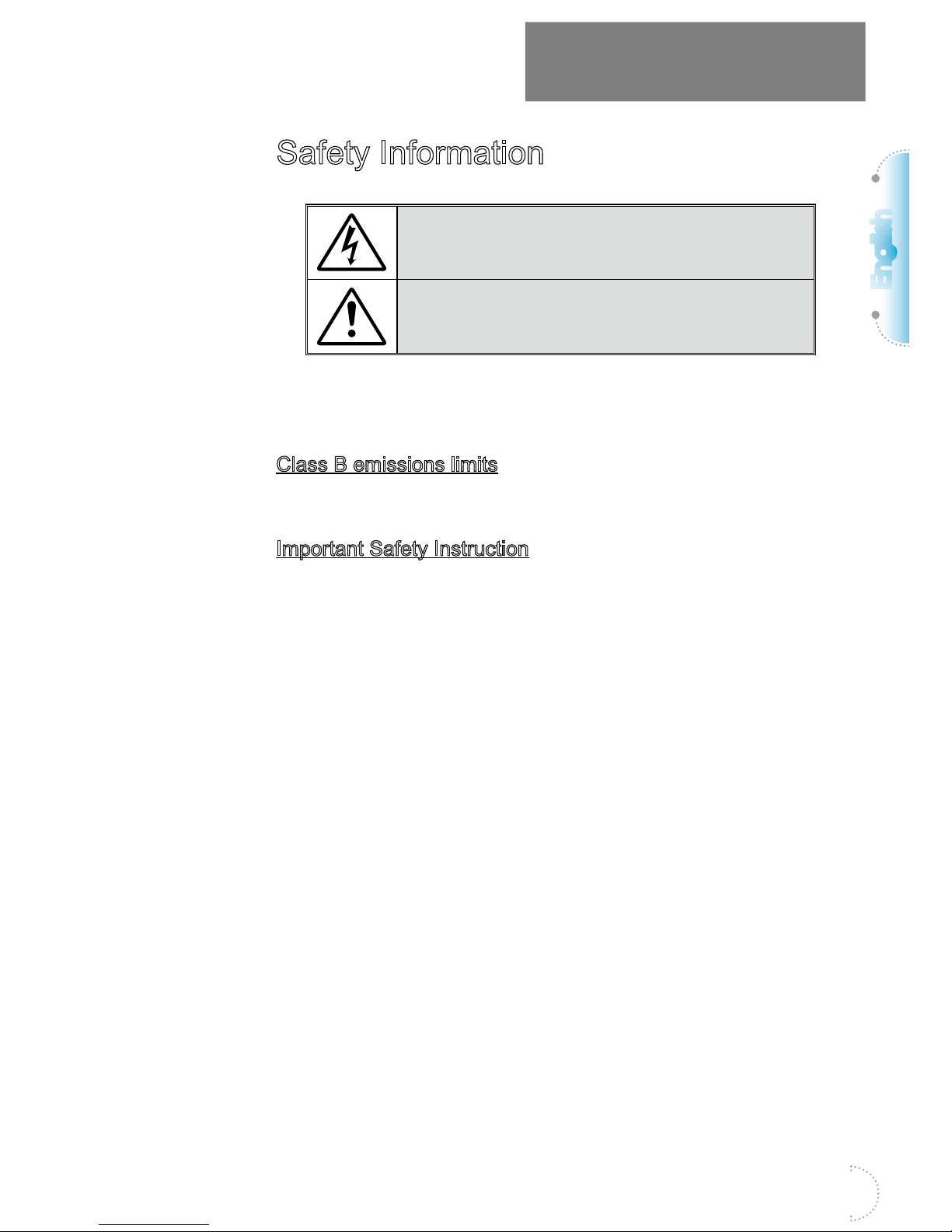
The lightning ash with arrow head within an equilateral triangle is
intended to alert the user to the presence of uninsulated “dangerous
voltage” within the product’s enclosure that may be of sucient
magnitude to constitute a risk of electric shock to persons.
The exclamation point within an equilateral triangle is intended to alert
the user to the presence of important operating and maintenance
(servicing) instructions in the literature accompanying the appliance.
WARNING: TO REDUCE THE RISK OF FIRE OR ELECTRIC SHOCK, DO NOT
EXPOSE THIS APPLIANCE TO RAIN OR MOISTURE. DANGEROUS HIGH
VOLTAGES ARE PRESENT INSIDE THE ENCLOSURE. DO NOT OPEN THE
CABINET. REFER SERVICING TO QUALIFIED PERSONNEL ONLY.
Class B emissions limits
This Class B digital apparatus meets all requirements of the Canadian
Interference-Causing Equipment Regulations.
Important Safety Instruction
1. Do not block any ventilation openings. To ensure reliable operation of
the projector and to protect from over heating, it is recommended to
install the projector in a location that does not block ventilation. As an
example, do not place the projector on a crowded coee table, sofa,
bed, etc. Do not put the projector in an enclosure such as a book case
or a cabinet that restricts air ow.
2. Do not use the projector near water or moisture. To reduce the risk of
re and/or electric shock, do not expose the projector to rain or
moisture.
3. Do not install near heat sources such as radiators, heaters, stoves or
any other apparatus such as ampliers that emits heat.
4. Clean only with dry cloth.
5. Only use attachments/accessories specied by the manufacturer.
6. Do not use the unit if it has been physically damaged or abused.
Physical damage/abuse would be (but not limited to):
▀■ Unit has been dropped.
▀■ Power supply cord or plug has been damaged.
▀■ Liquid has been spilled on to the projector.
▀■ Projector has been exposed to rain or moisture.
▀■ Something has fallen in the projector or something is loose inside.
Do not attempt to service the unit yourself. Opening or removing covers
may expose you to dangerous voltages or other hazards. Please call
Optoma before you send the unit for repair.
7. Do not let objects or liquids enter the projector. They may touch danger-
ous voltage points and short out parts that could result in re or electric
shock.
8. See projector enclosure for safety related markings.
9. The unit should only be repaired by appropriate service personnel.

4
Usage Notice
Precautions
Please follow all warnings, precautions and
maintenance as recommended in this user’s
guide.
▀■ Warning- Do not look into the projector's lens when the
lamp is on. The bright light may hurt your eyes.
▀■ Warning- To reduce the risk of re or electric shock, do
not expose this projector to rain or moisture.
▀■ Warning- Please do not open or disassemble the
projector as this may cause electric shock.
▀■ Warning- When replacing the lamp, please allow the unit
to cool down. Follow instructions as described
on page 67.
▀■ Warning- This projector will detect the life of the lamp
itself. Please be sure to change the lamp when it
shows warning messages.
▀■ Warning- Reset the "Lamp Reset" function from the
on-screen display "System|Lamp Setting" menu
after replacing the lamp module
(refer to pages 51-52).
▀■ Warning- When switching the projector o, please ensure
the cooling cycle has been completed before
disconnecting power. Allow 90 seconds for the
projector to cool down.
▀■ Warning- Do not use lens cap when projector is in opera-
tion.
▀■ Warning- When the lamp is approaching to the end of its
life time, the message "Replacement suggested"
will show on the screen.
Please contact your local reseller or service cen-
ter to change the lamp as soon as possible.
Note
Note
When the lamp reaches
the end of its life, the
projector will not turn
back on until the lamp
module has been
replaced. To replace
the lamp, follow the
procedures listed under
"Replacing the Lamp"
section on page 67.

English
5
Usage Notice
Do:
▀■Turn o and unplug the power plug from the AC outlet before
cleaning the product.
▀■Use a soft dry cloth with mild detergent to clean the display
housing.
▀■Disconnect the power plug from AC outlet if the product is not
being used for a long period of time.
Do not:
▀■Block the slots and openings on the unit provided for
ventilation.
▀■Use abrasive cleaners, waxes or solvents to clean the unit.
▀■Use under the following conditions:
- In extremely hot, cold or humid environments.
Ensure that the ambient room temperature is
within 5 - 40°C
Relative Humidity is 10 - 85% (Max.), non-condensing
- In areas susceptible to excessive dust and dirt.
- Near any appliance generating a strong magnetic eld.
- In direct sunlight.

6
Usage Notice
Eye Safety Warnings
▀■Avoid staring/facing directly into the projector beam at all
times. Keep your back to the beam as much as possible.
▀■When projector is used in a classroom, adequately supervise
students when they are asked to point out something on the
screen.
▀■In order to minimize the lamp power, use room blinds to
reduce ambient light levels.
Note
Note
Keep this manual for
future reference..

English
7
Introduction
Package Overview
Unpack and inspect the box contents to ensure all parts
listed below are in the box. If something is missing,
please contact Optoma customer service.
Projector with lens cap Power Cord 1.8m 15 pin D-sub VGA Cable
Remote Control 2 x AAA Batteries Carrying Case
Documentation :
User's Manual
Warranty Card
Basic User’s Manual
Note
Note
Due to dierent
applications in each
Country, some regions
may have dierent
accessories.

8
Introduction
Product Overview
Main Unit
11
10
9
8
7
6
5
4
3
2
1
1. IR Receiver
2. Tilt-Adjustment Feet
3. Lens Cap
4. Function Keys
5. LED Indicators
6. Power Button
7. LENS SHIFT(Not available in 1080p short throw)
8. Zoom(Not available in 1080p short throw)
9. Focus
10. Lens
11. Connection Ports

English
9
Introduction
Connection Ports
15
14 13
12
11
10
98765
4
321
1. Power Socket
2. USB Power Out(5V_1.5A)
3. VGA-IN/YPbPr/
4. SERVICE
5. VGA-OUT
6. RS-232C
7. HDMI2
8. HDMI1
9. RJ-45
10. Kensington MicrosaverTM Lock Port
11. VIDEO
12. AUDIO2-IN (L and R)
13. AUDIO1 IN
14. AUDIO OUT
15. 12V OUT
Table of contents
Other Optoma Projector manuals

Optoma
Optoma PT100 User manual

Optoma
Optoma ES550 User manual

Optoma
Optoma MovieTime DV11 User manual

Optoma
Optoma EX330 User manual

Optoma
Optoma EX542 User manual

Optoma
Optoma TX778W User manual

Optoma
Optoma ZW300USTie User manual

Optoma
Optoma EP 738 User manual

Optoma
Optoma GT2000HDR User manual

Optoma
Optoma TX536 User manual

Optoma
Optoma EcoBright TL50W User manual

Optoma
Optoma EP749 User manual

Optoma
Optoma DS211 User manual

Optoma
Optoma TH7500 Administrator guide

Optoma
Optoma W515ST-M User manual

Optoma
Optoma X515ST User manual

Optoma
Optoma TX762 User manual

Optoma
Optoma EX779i Technical manual

Optoma
Optoma H180X User manual

Optoma
Optoma HD33 User manual