Nokia 105 User manual

Nokia 105
Manual do utilizador
Edição 2020-03-11 pt-BR

Nokia 105 Manual do utilizador
1 Sobre este manual do usuário
Importante: Para obter informações importantes sobre o uso seguro do seu dispositivo e
da bateria, leia os itens “Para sua segurança” e “Informações de segurança e do produto” no
livreto impresso ou em www.nokia.com/support antes de usar o dispositivo. Para saber como
começar a usar seu novo telefone, leia o guia de acesso rápido.
© 2019 HMD Global Oy. Todos os direitos reservados. 2

Nokia 105 Manual do utilizador
Índice
1 Sobre este manual do usuário 2
2 Índice 3
3 Introdução 5
Keysandparts.......................................... 5
Setupandswitchonyourphone................................ 6
Chargeyourphone ....................................... 7
Keypad .............................................. 8
4 Calls, contacts, and messages 9
Calls................................................ 9
Contacts ............................................. 9
Sendmessages ......................................... 10
5 Personalize your phone 11
Change your ring or message tone . . . . . . . . . . . . . . . . . . . . . . . . . . . . . . 11
Change the look of your home screen . . . . . . . . . . . . . . . . . . . . . . . . . . . . . 11
Profiles .............................................. 12
SettingsforGoto ........................................ 12
PersonalizeyourSIMcards................................... 13
6 Radio 14
Findandsaveradiostations .................................. 14
Listentotheradio........................................ 14
7 Clock, calendar, and calculator 15
Setthetimeanddatemanually ................................ 15
Alarmclock............................................ 15
Calendar ............................................. 15
Calculator............................................. 15
© 2019 HMD Global Oy. Todos os direitos reservados. 3

Nokia 105 Manual do utilizador
8 Empty your phone 17
Remove private content from your phone . . . . . . . . . . . . . . . . . . . . . . . . . . 17
Restorefactorysettings .................................... 17
9 Informações de segurança e demais informações sobre o produto 18
Foryoursafety.......................................... 18
Emergencycalls ......................................... 21
Cuidedoseudispositivo .................................... 21
Reciclagem............................................ 22
Símbolo da lixeira com uma cruz em cima . . . . . . . . . . . . . . . . . . . . . . . . . . . 23
Battery and charger information . . . . . . . . . . . . . . . . . . . . . . . . . . . . . . . . 23
Crianças.............................................. 24
Dispositivosmédicos ...................................... 24
Dispositivos médicos implantados . . . . . . . . . . . . . . . . . . . . . . . . . . . . . . . 24
Audição.............................................. 24
Proteja seu dispositivo contra conteúdo prejudicial . . . . . . . . . . . . . . . . . . . . . 24
Veículos.............................................. 25
Ambientes com risco de explosão . . . . . . . . . . . . . . . . . . . . . . . . . . . . . . . 25
Informações sobre certificação (SAR) . . . . . . . . . . . . . . . . . . . . . . . . . . . . . 25
Sobre o gerenciamento de direitos digitais . . . . . . . . . . . . . . . . . . . . . . . . . . 26
Copyrightsandothernotices.................................. 27
© 2019 HMD Global Oy. Todos os direitos reservados. 4

Nokia 105 Manual do utilizador
3 Introdução
KEYS AND PARTS
Your phone
This user guide applies to the following model: TA-1174
1. Call key
2. Left selection key
3. Scroll key. Press to access your apps and
select items.
4. Earpiece/Loudspeaker
5. Headset connector
6. Flashlight
7. USB connector
8. Back cover opening slot
9. Right selection key
10. End/Power key
Avoid touching the antenna area while the antenna is in use. Contact with antennas affects the
communication quality and may reduce battery life due to higher power level during operation.
© 2019 HMD Global Oy. Todos os direitos reservados. 5

Nokia 105 Manual do utilizador
Do not connect to products that create an output signal, as this may damage the device. Do
not connect any voltage source to the audio connector. If you connect an external device
or headset, other than those approved for use with this device, to the audio connector, pay
special attention to volume levels. Parts of the device are magnetic. Metallic materials may be
attracted to the device. Do not place credit cards or other magnetic storage media near the
device, because info stored on them may be erased.
Some of the accessories mentioned in this user guide, such as charger, headset, or data cable,
may be sold separately.
SET UP AND SWITCH ON YOUR PHONE
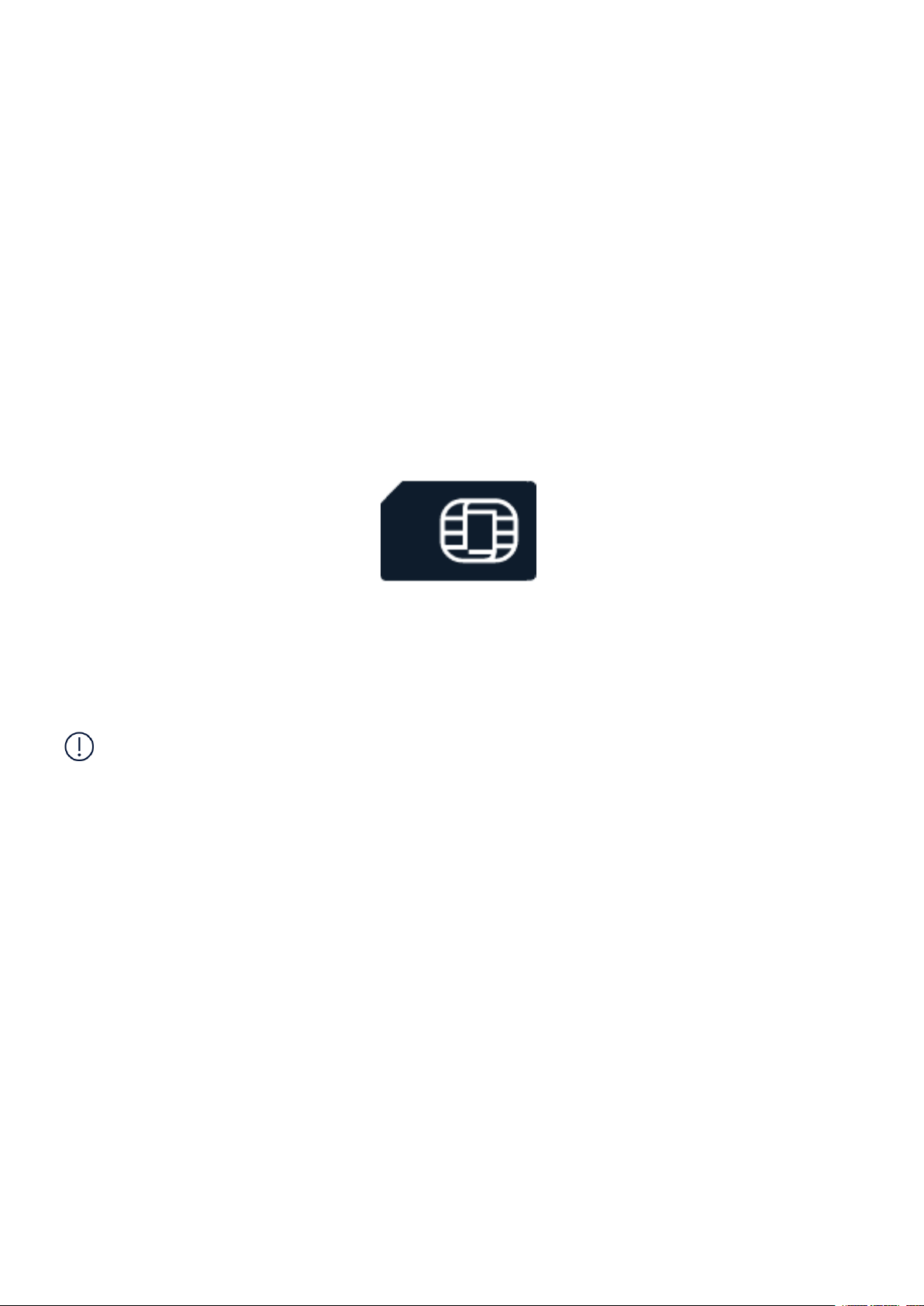
Mini SIM
Important: This device is designed to be used with a mini SIM card (see figure) only. Use of
incompatible SIM cards may damage the card or the device, and may corrupt data stored on
the card.
Note: Switch the device off and disconnect the charger and any other device before removing
any covers. Avoid touching electronic components while changing any covers. Always store
and use the device with any covers attached.
© 2019 HMD Global Oy. Todos os direitos reservados. 6

Nokia 105 Manual do utilizador
Set up your phone
1. Put your fingernail in the small slot at the
bottom of the phone, lift and remove the
cover.
2. If the battery is in the phone, lift it out.
3. Slide the SIM card into the SIM1 slot
with the contact area face down. If you
have a second SIM, slide it into the SIM2
slot. Both SIM cards are available at the
same time when the device is not being
used, but while one SIM card is active, for
example, making a call, the other may be
unavailable.
4. Line up the battery contacts, and put the
battery in.
5. Put back the back cover.
Switch on your phone
Press and hold .
CHARGE YOUR PHONE
Your battery has been partially charged at the factory, but you may need to recharge it before
you can use your phone.
© 2019 HMD Global Oy. Todos os direitos reservados. 7

Nokia 105 Manual do utilizador
Charge the battery
1. Plug the charger into a wall outlet.
2. Connect the charger to the phone. When done, unplug the charger from the phone, then
from the wall outlet.
If the battery is completely discharged, it may take several minutes before the charging
indicator is displayed.
Tip: You can use USB charging when a wall outlet is not available. The efficiency of USB
charging power varies significantly, and it may take a long time for charging to start and the
device to start functioning. Make sure your computer is switched on.
KEYPAD
Use the phone keys
• To see the apps and features of your phone, on the home screen, select Menu .
• To go to an app or feature, press the scroll key up, down, left, or right. To open the app or
feature, press the scroll key.
Lock the keypad
To avoid accidentally pressing the keys, lock the keypad: select Go to > Lock keypad . To
unlock the keypad, press , and select Unlock .
Switch on the flashlight
On the home screen, quickly scroll up twice to switch on the flashligt.
To switch off the flashlight, scroll up once.
Do not shine the light in anyone’s eyes.
Write with the keypad
Press a key repeatedly until the letter is shown.
To type in a space press 0 .
To type in a special character or punctuation mark, select Opt. > Insert options >
Insert symbol .
To switch between character cases, press # repeatedly.
To type in a number, press and hold a number key.
© 2019 HMD Global Oy. Todos os direitos reservados. 8

Nokia 105 Manual do utilizador
4 Calls, contacts, and messages
CALLS
Make a call
Learn how to make a call with your new phone.
1. Type in the phone number. To type in the + character, used for international calls, press *
twice.
2. Press . If asked, select which SIM to use.
3. To end the call, press .
Answer a call
Press .
Tip: If you are in a situation where you cannot answer the phone and you need to silence it
quickly, select Silence .
CONTACTS
Add a contact
Save and organize your friends’ phone numbers.
1. Select Menu > > Add contact .
2. Select where you want to save it, on Phone or SIM card
3. Write the name, and type in the number.
4. Select OK .
Save a contact from call log
1. Select Menu > > Missed calls , Received calls , or Dialled numbers depending on from
where you want to save the contact.
2. Highlight the number you want to save, select Opt. > Save , and select where you want to
save the contact.
3. Add the contact’s name, check that the phone number is correct, and select OK .
© 2019 HMD Global Oy. Todos os direitos reservados. 9

Nokia 105 Manual do utilizador
Call a contact
You can call a contact directly from the contacts list.
1. Select Menu > > Names and scroll to a contact you want to call.
2. Select the contact and press the call key.
SEND MESSAGES
Write and send messages
1. Select Menu > > Create message .
2. Write a message on the message field.
3. Select Opt. > Send , to add a recipient. You can enter a phone number or add a recipient
by selecting Search to open Contacts .
4. Select OK .
Writing options
You can find different options for writing a message under Opt. when you are in the message
field. You can, for example, insert symbols and save messages.
To switch on predictive text, select Opt. > Dictionary .
© 2019 HMD Global Oy. Todos os direitos reservados. 10
Other manuals for 105
12
This manual suits for next models
1
Table of contents
Languages:
Other Nokia Telephone manuals

Nokia
Nokia C1-00 User manual

Nokia
Nokia 5310 XpressMusic User manual

Nokia
Nokia 1110 User manual

Nokia
Nokia 2780 Flip User manual

Nokia
Nokia TA-1480 User manual

Nokia
Nokia 2780 Flip User manual

Nokia
Nokia 800 User manual

Nokia
Nokia 2720 User manual

Nokia
Nokia 5500 Sport User manual

Nokia
Nokia RM-340 User manual

Nokia
Nokia 1661 User manual

Nokia
Nokia 1680 - Classic Cell Phone User manual

Nokia
Nokia 110 4G User manual

Nokia
Nokia 2780 Flip User manual

Nokia
Nokia HF-300 User manual

Nokia
Nokia X Specification sheet

Nokia
Nokia 2780 Flip User manual

Nokia
Nokia 5710 XpressAudio User manual

Nokia
Nokia 6111 User manual

Nokia
Nokia 3310 User manual