© 2022 Nexmosphere. All rights reserved. v1.0 / 08-28
All content contained herein is subject to change without prior notice
Nexmosphere
Le Havre 136
5627 SW Eindhoven • The Netherlands
T+31 40 240 7070
Esupport@nexmosphere.com
2
The X-Dot I/O provides the following functionalities:
1. Interface input devices - and indicate if their state is HIGH (activated) or LOW (deactivated)
2. Control output devices - and set them ON or OFF
3. Control button LEDs - and create smooth dimming -and pulsing patterns
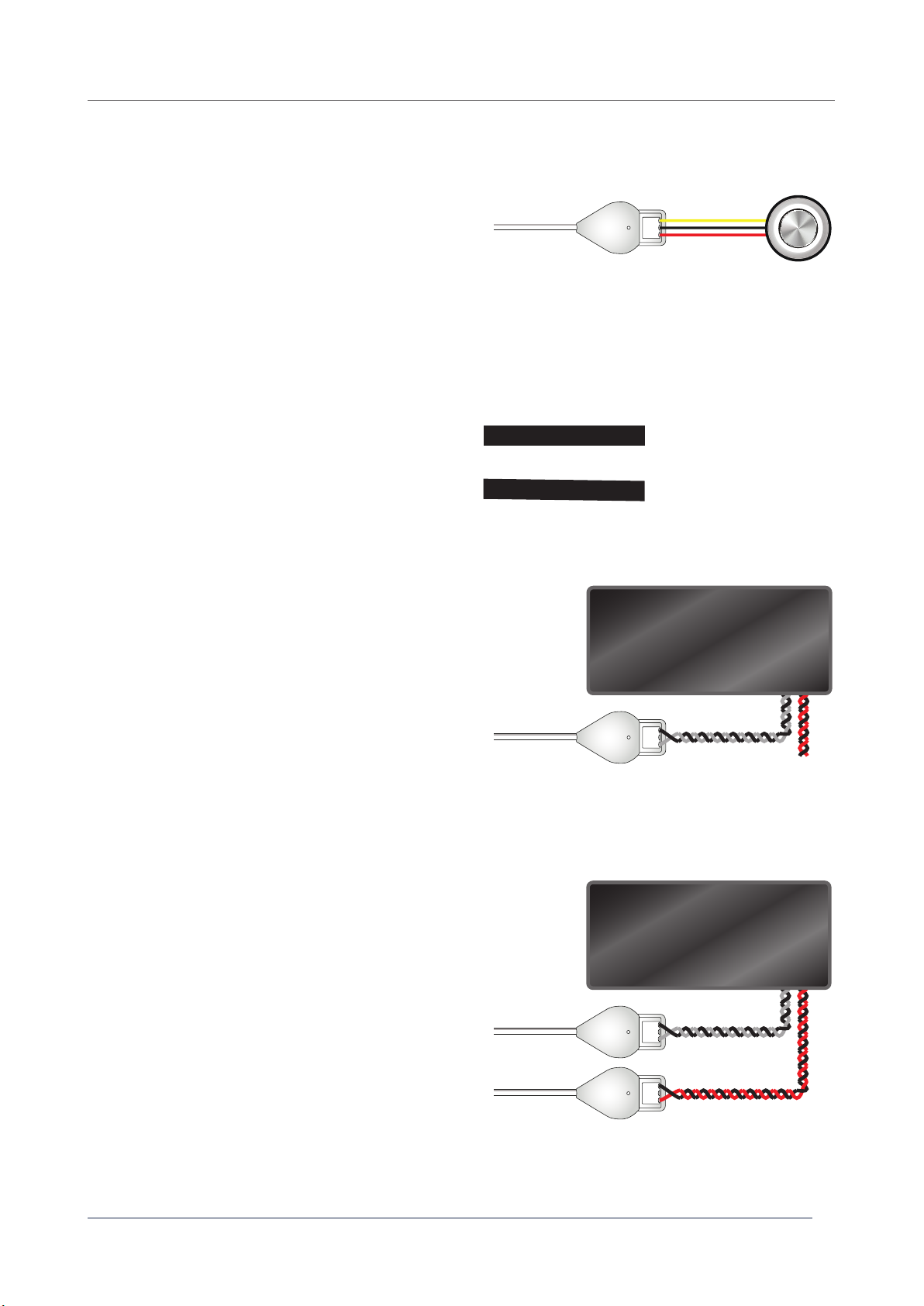
When implementing input triggers, consider the following:
• For compatible Nexmosphere accessories, additional
information is available on page 4.
• When using 3rd party input devices, we recommend
to check when the state will be HIGH or LOW.
• Most Input devices will make an interconnection
between the output and input pin when activated,
and disconnect when deactivated. Therefore the
output pin must be ON, which is the default status. In
this case, activation will result into a HIGH signal and
deactivation in a LOW signal.
3.1 - Interface input devices
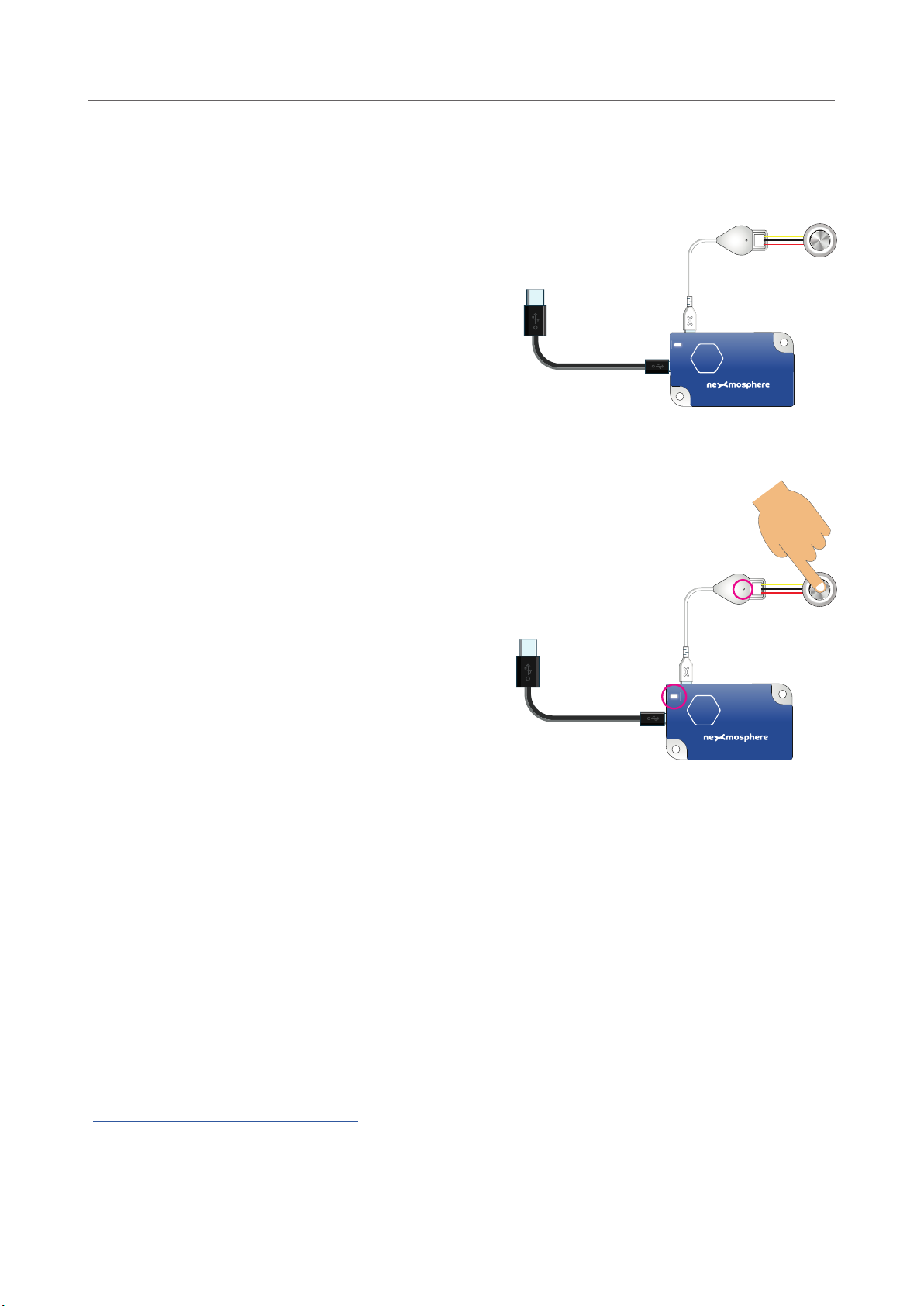
An Input device can have 2 states: HIGH or LOW. Typically, the state is HIGH when the device is activated, such as a button
that is pressed or a pressure matt that is stepped on. Vice versa, a state is usually LOW when a device is unactivated, such
API command:
An Output device can be set ON or OFF. When the device is set to ON, the Output pin of the X-Dot I/O will supply 3.3V or 5V,
depending on the model. When the device is set to OFF, the Output pin will not supply any power. Setting the Output device
ON or OFF can be done by sending the following API commands:
The following section will cover these functionalities in detail. Please note that for each API example in this document,
X-talk interface address 001 is used (X001). When the sensor is connected to another X-talk channel, replace the
"001" with the applicable X-talk address.
State input device is HIGH
State input device is LOW
X001A[1]
X001A[0]
A button is pressed / pressure matt is stepped on.
State of input device is HIGH.
Set output ON (e.g. to activate button LED or Relay)
A button is released / pressure matt is stepped off from.
State of input device is LOW.
Set output OFF (e.g. to deactivate button LED or Relay)
X001A[1]
X001A[0]
Set output device ON
Set output device OFF
When controlling output devices, consider the following:
• For compatible Nexmosphere accessories, additional
information is available on page 5
• Per default, at startup the Output is set to ON
• The maximum amount of power which the Output pin
can provide is 200mA. In case of connecting 3rd party
comply.
+
3.3V / 5V
-