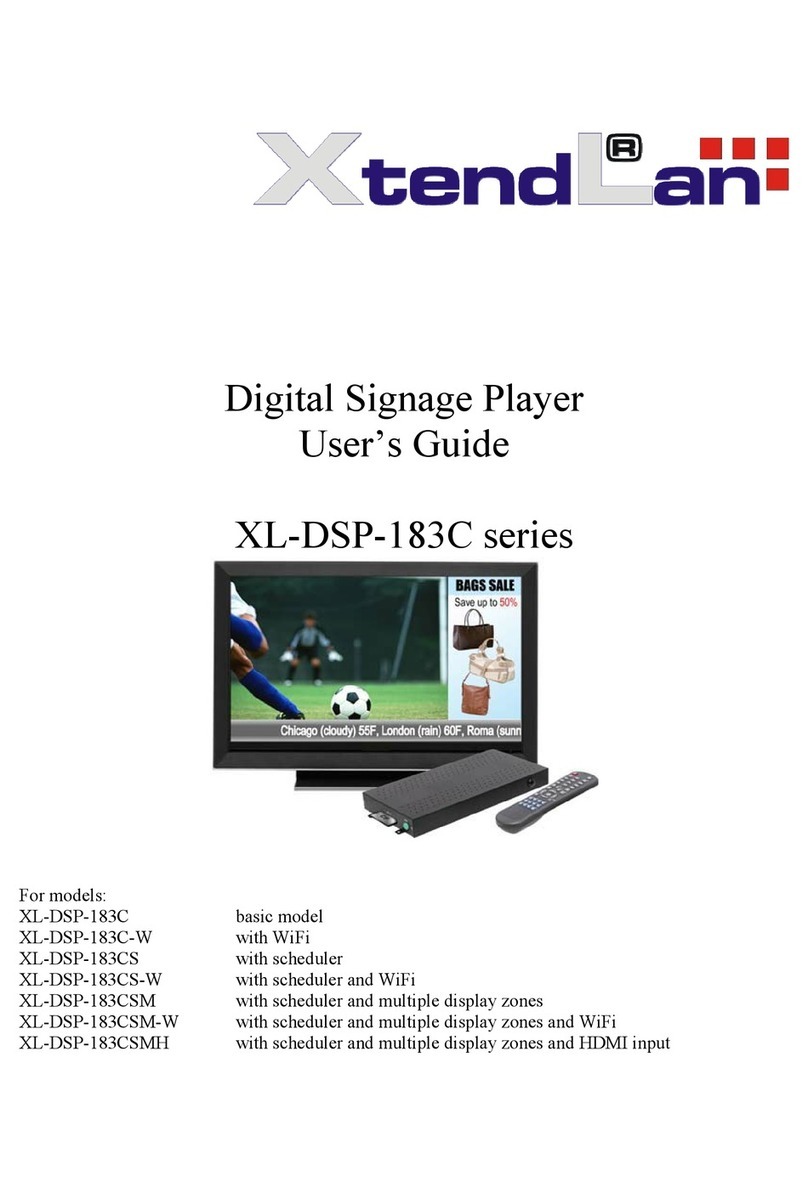
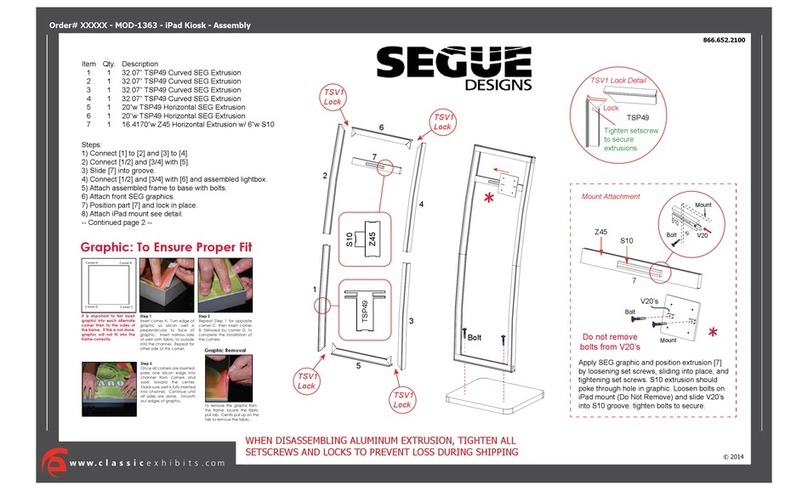
NEC E657Q User manual

Digital Signage Display
User’s Manual
E557Q
E507Q
E437Q
E327
E657Q
Please nd your model name in the label on the backside of display.
Rev. 2.0

English-1
www.necdisplaysolutions.com
Index
Precautions And Reminders ...............................................................................English-1
Important Safety Instructions .............................................................................English-2
Important Information ........................................................................................ English-5
License Notice and Trademark Acknowledgement ........................................... English-8
Supplier’s Declaration of Conformity ................................................................. English-9
Contents ............................................................................................................English-12
Installation for using the Stand Base ................................................................English-13
Attaching the Stand Base ......................................................................English-13
Ventilation ..............................................................................................English-14
Install with the Stand base .....................................................................English-14
Prevent Tipping ......................................................................................English-15
Installation for Wall Mouting (Optional) ............................................................English-17
Removing the Stand base ......................................................................English-18
Ventilation ..............................................................................................English-19
Install on the wall ...................................................................................English-19
Prohibit portrait condition use ................................................................English-20
Preparation........................................................................................................English-21
Place The Display On A Solid Surface ...................................................English-21
Battery Installation and Replacement ....................................................English-21
Connect To The Power Source ..............................................................English-22
Power On/Off Your New Display ............................................................English-23
Power Mode Status ................................................................................English-23
Energy Options ......................................................................................English-24
Source Connection Guide ......................................................................English-26
Using The Remote Control.....................................................................English-29
Operating Range for the Remote Control ..............................................English-30
Timing Table ...........................................................................................English-31
Navigating The On-Screen Menu .................................................................... English-32
Video Menu ............................................................................................English-32
Audio Menu ............................................................................................English-33
Setup Menu ............................................................................................English-34
Control Settings Menu ...........................................................................English-36
USB Demo Mode ...................................................................................English-37
Scheduling Menu ...................................................................................English-37
Navigating The USB (Media player) Menu ...................................................... English-38
USB Menu ..............................................................................................English-38
Maintenance and Recycling ..............................................................................English-41
Care Of The Screen ...............................................................................English-41
Mobile Telephone Warning .....................................................................English-41
End Of Life Directives ............................................................................English-41
Italian Homologation declaration ............................................................English-41
Manufacturer’s Recycling and Energy Information ......................................... English-42
Disposing of your old NEC product ........................................................English-42
Energy Saving ........................................................................................English-42
WEEE Mark (European Directive 2012/19/EU) .....................................English-43
Specication..................................................................................................... English-44
Product Specications ...........................................................................English-44
Controlling the Display via RS-232C Remote Control .................................... English-54
Controlling the Display via LAN Control .......................................................... English-56
Connecting to a Network ........................................................................English-56
Supporting HDMI CEC command ..........................................................English-61
Before Calling Service ..................................................................................... English-62
Glossary ........................................................................................................... English-63
[Notice]
About the MPEG-4 AVC, MPEG-4 Visual license included in this product
.. English-64

English-1
English
Precautions And Reminders
Do not place the display
in conned spaces or in a
box when in use. Maintain
ample ventilation for the
display when in use.
Do not open the display
cabinet. Call a NEC certied
service personnel for any
internal service needed for
your display.
Keep the display away
from direct sunlight, dust,
humidity, smoke and oily
areas.
Unplug immediately if the
display falls. Unplug immediately if
there is a display malfunc-
tion such as a loss of
audio/video, the presence
of smoke, or a bad odor
coming from the display.
Unplug the AC cord from
the AC outlet before
cleaning. Do not use liquid
cleaners or aerosol clean-
ers to clean the display.
Do not place the display
near water such as a
bathtub, washbasin, sink,
laundry tub, swimming
pool, or a damp base-
ment. Unplug immediately
if the display has been
exposed to rain or water.
Do not cover or block
any vents or openings.
Inadequate ventilation
may shorten the life of
the display and cause
overheating.
Place the unit on a sturdy,
even surface. Do not insert any foreign
objects into the display
cabinet. Unplug immedi-
ately if objects have fallen
into the display.
Unplug the power cord
from the outlet when
the display is not in use
for long periods of time
(days).
Notice for Remote Controller
Avoid Liquids
PRECH
CH-List
Avoid Aerosol Cleaners
PRECH
CH-List
Avoid Dropping
PRECH
CH-List

English-3English-2
Important Safety Instructions
Read before operating equipment
Follow all warnings and instructions marked on this display.
1. Read these instructions.
2. Keep these instructions.
3. Heed all warnings.
4. Follow all instructions.
5. Do not use this apparatus near water.
6. Clean only with dry cloth.
7. Do not block any ventilation openings. Install in accordance with
the manufacturer's instructions.
8. Do not install near any heat sources such as radiators, heat
registers, stoves, or other apparatus (including ampliers) that
produce heat.
9. Do not defeat the safety purpose of the polarized or grounding-
type plug. A polarized plug has two blades with one wider than the
other. A grounding type plug has two blades and a third grounding
prong. The wide blade or the third prong are provided for your
safety. If the provided plug does not t into your outlet, consult an
electrician for replacement of the obsolete outlet.
10. Protect the power cord from being walked on or pinched
particularly at plugs, convenience receptacles, and the point where
they exit from the apparatus.
11. Only use attachments/accessories specied by the manufacturer.
12. Use only with the cart, stand, tripod, bracket, or table specied by
the manufacturer, or sold with the apparatus. When a cart is used,
use caution when moving the cart/apparatus combination to avoid
injury from tip-over.
S3125A
13. Unplug this apparatus during lightning storms or when unused for
long periods of time.
14. Refer all servicing to qualied service personnel. Servicing is
required when the apparatus has been damaged in any way, such
as power-supply cord or plug is damaged, liquid has been spilled
or objects have fallen into the apparatus, the apparatus has been
exposed to rain or moisture, does not operate normally, or has been
dropped. Unplug immediately if the display faces above condition.
15. The display complies with the recommended safety standards
for stability. Do not put excessive force on the front or top of
the cabinet. This could cause the product to tip over and cause
damage and/or personal injury.

English-3English-2
English
16. If display or glass is broken, do not come in contact with the liquid
crystal and handle with care.
17. Follow instructions for wall, shelf or ceiling mounting as
recommended by the manufacturer.
18. Rest your eyes periodically by focusing on an object at least 5 feet
away. Blink often.
19. Do not place any heavy objects on the power cord.
Damage to the cord may cause shock or re.
20. Do not use display in high temperature, humid, dusty, or oily areas.
21. Do not bend, crimp or otherwise damage the power cord.
22. Apparatus shall not be exposed to dripping or splashing and no
objects lled with liquids, such as vases, shall be placed on the
apparatus
WARNING: To prevent the apread of re, keep
candles or other open ames away fram this
product at all times.
WARNING - Stability Hazard
A display set may fall, causing serious personal injury or death. Many
injuries, particularly to children, can be avoided by taking simple precautions
such as:
• ALWAYS use cabinets or stands or mounting methods recommended
by the manufacturer of the display set.
• ALWAYS use furniture that can safely support the display set.
• ALWAYS ensure the display set is not overhanging the edge of the
supporting furniture.
• ALWAYS educate children about the dangers of climbing on furniture
to reach the display set or its controls.
• ALWAYS route cords and cables connected to your display so they
cannot be tripped over, pulled or grabbed.
• NEVER place a display set in an unstable location.
• NEVER place the display set on tall furniture (for example, cupboards
or bookcases) without anchoring both the furniture and the display set
to a suitable support.
• NEVER place the display set on cloth or other materials that may be
located between the display set and supporting furniture.
• NEVER place items that might tempt children to climb, such as toys
and remote controls, on the top of the display or furniture on which the
display is placed.
If the existing display set is going to be retained and relocated, the same
considerations as above should be applied.

English-5English-4
WARNING:
To prevent injury, this apparatus must be securely attached to the oor/wall in
accordance with the installation instructions.

English-5English-4
English
Important Information
WARNING
TO PREVENT FIRE OR SHOCK HAZARDS, DO NOT EXPOSE THIS UNIT TO
RAIN OR MOISTURE. ALSO, DO NOT USE THIS UNIT’S POLARIZED PLUG
WITH AN EXTENSION CORD RECEPTACLE OR OTHER OUTLETS UNLESS THE
PRONGS CAN BE FULLY INSERTED.
REFRAIN FROM OPENING THE CABINET AS THERE ARE HIGH VOLTAGE
COMPONENTS INSIDE.
REFER SERVICING TO QUALIFIED SERVICE PERSONNEL.
CAUTION
CAUTION: TO REDUCE THE RISK OF ELECTRIC SHOCK, MAKE SURE
POWER CORD IS UNPLUGGED FROM WALL SOCKET. TO FULLY
DISENGAGE THE POWER TO THE UNIT, PLEASE DISCONNECT
THE POWER CORD FROM THE AC OUTLET. DO NOT REMOVE
COVER (OR BACK). NO USER SERVICEABLE PARTS INSIDE.
REFER SERVICING TO QUALIFIED SERVICE PERSONNEL.
This symbol warns user that uninsulated voltage within the unit may
have sufcient magnitude to cause electric shock. Therefore, it is
dangerous to make any kind of contact with any part inside this unit.
This symbol alerts the user that important literature concerning the
operation and maintenance of this unit has been included. Therefore, it
should be read carefully in order to avoid any problems.
CAUTION:
Please use the power cord provided with this display in accordance with the
table below. If a power cord is not supplied with this equipment, please contact
your supplier. For all other cases, please use a power cord that matches the
AC voltage of the power outlet and has been approved by and complies with
the safety standard of your particular country.
Plug
Type
European
Continental U.K. Chinese Japanese North
America
Plug
Shape
Region EU
(except U.K.) U.K. China Japan U.S.A./Canada
Voltage 230(V) 230(V) 220(V) 100(V) 120(V)
This display operates on 100-240 volts 50-60 Hz, AC current. Insert the power
cord into a 100-240 volts 50-60 Hz outlet. The mains plug is used as the
disconnect device and shall remain readily operable.

English-7English-6
To prevent electric shock from the display, do not use with an extension cord,
receptacle, or other outlet unless the blades and ground terminal can be fully
inserted to prevent blade exposure.
Never connect the display to other than the specied voltage.
CAUTION:
Never remove the back cover of the display as this can expose you to very
high voltages and other hazards. If the display does not operate properly,
unplug the display and call your authorized dealer or service center.
Adjust only those controls that are covered in the instructions, as improper
changes or modications not expressly approved by NEC could void the
user’s warranty.
Batteries installed warning
Incorrect usage of batteries can result in leaks or bursting.
NEC recommends the following battery use:
• Do not mix battery brands.
• Danger of explosion if battery is incorrectly replaced. Replace only with
the same or equivalent type.
• Do not combine new and old batteries. This can shorten the battery life
or cause liquid leakage of the batteries.
• Remove dead batteries immediately to prevent battery acid from leaking
into the battery compartment.
• Do not touch exposed battery acid as it may injure skin.
• Remove the batteries if you do not intend to use the remote control for a
long period of time.
• The batteries shall not be exposed to excessive heat such as sunshine,
re or the like.
Image persistence
Please be aware that LCD Technology may experience a phenomenon
known as Image Persistence. Image Persistence occurs when a residual or
"ghost" image of a previous image remains visible on the screen. Unlike CRT
monitors, LCD displays' image persistence is not permanent, but constant
images being displayed for a long period of time should be avoided. To
alleviate image persistence, turn off the display for as long as the previous
image was displayed. For example, if an image was on the display for one
hour and a residual image remains, the display should be turned off for one
hour to erase the image.
NOTE:
As with all personal display devices, NEC DISPLAY SOLUTIONS recommends
displaying moving images and using a moving screen saver at regular
intervals whenever the screen is idle or turning off the display when not in use.

English-7English-6
English
CAUTION:
These servicing instructions are for use by qualied service personnel only.
To reduce the risk of electric shock, do not perform any servicing other than
that contained in the operating instructions unless you are qualied to do so.

English-9English-8
License Notice and Trademark
Acknowledgement
Windows is a registered trademark of Microsoft Corporation.
NEC is a registered trademark of NEC Corporation.
All other brands and product names are trademarks or registered
trademarks of their respective owners.
®
The terms HDMI and HDMI High-
Denition Multimedia Interface, and
the HDMI Logo are trademarks or
registered trademarks of HDMI Licensing
Administrator, Inc. in the United States
and other countries.
Manufactured under license from Dolby
Labortories. Dolby, Dolby Audio and the
double-D symbol are trademarks of Dolby
Laboratories.
HDCP (High-bandwidth Digital Content Protection): HDCP is a system for
preventing illegal copying of video data sent over a digital signal. If you are
unable to view material via the digital input, this does not necessarily mean
that the monitor is not functioning properly. With the implementation of
HDCP, there may be cases in which certain content is protected by HDCP
and might not be displayed due to the decision/intention of the HDCP
community (Digital Content Protection, LLC).
CRESTRON and CRESTRON ROOMVIEW are trademarks or registered
trademarks of Crestron Electronics, Inc. in the United States and other
countries.
GPL/LGPL Software Licenses
The product includes software licensed under GNU General Public License
(GPL), GNU Lesser General Public License (LGPL), and others.
Adobe and the Adobe logo are either registered trademarks or trademarks
of Adobe Systems Incorporated in the United States and/or other countries.
This manual suits for next models
4
Table of contents