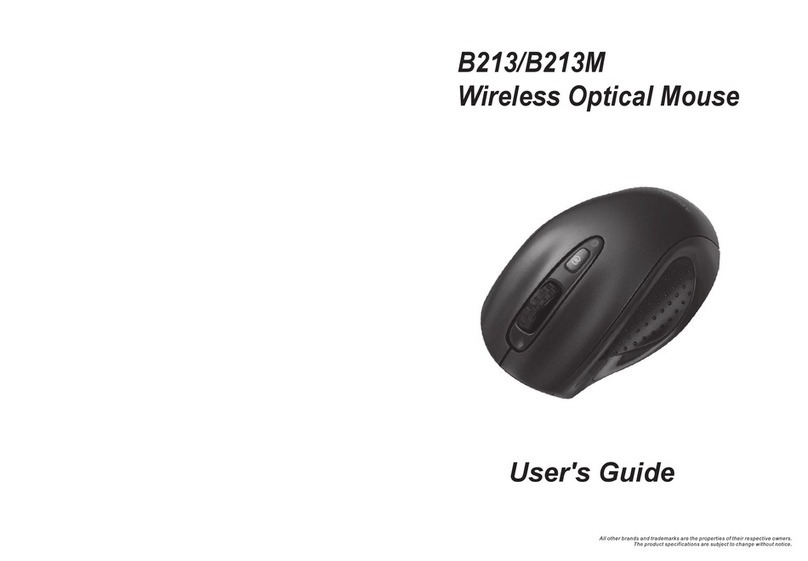
MSI Star Mouse BM100 User manual

Use Bluetooth mouse on Windows XP SP2 Bluetooth stack steps.
(1) Press the Pair Button in the bottom of the mouse for 3-5 seconds. The mouse will be switched to the standby
mode for pairing. Also the scroll in the mouse will turn to light blue colour.
(2) Make sure the Bluetooth function in your PC is active. Click the Bluetooth icon in the tray.
(3) Click [Add] button on Bluetooth Devices window.

(4) Check the “My device is set up and ready to be found” and press [Next] button.
Then it will start to search the Bluetooth device.

(5) Once it finds out the MIS Mouse device, choose the Mouse device and then click [Next] button.
(6)Choose [Don’t use a passkey] and press [next] button.

(7) It will connect to the Bluetooth Device.
There is a window pop-up. The OS will find a new Bluetooth HID Device.
(8) Press [Finish] button to finish the installation.

The Bluetooth mouse will be active.
Other MSI Mouse manuals