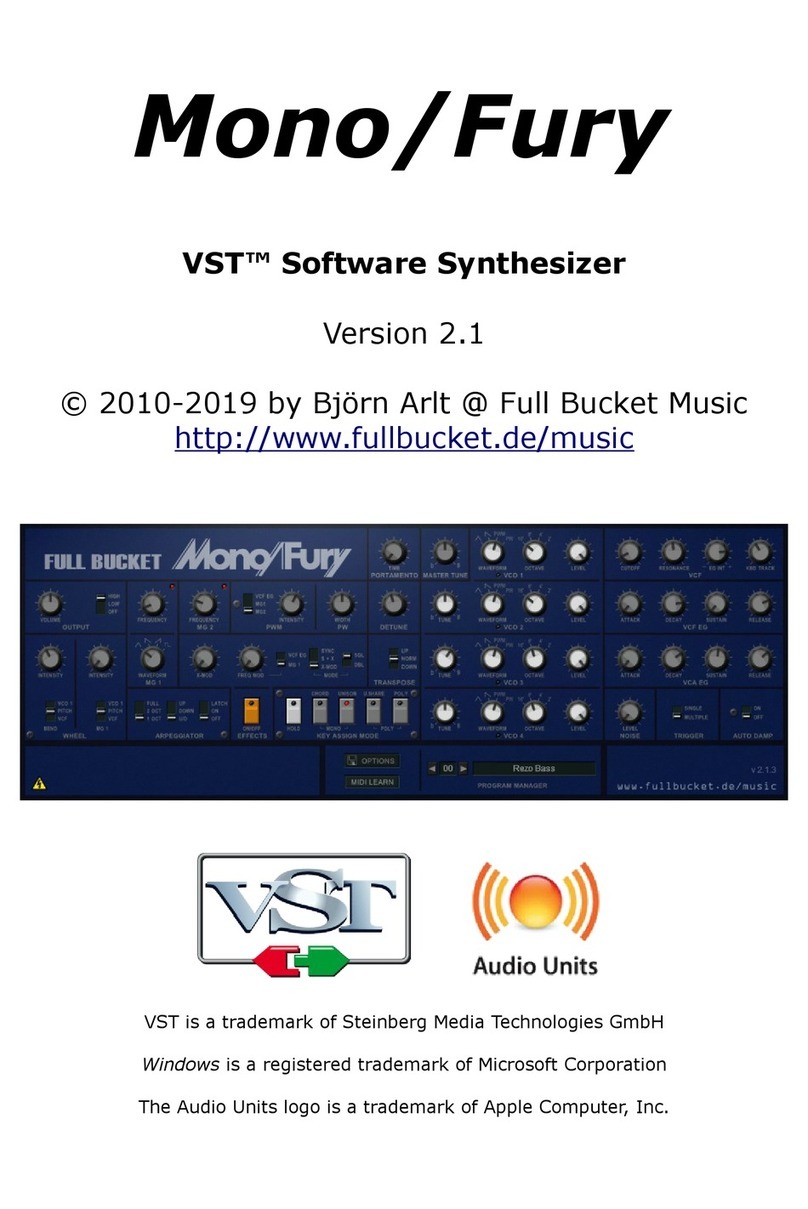
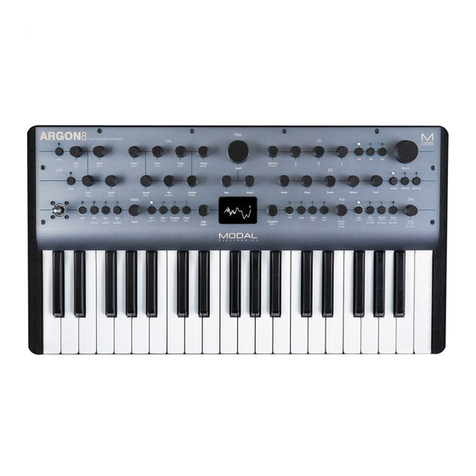
Mode Machines xoxbox MK2 User manual

1von 25
xoxbox MK2
Bass Line Synthesizer
(Sokkos OS 1.9.1)
MACHINES
M DE
©
User Manual
As of March 2012
2von 25
Contents
xoxbox MK 2
MACHINES
M DE
©
Synthesizer Section
1. Knobs , buttons & LED´s
1.1 Function knob
1.2 Bank knob
1.3 Tempo knob & LED
1.4 Bank LED´s
1.5 Buttons & LED´s
1.6 DONE button & LED
1.7 DOWN/UP button & LED´s
1.8 REST/ACCENT/SLIDE buttons & LED´s
1.9 PREV / NEXT button & LED´s
1.10 RUN/ STOP button & LED
1.11 CHAIN button & LED
Sequencer
2. Keyboard mode
3. MIDI Play
4. Pattern edit mode
5. Pattern play
Section of pattern playing
5.2 Concatenation of patterns (CHAIN)
5.3 SYNC out
5.4 MIDI sync
5.5 Din Sync
5.6 Transposing
5.7 REST, ACCENT & SLIDE
5.8 Swing timing
5.9 Loop mode
5.10 Note nudge
5.11 Pattern restart
5.12 Half tempo
6. Track edit
6.1 Selecting of tracks
6.2 Step-Write mode
7. Track play
7.1 Selecting of one track
7.2 Transponsing
7.3 REST, ACCENT & SLIDE
8. Random
9. User A/B/C
10. Bootload
11. Computer control
12. Connections
12.1 Power supply & switch
12.2 Phones
12.3 CV/Gate
12.4 USB
12.5 Mix Out
12.6 Mix In
12.7 Dinsync
12.8 Midi IN/OUT/THRU

!
1.Knobs ,buttons & LED´s
3von 25
Synthesizer Section
xoxbox MK 2
MACHINES
M DE
©

1.1 Function knob
The function knob is used to select the x0xb0x modes. It puts the x0xb0x in the current
operating status. The functionality of the knobs are the same in each mode. If the
respective position of this knob will be changed without saving the pattern, conctenation
(CHAIN) previosly data will be lost.
1.2 Bank knob
The Bank knob has many functions. You can select the particular bank, for example, when
writing or choosing a pattern. The knob has 16 grids. Each grid position stands for a
separate bank.The only exception is in the track mode, here are only 8 Banks available
(positions 9-16 for the Banks 1-8).
With the Bank knob you can also select the MIDI In (MIDI play mode) and MIDI OUT
(keyboard mode) channel.
4von 25
Synthesizer Section
xoxbox MK 2
MACHINES
M DE
©

1.3 Tempo knob & LED
The Tempo Knob is a rotary encoder, the knob also can be pressed. If the knob is turned
to the left, the tempo decreases by 1 BPM. If the knob is turned clockwise, the tempo
increases by 1 BPM. The tempo will be stored in internal memory, this also means that the
tempo remains in the memory even after switching off. If you switch on the x0xb0x the
tempo will be set to the last remaining setting.The minimum speed of the internal
sequencer is 20 BPM, the maximum speed is 300 BPM. The current speed is displayed by
the tempo LED.The speed knob can also be used as tap tempo input. By running the
sequencer, the tempo knob has to be pressed in time.If the x0xb0x is controlled by
external sources such as MIDI or sync, this knob has no effect. Only the LED will display
the current tempo.
1.4 Bank LED´s
The 16 Bank LED's are used for visual feedback in the various modes of the x0xb0x. The
main task is to display the current position in the sequencer running. In MIDI Play- and
Keyboard mode the current MIDI channel is displayed.
5von 25
Synthesizer Section
xoxbox MK 2
MACHINES
M DE
©

1.5 Buttons & LED´s
The black & white keys have multiple functions, the main task is to entry notes and
selection of the playing patterns.
In the different modes, the buttons have different functions.
Each button has a LED that is mounted directly above each key.
The corresponding LED indicates the current status of each key.
1.6 DONE Button & LED
The DONE button is used to store the patterns and tracks in the pattern & track Mode.
The DONE LED indicates the end of a pattern or a track in the pattern & track edit mode.
Patterns or even empty tracks are indicated by the LED (pattern & track play mode).
6von 25
Synthesizer Section
xoxbox MK 2
MACHINES
M DE
©

1.7 DOWN/UP Buttons & LED´s
The UP & DOWN buttons are used to transpose the octave. By simply pressing the keys
UP or DOWN the octave will be transposed. The respective LED displays the current
octave.
lowest octave second octave third octave
transposed down no transpose transposed up
7von 25
Synthesizer Section
xoxbox MK 2
MACHINES
M DE
©

1.8 REST/ACCENT/SLIDE Buttons & LED´s
The buttons REST, ACCENT & SLIDE are used for the mute, the emphasis and
portamento.
In pattern edit mode, the keys have the following functions:
REST = a pause will be inserted into the sequence,no note will be heard.
ACCENT = emphasize the respective note in the sequence.
SLIDE = a portamento / slide is inserted into the sequence, the current note glides to the
next.
In the pattern play mode, the keys have the following functions:
REST = the sequence is muted for the duration, in which the button is pressed.
ACCENT = each note of the sequence is played with emphasis for the duration, in which
the button is pressed.
SLIDE = each note of the sequence played with a portamento for the duration, in which
the button is pressed. This causes a continuous portamento can be realized. This depends
on the particular sequence.
In keyboard mode, only the ACCENT key has a function, REST & SLIDE have no function
because these function will be realized by the particular way of playing on the Keyboard
The LED's indicate the status.
8von 25
Synthesizer Section
xoxbox MK 2
MACHINES
M DE
©

1.9 PREV / NEXT Buttons & LED´s
PREV & NEXT buttons are used in the pattern & track mode to transport through the
pattern or the track. The NEXT button is also used to start the writing mode in track edit
and pattern edit mode, the NEXT LED will light up.
1.10 RUN/ STOP Button & LED
RUN / STOP button is used to start and stop the sequencer. The RUN / STOP LED lights
up when the sequencer is active. The RUN / STOP button is disabled when the sequencer
is powered by an external clock (MIDI or DINsync). The LED lights up but when the
sequencer is active.
1.11 CHAIN Button & LED
The CHAIN mode is for linking (CHAIN) pattern / tracks. Here there will be several patterns
linked together.
9von 25
Synthesizer Section
xoxbox MK 2
MACHINES
M DE
©
2. Keyboard Mode
To get to the keyboard mode, turn the function knob on your keyboard. Now you can play
on the x0xb0x own keyboard and sound generator. About the CV / Gate and MIDI OUT
ports on the back of your x0xb0x the notes are always displayed simultaneously. Thus,
you can preview your external tone generator (synthesizer / Modular systems, etc.).
By pressing the UP & DOWN keys the octave will be changed.
3. Midi Play
To enter the MIDI play mode, please turn the function knob to Midi Play. The current Midi
channel is displayed by the light of the 16 LED's. To change the channel you only have to
change the Bank knob to the desired channel. Now you can play your x0xbox with an
external sequencer or MIDI keyboard. To emphasize (ACCENT) notes, you only need a
midi velocity value over 100.
4. Pattern Edit Mode
To access the Pattern Edit Mode please turn the function knob to Pattern Edit.
Programming of a Pattern:
1. Loading a Pattern from persistence memory.
2. Using the Step-write process, each note has to be entered individually. This can be
taken also, when the sequencer is running. To run the sequencer please press the RUN
button.
3. Save the pattern to the persistence memory
10 von 25
Sequencer
xoxbox MK 2
MACHINES
M DE
©
Table of contents