
Millipore Steritest Symbio User manual

Steritest™Symbio 3-Media Pump Start Up
Quick Guide
Installing the Bottle Holder
Installing the Communication Hub
Installing the Drain Tray
1
1a
1b
2
34
5
On/off switch
Overfilling
system port
Footswitch port
Syringe
support
port
SB01
Fuse slot
USB port
Ethernet port
2
13
1

Overview of the Pump Control
Panel
Switching On the Pump
Press the on/off button to switch
the pump on and off.
Press the open/close button to
open and close the pump head.
Press the back and next buttons
to perform various operations.
Turn and press the control knob to
perform various operations
Switch on the communication hub by pressing the on/off switch (Position 1).
Switch on the pump by pressing the button and holding it for a few
seconds.
The screen displays the range of Steritest™ devices, followed by the
welcome screen.
The first time the pump is started and until the pump certificate is activated,
the Pump Certificate screen displays next.
NOTE: After the certificate is activated, the Autotest screen will display after
the welcome screen.
and to answer “Yes” if the pump is installed and ready to be
qualified. Follow the instructions to activate the pump certificate. This resets
the countdown before the next calibration to 12 months.
and to answer “No” if the pump is not ready to be qualified. The
Autotest screen displays, and the countdown to the next calibration remains
based on factory calibration date.
When the autotest procedure is complete, the Accessories and data sources
screen displays.
A symbol in a check box indicates that an accessory or data source is
connected to the communication hub.
Press . The Main screen displays.
From the main screen, it is possible to :
•Enter Standard Mode to use the pump in standard mode
•Enter Test Method Mode to use the pump with predefined procedures
•Enter the Configuration menu to configure the pump parameters and its
accessories and to upload test methods to the pump.
Steritest, Merck, Millipore, and Sigma-Aldrich are trademarks of Merck KGaA, Darmstadt, Germany or its affiliates. Detailed
information on trademarks is available via publicly accessible resources.
© 2019 Merck KGaA, Darmstadt, Germany and/or its affiliates. All Rights Reserved. PF17269 Version 2.0 07/2019
Other manuals for Steritest Symbio
1
Other Millipore Water Pump manuals

Millipore
Millipore Steritest Symbio ISL User manual

Millipore
Millipore WP61 115 60 User manual

Millipore
Millipore Milliflex Plus User manual

Millipore
Millipore MXP1 115 60 User manual

Millipore
Millipore WP6111560 User manual

Millipore
Millipore Millivac Maxi SD1P014M04 User manual

Millipore
Millipore WP62 115 60 User manual
Popular Water Pump manuals by other brands







Sykes AmeriPumps
Sykes AmeriPumps GP100M Operation and maintenance instructions

DUROMAX
DUROMAX XP WX Series user manual
BRINKMANN PUMPS
BRINKMANN PUMPS SBF550 operating instructions
Franklin Electric
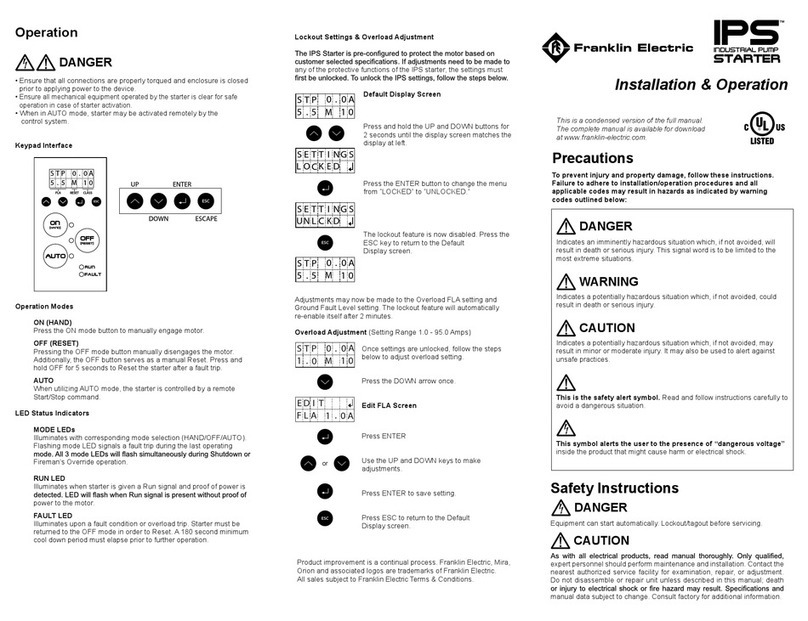
Franklin Electric IPS Installation & operation manual

Xylem
Xylem e-1532 Series instruction manual

Milton Roy
Milton Roy PRIMEROYAL instruction manual