Marvelmind Boxie User manual


2
Table of contents
1. Executive summary..............................................................................................................................4
1.1 Legend.........................................................................................................................................6
2. What’s in the box..................................................................................................................................7
2.1 Basic configuration.......................................................................................................................8
2.2 Standard configuration .................................................................................................................9
2.3 Advanced configuration.............................................................................................................. 10
3. System elements................................................................................................................................ 11
3.1 Marvelmind Boxie....................................................................................................................... 11
3.1.1 Powertrain.................................................................................................................................. 11
3.2 Obstacle detection and avoidance.............................................................................................. 12
3.3 Navigation and positioning ......................................................................................................... 14
3.3.1 Marvelmind Indoor “GPS” ........................................................................................................... 15
3.3.2 Omni-Microphone-IP67 .............................................................................................................. 16
3.3.3 Intel RealSense (Available in Standard and Advanced configurations)....................................... 17
3.4 Touch screen control.................................................................................................................. 18
3.5 Control system ........................................................................................................................... 19
4. Robot’s controls and basic operations description .............................................................................. 20
4.1 Back control panel...................................................................................................................... 20
4.2 Charging..................................................................................................................................... 21
4.3 Turning on the Boxie .................................................................................................................. 23
4.3.1 Do not disturb mode................................................................................................................... 27
5. Setting up the autonomous robots...................................................................................................... 30
5.1 Software Pack............................................................................................................................ 30
5.2 One-time flash, for SW version from 7.000................................................................................. 31
5.3 Flashing via USB........................................................................................................................ 32
5.4 Test launch................................................................................................................................. 34
5.5 Launching Boxie in the custom map........................................................................................... 37
5.6 Dashboard. Robot detailed settings............................................................................................ 38
5.7 Control Panel for robot ............................................................................................................... 39
6. Trouble shootings............................................................................................................................... 40
6.1 Display doesn’t show robot data ................................................................................................. 40
6.2 What to do if display doesn’t work .............................................................................................. 42
7. Contacts............................................................................................................................................. 43

3
Version changes
V2022_06_23
-Chapter 2 updated
-Chapter 3 updated
-Section 4.3 moved to chapter 8
-Section 5.2 One-time flash for SW version from 7.000 added
-Section 5.3 Flashing via USB added
-Section 5.6 Robot detailed settings added
-Minor improvements
V2022_06_10
-Chapter 2 updated
-Chapter 5 updated
-Section 5.4 added
V2022_05_11
-Section 4.1.2 updated
-Section 4.3 added
-Section 4.4 added
V2022_04_19
-Section 1 updated
-Section 2.1 added
-Section 4 updated
V2021_08_05
-Multiple improvements
V2021_02_04
- Initial release
4
1.Executive summary
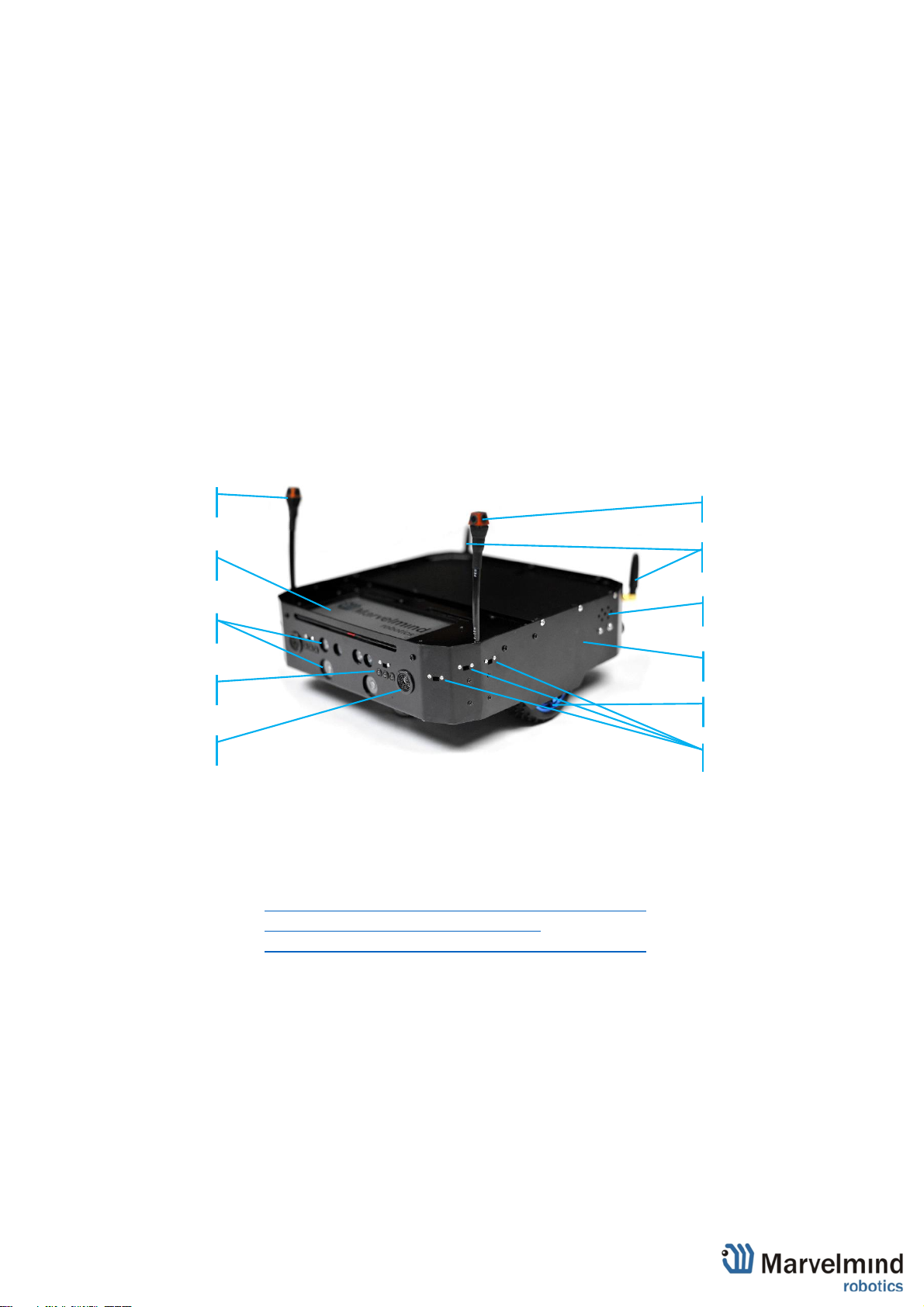
Marvelmind Boxie is an autonomous mobile robot designed for smart warehousing, industrial
applications, research and education.
- Fully autonomous move between any points covered by Marvelmind Indoor "GPS"
- Payload capacity up to 10kg
- Driving time more than 8h on a single charge (no payload)
- Automatic obstacle avoidance and detection
- The route can be reconfigured by 1 button click in 1 second
- Charging time is less than 2h with Hi-current Marvelmind charger.
- Default charging time –6 hours (with supplied charger by default)
- Smart screen for status display and interactions
- Up to 125 robots per system
Demo-videos:
- Autonomous delivery robot Boxie and its inner beauty:-)
- Marvelmind Boxie –autonomous driving
- Fully autonomous drive by 2 robots –Marvelmind Boxie
Omni microphones
Chassis
Omni microphones
Hi-Res display
Intel RealSense™
Speaker
Bright LEDs
1D LIDARs
Ultrasound sensor
Antennas
Driving wheels
5
Key specs:
Parameter
Technical Specifications
Navigation
Marvelmind Indoor “GPS” + Intel RealSense + LIDARs + Odometer + IMU
Top speed
2km/h
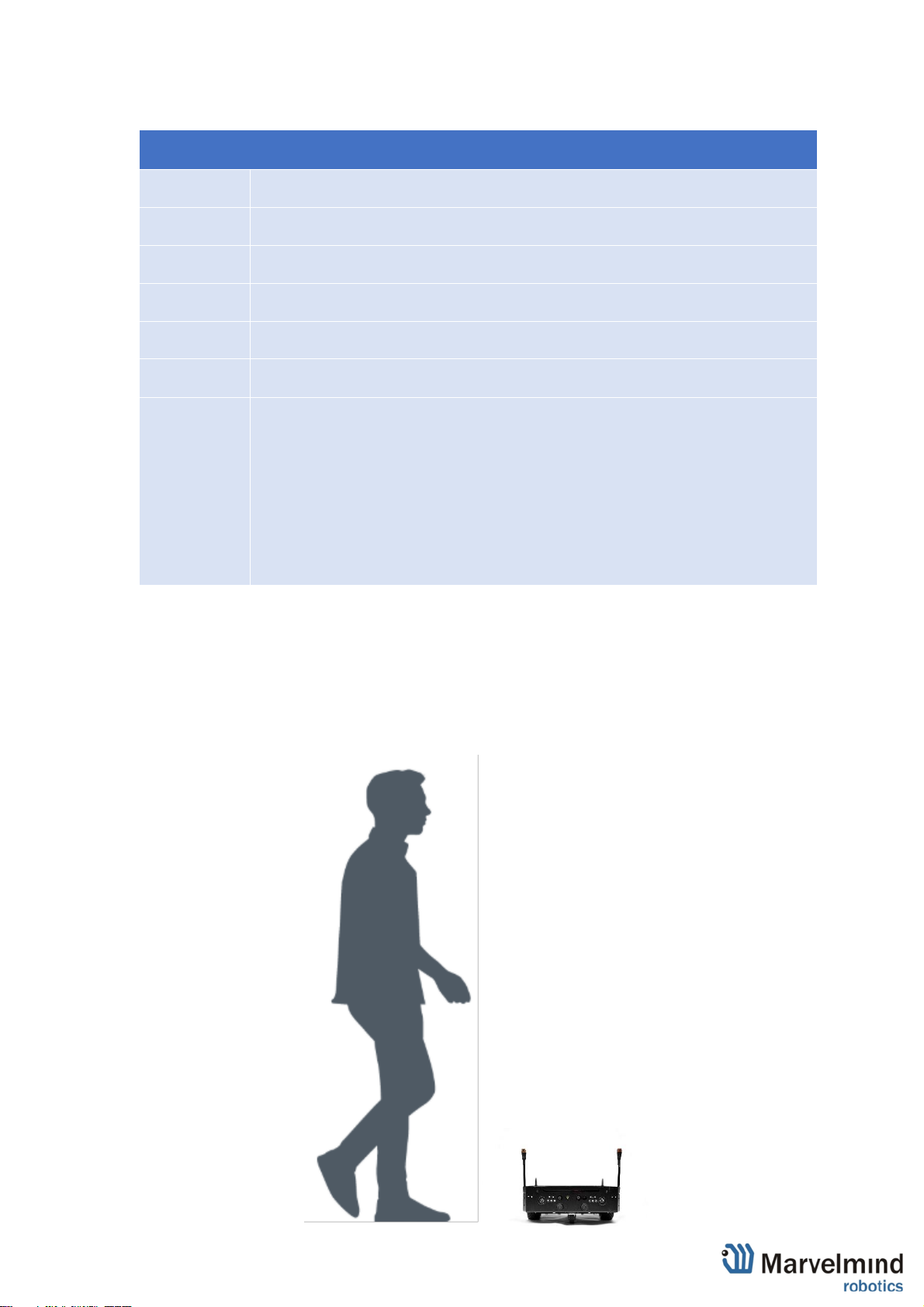
Weight
4.5kg
Payload
Up to 10kg
Driving time
Up to 8h drive with internal batteries (with no payload)
Charging time
- ≤2h hours with optional charger (Hi-power Marvelmind charger)
- <6h hours (with supplied charger by default)
Sensors
- Marvelmind Indoor "GPS" for positioning. The system has been delivered to hundreds
of projects worldwide
- Location + Direction based on Marvelmind precise indoor positioning system
- LIDARs
- Intel RealSense™
- Several IMUs
- Odometer on each wheel
- 12 x 1D LIDARs
- Sonars
- Current sensing

6
1.1 Legend
Legend chapter contains small icons and signs to highlight some key points of the text.
- Important
- For experienced users
- Demo or Help video
- Useful link

7
2.What’s in the box
There are 3 types of Boxie configuration:
1) Basic –the same as standard, but doesn’t have Intel RealSense
2) Standard –optimal Boxie configuration with RealSense
3) Advanced –configuration with 2 batteries, Hi-current Marvelmind charger,
RealSense and Starter Set Super-MP-3D. Also includes extended warranty
Basic
Standard
Advanced
Autonomous
robot
Yes
Yes
Yes
Charger 1A
Yes
Yes
Yes
RealSence
(D435+T265) +
software
Not included
Yes
Yes
Dedicated Zoom
training, hours
Not included
1
5
Super-Beacon +
Modem HW v5.1
included, pcs
Not included
Not included
5+1
Hi-power charger
(5A)
Not included
Not included
Yes
Extended
warranty
Not included
Not included
Yes
8
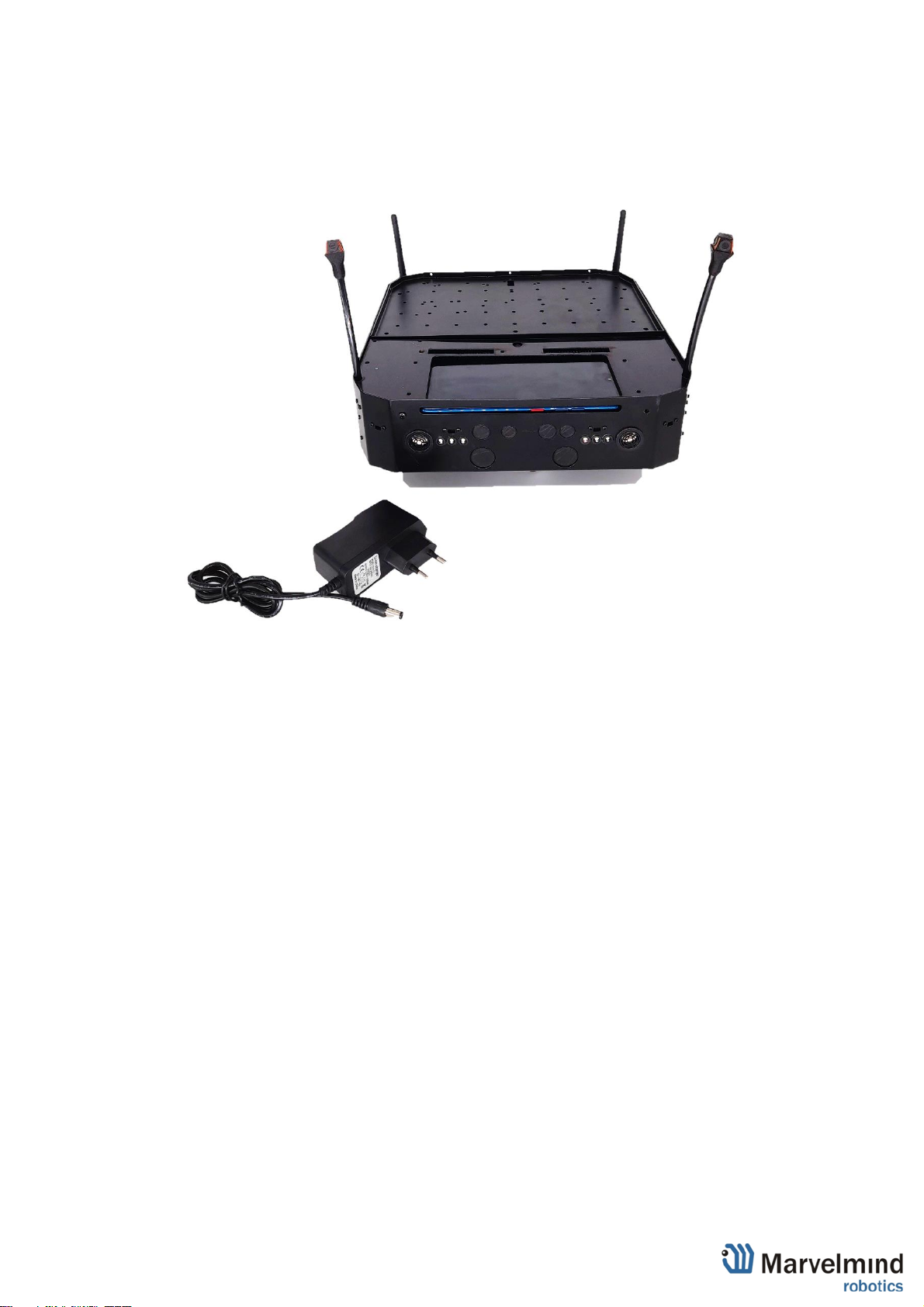
2.1 Basic configuration
- Robot Boxie Basic
- Charger 1A

9
2.2 Standard configuration
- Robot Boxie Standard
- Charger 1A
10
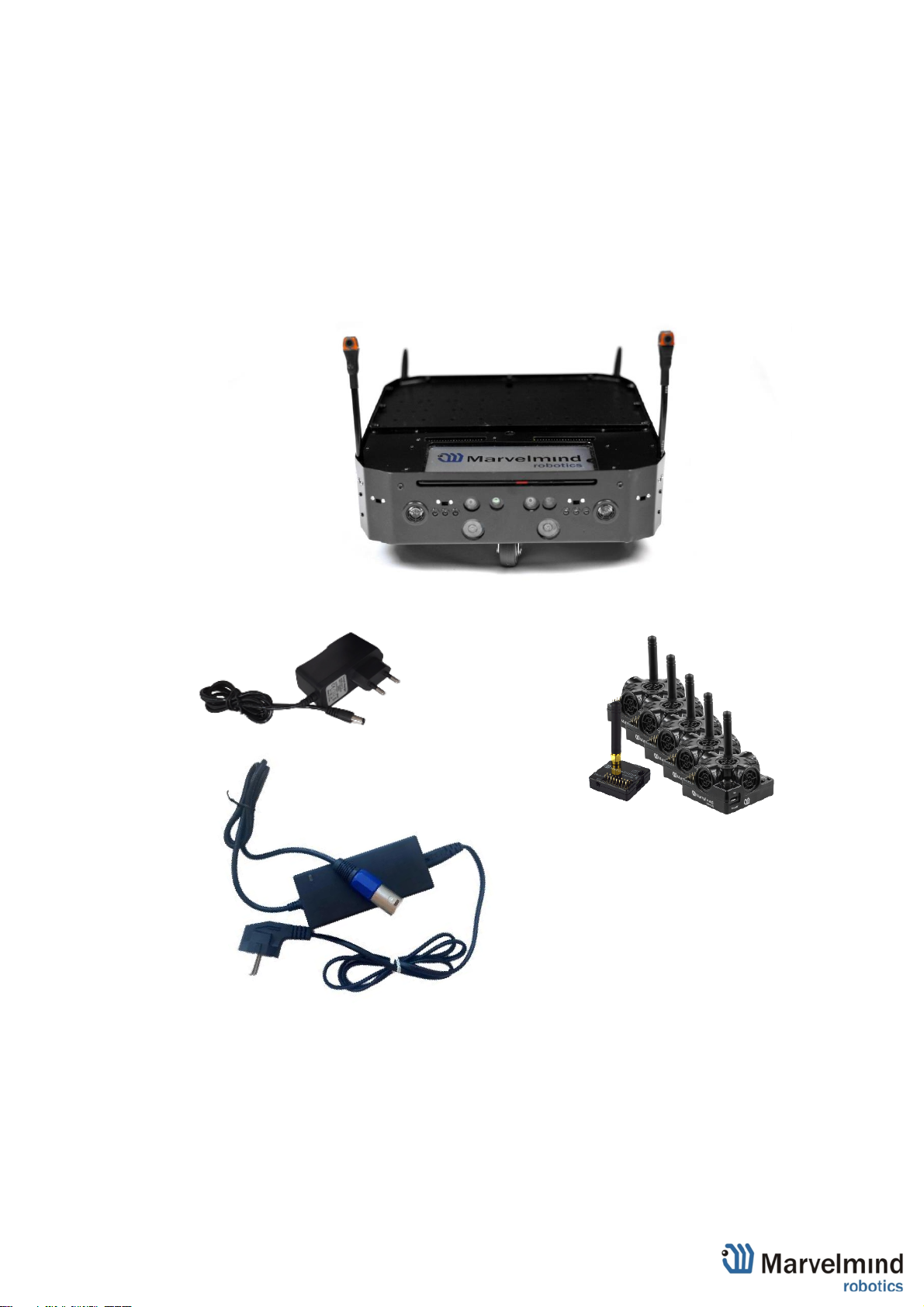
2.3 Advanced configuration
- Robot Boxie
- Charger 1A
- Hi-current Marvelmind charger (5A)
- Extended warranty
- 5 x Super-Beacon
- 1 x Modem HW v.5.1
-
Table of contents
Other Marvelmind Robotics manuals