Marport NBTE V1 User manual
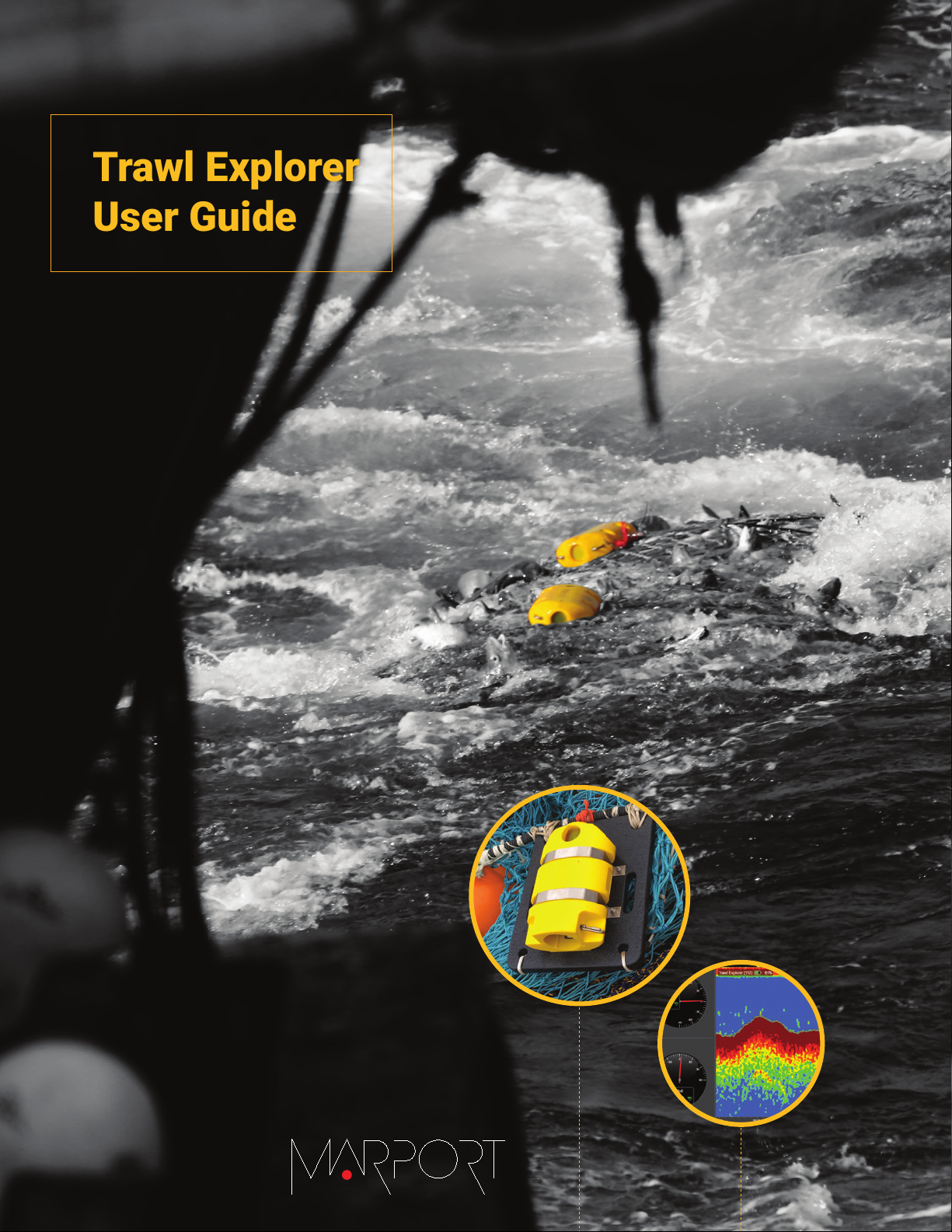
Trawl Explorer
User Guide


Contents | ii
Contents
Legal.................................................................................................4
History...........................................................................................................................................................................4
Copyright......................................................................................................................................................................5
Disclaimer.................................................................................................................................................................... 5
Introduction and Presentation..........................................................6
Introduction................................................................................................................................................................6
Applications.................................................................................................................................................................7
Safety Guidelines......................................................................................................................................................8
Description.................................................................................................................................................................. 9
Firmware..........................................................................................................................................................9
Technical Specifications............................................................................................................................ 9
Main Parts......................................................................................................................................................11
Operational Mode Indicator................................................................................................................... 12
Installation Steps.................................................................................................................................................... 13
Sensor Configuration...................................................................... 14
Installing Mosa2......................................................................................................................................................14
Connecting the Sensor to Mosa2......................................................................................................................15
Sounding Modes......................................................................................................................................................18
Configuring the Uplink, Up and Down Settings....................................................................................... 19
Uplink..............................................................................................................................................................19
Up/Down Soundings..................................................................................................................................19
Target Strength........................................................................................................................................... 21
About Time Variable Gain...................................................................................................................................22
Configuring Measurement Sending Sequence and True Mode.............................................................23
Selecting A1 Board Orientation.........................................................................................................................24
Canceling the Ringing..........................................................................................................................................25
Configuring the Uplink Power..........................................................................................................................28
Testing Measures...................................................................................................................................................28
Exporting Sensor Configuration Settings for Record Keeping.............................................................29
Exporting Sensor Configuration Settings for the Receiver....................................................................30
System Configuration and Display.................................................. 32
Adding the Sensor to the Receiver..................................................................................................................32
Adding the Sensor with a Configuration File................................................................................. 32
Adding the Sensor Manually.................................................................................................................34
Adding the Sensor to the Receiver......................................................................................... 34
Configuring the Sensor Settings..............................................................................................35
Configuring the Sensor Display on Scala/Scala2....................................................................................... 37
Contents | iii
Installation......................................................................................41
Installing a Trawl Explorer on the Trawl.....................................................................................................41
Maintenance and Troubleshooting................................................. 44
Interference Check.................................................................................................................................................44
Spectrum Analyzer Display................................................................................................... 44
Checking Noise Interference................................................................................................. 45
Checking Noise Interference.................................................................................................46
Charging the Sensor.............................................................................................................................................49
Cleaning the Sensor.............................................................................................................................................. 50
Maintenance Checklist..........................................................................................................................................51
Troubleshooting......................................................................................................................................................52
Mosa2 does not open due to error message...................................................................................52
Sensor cannot connect in wireless connection.............................................................................. 52
Sensor does not connect correctly with Mosa2 when using the Configuration
Cable...........................................................................................................................................................53
Data in Scala/Scala2 is wrong.............................................................................................................. 54
Echogram is fixed and blue...................................................................................................................54
Pitch and Roll are wrong........................................................................................................................55
Support Contact......................................................................................................................................................56
Appendix.........................................................................................57
Frequency Plan........................................................................................................................................................57
Index................................................................................................................ 62
Trawl Explorer | V7 | Legal
Legal
History
V1 05/09/17 First release
V2 03/09/18
New topics:
•About Time Variable Gain on page 22
•Canceling the Ringing on page 25
•Frequency Plan on page 57
V3 07/06/18
• New troubleshooting topic: Sensor cannot connect in wireless connection on
page 52
•Interference Check on page 44: more information about Spectrum page.
V4 11/30/18
•Frequency Plan on page 57: drawings have been changed, frequencies
are now allocated between 34 kHz and 36 kHz and frequency ranges of
narrowband and wideband hydrophones are indicated.
V5 07/16/20 Now documents Mosa2 version 02.03, Scala version 01.06.34 and Scala2
version 02.02.
V6 03/08/21
• Now documents Mosa2 version 02.07.
•Connecting the Sensor to Mosa2 on page 15: added guidance on how to
connect sensor to Mosa2 using the Configuration Cable product.
• Added troubleshooting topic: Sensor does not connect correctly with Mosa2
when using the Configuration Cable on page 53
• Added specifications for the mini Trawl Explorer in Technical Specifications
on page 9 and Main Parts on page 11.
•Added details on the Down 1 + Down 2 sounding mode in Configuring the
Uplink, Up and Down Settings on page 19.
• Added contact details for the sales offices in South Africa and Norway in
Support Contact on page 56.
V7 07/05/21
• Now documents Scala2 version 02.04 and Mosa2 version 02.07.
• Replaced term Configuration Plug by Configuration Cable.
•Connecting the Sensor to Mosa2 on page 15: Updated distance between
other electrical devices and the computer: 1 m instead of 50 cm.
| 4

Trawl Explorer | V7 | Legal
Copyright
© 2021 Marport. All Rights reserved.
No part of this document may be reproduced, stored in a retrieval system or transmitted in any
form by any means; electronic, mechanical, photocopying or otherwise, without the express
written permission from Marport. “Marport”, the Marport logo and Software Defined Sonar are
registered trademarks of Marport. All other brands, products and company names mentioned
are the trademark and property of its respective owners only. Marport is a division of Airmar
Technology Corporation.
Disclaimer
Marport endeavors to ensure that all information in this document is correct and fairly stated, but
does not accept liability for any errors or omissions.
The present user guide is applicable for the following versions:
• Scala: 01.06.06-01.06.34 / Scala2: 02.04
• Mosa2: 02.07
Patents apply to products. U.S. Patents 9,772,416; 9,772,417
| 5
Trawl Explorer | V7 | Introduction and Presentation
Introduction and Presentation
Read this section to get a basic knowledge of your Trawl Explorer sensor.
Tip: Click Marport logo at the bottom of pages to come back to the table of contents.
Introduction
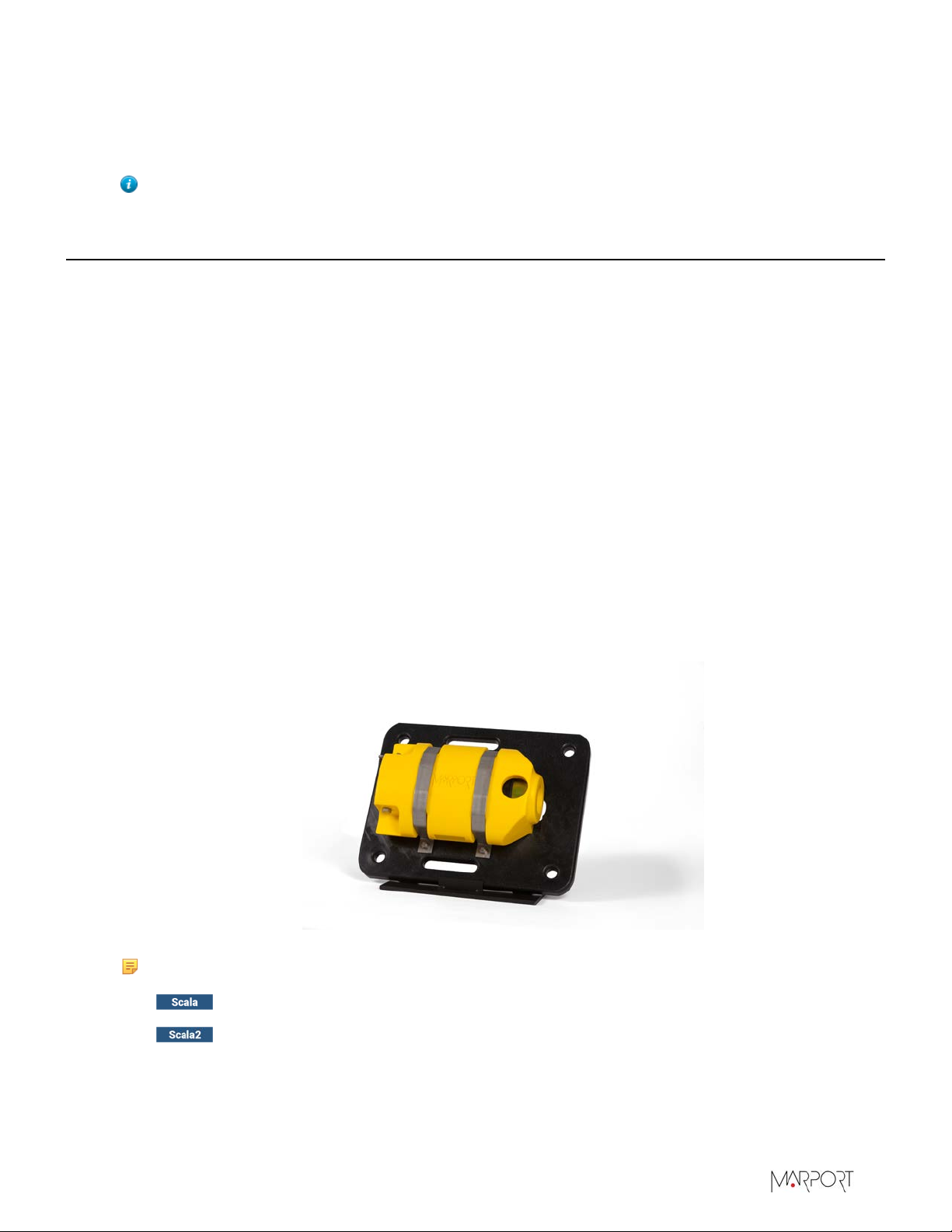
Marport’s Trawl Explorer is your eye on the fishing gear. This sounder can be placed on your trawl
headrope or tunnel in order to send useful information to the wheelhouse.
Thanks to the sounder you will see:
• On the echogram, the trawl opening and fish entering the net.
• Also on the echogram, the distance between the footrope and seabed to see if the gear touches
the bottom.
• Depth data
• Temperature data
• Pitch and roll data
• Distance from the sensor to the seabed or footrope
The Trawl Explorer can adapt to different types of fishing methods. For example, you can fully
configure the sounding modes in accordance with your fishing method to have optimum results.
On the latest version of Trawl Explorer, the echogram displays target strength values that helps
you to identify fish.
Note:
These labels tag topics or actions that are specific to Scala and/or Scala2.
Depending on the version you have, you may follow either one of these labels.
| 6


Trawl Explorer | V7 | Introduction and Presentation
Safety Guidelines
Important: To ensure proper and safe use of this equipment, carefully read and follow the
instructions in this manual.
Basic good practices
When using the product, be careful: impacts can cause damage to the electronic components inside.
Never place the product in a hazardous and/or flammable atmosphere.
Product installation and use
Install and use this product in accordance with this user manual. Incorrect use of the product may
cause damage to the components or void the warranty.
Only qualified Marport dealers can do maintenance and repairs on internal components of the
sensors.
Precautions
Warning: In case of water ingress in the product, do not charge it: battery may vent or
rupture, causing product or physical damage.
| 8
Trawl Explorer | V7 | Introduction and Presentation
Description
Firmware
There are three versions of the Trawl Explorer. Each version has a different firmware (called NBTE)
and different features.
NBTE V1 NBTE V2 NBTE V3
Name of firmware FIRM121 FIRM126 FIRM128
Autorange feature no yes yes
Target strength on echograms no no yes
Technical Specifications
Uplink frequency 30 to 60 kHz
Range to vessel up to 2500 m*
Sounder broadband frequency Configurable between 120-210 kHz
Sounder range V1/V2 5 to 80 m - V3 5 to 160 m
Data update rate Depth: 1-8 sec. - Temp/Battery/Height/Pitch&Roll:
every 6 sec.
Echogram update rate V1 up to 1 image/second - V2/V3 up to 3 images/second
Pitch angle ±90°
Roll angle V1 ±90°; V2, V3 ±180°
Pitch & roll accuracy ±0.1°
Depth resolution 0.1m with 0.1% accuracy
Temp measurement range -5° C to +25° C
Temp accuracy ±0.1° C
Battery type Lithium-Ion
Typical battery life: 30-75 hours (up to approx. 35 hours for the mini Trawl
Explorer) †
Standard: 8-12 hours ‡
Charging time Fast Charge: 4 hours
Weight in air (with housing) • Standard : 16 kg
• Mini : 5 kg
Weight In water (with housing) • Standard : 4,1 kg
• Mini : 0.9 kg
| 9
This manual suits for next models
2
Table of contents