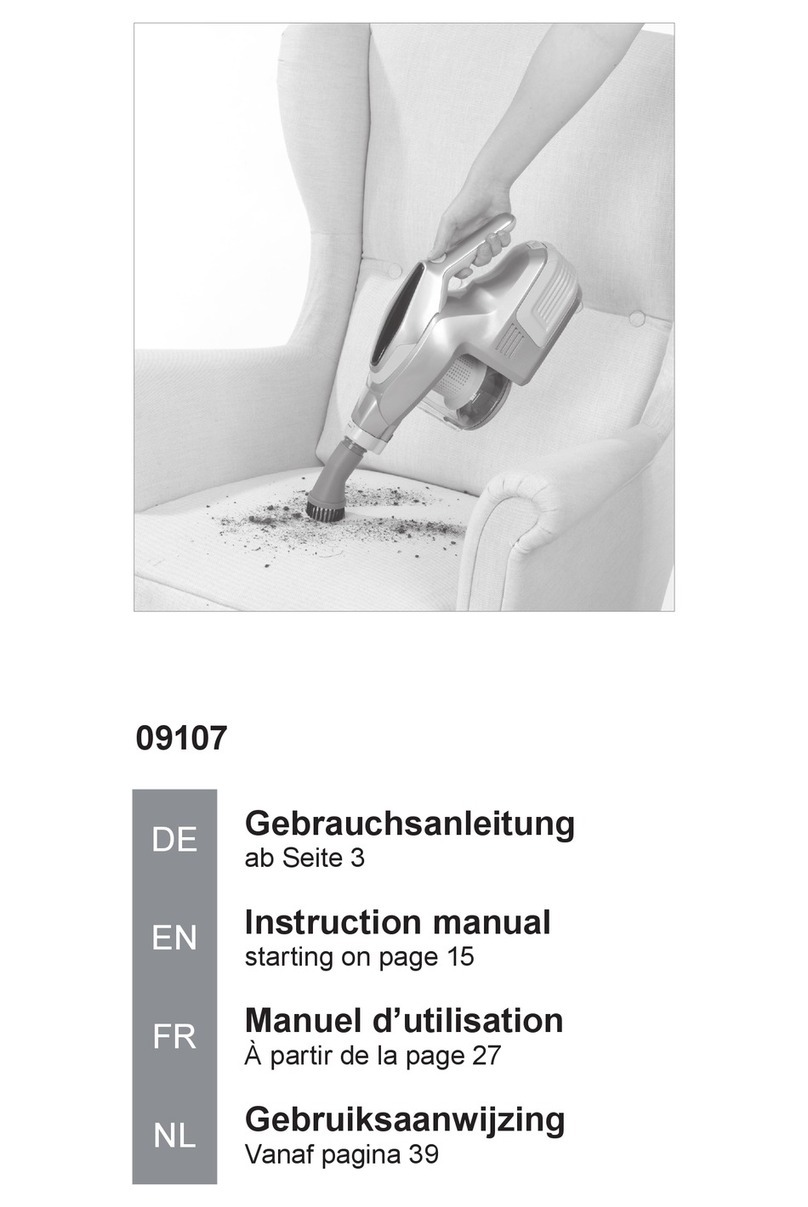
Logik L16VUR11 User manual

Bagless Upright
Vacuum Cleaner
Instruction Manual
L16VUR11
L16VUR11_IB_110927_Filter Frame.indd 1 27/09/2011 3:22 PM

L16VUR11_IB_110927_Filter Frame.indd 2 27/09/2011 3:22 PM

Contents
Unpacking..................................................................................................................................4
Overview ....................................................................................................................................5
Front View ............................................................................................................................................................. 5
Back View............................................................................................................................................................... 5
Getting Started ..........................................................................................................................6
Handle Release.................................................................................................................................................... 6
Using the Mains Cable Holders ..................................................................................................................... 6
How to Start ...............................................................................................................................7
Carpet Height Adjustment........................................................................................................8
Suggested Pile Height Setting....................................................................................................................... 8
Suggested Settings............................................................................................................................................ 8
Removing and Emptying the Dust Tank ..................................................................................9
Cleaning the HEPA Dust Tank Filter .......................................................................................10
Cleaning the HEPA Filter Frame..............................................................................................11
Changing and Cleaning the Pre-motor Filter ........................................................................12
Changing and Cleaning the Exhaust Filter ............................................................................13
Cleaning the Dust Tank ...........................................................................................................14
Motor Thermostat....................................................................................................................15
Cleaning and Changing the Belt ............................................................................................16
Cleaning the Lower Hose ........................................................................................................17
Hints and Tips ..........................................................................................................................18
Specications...........................................................................................................................18
Safety Warnings.......................................................................................................................19
L16VUR11_IB_110927_Filter Frame.indd 3 27/09/2011 3:22 PM

The Main Unit Instruction Manual
(P.N.: L16VUR11-003)
Dust Tank Cover
(P.N.: 35029550001)
HEPA Filter
(P.N.: 35029550002)
Filter Sealing
(P.N.: 35029550003)
Unpacking
Remove all packaging from the unit. Retain the packaging. If you dispose of it please do so
according to local regulations.
The following items are included:
Thank you for purchasing your new Logik Bagless Upright Vacuum Cleaner.
We recommend that you spend some time reading this instruction manual in
order to fully understand all the operational features it oers.
You will nd some hints and tips to help you resolve any issues.
Read all the safety instructions carefully before using vacuum cleaner and keep
this manual for future reference.
If items are missing or damaged, please contact Partmaster (UK only).
Tel: 0844 800 3456 for assistance.
HEPA Filter Frame
(P.N.: 35029550004)
Dust Tank
(P.N.: 35029550005)
4
L16VUR11_IB_110927_Filter Frame.indd 4 27/09/2011 3:22 PM

Dust Tank
Cover
HEPA Filter
HEPA Filter
Frame
Filter
sealing
Dust Tank
Trap Door
Product Overview
Front View Back View
1. Extendable Handle
2. Carrying Handle
3. Main Body
4. Dust Tank Assembly Release Button
5. Carpet Height Adjustment Knob
6. Power Head
7. Belt Windows
8. Mains Cable Hook
9. On/O Switch
10. Mains Cable Holder
11. Mains Cable
12. Power Head Release Pedal
13. Handle Release Button
14. Lower Hose Blockage Clean Out
15. Dust Tank Assembly
CORD CUP
1
2
3
5
6
12
11
8
9
10
15
7
14
13
4
5
L16VUR11_IB_110927_Filter Frame.indd 5 27/09/2011 3:22 PM

Getting Started
Handle Release
Using the Mains Cable Holders
1. To quick release the mains cable, simply rotate the upper and lower mains cable holder
reverse direction to unwrap the mains cable. Hang the unwrapped mains cable to the
mains cable hook before using the vacuum cleaner.
CORD CUP
Mains Cable
Holder
CORD CUP
Mains Cable
Hook
2. To store the mains cable, make sure that the upper mains cable holder is in an upright
position, and the lower one in a downward position. Wrap the mains cable into place by
wrapping in a clockwise direction around at the lower mains cable holder rst. Don’t over
tighten the mains cable as this may cause damage to the mains cable.
CORD CUP
Handle
Release
Button
Before getting start, you may need to insert
the handle into the main unit. Push down
rmly until handle locks into place.
1. Press the handle release button, then lift the
handle to an upright position, the handle will lock
automatically.
2. To lower the handle, press the handle release button,
and lower the handle.
6
L16VUR11_IB_110927_Filter Frame.indd 6 27/09/2011 3:22 PM

How to Start
1. Turn the mains cable holder down reverse to release the mains cable.
2. Plug the mains cable into the mains socket.
3. Lift up the handle and then depress on the handle release pedal to release the unit.
Handle Release Pedal
4. Select the appropriate carpet height. (See carpet
height adjustment)
5. Switch the On/O Switch to the“I” position to turn
the vacuum cleaner on.
CORD CUP
On/O Switch
7
L16VUR11_IB_110927_Filter Frame.indd 7 27/09/2011 3:22 PM

Special care is required when vacuuming certain types of carpet or oor covering.
Always check the carpet or oor covering manufacturer’s recommended cleaning
instructions before vacuuming.
Carpet Height Adjustment
This upright vacuum cleaner can be used on multiple types of carpeting, bare oors or
upholstery. To select a pile height setting:
1. Make sure the unit is o and the unit at its upright position.
2. Set the handle to the vertical and locked position.
3. Release the unit by pressing handle release button.
4. Select a pile height setting by turning the carpet height adjustment knob to the desired
setting.
Carpet Height
Adjustment Knob
Suggested Pile Height Setting
You may need to choose a higher setting to make some jobs easier, such as vacuuming scatter
rugs and longer pile carpets.
Suggested Settings
PLUSH (HIGHEST): shag carpet, long pile, plush scatter rugs - medium to long pile.
BARE (LOWEST): short to medium pile, bare oors very low pile, bare oors. Place vacuum
cleaner in “PLUSH”setting when using attachments to prevent possible oor damage.
8
L16VUR11_IB_110927_Filter Frame.indd 8 27/09/2011 3:22 PM

To obtain the best result from your cleaner the dust tank needs to be cleaned
regularly, otherwise the airow and cleaning power will be reduced. When the
performance deteriorates it is necessary to clean the dust tank. Check if there are
any blockages in the accessories or tubes and follow the lter cleaning instructions
for optimum performance.
Removing and Emptying the Dust Tank
To reduce the risk of electric shock, the power cord must be disconnected
before removing the dust tank, dust tank lter, changing the lters or performing
maintenance/trouble shooting checks. The “Dust Tank” must always be emptied
when the dirt level reaches the“MAX” line on the dust tank to have the best
performance.
1. Press the dust tank assembly release. 2. To remove the dust tank assembly lift
it out from the vacuum cleaner using
the handle.
3. To empty the dust tank, open the trap
door by pressing the trap door release
button.
4. Close the trap door and return the
dust tank assembly back to the unit.
PL U S H BARE
Dust Tank
Assembly
Release
Trap Door
Release Button
Trap Door
9
L16VUR11_IB_110927_Filter Frame.indd 9 27/09/2011 3:22 PM

4. Alternatively, the HEPA lter may also be washed
by running it under the tap. We recommend that
you wash the lter once a week or when the suction
appears to have been reduced. Always allow 24 hours
for drying before inserting back into the vacuum
cleaner.
3. Vigorously tap the HEPA lter on a hard surface until
no more dust is can be seen falling out.
2. Remove the washable HEPA lter from the dust tank
by turning the cover anti-clockwise.
Cleaning the HEPA Dust Tank Filter
Please Note the washable HEPA dust tank lter will stop most of the tiniest dust
particles and airborne allergens from re-entering the air you breathe. In fact it stops
99.97% of all particles as small as 0.3 microns - many times smaller than a human
hair! Because of this incredible ltration performance, the HEPA dust tank lter will
quickly accumulate many ne dust particles inside the white lter folds that are
dicult to see but which will eventually block or reduce your suction power, if not
cleaned properly.
• The white material in the HEPA lter will discolor over time. This is NORMAL and
will NOT aect the performance of the lter.
• Never overll the dust tank. Remove dirt and clean the HEPA lter each time the
dust tank is emptied. Failure to keep the lter clean could result in the motor
becoming damaged.
1. To remove the HEPA lter, unlock and
remove the dust tank cover by turning the
cover anti-clockwise until the arrow on the
cover aligns with the arrow on the handle
and then lift the cover o.
HEPA
Filter
Unlock position
Lock position
10
L16VUR11_IB_110927_Filter Frame.indd 10 27/09/2011 3:22 PM
Table of contents
Other Logik Vacuum Cleaner manuals

Logik
Logik L185VC15E User manual

Logik
Logik L18VUR10 User manual

Logik
Logik L16VRP12 User manual

Logik
Logik L14VR12 User manual

Logik
Logik L252SV17E User manual

Logik
Logik L16VCR10 User manual

Logik
Logik L16VB10E User manual

Logik
Logik L16VB10 User manual

Logik
Logik LVC1600BME User manual

Logik
Logik L14VUR12 User manual