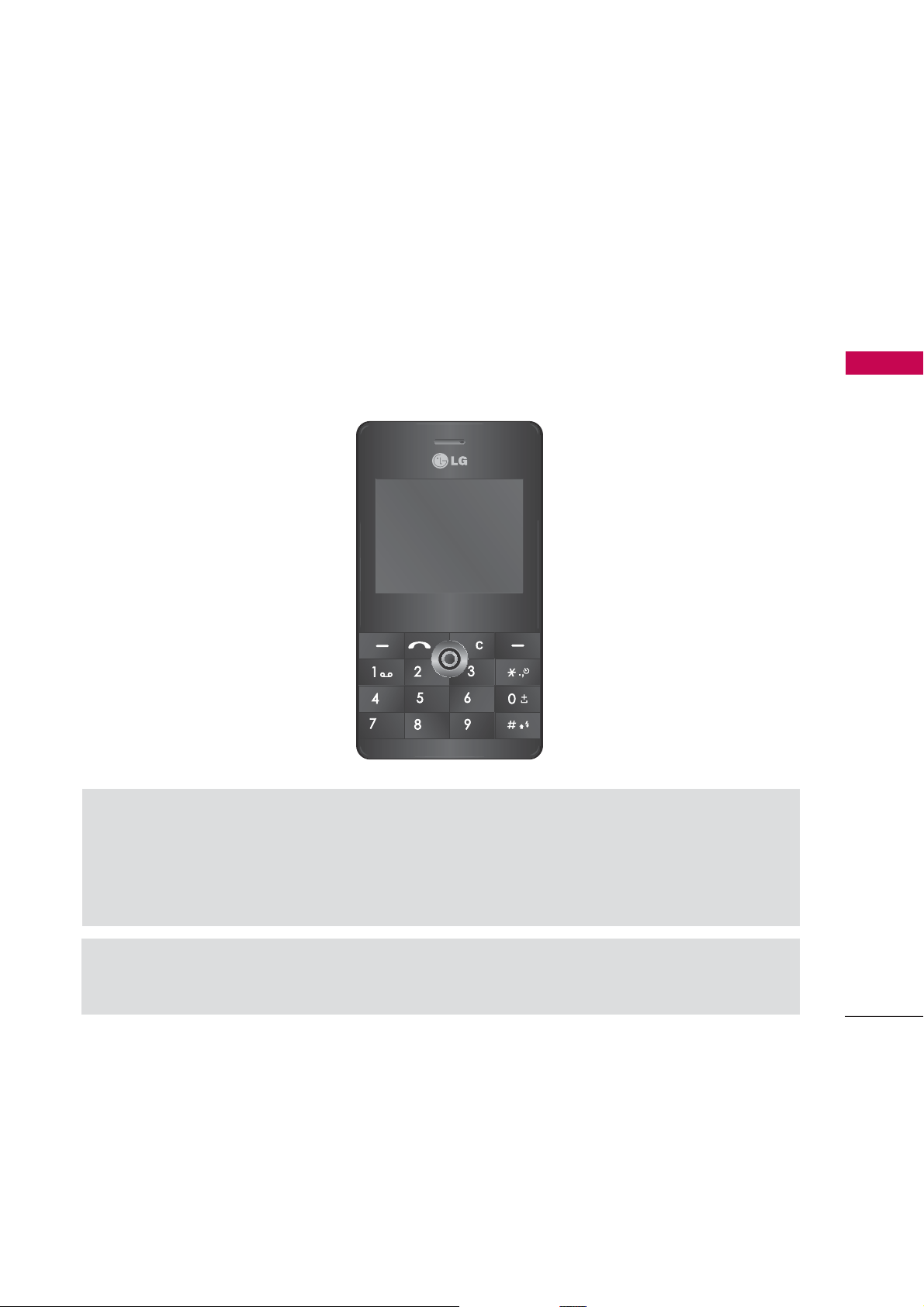
LG KE820 User manual

KE820
USER GUIDE
WE SHOULD INFORM USER THAT THIS MANUAL CAN HAVE
SOME DIFFERENCES FROM PHONE DEPENDING ON PHONE
S/W AND SERVICE PROVIDER.
Disposal of your old appliance
1.
When this crossed-out wheeled bin symbol is attached
to a product it means the product is covered by the
European Directive 2002/96/EC.
2. All electrical and electronic products should be
disposed of separately from the municipal waste
stream via designated collection facilities appointed
by the government or the local authorities.
3. The correct disposal of your old appliance will help
prevent potential negative consequences for the
environment and human health.
4. For more detailed information about disposal of your
old appliance, please contact your city office, waste
disposal service or the shop where you purchased the
product.
abc
def
jkl
ghi
mno
tuv
pqrs
wxyz

Contents
Introduction 7
Guidelines for safe and efficient use 10
KE820 Features 16
Part of the phone 16
Display information 21
On-Screen Icons 22
Installation 24
Installing the SIM card and the handset battery 24
Charging the Battery 27
Disconnecting the charger 28
General functions 29
Making a Call 29
Adjusting the Volume 30
Answering a Call 30
Entering Text 31
Selecting functions and options 37
In-Call Menu 38
During a Call 38
Conference Calls 40
Contents
2

3
Menu tree 42
Messaging 44
New message 44
Inbox 49
Email box 50
Drafts 51
Outbox 51
Sent 52
Voice mail 52
Info message 53
Templates 54
Settings 55
Call history 60
All calls 60
Missed calls 60
Dialled calls 60
Received calls 61
Call duration 61
Call costs 62
Data information 62
Contents

Contents
Contacts 63
Search 63
Add new 64
Caller groups 64
Speed dial 65
Own number 65
My business card 66
Settings 66
Multimedia 68
Camera 68
Video camera 71
MP3 player 72
Radio 77
Voice recorder 79
Karaoke 80
My stuff 82
Videos 82
Images 83
Sounds 84
Others 85
Games & Apps 86
Contents
4

5
External Memory 86
Browser 88
Home 89
Bookmarks 89
Go to URL 90
Settings 90
Tools 94
Favourites 94
Alarm clock 94
Calendar 94
Calculator 96
Memo 98
Tip calculator 99
Stop watch 99
Unit converter 99
World time 100
SIM-Menu 100
Profiles 101
Activate 101
Personalise 101
Rename 102
Contents

Contents
Settings 103
Date &Time 103
Power saving 103
Display 104
Calling 105
Security 109
Memory status 113
Reset setting 113
Accessories 114
Technical data 116
Contents
6

Introduction
7
Congratulations on your purchase of the advanced and compact KE820 cellular
phone, designed to operate with the latest digital mobile communication technology.
Introduction
abc
def
jkl
ghi
mno
tuv
pqrs
wxyz
This user’s guide contains important information on the use and operation of this
phone. Please read all the information carefully for optimal performance and to
prevent any damage to or misuse of the phone. Any changes or modifications not
expressly approved in this user’s guide could void your warranty for this equipment.
Using the magnetic lock case for folder type phones is caused some problems such
as self-power off, absence of network.

For Your Safety
Read these simple guidelines. Breaking the rules may be dangerous or illegal. Further
detailed information is given in this manual.
Warning
]Mobile Phones must be switched off at all times in an aircraft.
]Do not hold the phone in your hand while driving.
]Do not use your phone near petrol stations, fuel depots, chemical plants or
blasting operations.
]For your safety, use ONLY specified ORIGINAL batteries and chargers.
]Do not handle the phone with wet hands while it is being charged. It may cause an
electric shock or seriously damage your phone.
]Keep the phone in a safe place out of children’s reach. It includes small parts which
if detached may cause a choking hazard.
Caution
]Switch off the phone in any area where required by special regulations. For example,
do not use your phone in hospitals or it may affect sensitive medical equipment.
]Emergency call may not be available under all cellular networks. Therefore, you
should never depend solely on the phone for emergency calls.
]Only use ORIGINAL accessories to avoid damage to your phone.
For Your Safety
8

9
]All radio transmitters carry risks of interference with electronics in close proximity.
Minor interference may affect TVs, radios, PCs, etc.
]Batteries should be disposed of in accordance with relevant legislation.
]Do not dismantle the phone or battery.
For Your Safety

Other manuals for KE820
5
Table of contents
Other LG Phone manuals