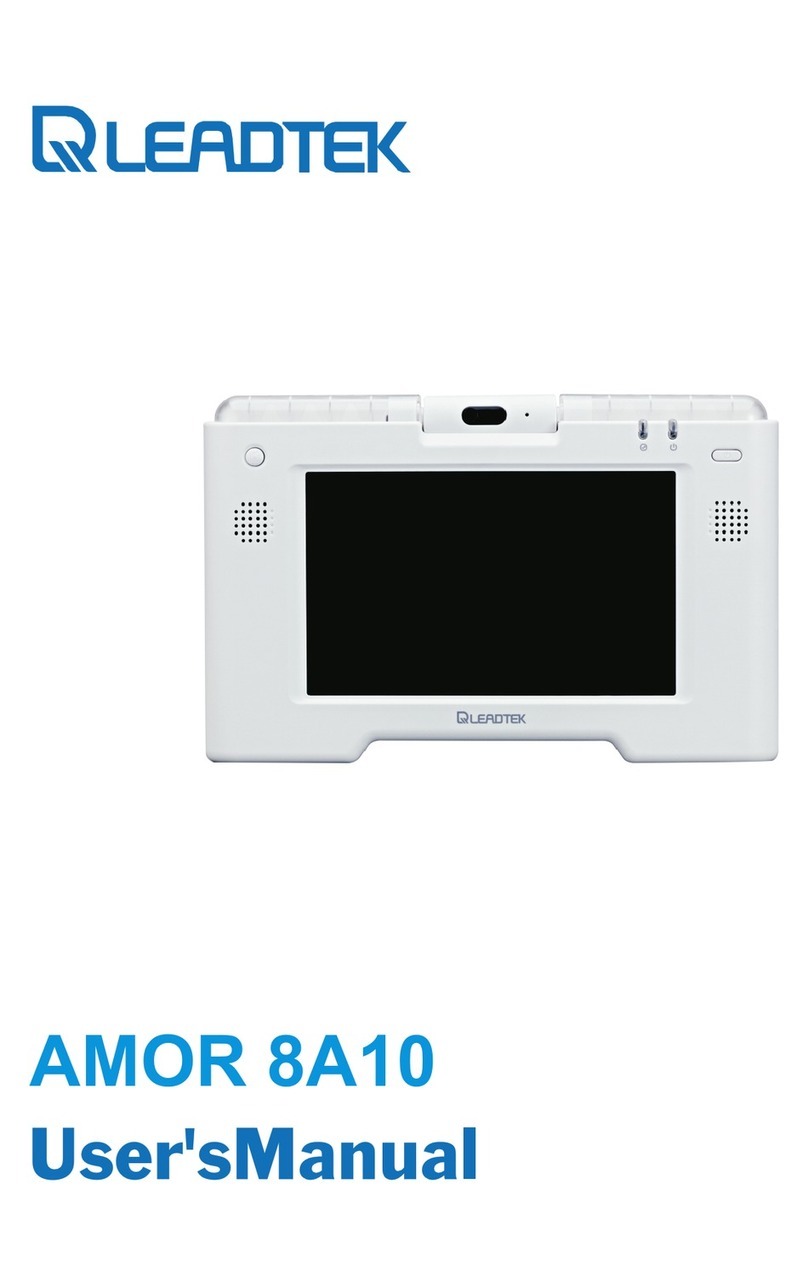
Leadtek LR 8882 H323 User manual

LR 8882 H323
VIDEOPHONE
USER'S MANUAL

LR 8882 H323 User's Manual
Version A
July 2005 P/N: W0501005
International Headquarters
18th Fl., 166, Chien-Yi Rd., Chung Ho, Taipei Hsien, Taiwan (235)
Phone: +886 (0)2 8226 5800 Fax: +886 (0)2 8226 5801
United States Headquarters
46732 Lakeview Blvd., Fremont, CA 94538, U.S.A.
Phone: +1 510 490 8076 Fax: +1 510 490 7759
http://www.leadtek.com
Europe Headquarters
Phone: + Fax: +
http://www.leadtek.nl
Antennestraat 16 1322 AB, Almere, The Netherlands
31 (0)36 536 5578 31 (0)36 536 2215
Copyright 2005 Leadtek Research Inc. All rights reserved.
No part of this document may be copied or reproduced in any form or by any means without the prior written
consent of Leadtek Research Inc.
Leadtek makes no warranties with respect to this documentation and disclaims any implied warranties of
merchantability, quality, or fitness for any particular purpose.The information in this document is subject to
change without notice. Leatek reserves the right to make revisions to this publication without obligation to notify
any person or entity of any such changes.
Trademarks or brand names mentioned herein are trademarks or registered trademarks of their respective owners.

Table of Contents
1 Getting Started ............................................................. 1
Overview ........................................................................ 1
Feature highlights ........................................................... 1
Hardware specifications ................................................. 2
LED status ........................................................................ 2
Network connection(modem)............................................ 3
Video input........................................................................ 3
Video output...................................................................... 3
Audio input ...................................................................... 3
Audio output..................................................................... 3
VideoPhone LR 8882 H323 packaging description ....... 4
2 What's In The Package ............................................... 5
3 Getting to Know Your LR 8882 H323 ....................... 6
Front view ...................................................................... 6
LEDs................................................................................ 9
Rear view ..................................................................... 11
Side view ...................................................................... 11
4 Installation ................................................................. 12
Installing the unit .......................................................... 12
Using external devices (Optional) ................................ 14

Table of Contents
5 System Setup ................................................................ 15
ADSL/Constant ADSL/Single, Public, & Fixed IP ...... 16
When the IP is used exclusively by LR 8882 H323 ................... 16
ADSL/Constant ADSL/Multiple, Public, & Fixed IP ... 17
When LR 8882 H323 uses one of the IPs
(without a DHCP server connected) ........................................ 17
ADSL/Timing ADSL/Single, Public, & Dynamic IP.... 18
When the ADSL is used exclusively by LR 8882 H323 ........... 18
Cable/Single, Public, & Dynamic IP............................. 19
When the IP is used exclusively by LR 8882 H323 .................. 19
LAN/No Firewall or NAT ............................................ 20
With a DHCP server connected ............................................... 20
Without a DHCP server connected .......................................... 21
LAN/Firewall with Packet Filter .................................. 22
With a DHCP server connected ................................................ 22
Without a DHCP server connected ........................................... 23
LAN/Firewall with NAT & Packet Filter ...................... 24
With a DHCP server connected ................................................ 24
Without a DHCP server connected ........................................... 25
6 Making a Call ............................................................. 26
Before making a video call ........................................... 26
Making a video call ...................................................... 27
7 Using OSD Menus ...................................................... 28
Outbox ......................................................................... 28
Network Setup ............................................................. 29
Bandwidth ..................................................................... 29
IP Setup ........................................................................... 30
NAT Setup ....................................................................... 31
GK Setup ......................................................................... 32
Missed Calls ................................................................. 33

Table of Contents
Phonebook .................................................................... 34
Add ................................................................................. 34
List ................................................................................. 35
Edit contact .......................................................................... 35
Delete contact ...................................................................... 36
Make call ............................................................................ 36
InBox ............................................................................ 37
Phone Setup .................................................................. 38
Time Setup ...................................................................... 38
Language Setup ............................................................... 39
Software update .............................................................. 40
Return default ................................................................ 41
Calls Setup .................................................................... 42
Communication mode ..................................................... 42
Caller ID ......................................................................... 43
T.140 .............................................................................. 44
Auto answer .................................................................... 45
Auto answer rings ........................................................... 46
Information .................................................................. 47
8 OSD Menu Tree ........................................................... 48
9 Trouble Shooting ......................................................... 49
10 Tech Support ............................................................... 50
11 Limited Warranty ....................................................... 51
12 FCC Statement ............................................................ 52

Overview
The LR 8882 H323 is designed to avoid complicated installation. And with
the buttons on the keypad, you are able to access the user-friendly on screen
display menu (OSD), easily control the functions and make adjustments.
The LR 8882 H323 has a built-in high quality CCD camera and an active
matrix liquid crystal display. Images are transmitted through the Internet at
up to 24 frames per second (fps) (@ CIF resolution). While making a video
call, you can enjoy the brilliant real-time color images of yourself, your
correspondents or both. If you do not want your image to display on the
caller or receiver's screen. The LR 8882 H323's private mode can do just that.
The LR 8882 H323 is fully compliant with H323 V4 SIP (Session Initiation
Protocol) international standards for video communication. It can be used
with any video phone that are compatible with this standard.
Feature highlights:
Broadband IP address videophone
Connect the other videophone by simply entering the phone number
Built-in high quality CCD camera with cover protection
High quality 5" TFT LCD display
Friendly and easy operation through keypads
Phonebook dialing function
1 set of A/V input/output for large display of additional video/audio input
& output
Up to 24 frames per second video display (@ CIF resolution)
Video selectable and picture image up to VHS quality
Echo-cancellation and no delay high quality audio
Built-in 2-port switch to connect two LANs (The default port is the one
with red line marking)
1Getting Started
1

LED Status
VideoPhone LR 8882 H323 is ON and in standby mode
The " " LED is on permanently.
Video connection indication
If the video connection is establish, the Video LED turns on.
When the video connection terminates, this Video LED turns off.
En Service
Hardware Specifications
LR 8882 H323 User's Manual 2

Network connections(modem)
The system is connected to an external ADSL modem. The characteristics
are:
·
Video Input
The video inputfeatures are:
·Internal CCD camera
·Focal length is adjustable to cover 2.5 meters wide at a distance of 3
meters
·Focus(rotation of lens) is manually controlled by the end user
·Capability to adjust brightness and contrast. These parameters
are controlled via the roller
·Support for 1 Audio/Video input
Video Output
·Support for 1 Audio/Video
Audio Input
·
·
Audio Output
IP: 2 Ethernet ports (RJ-45) of 10/100 Mb/s, one of them with the red
line marking indicates that the Ethernet cable connector (in red color)
should be plugged into it.
output
The audio input features are:
The handset microphone
The built-in hands-free internal microphone
The user can adjust the sound volume with " " and " " keys on his
VideoPhone LR 8882 H323.
The audio is output to the VideoPhone LR 8882 H323 speaker (or handset
depends if the user is using the hands-free function).
3

VideoPhone LR 8882 H323 packaging description
The VideoPhone LR 8882 H323 package includes:
!LR 8882 H323 Videophone.
!VideoPhone LR 8882 H323 user manual.
!
!
!
!
A wired handset & cable.
Each set of power cord / power adaptor comes with a secure lock
mechanical design that is capable of connecting VideoPhone LR
8882 H323 tightly.
An ethernet cable is used to connect VideoPhone LR 8882 H323 to
an ADSL modem either directly or through a PLT (optional).
An A/V Convertible Cable which provides one pair of Audio/Video
input (with green ring near the connector) of RCA female
connectors and one pair of Audio/Video output (with red ring near
the connector) of RCA female connectors.
LR 8882 H323 User's Manual 4

2What's In The Package
The following is a summary of VideoPhone LR 8882 H323 accessories:
Handset x 1
Color: Dark Grey
Handset Cable x 1
Color: Black
Power Cord x1
Power Adapter x1
Color: Black
Length: 1600mm
Color: Black
Length: 1830mm
Audio/Video Convert Cable x 1 set
Color: Black
Length: 230+ -10mm
Connectors:
Mini-DIN 8(Male) x 1: Color: Yellow
RCA(Female) x 2: Color: Yellow
RCA(Female) x 2: Color: White
Ethernet Cable x1
Connectors:
Color: Beige
Color: Red
RJ-45 x 1
5
(Brown tags- A/V Input, Green tags- A/V Output)
Table of contents
Other Leadtek Telephone manuals