Kunbus PROFINET IRT Slave User manual

User Manual
Gateway PROFINET IRT Slave
DO0413R00 • 3/31/2022

KUNBUS GmbH Table of Contents
Gateway PROFINET IRT Slave ii
Table of Contents
1 General Information .................................................................................................................................... 3
1.1 Disclaimer ............................................................................................................................................. 3
1.2 Notes Regarding this User Manual ....................................................................................................... 3
1.3 Validity................................................................................................................................................... 3
1.4 Limitation of Liability.............................................................................................................................. 3
1.5 Customer Service.................................................................................................................................. 4
2 Safe Use ....................................................................................................................................................... 5
2.1 Intended Use......................................................................................................................................... 5
2.2 User....................................................................................................................................................... 5
2.3 Symbols ................................................................................................................................................ 5
2.4 Important safety instructions ................................................................................................................. 6
2.5 Environmental Conditions ..................................................................................................................... 6
2.6 Data Safety ........................................................................................................................................... 7
3 Overview ...................................................................................................................................................... 8
3.1 Functionality .......................................................................................................................................... 8
3.2 Control Elements................................................................................................................................... 9
3.3 Status LEDs .......................................................................................................................................... 12
4 Installation ................................................................................................................................................... 13
4.1 Preparations for Inteference-free Operation ......................................................................................... 13
4.2 Requirements........................................................................................................................................ 14
4.3 Connecting Gateway Components ....................................................................................................... 15
4.4 Installing a Gateway in the Control Cabinet .......................................................................................... 16
4.5 Connecting a Gateway to the Fieldbus ................................................................................................. 16
4.6 Connecting the Power Supply............................................................................................................... 17
5 Configuration............................................................................................................................................... 18
5.1 Supported Size of Process Data ........................................................................................................... 18
5.2 Setting Station Name ............................................................................................................................ 18
5.3 Exchanging Data Cyclically................................................................................................................... 18
5.4 Exchanging Data Acyclically (Records) ................................................................................................ 21
5.4.1 I&M Data .................................................................................................................................... 22
5.4.2 Diagnosis Alarm......................................................................................................................... 23
6 Integrated Servers....................................................................................................................................... 24
6.1 FTP-Server............................................................................................................................................ 24
6.2 Webserver............................................................................................................................................. 24
6.3 Firmware Update................................................................................................................................... 25
7 Technical Data ............................................................................................................................................. 36

Gateway PROFINET IRT Slave 3
1 General Information
1.1 Disclaimer
© 2022 KUNBUS GmbH, Denkendorf (Germany)
The contents of this document have been prepared by KUNBUS GmbH with the utmost care. Due
to technical developments, KUNBUS GmbH reserves the right to change or replace the contents
of this document without prior notice. You can always obtain the current version of the user
manual on our homepage: www.kunbus.de
KUNBUS GmbH shall be liable exclusively to the extent specified in General Terms and
Conditions (www.kunbus.de/agb.html).
The contents published in this document are protected by copyright. Any reproduction or use for
the user’s in-house requirements is permitted. Reproduction or use for other purposes is not
permitted without the express, written consent of KUNBUS GmbH. Contraventions shall result in
compensation for damages.
Trademark Protection
KUNBUS is a registered trademark of KUNBUS GmbH
Windows® and Microsoft® are registered trademarks of Microsoft Corp.
KUNBUS GmbH
Heerweg 15 C
73770 Denkendorf
Germany
www.kunbus.com
1.2 Notes Regarding this User Manual
This user manual provides important technical information that will enable you as a user to
integrate the Gateways into your applications and systems efficiently, safely and conveniently. It
is intended for trained, qualified personnel, whose sound knowledge in the field of electronic
circuits and expertise of PROFINETis assumed.
As an integral part of the product, the information provided here should be kept and made
available to the user.
1.3 Validity
This document describes the application of the KUNBUS Gateway Module with the product
number:
– PR100074, release 05
1.4 Limitation of Liability
Warranty and liability claims will lapse, if:
– the product has been used incorrectly,
– the product is damaged due to non-observance of the operating manual,
General Information

Gateway PROFINET IRT Slave 4
– damage is caused by inadequately qualified personnel,
– damage is caused by technical modification to the product (e.g. soldering).
1.5 Customer Service
If you have any questions or suggestions concerning this product, please do not hesitate to contact
us:
KUNBUS GmbH
Heerweg 15 C
73770 Denkendorf
Germany
www.kunbus.com
General Information

Gateway PROFINET IRT Slave 5
2 Safe Use
2.1 Intended Use
The modular gateway component is part of a gateway that can be combined with another
modular gateway component or a RevPi Core/Connect from KUNBUS as required.
The modular gateway component is designed to forward data from a specific protocol to a
controller or other gateway component.
No other purpose is intended. If you do not use the device as intended, damage to property and
personal injury may result.
2.2 User
The Gateway may only be assembled, installed and put into operation by trained, qualified
personnel. Before assembly, it is absolutely essential that this documentation has been read
carefully and understood. Expertise in the following fields is assumed:
– electronic circuits,
– Basic knowledge of PROFINET,
– work in electrostatic protected areas,
– locally applicable rules and regulations for occupational safety.
2.3 Symbols
The symbols used have the following meaning:
DANGER
Danger
Always observe this information!
There is a safety hazard that can lead to serious injuries and death.
CAUTION
Caution
There is a safety hazard that can result in minor injuries and material damage.
NOTICE
Note
There is a safety hazard that can result in material damage.
Safe Use

Gateway PROFINET IRT Slave 6
2.4 Important safety instructions
DANGER
Danger of explosion
The modular Gateway component do not meet the requirements of the ATEX directive. Therefore,
they are not suitable for use in potentially explosive environments.
a) Do not use the modular Gateway component in potentially explosive environments.
CAUTION
Electric shock
Switch off all voltages before assembly/disassembly.
a) Failure to observe this warning may result in personal injury.
CAUTION
The devices are „open equipment“ according to the Standard UL61010-2-201.
To fulfill requirements for safe operation with regard to mechanical stability, flame retardation, sta-
bility, and protection against contact, the following alternative types of installation are specified:
a) Installation in a suitable cabinet.
b) Installation in a suitable enclosure.
c) Installation in a suitable equipped, enclosed control room.
NOTICE
Incorrect connection of the power supply
Using an unsuitable power supply can destroy your modules and connected devices.
a) Use a power supply in the approved area for the base modules. The values for this can be
found in the technical data of your base module.
2.5 Environmental Conditions
Operate the device only in an environment that corresponds to the operating conditions in order to
prevent damage.
Suitable environmental conditions are:
Operating temperature -20 °C up to +55 °C
Humidity 93% (non-condensing)
NOTICE
This device is designed for indoor use only.
If you use the device outdoors, it may be destroyed.
a) Use the device indoors only.
Safe Use

Gateway PROFINET IRT Slave 7
2.6 Data Safety
Please note that the Gateway is not suitable for use in unprotected networks (e.g. the Internet).
Operate the Gateway a secured network:
a) Seal off your network so that no direct access via the Internet is permitted.
b) Immediately change the default password for the web server. Select a secure new password.
You can find current information on this at https://www.bsi.bund.de/EN/Home/
home_node.html.
c) Check our website regularly for the latest software security alerts and updates for your prod-
uct. Install the security updates provided by us.
If you do not follow these instructions, it is possible that your module data may be manipulated.
Safe Use

Gateway PROFINET IRT Slave 8
3 Overview
3.1 Functionality
The KUNBUS Gateway is a protocol converter. It allows communication between networks with
different protocols.
Illustration1: Functionality as a slave
A Gateway consists of 2 gateway components that master one specific protocol each. You can
combine these gateway components as you wish. This design offers you a high degree of flexibility,
since you can exchange the individual gateway components at any time. The following gateway
components are currently available as slaves:
– CANopen
– DeviceNet
– EtherCAT
– EtherNet/IP
– Modbus RTU
– Modbus TCP
– POWERLINK
– PROFIBUS
– PROFINET
– Sercos III
The gateway component for DMX can be operated as a master or slave.
In addition, you can combine the Gateway component with the RevPi Core and the RevPi Connect.
Overview

Gateway PROFINET IRT Slave 9
3.2 Control Elements
Front view
1
2
Illustration2: Front view
1 Status LEDs
2 Fieldbus connection
two RJ45 sockets for the connection to PROFINET
Overview

Gateway PROFINET IRT Slave 10
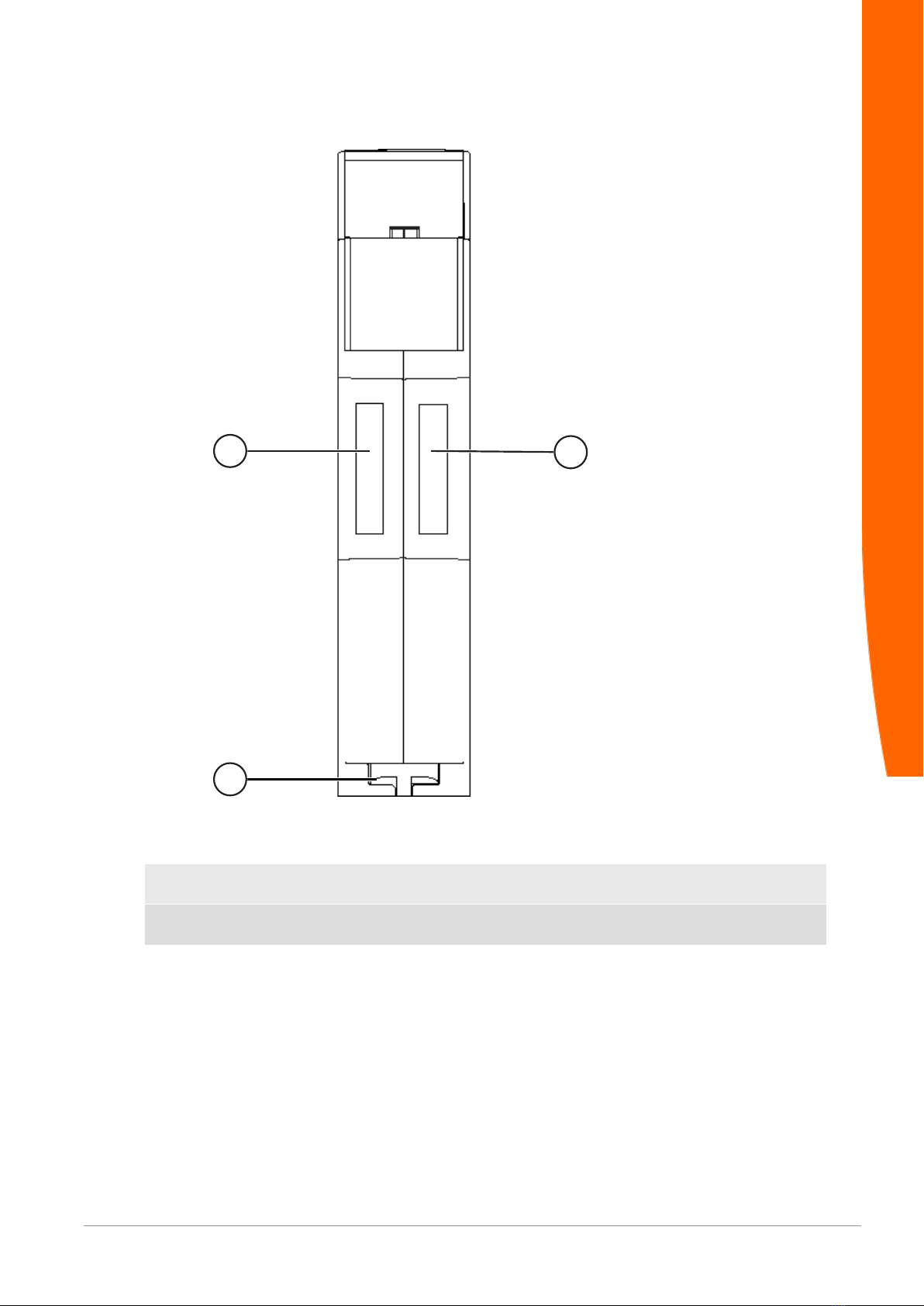
Top
11
2
Illustration3: Top
1 Interconnect ports
for interconnecting the gateway components.
2 Locking clamps
for securely attaching the gateway component to the DIN rail.
Overview
Table of contents
Other Kunbus Gateway manuals

Kunbus
Kunbus Sercos Series User manual

Kunbus
Kunbus FNL Series User manual

Kunbus
Kunbus FNL Series User manual

Kunbus
Kunbus PR100069 User manual

Kunbus
Kunbus PR100066 User manual

Kunbus
Kunbus PR100074 User manual

Kunbus
Kunbus PR100073 User manual

Kunbus
Kunbus XPS-E User manual

Kunbus
Kunbus PR100088 User manual
Popular Gateway manuals by other brands

LST
LST M500RFE-AS Specification sheet

Kinnex
Kinnex Media Gateway quick start guide

2N Telekomunikace
2N Telekomunikace 2N StarGate user manual

Mitsubishi Heavy Industries
Mitsubishi Heavy Industries Superlink SC-WBGW256 Original instructions

ZyXEL Communications
ZyXEL Communications ZYWALL2 ET 2WE user guide

Telsey
Telsey CPVA 500 - SIP Technical manual