Kiloview S2 User manual

,
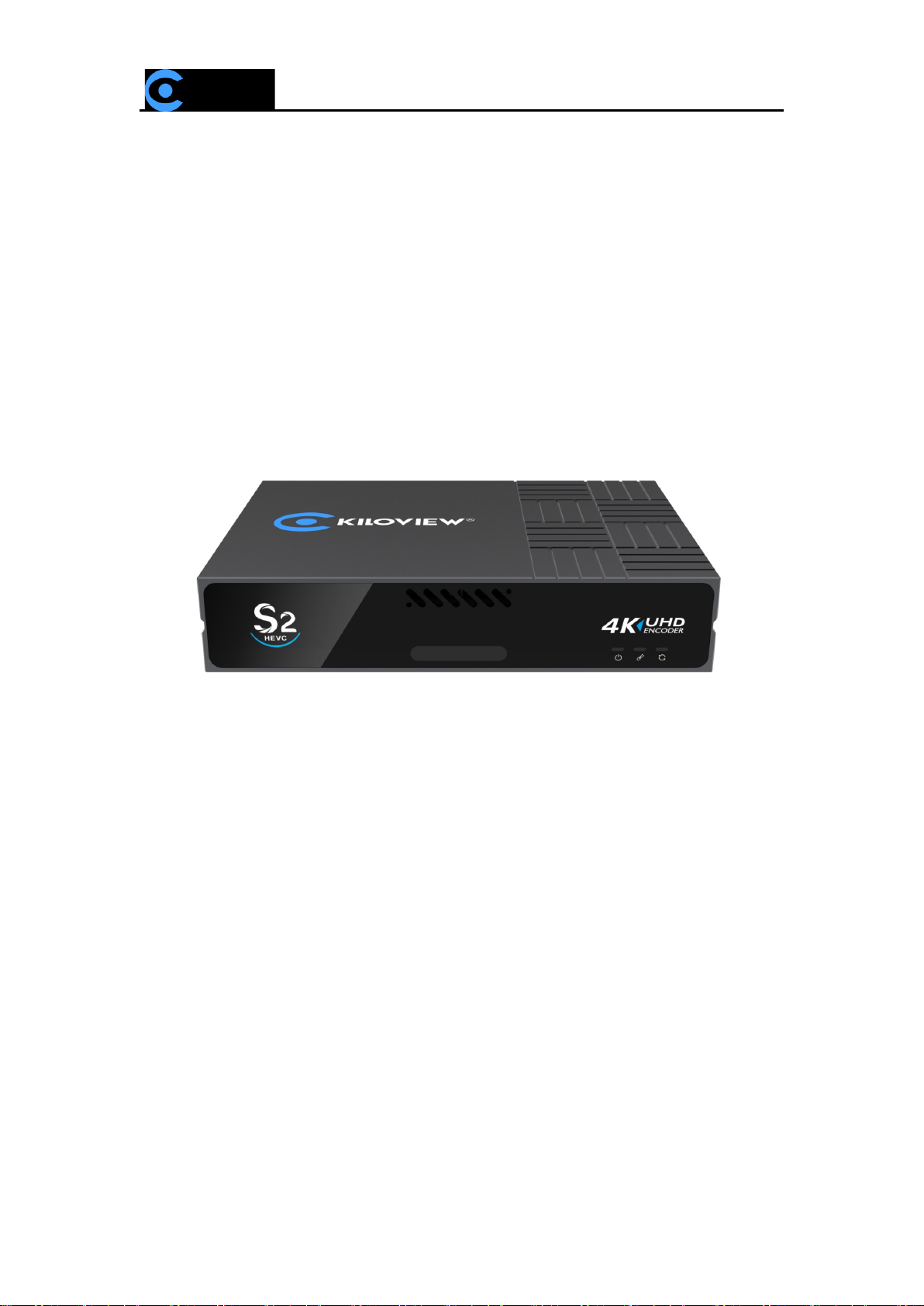
S2 HEVC 4K Video Encoder
USER MANUAL
KILOVIEW Electronics CO., LTD

Legal Notices
Subject to the receiving of this document from Changsha Kiloview Electronics Co., Ltd., (Hereinafter
referred to “Kiloview”), the following terms are understood and agreed. Or else, please stop using
this document.
This document is copyright of Kiloview, all rights reserved. The document covers the proprietary
information of the company. No company or individual may copy, transmit, distribute, use or disclose
the document and any images, forms, data and other information contained in the document without
the prior written permission of the company.
is the registered trademark of Kiloview. The name and logo are the trademarks or registered
trademarks of the company. Other products or company names mentioned in this document may be
the trademarks or registered trademarks of their respective owners. The reading of this document
without the prior written consent of the company or the third-party rights holder does not imply that
the reader is given any right to use any of the marks appearing in this document by implication, non-
evidence or otherwise.
This product complies with the design requirements related to environmental protection and personal
safety. The storage, usage and disposal of the product shall be in accordance with the product manual,
relevant contract or relevant national laws and regulations.
This document is provided "as is" and "only in this state". Products and technical updates are subject
to change without prior notice.
For matters not covered in this document, please visit our website www.kiloview.com for information
and technical support.

CONTENTS
1. Product Introduction........................................................................................................................................................1
1.1 Advantages ...............................................................................................................................................................1
1.2 Parameters ................................................................................................................................................................2
2 Operation Guidance ......................................................................................................................... 错误!未定义书签。
3 Device Interface Description ......................................................................................................... 错误!未定义书签。
3.1 Device Interface Description...............................................................................................................................3
3.2 Signal Indicator Light ..........................................................................................................................................5
4 Installation And Conection..............................................................................................................................................6
4.1 Video Signal Connection......................................................................................................................................6
4.2 Network Connection..............................................................................................................................................6
4.3 Power Connection ..................................................................................................................................................7
5 Login And Network Configuration...............................................................................................................................8
5.1 Device Login.............................................................................................................................................................8
5.2 Network Configuration.........................................................................................................................................8
5.2.1 Ethernet..........................................................................................................................................................8
5.2.2 Advanced Setting..................................................................................................................................... 10
6 Function Parameter Configuration.............................................................................................. 错误!未定义书签。
6.1 Status Column....................................................................................................................................................... 11
6.2 Audio & Video Encoding Setting................................................................................................................... 12
6.2.1 Audio And Video Signal Source Setting.......................................................................................... 12
6.2.2 Video Encoding Parameter................................................................................................................... 13
6.2.3 Audio Encoding Parameter................................................................................................................... 15

6.3 Text And OSD Overlay........................................................................................................................................ 17
6.3.1 Text Overlay................................................................................................................................................ 17
6.3.2 OSD Overlay............................................................................................................................................... 18
6.4Color Adjustment.................................................................................................................................................. 20
6.5 Image And Rotation............................................................................................................................................ 20
6.5.1 Horizontal Mirror ..................................................................................................................................... 20
6.5.2 Vertical Flip................................................................................................................................................. 20
6.2.3 Flip................................................................................................................................................................. 21
6.5 Video Cropping .................................................................................................................................................... 21
6.6 Serial port And PTZ............................................................................................................................................. 23
6.6.1 USB Expansion Port................................................................................................................................. 23
6.6.2 PTZ Setting................................................................................................................................................. 23
6.6.3 Control Panel............................................................................................................................................. 24
6.6 Local Recording.................................................................................................................................................... 25
6.7 NAS Storage .......................................................................................................................................................... 28
7 Streaming Service.............................................................................................................................. 错误!未定义书签。
7.1 NDI|HX..................................................................................................................................................................... 30
7.2 NDI Discovery Server ......................................................................................................................................... 31
7.3 RTSP.......................................................................................................................................................................... 33
7.4 SRT ............................................................................................................................................................................ 34
7.5 RTMP Pushing(Live Streaming)....................................................................................................................... 37
7.6 TS-UDP Pushing (Unicast And Multicast).................................................................................................... 38
7.7 HLS Streaming ...................................................................................................................................................... 40

8 User Management........................................................................................................................................................... 41
9 Location & Time Management................................................................................................................................... 41
10 System Setup.................................................................................................................................... 错误!未定义书签。
10.1 Language.............................................................................................................................................................. 42
10.2 Restore .................................................................................................................................................................. 42
10.3 Reboot................................................................................................................................................................... 42
10.4 Firmware Upgrade ............................................................................................................................................ 43

1
1. Product Introduction
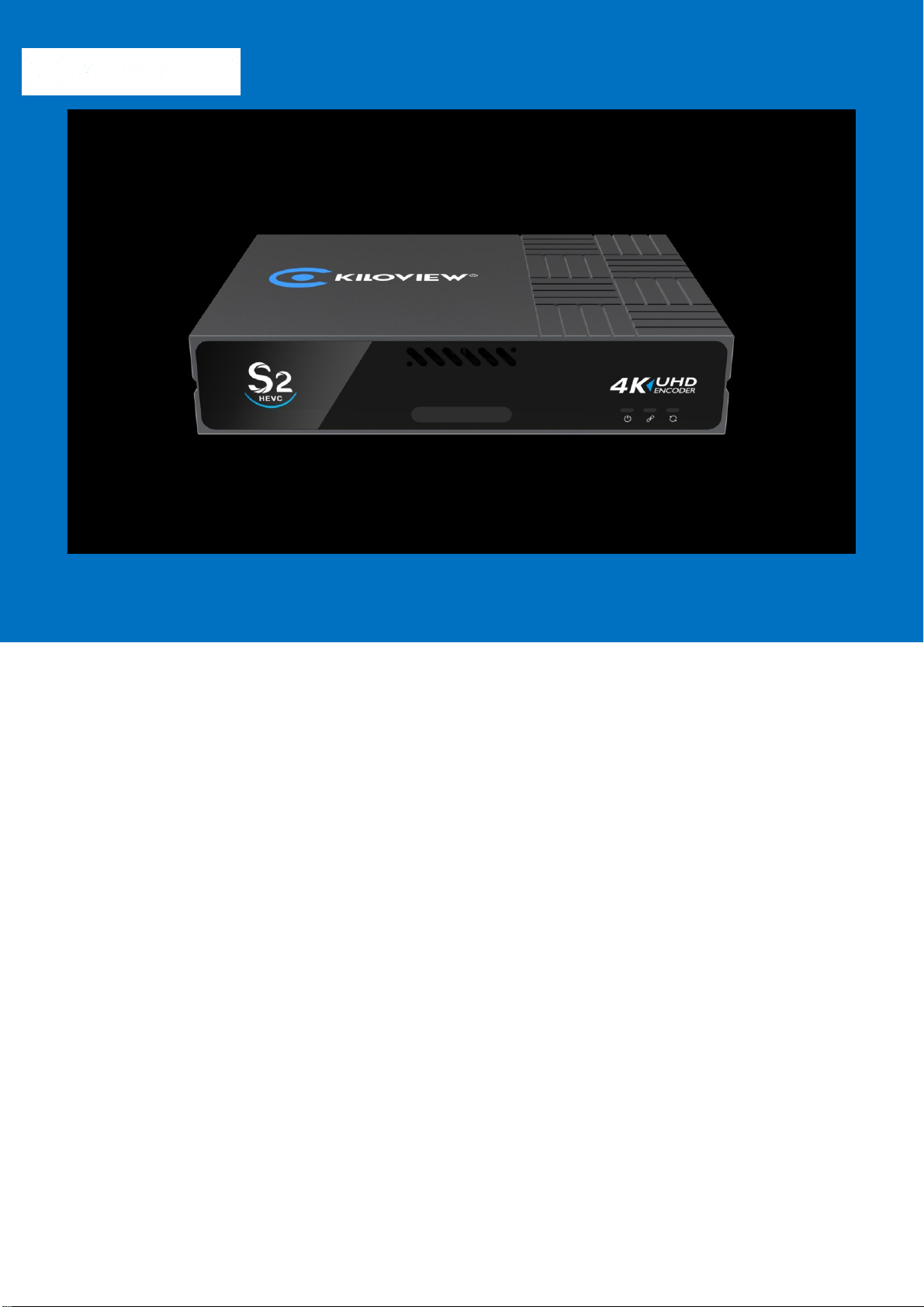
S2 is an UHD 4K HDMI video encoder, which supports up to 4Kp60 input and
H.265 (HEVC)/H.264 high-performance encoding with Gigabit wired network
transmission. Also, it supports the most common protocols including
NDI|HX/SRT/RTMP/RTMPS/HLS/UDP/RTSP, etc.
1.1 Advantages
UHD and low latency
⚫With H.265 HEVC encoding, S2 realizes lower encoding bitrate and save more
than 40% bandwidth comparing with H.264.
⚫Support 1000Mbps Ethernet port (with PoE).
⚫Low encoding latency less than 34ms.
⚫Resolution up to 4KP60Hz input supported.
⚫Support voice intercom (Workable with the deployment of intercom server)

2
1.2 Parameters
Model
S2
HDMI input
HDMI 2.0
Analog audio interface
1*3.5mm Line in
USB interface
USB2.0
Video interface
1 channel HDMI input,1 channel HDMI loop
Network
1000M Ethernet
POE
Support
Streaming protocols
NDI|HX/SRT/RTMP/HLS/TS-UDP
Video resolution input
Up to 4KP60
Video encoding
H.264/H.265
Encoding resolution
4KP30
Audio encoding
AAC/G7.11
Management method
Web management
Power
DC 12V/1A
Working temperature
-20℃~60℃

3
2. Operation Guidance
⚫Installation and connection
Connect the power, Ethernet cable and video input source correctly, power on
the device.
⚫Network connection and configuration
The simplest way is to access the unit via Ethernet through default IP address
(192.168.1.168) to login the WEB page for setting (default username and
password: admin/admin).
3. Device Interface Description
3.1 Device interface description

4
1. Tally
2. Status
Indicator
3. Power Switch
4. Power Port
5. 3.5mm Line In/Line
Out
6. HDMI Loop
7. HDMI Input
8. USB Expansion
Port

5
9. GbE port with PoE
10. Reset
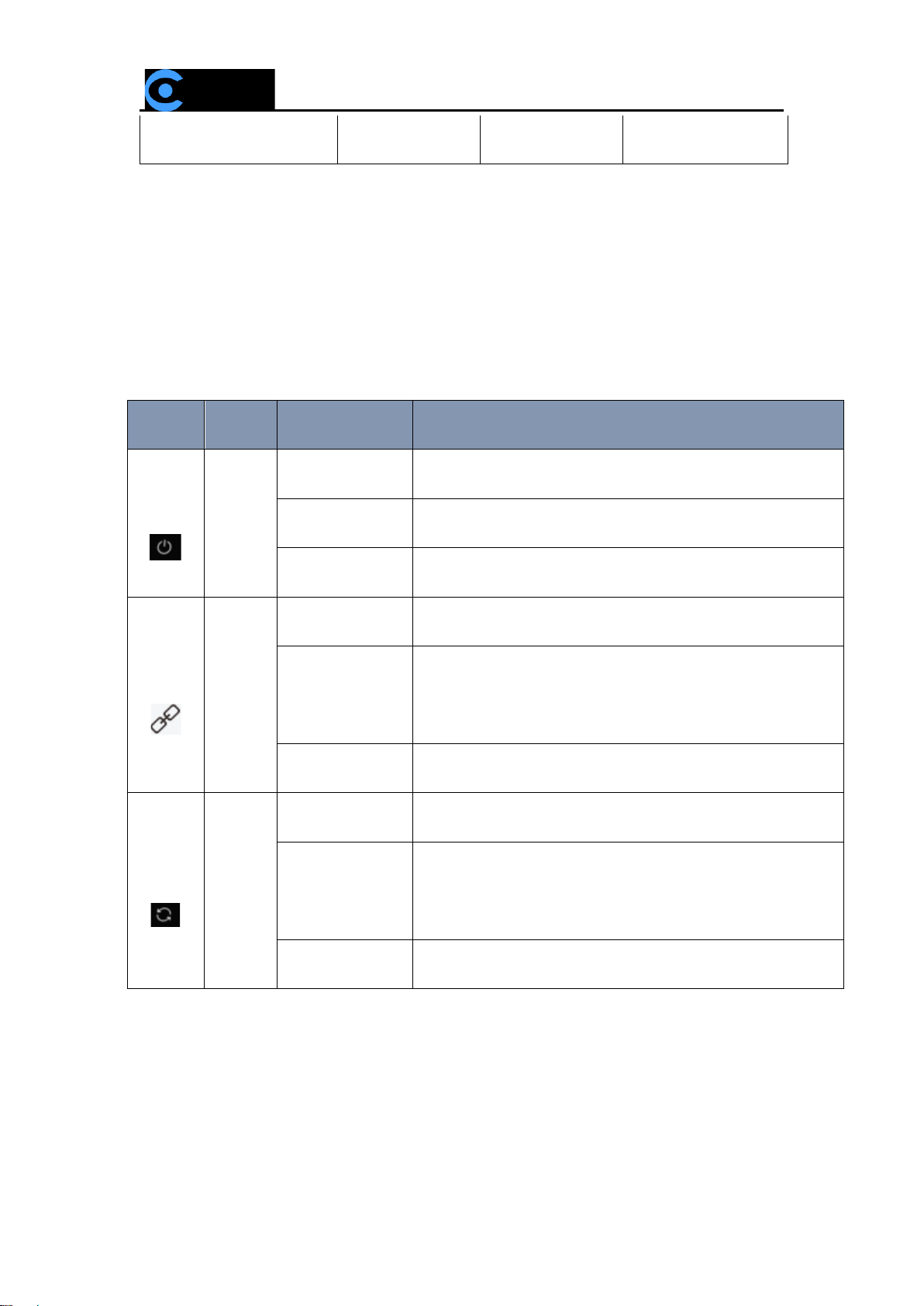
3.2 Signal indicator light
Name
Color
Status
Description
POWER
White
Always on
Power connected
Flashing
Power off or failure
Off
No power supplied or power failure
LINK
White
Quick flashing
Network connected
Slow flashing
Network connection abnormal or restore factory
setting indication (Run light will be flashing as well)
Off
Network disconnected or abnormal
RUN
White
Flashing
Working normally
Always on
Indication for device restore factory (Link light will
be flashing as well)
Off
Working abnormal or not start
Other manuals for S2
2
Table of contents
Other Kiloview Media Converter manuals

Kiloview
Kiloview S2 User manual

Kiloview
Kiloview G1-s User manual

Kiloview
Kiloview E3 User manual

Kiloview
Kiloview N3 User manual

Kiloview
Kiloview DC220 User manual

Kiloview
Kiloview N30 User manual

Kiloview
Kiloview G1-s User manual

Kiloview
Kiloview E1-s User manual

Kiloview
Kiloview DC220 User manual

Kiloview
Kiloview DC230 User manual

Kiloview
Kiloview N6 User manual

Kiloview
Kiloview D350 User manual

Kiloview
Kiloview MG300 User manual

Kiloview
Kiloview P Series User manual

Kiloview
Kiloview CV180 User manual

Kiloview
Kiloview DC220 User manual

Kiloview
Kiloview E3 User manual

Kiloview
Kiloview S2 User manual

Kiloview
Kiloview SRT User manual

Kiloview
Kiloview D350 User manual