
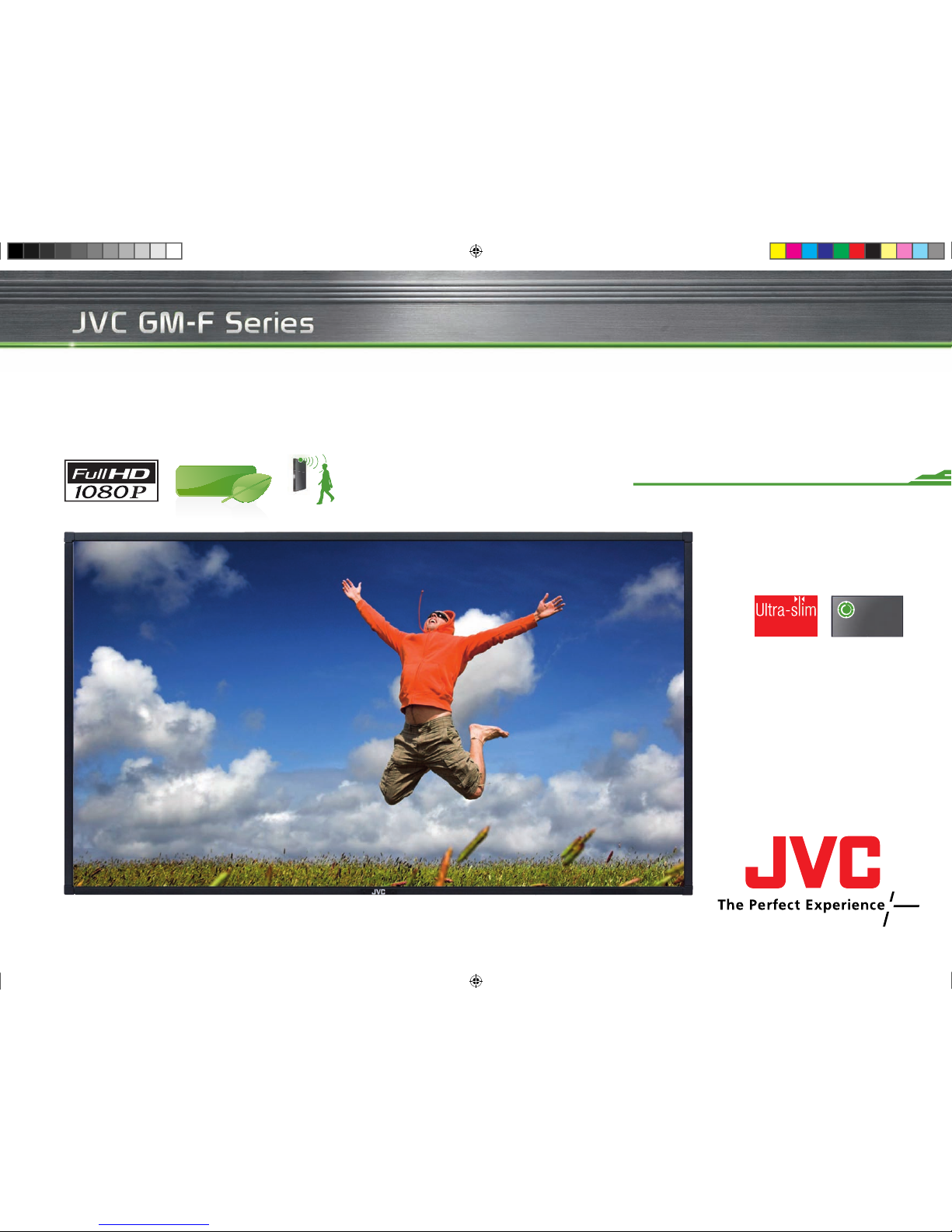
JVC GM-F 420 S User manual
ENERGY
SAVING
60%
up to
Professional Full HD LCD displays
GM-F 420 S |GM-F 470 S |GM-F 520 S
Expect More. See More.
24/7
reliability
bezel design
for Video-wall Applications
GM-F.indd 1 2/2/10 10:05 AM

Display quality at its best
Perfect solutions for the highest demands
Motion sensor technology, images in a brilliant contrast ratio, ultra-slim
front bezel and world-renowned reliability. The new JVC GM-F series
LCD displays fulll professional requirements at the highest level.
Motion sensor Robust full metal cabinet Professional interfaces
GM-F.indd 2 2/2/10 1:55 PM

42" 47" 52"
Video-wall use up to 5 x 5 displays
Easy system integration
Motion sensor
Symmetric design
Continuous operation
24/7
reliability
bezel design
for Video-wall Applications
ENERGY
SAVING
60%
up to
By professionals for professionals
The heart of your professional system
Intelligent technology meets functionality: JVC GM-F series LCD displays
are extremely convincing, offering a precisely-detailed presentation and
a conguration tailored exactly to customer needs. They are ideally suited
for broadcast, digital signage and security solutions.
Full HD 1920 x 1080 pixel resolution
Robust full metal cabinet with ultra-slim bezel of 15 mm width
(17 mm width on 52")
’LAN Remote‘ allows off-site control and monitoring via network PC
Professional connectivity: IR /RS-485 / Make and Trigger
High brightness of 700 cd /m²
Picture in Picture (PiP)/ Picture by Picture (PbP)
GM-F.indd 3 2/2/10 1:56 PM

42" 47" 52"
Discreet design and maximum robustness
Multiscreen matrix: information ’just in time‘
Create emotional presentation areas with multiscreen installations.
Full HD technology and extremely high contrast guarantee sharp
images and excellent readability from all viewing angles. In combi-
nation with the JVC motion sensor, you get your message directly
to the customers – individually, with style, and in perfect time!
Motion sensor and SWAPSymmetric design
GM-F.indd 4 2/2/10 10:06 AM

Digital Signage – a step ahead
with dynamic information distribution
Electronic posters and moving pictures arouse emotions and draw attention.
Academic studies have shown that particularly at the point of sale, digital signage
solutions increase sales turnover by an average of 60 percent in comparison with
conventional POS promotional materials.
Prot from the advantages of dynamic communication with targeted manage-
ment of audiovisual information: the location of the displays, the content and the
time of broadcast are all determined by you. This is closeness to the customer in
the information age.
Customizable
Expansion space in the rear panel of the display and an additional power
connection (AC In /Out) allows the easy mounting of external hardware. Also
usable as a standalone version.
Ready for all Digital Signage applications
Bring images to life and create added value for your target audience – whether
visitors, customers or staff: with a digital signage software package you have
all professional features at your ngertips needed for the production of dynamic
content.
Option to integrate the Mini PC or other system units, plus external
power supply (AC In / Out).
Digital signage is the ideal tool to provide a smart looking list of
that day‘s activities and functions.
Digital Signage software gives you the possibility to
easily create and display your digital signage contents.
The right message – at the right time – in the right place
GM-F.indd 5 2/2/10 10:06 AM

Masterful technology for creative minds
Picture in Picture (PiP) and Picture by Picture (PbP) functions –
an attractive option to place further information.
Professional interfaces ensure maximum ease of use.
Robust mechanics and electronics stand up to the toughest
conditions, e.g., in the OB van.
State-of-the-art media technology
The new GM-F series displays are perfect for modern studio work and directing,
whether used as line monitors with integrated signal indicators in multi-display opera-
tion or background displays in the news sector. As a worldwide brand, we guarantee
bright, high-contrast images and unrivalled reliability in operation.
Professional monitor design – robust full metal chassis
Designed for applications that challenge people and technology. Exceptional reliability,
long service life, durability and high protection against ’image sticking‘ included.
Extremely high color resolution – for optimal focusing
These days, variable brightness settings, the option of manual color balance and a
non-reecting LCD surface are absolutely essential for professional work. Whether for
studios or OB vans, we‘ve got the solution you need.
Control technology –
uncompromisingly good, simple and exible
Thanks to ’LAN Remote‘ and professional RS232/ 485 interface, displays can also be
centrally controlled and monitored from an external PC.
Each display has an integrated web interface so no additional software is necessary –
all you need is a browser.
GM-F.indd 6 2/2/10 10:06 AM

Precise and reliable: everything at a glance
The new GM-F display series impresses
professionals in every aspect: for
example, for use as a multi-display that
gets its signals through an external image
splitter. High-quality IPS panel and high
image constancy (image sticking), as well
as the ability to manually adjust color
temperature, allow professional operation.
We focus your view on the essential details
Multi-display function
a
de
bc
…
GM-F.indd 7 2/5/10 10:15 AM

24/7
reliability
Continous operationPrecise control
When you can‘t afford mistakes
Security around the clock
In the new GM-F series displays, quality
components are key. They guarantee
continuous operation – 24 hours a day,
7 days a week. Low maintenance costs
and a long service life, thanks to high
operational reliability, are additional
advantages.
GM-F.indd 8 2/2/10 11:09 AM

When the moment counts: large screen technology for specialists
The motion sensor can be mounted everywhere on the display,
or elsewhere, to control PiP functions.
Functions and connectivity of the GM-F series displays allow easy
monitoring of IP cameras with DirectDrive.
Large screen sizes allow user-friendly presentation and high detail
rendition – around the clock.
With JVC you play it safe
Sensitive applications, such as control centers and monitoring rooms, need
reliable security technology and high-quality screen displays. Thanks to the
new JVC displays, information is displayed in high resolution and quality for
monitoring without fatigue.
Various settings, such as reducing the backlight of the LCD panel, allow
optimal adaptation to ambient brightness.
Motion sensor & SWAP function
For optimization of surveillance functions, such as in supermarkets or banks:
thanks to JVC‘s GM-F series of large LCD displays and a PIR motion sensor,
Picture in Picture technology (PiP) and intelligent SWAP function, incoming
signals are accessed directly and allow an immediate reaction in an emergency.
So thieves don‘t stand a chance.
Image sticking
A special LCD panel reduces burn-in of image information. Realistic images with
precisely detailed displays as the foundation for effective security surveillance
are therefore guaranteed at all times.
IP remote control
The GM-F display series has an IP remote control that allows easy monitoring
from your workplace. All displays can be controlled via a web browser and can
be selected by individual IP address.
GM-F.indd 9 2/2/10 10:07 AM

Motion sensor and SWAP
Guarantee immediate reaction to motion signals switched
to the line monitor or display in real time. Ideal for security
solutions, but also targeted promotional placements via
digital signage. Among the numerous functions you can
e.g. change the brightness or volume when you turn on
the display – the combination of several functions is also
possible.
Flexible image distribution
Through the Picture in Picture
(PiP) and Picture by Picture
(PbP) functions, images from
a digital source can also be
fed in. An attractive option for
including additional information.
Professional LAN / IR/RS-485 /
Make and Trigger interfaces
The option of external control and monitoring via remote
function and professional interfaces ensure maximum ease
of use. Of particular interest – as with studio monitors – is
the Make and Trigger terminal, via which various main
functions can be variably switched by contact. By using an
IP network the devices can be monitored and controlled
via web browser.
Multiscreen matrix /
Multiscreen row
Perfectly suited for impressive presentations. Inspire
viewers with wide corridors or life-sized wall areas.
Through the combination of up to 25 (5x 5) screens in
matrix arrangement or for your creative use as a 1x5
row arranged vertically or horizontally, an emotional
scene is created for comprehensive presentation
possibilities.
Robust metal housing
with ultra-slim front bezel
Black anodized full metal housing with ultra-slim
front bezel underline the high-quality display
ttings. In combination with the VESA mount, easy
transport and quick installation are guaranteed. The
manufacturer‘s logo can be removed, thus enabling
neutral installation. Also available as a special design
without bar.
Audio support
Integrated loudspeakers and an external speaker output
make individual applications possible.
Portrait / Landscape format
Depending on the content to be conveyed, the displays
can be installed in portrait or landscape format. The
portrait format is especially suited
to the presentation of orientation
and guidance systems, while the
landscape format ideally lends
itself to promotional inserts and
the Picture in Picture function.
Full HD – more detail
With JVC professional displays you
can experience perfect picture quality
in 1,920 x 1,080 full HD resolution.
See the difference yourself.
24/7 operation
Selected components allow professional
use around the clock. Maximum reliability
and low maintenance costs, coupled with
long service life, are part of the JVC quality concept.
42" 47" 52"
24/7
reliability
GM-F.indd 10 2/2/10 10:07 AM
This manual suits for next models
2
Table of contents
Other JVC Monitor manuals


JVC
JVC GD-V4200PZW - Plasma Display Mounting instructions

JVC
JVC ProHD DT-X71FI User manual

JVC
JVC KW-AV70BT User manual

JVC
JVC TM-H1375SU - Color Video Monitor User manual

JVC
JVC DT-G17E User manual

JVC
JVC DT-3D24G1U Quick start guide

JVC
JVC DMX5020BTS User manual

JVC
JVC TM-950DU - Professional Monitor W/sdi User manual

JVC
JVC GD-V500PZU User manual

JVC
JVC ProVerite PS-840UD User manual






