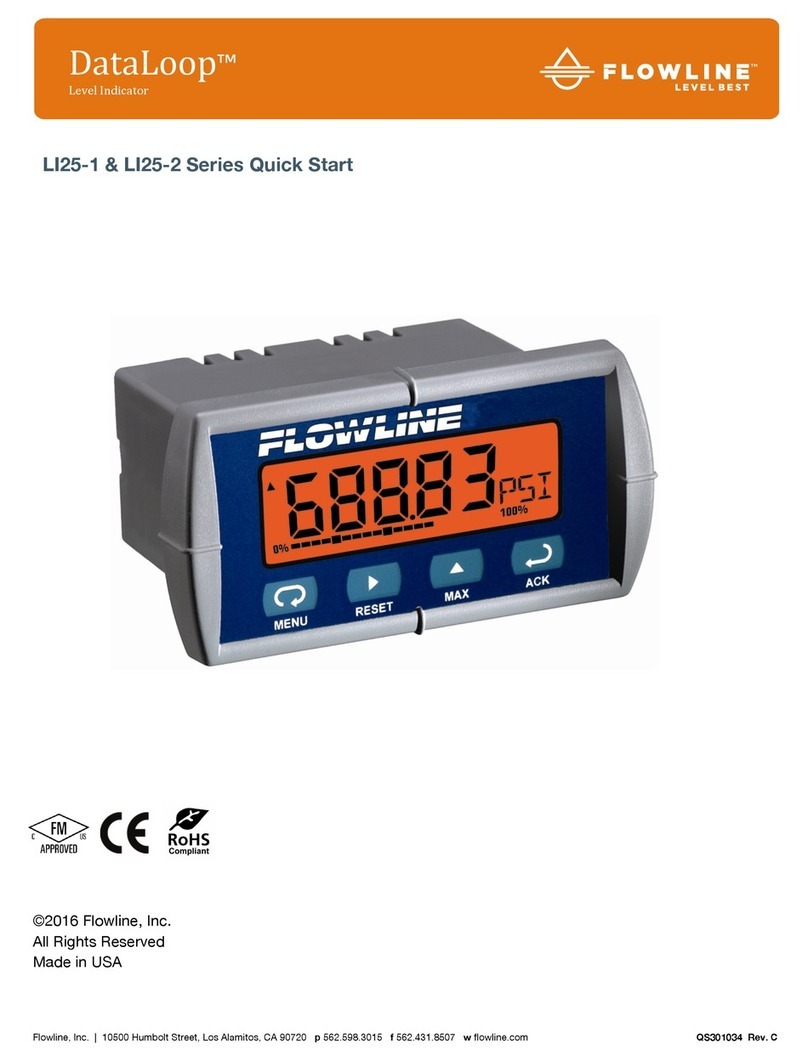
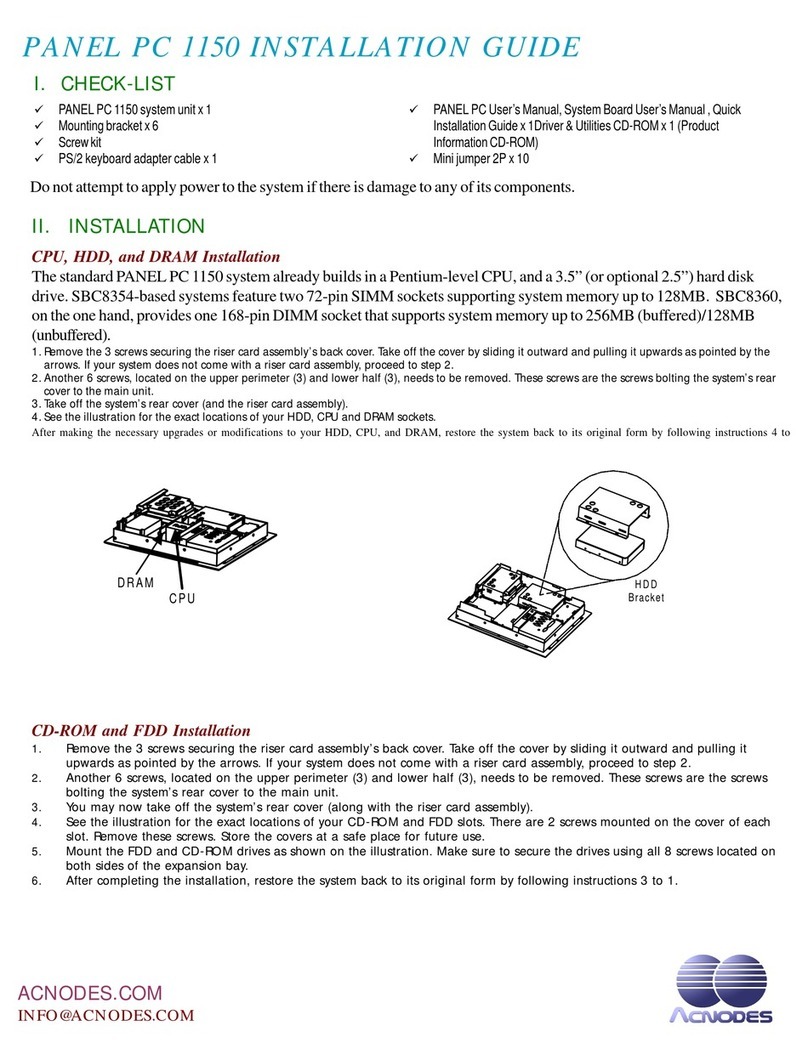
Indumicro IMP-A150 User manual

1
User Manual
IMP-A120 / A150 / A170 / A190
Industrial Panel PC

2
Warning!
___________________________________
This equipment generates, uses and can radiate radio frequency energy and if not installed and
used in accordance with the instructions manual may cause interference to radio communications.
It has been tested and found to comply with the limits for a Class A computing device pursuant to
FCC Rules, which are designed to provide reasonable protection against such interference when
operated in a commercial environment. Operation of this equipment in a residential area is likely
to cause interference in which case the user at his own expense will be required to take whatever
measures may be required to correct the interference.
Disclaimer
This information in this document is subject to change without notice. In no event shall
Indumicro.com be liable for damages of any kind, whether incidental or consequential,
arising from either the use or misuse of information in this document or in any related
materials.
Electric Shock Hazard – Do not operate the machine with its back cover removed. There are
dangerous high voltages inside.
___________________________________

Table of Contents
Chapter 1: Getting Started
1.1 Specifications…………………………………………………………………………..1
1.2 Dimensions…………………………………………………………………………….2
1.3 Brief Description of the IMP-A1x0.......................................………………………6
Chapter 2: BIOS Setup
2.1 Operations after POST Screen..…....……………………..………………………..7
2.2 Standard CMOS Features..…………………………………………………………..9
2.3 Advanced BIOS Features..………………………………………………………….12
2.4 Advanced Chipset Features.………………………………………………………..15
2.5 Integrated Peripherals……………………………………………………………….19
2.6 Power Management Setup...………….……………………………………………24
2.7 PnP/PCI Configurations...………….……………………………………………….27
2.8 PC Health Status....………….………………………………………………………29
2.9 Load Fail-Safe/Optimized Defaults...………………………………………………30
2.10 Set Administrator/User Passwords.………………………………………………31
2.11 Save & Exit Setup……………….....………………………………………………32
2.12 Exit Without Saving ………………....……………………………………………32

Specs IMP-A120T IMP-A150[G]T IMP-A170[G]T
Model
CPU Intel Atom N270 1.6 GHz processor with FSB 533 MHz
Chipset Intel 945GSE+ Intel ICH7M
System Memory1 x 200-pin DDR2 533 MHz SO-DIMM slot, up to 2 GB
BIOS Award 4 MB SPI BIOS
Display Size
Maximum Colors
Viewing Angle (H/V)
Luminance (cd/m²)
262K
140˚/110˚
370
12.1” 800x600 TFT
16.2M
15” 1024x768 TFT
350
140˚/125˚
17” 1280x1024 TFT
16.2M
300
160˚/160˚
19” 1280x1024 TFT
16.2M
300
160˚/160˚
Backlight Lifetime 40,000 Hours
Touch Screen Type Analog Resistive on ‘T’ models, GFG on ‘GT’ models
Serial Port 2x RS-232 Port, 1 x RS-232/422/485 Port
USB Port
LAN 2 x Gigabit LAN
4 x USB 2.0 Port
Display Port
Audio MIC, Line-out
VGA
1 x CF slot (external)
Storage 1 x 320GB HDD,
Expansion Slot None
Power Supply 11~32 VDC
Construction Heavy-duty Steel Chassis
RatingNEMA 4/IP65 certified Front Bezel
Mounting Panel / VESA 75 Mount
Dimensions (WxHxD) 410 x 310 x 83484 x 400 x 84
317 x 243 x 76 439 x 348 x 83
Weight 5.82kg 8.5kg 13.8kg
10kg
Operating Temperature
Storage Temperature
RelativeHumidity
Vibration
Shock
Certificate
10~90% (non-condensing)
5~17Hz, 0.1” double amplitudedisplacement / 17~640Hz, 1.5G acceleration peak to peak
10G acceleration peak to peak (11 millimeters)
Meet CE / FCC Class A
0~50
-20~60
゚C
゚C
1.1 Specifications
Chapter 1: Getting Started
IMP-A190T
IMP-A1x0T User Manual 1
Power consumption Max. 21W Max. 35W Max. 45W Max. 45W

1.2 Dimensions
Chapter 1: Getting Started
Dimensions of the IMP-A120
Panel
Cut-out
IMP-A1x0T User Manual 2

Chapter 1: Getting Started
Dimensions of the IMP-A150
Panel
Cut-out
IMP-A1x0T User Manual 3

Chapter 1: Getting Started
Dimensions of the IMP-A170
Panel
Cut-out
IMP-A1x0T User Manual 4

Chapter 1: Getting Started
Dimensions of the IMP-A190
IMP-A1x0T User Manual 5
Panel
Cut-out

1.3 Brief Description of the IMP-A1x0
The power-optimized IMP-A1x0 systems deliver robust performance-per-watt as an embedded HMI.
The systems are powered by an Intel Atom™N270 1.6 GHz processor.
They come with a CompactFlash slot, 2.5”hard disk drive, DDR2 memory, 3 serial ports, 4 USB
ports, 2 Gigabit LAN ports, audio and a wide range 11~32VDC power input.
The ‘T’models are equiped with an analog resistive touch screen while the ‘GT’models come with
a GFG (Glass-Film-Glass) touch screen.
GFG touch screens are not only resistant to scratch and abrasion but also to most chemicals.
Apart from that, glass is transparent and does not impair the brilliance of the picture at all.
Chapter 1: Getting Started
IMP-A1x0T User Manual 6
Front and rear view of the IMP-A1x0

2.1 Operations after POST Screen
After CMOS discharge or BIOS flashing operation, the system will display the following screen for your
further operation. Press F1 key to continue or Del key to enter CMOS Setup.
Phoenix – AwardBIOS v6.00PG, An Energy Star Ally
Copyright © 1984-2007, Phoenix Technologies, LTD
ASB-L701 V012
Main Processor : Intel® Atom™ 1.60GHz(133x12)
Memory Testing :515008K OK + 8M shared memory
CPU Brand Name : Intel® Atom™ CPU N270 @1.60GHz
C1E BIOS Supported
Hyper-Threading Technology CPU Detected (Hyper-Threading
Technology Enabled)
Memory Frequency For DDR2 533
IDE Channel 0 Master : None
IDE Channel 0 Slave : None
IDE Channel 1 Master : None
IDE Channel 1 Slave : None
CMOS checksum error – Defaults loaded
Press F1 to continue, DEL to enter SETUP
11/25/2009-Silverthrone-6A79KAPXC-00
After optimizing and exiting CMOS Setup, the POST screen displayed for the first time is as follows
and includes basic information on BIOS, CPU, memory, and storage devices.
Chapter 2: BIOS Setup
IMP-A1x0T User Manual 7

This manual suits for next models
3
Table of contents
Other Indumicro Touch Panel manuals
Popular Touch Panel manuals by other brands

IBASE Technology
IBASE Technology ASTUT-152-RE1S user manual

YASKAWA
YASKAWA TP 610C manual

B&R
B&R Power Panel C Series user manual

Beijer Electronics
Beijer Electronics X2 control Hardware and installation manual

AXIOMTEK
AXIOMTEK GOT321W-521 user manual

TRIDONIC.ATCO
TRIDONIC.ATCO x-touchBOX Operation manual
![Indumicro IMP-A151[G]T User manual Indumicro IMP-A151[G]T User manual](/data/manuals/1w/j/1wjfs/sources/indumicro-imp-a151-g-t-manual.jpg)